Block 1 - Note - Webhook Entry Point
- Type / Role
- n8n-nodes-base.stickyNote - stickyNote
- Config choices
- Version 1


 Early Deal
Description This workflow helps developers and automation teams route measurement data from a webhook to multiple destinations using n8n. It is designed for measurement engines, 3D scanning systems...
n8n-nodes-base.stickynote, n8n-nodes-base.if, n8n-nodes-base.set, n8n-nodes-base.respondtowebhook, n8n-nodes-base.switch, n8n-nodes-base.googlesheets, n8n-nodes-base.html, n8n-nodes-base.converttofile
This workflow is cataloged by N8N Workflows and links back to its original n8n.io source page by 3D Measure Up.
Original n8n.io sourceThis workflow helps developers and automation teams route measurement data from a webhook to multiple destinations using n8n.
It is designed for measurement engines, 3D scanning systems, QA tools, and API-based platforms that send structured JSON data and need a fast, flexible way to store, display, or process it without building a custom backend.
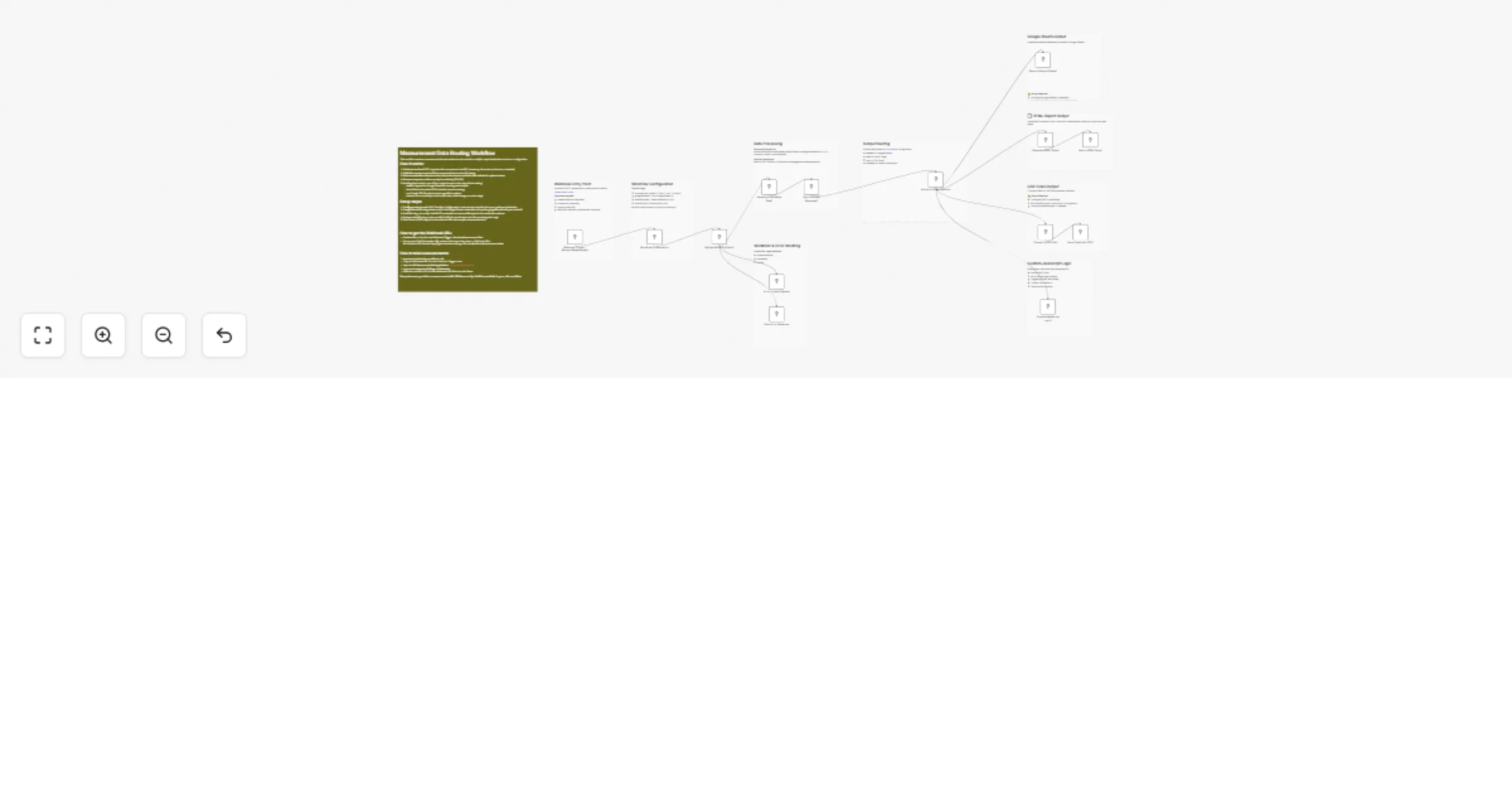
The workflow starts with a Webhook Trigger that receives incoming measurement data and validates the payload. A processing step normalizes the fields into a clean, consistent format so the data can be reused across different outputs. A routing node then allows users to choose how they want to handle the data.
You can append measurements to Google Sheets for reporting, display them as a formatted HTML page for quick viewing, export them as a CSV and send them by email, or run custom JavaScript logic to forward the data to APIs, cloud storage, or other n8n workflows.
Clear sticky notes inside the workflow guide users through setup, credential configuration, and customization, making this template beginner-friendly and production-ready.
Setup usually takes 5–10 minutes.
Once saved, the webhook becomes active immediately. From now on, whenever new measurements are generated, the data will be sent automatically to your n8n workflow.
This catalog entry is organized from the workflow JSON. The node-level section below shows the executable blocks available for review before importing the template.
| Workflow | Route measurement data from a webhook to Google Sheets, email, or custom JS |
|---|---|
| Complexity | advanced |
| Nodes | 24 |
| Categories | Document Extraction |
| Author | 3D Measure Up |
| Published | 04 Feb 2026 |
Use the JSON export at /data/workflows/13207/13207.json as the source template for this automation.
Open n8n, import the downloaded JSON, and review each node before activating the workflow.
Replace placeholder credentials, API keys, webhook URLs, account IDs, and environment-specific values with your own settings.
Run the workflow manually or in a staging workspace, inspect node output, and confirm downstream systems receive the expected data.
Enable the workflow only after testing, then monitor executions, errors, and rate limits during the first production runs.
Review imported nodes carefully before activation. This catalog entry is intended to help you inspect the workflow structure, understand required services, and find related templates faster.
Node names, credentials, schedules, webhook paths, and external service limits may need adjustment for your workspace.
Description This workflow helps developers and automation teams route measurement data from a webhook to multiple destinations using n8n. It is designed for measurement engines, 3D scanning systems...
Review the workflow JSON, configure any required credentials in n8n, and test the automation in a safe workspace before using it in production.
Yes. Use the block-by-block analysis and the downloadable JSON to inspect each node, then adjust credentials, prompts, schedules, filters, or destinations for your Document Extraction use case.