Block 1 - Sticky Note2
- Type / Role
- n8n-nodes-base.stickyNote - stickyNote
- Config choices
- Version 1


 Early Deal
Who this template is for This template is for teams that use GitLab merge requests and want a practical AI assisted review workflow in n8n. It is useful for engineering teams that want faster first...
n8n-nodes-base.stickynote, n8n-nodes-base.webhook, n8n-nodes-base.if, n8n-nodes-base.httprequest, n8n-nodes-base.splitout, n8n-nodes-base.code, n8n-nodes-base.merge, @n8n/n8n-nodes-langchain.agent
This workflow is cataloged by N8N Workflows and links back to its original n8n.io source page by kazunori.
Original n8n.io sourceThis template is for teams that use GitLab merge requests and want a practical AI-assisted review workflow in n8n. It is useful for engineering teams that want faster first-pass reviews, consistent review comments, and a simple way to separate likely bugs, security risks, and maintainability issues before a human reviewer takes over.
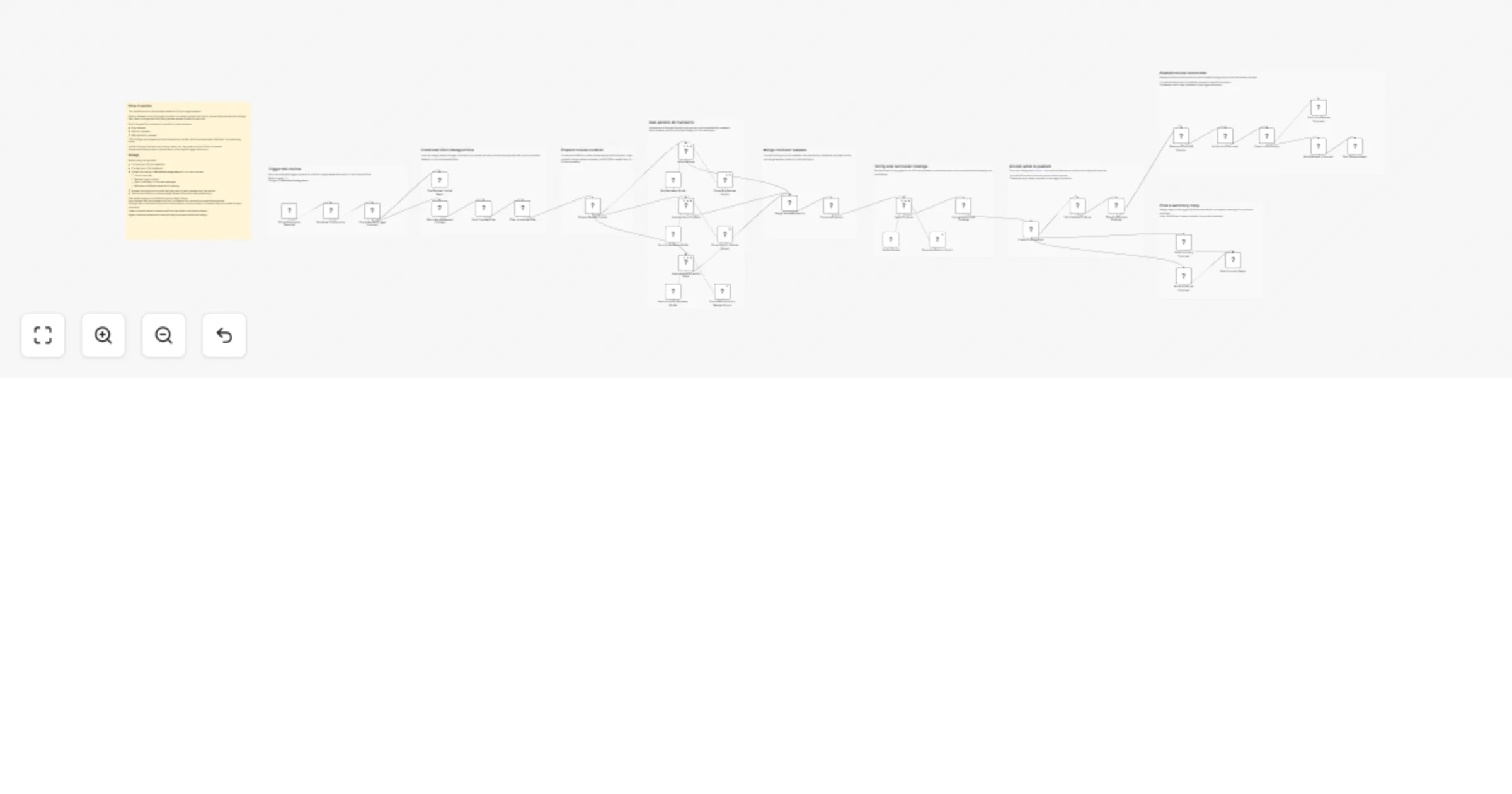
This workflow starts when a user posts a trigger comment in a GitLab merge request discussion. It loads the merge request changes, splits the diff into one item per changed file, and skips files that are not suitable for inline review.
Each file is then reviewed in parallel by three AI reviewers focused on bugs, security, and maintainability. Their findings are merged and sent to a verifier step, which removes weak or duplicate findings and normalizes severity and confidence.
Only findings that pass the configured confidence threshold are posted. If a valid GitLab diff position can be resolved, the workflow creates an inline review comment. Otherwise, it falls back to a reply comment in the trigger discussion. A summary reply is also posted to mark the review as completed.
Setup usually takes around 10 to 20 minutes.
You will need:
Most detailed setup guidance is included directly in the sticky notes inside the workflow.
You can change the trigger comment, GitLab base URL, and minimum confidence threshold in the configuration section.
You can also customize:
This catalog entry is organized from the workflow JSON. The node-level section below shows the executable blocks available for review before importing the template.
Showing the first 24 of 45 workflow blocks. Download the JSON for the full node graph.
| Workflow | Review GitLab merge requests with parallel Azure OpenAI reviewers |
|---|---|
| Complexity | advanced |
| Nodes | 45 |
| Categories | Engineering, AI Summarization |
| Author | kazunori |
| Published | 26 Mar 2026 |
Use the JSON export at /data/workflows/14338/14338.json as the source template for this automation.
Open n8n, import the downloaded JSON, and review each node before activating the workflow.
Replace placeholder credentials, API keys, webhook URLs, account IDs, and environment-specific values with your own settings.
Run the workflow manually or in a staging workspace, inspect node output, and confirm downstream systems receive the expected data.
Enable the workflow only after testing, then monitor executions, errors, and rate limits during the first production runs.
Review imported nodes carefully before activation. This catalog entry is intended to help you inspect the workflow structure, understand required services, and find related templates faster.
Node names, credentials, schedules, webhook paths, and external service limits may need adjustment for your workspace.
Who this template is for This template is for teams that use GitLab merge requests and want a practical AI assisted review workflow in n8n. It is useful for engineering teams that want faster first...
Review the workflow JSON, configure any required credentials in n8n, and test the automation in a safe workspace before using it in production.
Yes. Use the block-by-block analysis and the downloadable JSON to inspect each node, then adjust credentials, prompts, schedules, filters, or destinations for your Engineering, AI Summarization use case.