Block 1 - Sticky Note
- Type / Role
- n8n-nodes-base.stickyNote - stickyNote
- Config choices
- Version 1


 Early Deal
Who is this for SMB finance teams, SaaS companies, and accounting professionals who need to automate transaction reconciliation between Stripe payments and their accounting ledgers. Perfect for bus...
n8n-nodes-base.stickynote, n8n-nodes-base.scheduletrigger, n8n-nodes-base.set, n8n-nodes-base.httprequest, n8n-nodes-base.googlesheets, n8n-nodes-base.code, n8n-nodes-base.if, @n8n/n8n-nodes-langchain.chainllm
This workflow is cataloged by N8N Workflows and links back to its original n8n.io source page by Oka Hironobu.
Original n8n.io sourceSMB finance teams, SaaS companies, and accounting professionals who need to automate transaction reconciliation between Stripe payments and their accounting ledgers. Perfect for businesses processing dozens to hundreds of daily transactions.
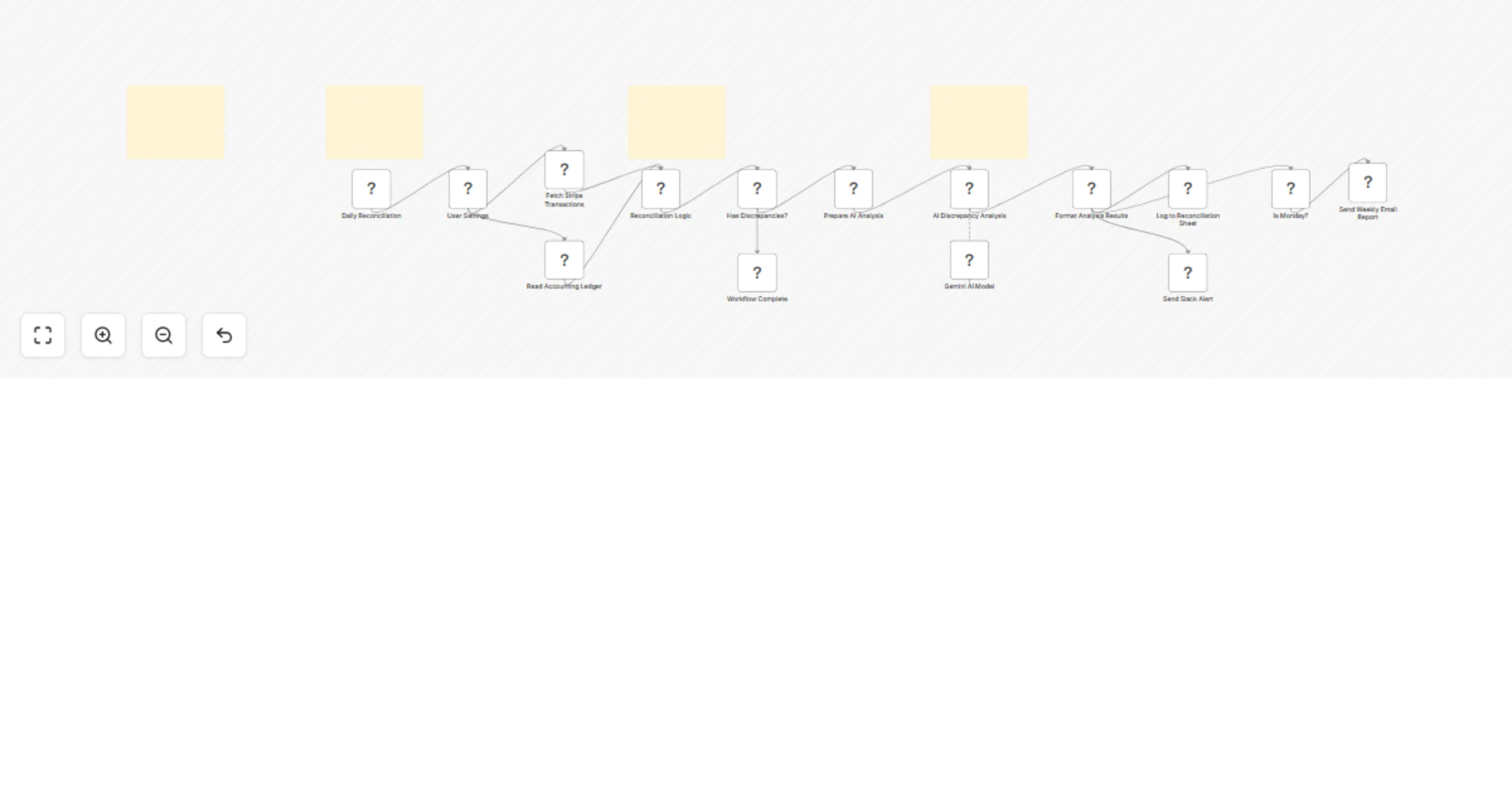
This workflow automatically reconciles Stripe payments with Google Sheets accounting data daily. It fetches recent Stripe charges, compares them against your ledger entries using amount, date, and reference ID matching, then uses Gemini AI to analyze any discrepancies found.
The reconciliation engine identifies missing entries, amount mismatches, timing differences, and duplicate payments. Gemini AI categorizes each discrepancy by severity and provides actionable recommendations. Results are logged to a Google Sheets reconciliation report and team alerts are sent via Slack. On Mondays, a comprehensive weekly summary is emailed to finance stakeholders.
Connect your Stripe, Google Sheets, Slack, and Gmail credentials in n8n. Update the "User Settings" node with your spreadsheet ID, Slack channel, email recipients, and tolerance threshold for amount matching. Configure your accounting ledger sheet with columns for Date, Amount, Description, and Reference ID. Test with a small date range initially.
Adjust the tolerance threshold for amount matching precision. Modify the Gemini AI prompt to focus on specific analysis criteria. Change notification channels, email recipients, or schedule frequency. Add custom fields to the reconciliation results sheet or integrate additional payment processors.
This catalog entry is organized from the workflow JSON. The node-level section below shows the executable blocks available for review before importing the template.
| Workflow | Reconcile Stripe payments and flag anomalies with Google Sheets and Gemini AI |
|---|---|
| Complexity | advanced |
| Nodes | 19 |
| Categories | Document Extraction, AI Summarization |
| Author | Oka Hironobu |
| Published | 10 Mar 2026 |
Use the JSON export at /data/workflows/13980/13980.json as the source template for this automation.
Open n8n, import the downloaded JSON, and review each node before activating the workflow.
Replace placeholder credentials, API keys, webhook URLs, account IDs, and environment-specific values with your own settings.
Run the workflow manually or in a staging workspace, inspect node output, and confirm downstream systems receive the expected data.
Enable the workflow only after testing, then monitor executions, errors, and rate limits during the first production runs.
Review imported nodes carefully before activation. This catalog entry is intended to help you inspect the workflow structure, understand required services, and find related templates faster.
Node names, credentials, schedules, webhook paths, and external service limits may need adjustment for your workspace.
Who is this for SMB finance teams, SaaS companies, and accounting professionals who need to automate transaction reconciliation between Stripe payments and their accounting ledgers. Perfect for bus...
Review the workflow JSON, configure any required credentials in n8n, and test the automation in a safe workspace before using it in production.
Yes. Use the block-by-block analysis and the downloadable JSON to inspect each node, then adjust credentials, prompts, schedules, filters, or destinations for your Document Extraction, AI Summarization use case.