Block 1 - What this does
- Type / Role
- n8n-nodes-base.stickyNote - stickyNote
- Config choices
- Version 1


 Early Deal
Who this template is for This template is for anyone running n8n workflows that receive webhooks and perform side effects such as payments, emails, database inserts, or API calls. Webhook providers...
n8n-nodes-base.stickynote, n8n-nodes-base.webhook, n8n-nodes-base.httprequest, n8n-nodes-base.if, n8n-nodes-base.set
This workflow is cataloged by N8N Workflows and links back to its original n8n.io source page by Nesho Neshev.
Original n8n.io sourceThis template is for anyone running n8n workflows that receive webhooks and perform side effects such as payments, emails, database inserts, or API calls.
Webhook providers commonly use at-least-once delivery. If a webhook request times out or fails, the provider retries the same event. From n8n’s perspective this appears as a new trigger, which can cause the workflow to execute twice.
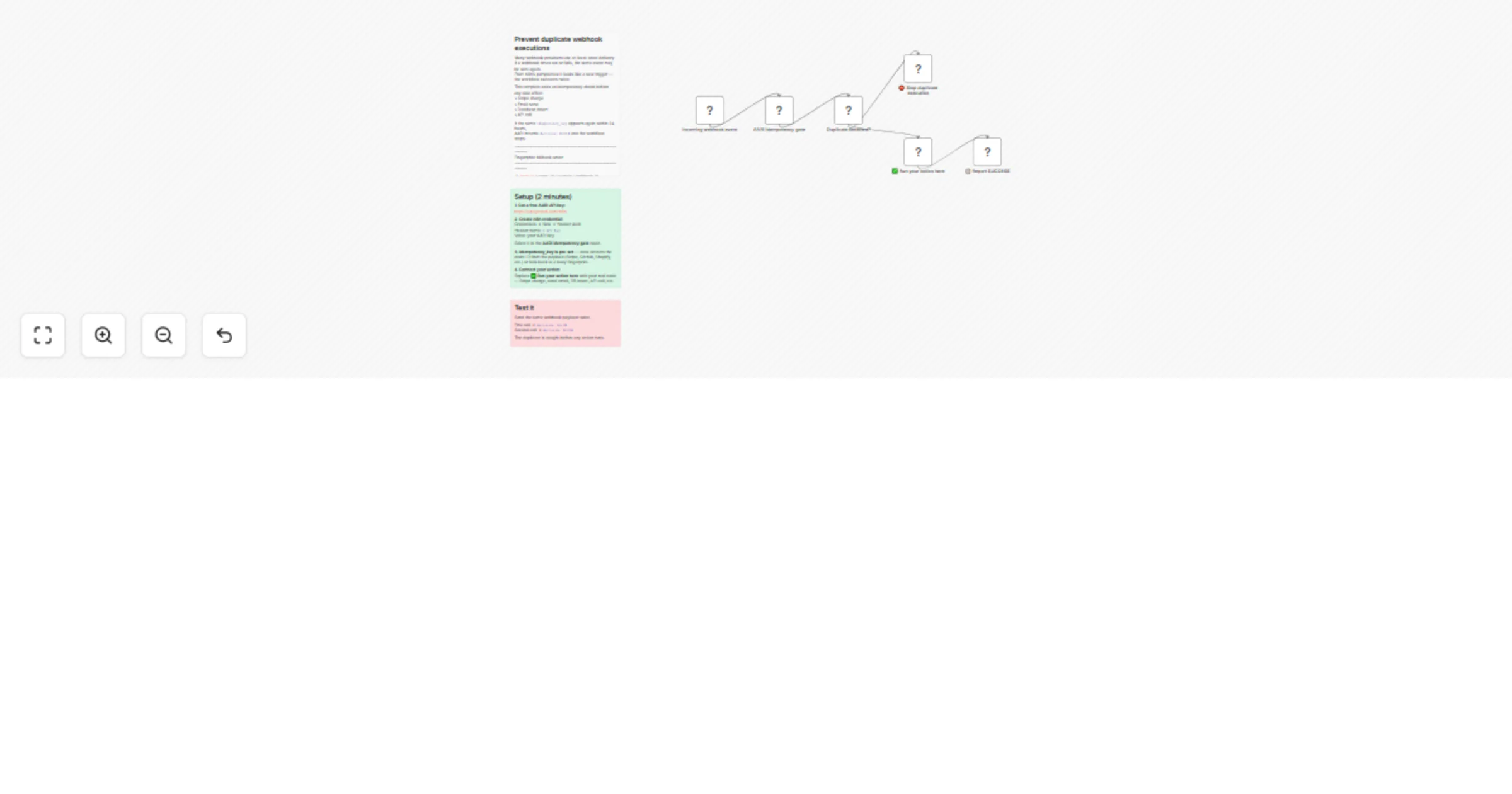
This workflow adds an idempotency check before any side effect runs.
When the first event arrives, the workflow records its idempotency key and proceeds normally. If the same event arrives again within 24 hours, the gate returns a BLOCK decision and the workflow stops before any side effects execute.
The webhook responds immediately with a 200 OK response., so providers do not retry due to workflow execution time. The idempotency gate then decides whether the workflow should proceed or stop.
This prevents duplicate executions such as:
Setup usually takes about 2 minutes.
X-API-KeyDetailed instructions are included in the sticky notes inside the workflow.
You may need to adjust the idempotency_key depending on your webhook payload.
Examples:
The key should uniquely identify the event so duplicates can be detected reliably.
This catalog entry is organized from the workflow JSON. The node-level section below shows the executable blocks available for review before importing the template.
| Workflow | Prevent duplicate webhook executions with AARI idempotency gate |
|---|---|
| Complexity | intermediate |
| Nodes | 9 |
| Categories | Engineering |
| Author | Nesho Neshev |
| Published | 04 Mar 2026 |
Use the JSON export at /data/workflows/13863/13863.json as the source template for this automation.
Open n8n, import the downloaded JSON, and review each node before activating the workflow.
Replace placeholder credentials, API keys, webhook URLs, account IDs, and environment-specific values with your own settings.
Run the workflow manually or in a staging workspace, inspect node output, and confirm downstream systems receive the expected data.
Enable the workflow only after testing, then monitor executions, errors, and rate limits during the first production runs.
Review imported nodes carefully before activation. This catalog entry is intended to help you inspect the workflow structure, understand required services, and find related templates faster.
Node names, credentials, schedules, webhook paths, and external service limits may need adjustment for your workspace.
Who this template is for This template is for anyone running n8n workflows that receive webhooks and perform side effects such as payments, emails, database inserts, or API calls. Webhook providers...
Review the workflow JSON, configure any required credentials in n8n, and test the automation in a safe workspace before using it in production.
Yes. Use the block-by-block analysis and the downloadable JSON to inspect each node, then adjust credentials, prompts, schedules, filters, or destinations for your Engineering use case.