Perform unit-aware calculations and conversions with CalcsLive

Workflow preview

Workflow preview
100%
Perform unit-aware calculations and conversions with CalcsLive preview
Open on n8n.io

1. Workflow Overview

What this workflow does This template demonstrates how to perform unit aware calculations with automatic unit conversion using the CalcsLive community node. It shows three calculation patterns: 1. ...

Best for

  • Engineering automation workflows
  • intermediate n8n builders looking for reusable templates

Tools used

n8n-nodes-base.stickynote, n8n-nodes-base.manualtrigger, n8n-nodes-base.set, @calcslive/n8n-nodes-calcslive.calcslive, n8n-nodes-base.merge

Source and attribution

This workflow is cataloged by N8N Workflows and links back to its original n8n.io source page by Don Wen.

Original n8n.io source

1.1 Workflow description

Title
Perform unit-aware calculations and conversions with CalcsLive
Workflow name
Perform unit-aware calculations and conversions with CalcsLive

What this workflow does

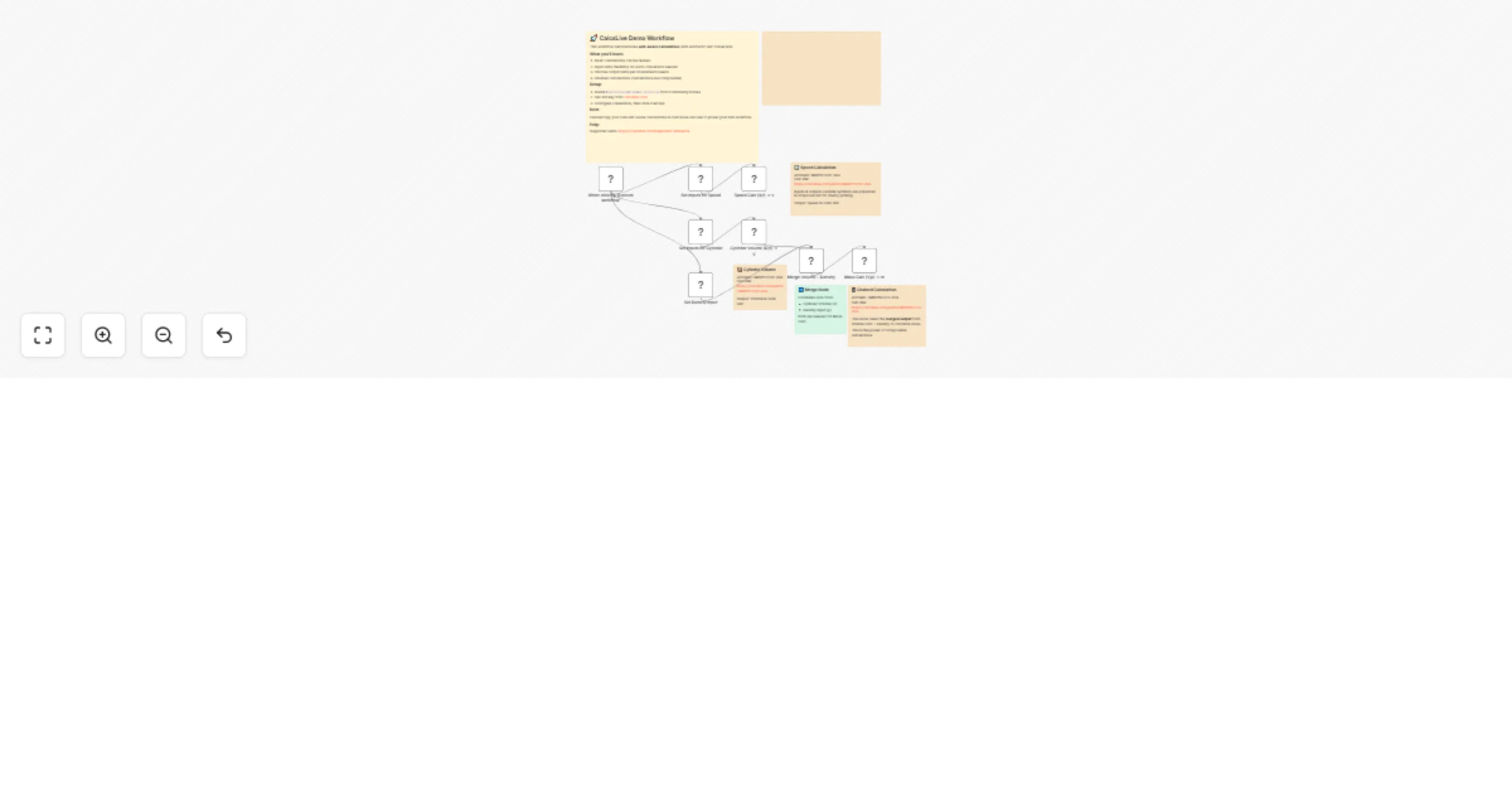
This template demonstrates how to perform unit-aware calculations with automatic unit conversion using the CalcsLive community node. It shows three calculation patterns:

  1. Speed calculation: Convert distance and time into velocity (km → km/h)
  2. Cylinder volume: Calculate volume from diameter and height (cm → Liters)
  3. Chained calculations: Pass output from one calculation as input to another (Volume → Mass)

Workflow Screenshot

CalcsLive Articles Used

You can view and customize each calculation article in the CalcsLive editor:

Calculation Article ID Link
Speed Calc 3M6P9TF5P-3XA Open in Editor
Cylinder Volume 3M6P9TF5P-3XA Open in Editor
Mass Calc 3M6PBGU7S-3CA Open in Editor

Note:

  • Speed and Cylinder Volume use the same multi-purpose article (3M6P9TF5P-3XA), demonstrating how one article can serve multiple calculation needs.
  • Meanwhile, Cylinder Volume and Mass Calc are chained together as composables - the volume output feeds directly into the mass calculation. This pattern offers both flexibility and power for complex workflows.

Seamless Data Flow

An implicit but powerful feature: full unit freedom - input data flows seamlessly through the workflow. The "Set" nodes prepare data that CalcsLive nodes consume directly via expressions. CalcsLive then delivers outputs in your specified units, ready to feed downstream nodes. Both inputs and outputs integrate naturally with n8n's data model - no transformation needed.

Why use CalcsLive?

  • 570+ units across 67+ categories with automatic conversion
  • No formula coding - use pre-built calculation articles
  • Chain calculations - output from one calc feeds into another
  • Unit flexibility - input in any unit, get output in your preferred unit

Prerequisites

  1. Install the CalcsLive community node: @calcslive/n8n-nodes-calcslive
  2. Get an API key from calcslive.com (free tier available)
  3. Create CalcsLive API credentials in n8n

How to use

  1. Import this workflow
  2. Configure your CalcsLive API credentials
  3. Click "Execute workflow" to see the calculations run
  4. Modify the input values in the "Set" nodes to test different scenarios

Example use cases

  • E-commerce: Calculate shipping costs based on package dimensions and weight
  • Manufacturing: Convert between metric and imperial units in production workflows
  • IoT: Process sensor data with proper unit handling
  • Engineering: Chain multiple physics calculations together

Resources

1.2 Logical Blocks

This catalog entry is organized from the workflow JSON. The node-level section below shows the executable blocks available for review before importing the template.

2. Block-by-Block Analysis

Block 1 - Sticky Note - Intro

Type / Role
n8n-nodes-base.stickyNote - stickyNote
Config choices
Version 1

Block 2 - Sticky Note - Speed

Type / Role
n8n-nodes-base.stickyNote - stickyNote
Config choices
Version 1

Block 3 - Sticky Note - Volume

Type / Role
n8n-nodes-base.stickyNote - stickyNote
Config choices
Version 1

Block 4 - Sticky Note - Merge

Type / Role
n8n-nodes-base.stickyNote - stickyNote
Config choices
Version 1

Block 5 - Sticky Note - Mass

Type / Role
n8n-nodes-base.stickyNote - stickyNote
Config choices
Version 1

Block 6 - When clicking 'Execute workflow'

Type / Role
n8n-nodes-base.manualTrigger - manualTrigger
Config choices
Version 1

Block 7 - Set Density Input

Type / Role
n8n-nodes-base.set - set
Config choices
Version 3.4

Block 8 - Speed Calc (d,t) → v

Type / Role
@calcslive/n8n-nodes-calcslive.calcsLive - calcsLive
Config choices
Version 1

Block 9 - Cylinder Volume (D,h) → V

Type / Role
@calcslive/n8n-nodes-calcslive.calcsLive - calcsLive
Config choices
Version 1

Block 10 - Merge Volume + Density

Type / Role
n8n-nodes-base.merge - merge
Config choices
Version 3

Block 11 - Mass Calc (V,ρ) → m

Type / Role
@calcslive/n8n-nodes-calcslive.calcsLive - calcsLive
Config choices
Version 1

Block 12 - Sticky Note - Video

Type / Role
n8n-nodes-base.stickyNote - stickyNote
Config choices
Version 1

Block 13 - Set Inputs for Speed

Type / Role
n8n-nodes-base.set - set
Config choices
Version 3.4

Block 14 - Set Inputs for Cylinder

Type / Role
n8n-nodes-base.set - set
Config choices
Version 3.4

3. Summary Table

Workflow Perform unit-aware calculations and conversions with CalcsLive
Complexity intermediate
Nodes 14
Categories Engineering
Author Don Wen
Published 18 Feb 2026

4. Reproducing the Workflow from Scratch

  1. 1. Download the workflow JSON

    Use the JSON export at /data/workflows/13502/13502.json as the source template for this automation.

  2. 2. Import the template into n8n

    Open n8n, import the downloaded JSON, and review each node before activating the workflow.

  3. 3. Configure credentials and variables

    Replace placeholder credentials, API keys, webhook URLs, account IDs, and environment-specific values with your own settings.

  4. 4. Test with sample data

    Run the workflow manually or in a staging workspace, inspect node output, and confirm downstream systems receive the expected data.

  5. 5. Activate and monitor

    Enable the workflow only after testing, then monitor executions, errors, and rate limits during the first production runs.

5. General Notes & Resources

Review imported nodes carefully before activation. This catalog entry is intended to help you inspect the workflow structure, understand required services, and find related templates faster.

Node names, credentials, schedules, webhook paths, and external service limits may need adjustment for your workspace.

Frequently asked questions

What does Perform unit-aware calculations and conversions with CalcsLive do?

What this workflow does This template demonstrates how to perform unit aware calculations with automatic unit conversion using the CalcsLive community node. It shows three calculation patterns: 1. ...

What do I need before importing this workflow?

Review the workflow JSON, configure any required credentials in n8n, and test the automation in a safe workspace before using it in production.

Can I customize this workflow?

Yes. Use the block-by-block analysis and the downloadable JSON to inspect each node, then adjust credentials, prompts, schedules, filters, or destinations for your Engineering use case.