Block 1 - Schedule Patient Operations Check
- Type / Role
- n8n-nodes-base.scheduleTrigger - scheduleTrigger
- Config choices
- Version 1.3


 Early Deal
How It Works This workflow automates patient risk assessment and clinical alerting for healthcare providers using NVIDIA AI models. Designed for hospitals, clinics, and healthcare organizations, it...
n8n-nodes-base.scheduletrigger, n8n-nodes-base.webhook, n8n-nodes-base.set, n8n-nodes-base.merge, n8n-nodes-base.httprequest, n8n-nodes-base.code, @n8n/n8n-nodes-langchain.agent, @n8n/n8n-nodes-langchain.lmchatanthropic
This workflow is cataloged by N8N Workflows and links back to its original n8n.io source page by Cheng Siong Chin.
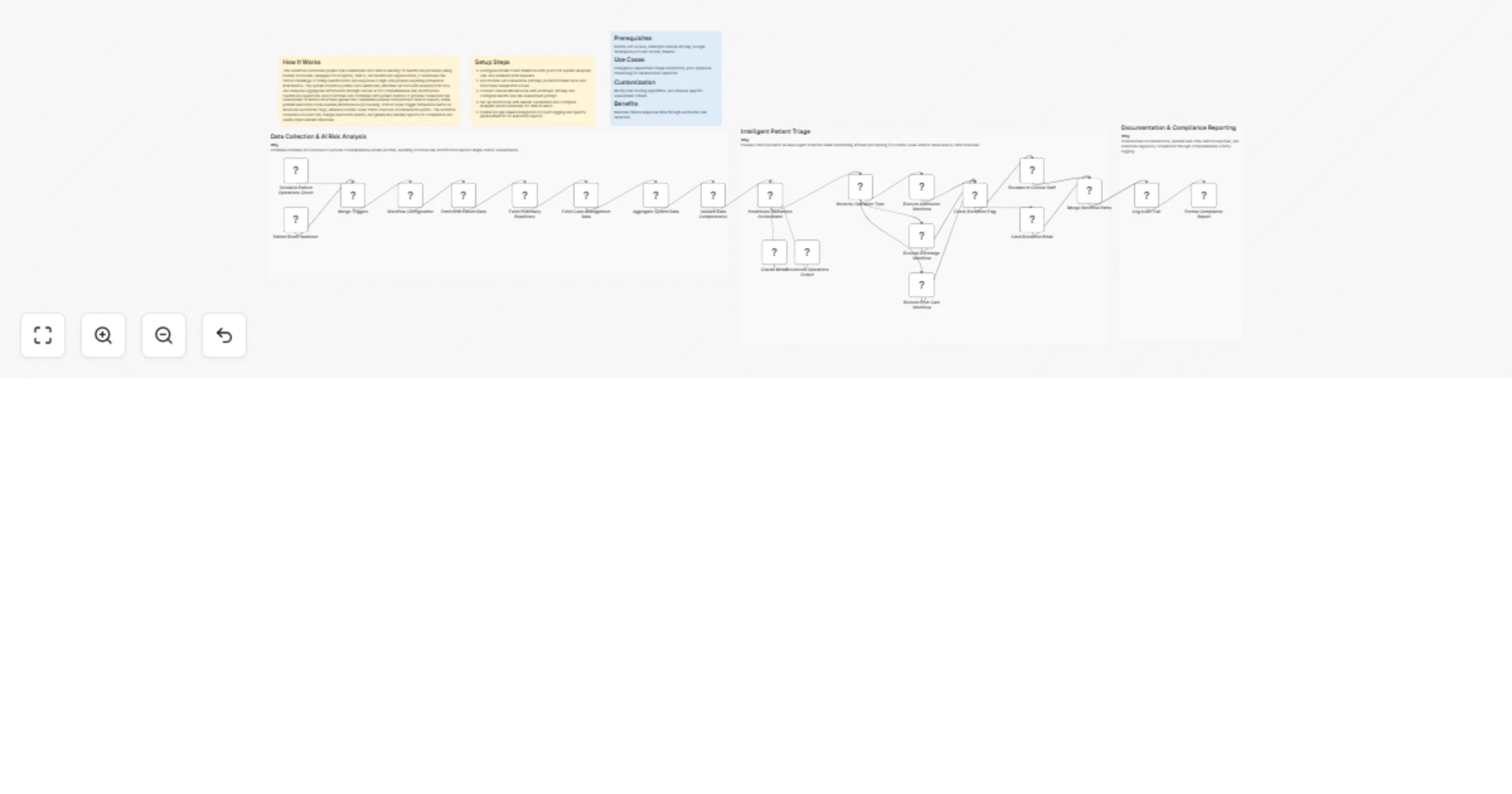
Original n8n.io sourceThis workflow automates patient risk assessment and clinical alerting for healthcare providers using NVIDIA AI models. Designed for hospitals, clinics, and healthcare organizations, it addresses the critical challenge of timely identification and response to high-risk patients requiring immediate intervention. The system monitors patient data webhooks, enriches records with external EHR data, and analyzes aggregated information through Claude AI for comprehensive risk stratification. Healthcare operations data is fetched and combined with patient metrics to provide contextual risk assessment. NVIDIA's structured generation capabilities ensure standardized clinical outputs, while parallel execution routes enable simultaneous processing: critical cases trigger immediate alerts via email and escalation flags, whereas routine cases follow standard documentation paths. The workflow maintains an audit trail, merges execution results, and generates detailed reports for compliance and quality improvement initiatives.
NVIDIA API access, Anthropic Claude API key, Google Workspace account (Gmail, Sheets)
Emergency department triage automation, post-operative monitoring for deterioration detection
Modify risk scoring algorithms, add disease-specific assessment criteria
Reduces clinical response time through automated risk detection
This catalog entry is organized from the workflow JSON. The node-level section below shows the executable blocks available for review before importing the template.
Showing the first 24 of 28 workflow blocks. Download the JSON for the full node graph.
| Workflow | Orchestrate patient admission, discharge and post-care with NVIDIA and Claude |
|---|---|
| Complexity | advanced |
| Nodes | 28 |
| Categories | Engineering, AI Chatbot |
| Author | Cheng Siong Chin |
| Published | 11 Feb 2026 |
Use the JSON export at /data/workflows/13308/13308.json as the source template for this automation.
Open n8n, import the downloaded JSON, and review each node before activating the workflow.
Replace placeholder credentials, API keys, webhook URLs, account IDs, and environment-specific values with your own settings.
Run the workflow manually or in a staging workspace, inspect node output, and confirm downstream systems receive the expected data.
Enable the workflow only after testing, then monitor executions, errors, and rate limits during the first production runs.
Review imported nodes carefully before activation. This catalog entry is intended to help you inspect the workflow structure, understand required services, and find related templates faster.
Node names, credentials, schedules, webhook paths, and external service limits may need adjustment for your workspace.
How It Works This workflow automates patient risk assessment and clinical alerting for healthcare providers using NVIDIA AI models. Designed for hospitals, clinics, and healthcare organizations, it...
Review the workflow JSON, configure any required credentials in n8n, and test the automation in a safe workspace before using it in production.
Yes. Use the block-by-block analysis and the downloadable JSON to inspect each node, then adjust credentials, prompts, schedules, filters, or destinations for your Engineering, AI Chatbot use case.