Block 1 - Hospital Event Webhook
- Type / Role
- n8n-nodes-base.webhook - webhook
- Config choices
- Version 2.1


 Early Deal
How It Works This workflow automates hospital operational event management by intelligently processing incoming events and orchestrating appropriate responses across multiple hospital systems. Desi...
n8n-nodes-base.webhook, n8n-nodes-base.set, @n8n/n8n-nodes-langchain.agent, @n8n/n8n-nodes-langchain.lmchatanthropic, @n8n/n8n-nodes-langchain.outputparserstructured, n8n-nodes-base.respondtowebhook, n8n-nodes-base.switch, n8n-nodes-base.httprequest
This workflow is cataloged by N8N Workflows and links back to its original n8n.io source page by Cheng Siong Chin.
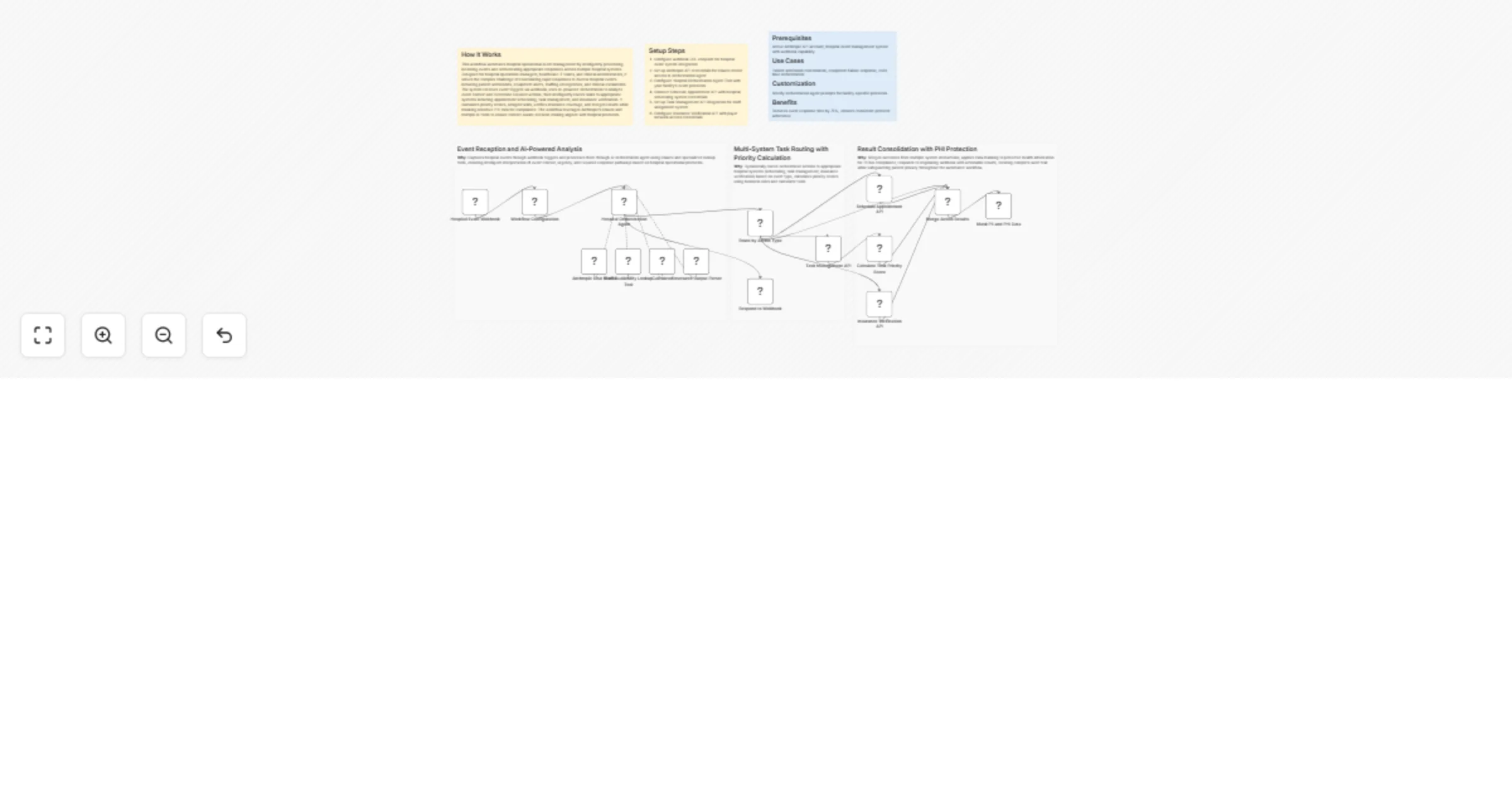
Original n8n.io sourceThis workflow automates hospital operational event management by intelligently processing incoming events and orchestrating appropriate responses across multiple hospital systems. Designed for hospital operations managers, healthcare IT teams, and clinical administrators, it solves the complex challenge of coordinating rapid responses to diverse hospital events including patient admissions, equipment alerts, staffing emergencies, and clinical escalations. The system receives event triggers via webhook, uses AI-powered orchestration to analyze event context and determine required actions, then intelligently routes tasks to appropriate systems including appointment scheduling, task management, and insurance verification. It calculates priority scores, assigns tasks, verifies insurance coverage, and merges results while masking sensitive PHI data for compliance. The workflow leverages Anthropic's Claude and multiple AI tools to ensure context-aware decision-making aligned with hospital protocols.
Active Anthropic API account, hospital event management system with webhook capability
Patient admission coordination, equipment failure response, code blue orchestration
Modify orchestration agent prompts for facility-specific protocols
Reduces event response time by 75%, ensures consistent protocol adherence
This catalog entry is organized from the workflow JSON. The node-level section below shows the executable blocks available for review before importing the template.
| Workflow | Orchestrate hospital event responses with Anthropic Claude and scheduling, task, and insurance APIs |
|---|---|
| Complexity | advanced |
| Nodes | 21 |
| Categories | Miscellaneous, AI Chatbot |
| Author | Cheng Siong Chin |
| Published | 25 Jan 2026 |
Use the JSON export at /data/workflows/12987/12987.json as the source template for this automation.
Open n8n, import the downloaded JSON, and review each node before activating the workflow.
Replace placeholder credentials, API keys, webhook URLs, account IDs, and environment-specific values with your own settings.
Run the workflow manually or in a staging workspace, inspect node output, and confirm downstream systems receive the expected data.
Enable the workflow only after testing, then monitor executions, errors, and rate limits during the first production runs.
Review imported nodes carefully before activation. This catalog entry is intended to help you inspect the workflow structure, understand required services, and find related templates faster.
Node names, credentials, schedules, webhook paths, and external service limits may need adjustment for your workspace.
How It Works This workflow automates hospital operational event management by intelligently processing incoming events and orchestrating appropriate responses across multiple hospital systems. Desi...
Review the workflow JSON, configure any required credentials in n8n, and test the automation in a safe workspace before using it in production.
Yes. Use the block-by-block analysis and the downloadable JSON to inspect each node, then adjust credentials, prompts, schedules, filters, or destinations for your Miscellaneous, AI Chatbot use case.