Block 1 - Schedule Trigger
- Type / Role
- n8n-nodes-base.scheduleTrigger - scheduleTrigger
- Config choices
- Version 1.2


 Early Deal
This workflow automatically monitors and reports data quality for any SQL table using configurable checks and thresholds. It evaluates key metrics—including null values, duplicate records, row coun...
n8n-nodes-base.scheduletrigger, n8n-nodes-base.set, n8n-nodes-base.postgres, n8n-nodes-base.merge, n8n-nodes-base.code, n8n-nodes-base.googlesheets, n8n-nodes-base.gmail, n8n-nodes-base.stickynote
This workflow is cataloged by N8N Workflows and links back to its original n8n.io source page by Bhautik Trambadia.
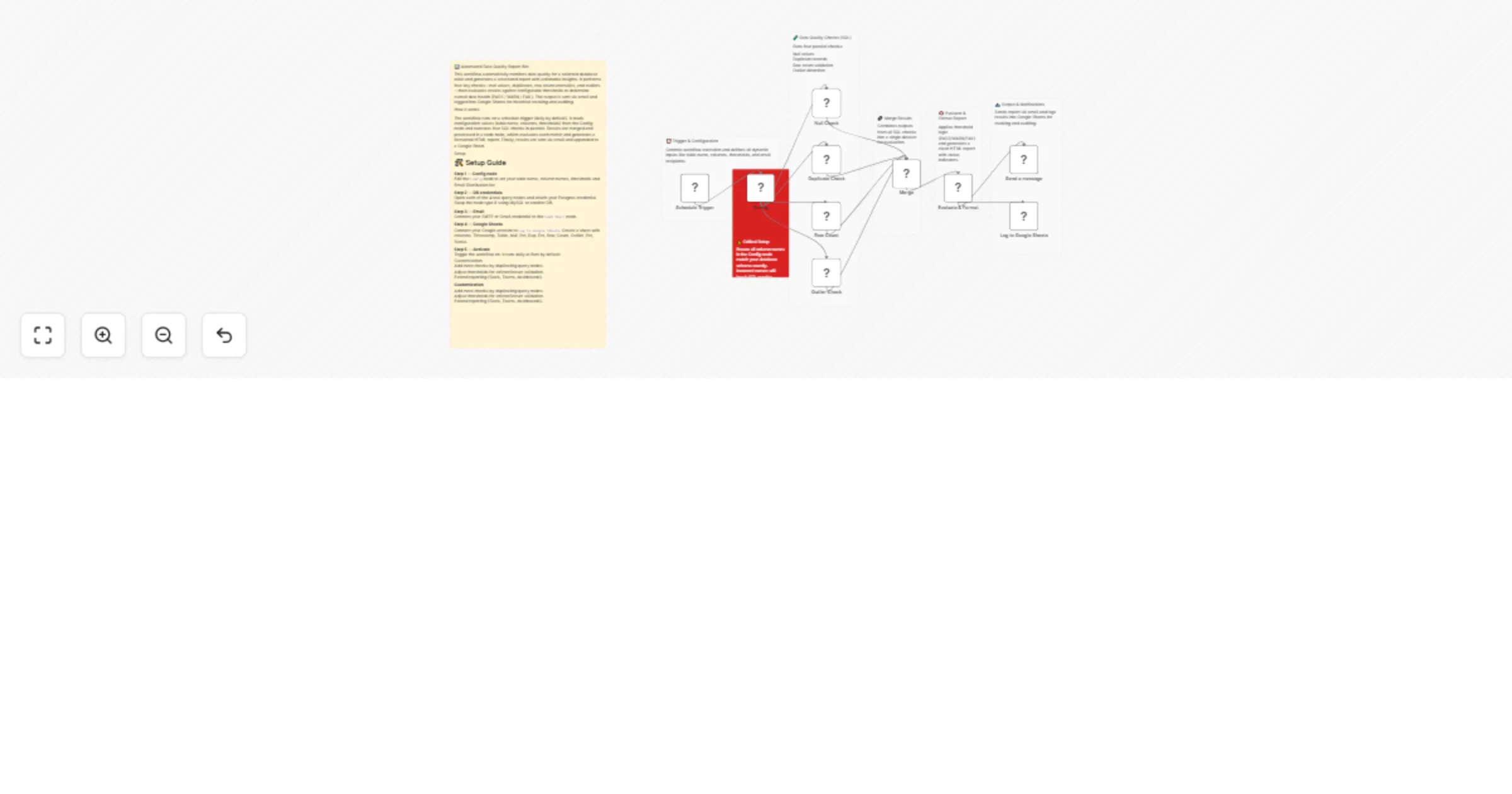
Original n8n.io sourceThis workflow automatically monitors and reports data quality for any SQL table using configurable checks and thresholds. It evaluates key metrics—including null values, duplicate records, row count anomalies, and outliers—and assigns a clear PASS, WARN, or FAIL status.
Designed for efficiency, the workflow dynamically injects table and column names from a central Config node, so you don’t need to edit SQL queries manually. All checks run in parallel, and results are consolidated into a structured HTML report with clear status indicators.
The report is automatically sent via email and logged into Google Sheets for historical tracking, auditing, and trend analysis.
⚙️ Setup Update the Config node with your table name, column names, thresholds, and email recipient. Connect your database credentials (Postgres/MySQL) in all query nodes. Set up Gmail or SMTP credentials in the email node. Connect your Google Sheets account and ensure required columns exist. Activate the workflow (runs daily by default, can be customized).
This workflow is ideal for data analysts and analytics engineers who want a lightweight, automated solution to proactively monitor data quality without exporting large datasets or building complex pipelines.
This catalog entry is organized from the workflow JSON. The node-level section below shows the executable blocks available for review before importing the template.
| Workflow | Monitor SQL data quality and send email reports with Google Sheets logging |
|---|---|
| Complexity | advanced |
| Nodes | 17 |
| Categories | Document Extraction, AI Summarization |
| Author | Bhautik Trambadia |
| Published | 28 Mar 2026 |
Use the JSON export at /data/workflows/14416/14416.json as the source template for this automation.
Open n8n, import the downloaded JSON, and review each node before activating the workflow.
Replace placeholder credentials, API keys, webhook URLs, account IDs, and environment-specific values with your own settings.
Run the workflow manually or in a staging workspace, inspect node output, and confirm downstream systems receive the expected data.
Enable the workflow only after testing, then monitor executions, errors, and rate limits during the first production runs.
Review imported nodes carefully before activation. This catalog entry is intended to help you inspect the workflow structure, understand required services, and find related templates faster.
Node names, credentials, schedules, webhook paths, and external service limits may need adjustment for your workspace.
This workflow automatically monitors and reports data quality for any SQL table using configurable checks and thresholds. It evaluates key metrics—including null values, duplicate records, row coun...
Review the workflow JSON, configure any required credentials in n8n, and test the automation in a safe workspace before using it in production.
Yes. Use the block-by-block analysis and the downloadable JSON to inspect each node, then adjust credentials, prompts, schedules, filters, or destinations for your Document Extraction, AI Summarization use case.