Block 1 - Set Offset
- Type / Role
- n8n-nodes-base.set - set
- Config choices
- Version 3.4
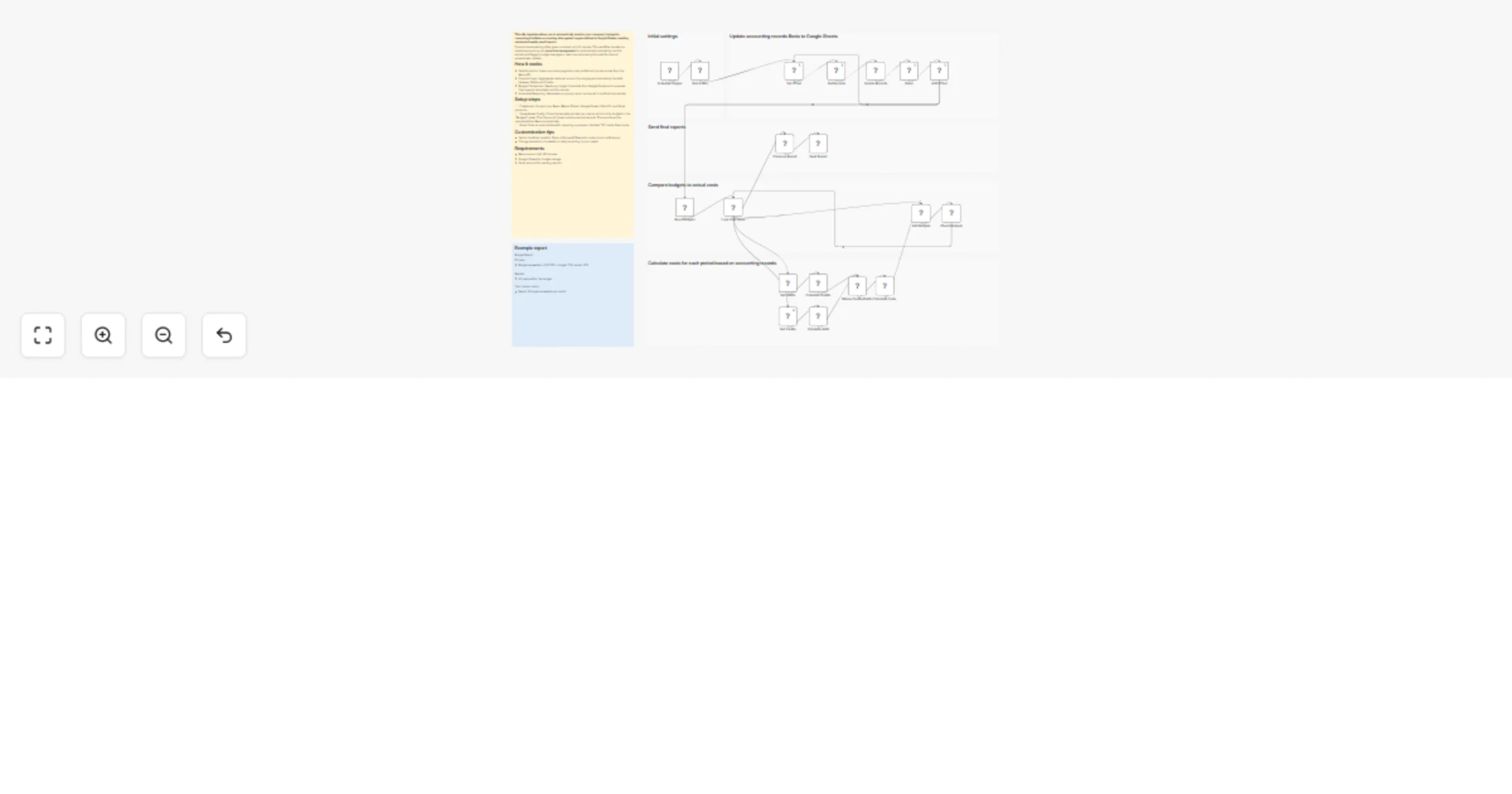


 Early Deal
This n8n template allows you to automatically monitor your company's budget by comparing live Bexio accounting data against targets defined in Google Sheets, sending automated weekly email reports....
n8n-nodes-base.set, n8n-nodes-base.googlesheets, n8n-nodes-base.stickynote, n8n-nodes-base.wait, n8n-nodes-base.httprequest, n8n-nodes-base.code, n8n-nodes-base.splitinbatches, n8n-nodes-base.merge
This workflow is cataloged by N8N Workflows and links back to its original n8n.io source page by Kamil Ostrowski.
Original n8n.io sourceThis n8n template allows you to automatically monitor your company's budget by comparing live Bexio accounting data against targets defined in Google Sheets, sending automated weekly email reports. It also exports your financial data from Bexio into a flexible spreadsheet environment.
Financial overspending often goes unnoticed until it's too late. This workflow transforms reactive accounting into proactive management by automatically calculating monthly actuals and flagging budget overages in real-time, eliminating the need for manual spreadsheet updates.
This workflow is built for Founders and CFOs who want to replace reactive accounting with proactive financial management. It is the ideal solution for leadership teams needing to eliminate manual data entry, synchronize live Bexio actuals against Google Sheet targets, and receive automated weekly email reports that proactively flag budget overages before they become critical issues.
The workflow automates the extraction and analysis of your Bexio accounting journal through several stages:
Data Extraction: It uses a recursive pagination loop to fetch journal entries from the Bexio API in batches of 1,000 records.
Data Synchronization: It utilizes the "Append or Update" operation in Google Sheets to ensure records stay current without creating duplicates.
Financial Analysis: The system reads target thresholds from a "Budgets" sheet and aggregates costs per account by calculating the delta between Debits and Credits.
Automated Reporting: A logic engine compares monthly actuals against budgets and generates a summary report sent via Gmail if thresholds are exceeded.
Credentials: Connect your Bexio (Bearer Token), Google Sheets (OAuth2), and Gmail accounts in their respective nodes.
Target Sheet: In the "Update Records" node, select your specific Google Spreadsheet and target tab for the journal entries. Use this template to create your database - Google Sheet Template
Budget Configuration: Clone the template spreadsheet and define your specific metrics and monthly budget limits in the "Budgets" sheet.
Date Filtering: Open the "Get Records" node and adjust the from and to query parameters (currently set for the 2025 fiscal year) to match your reporting period.
Gmail: Enter the recipient email address in the "To" field of the Gmail node.
Bexio Account: Must have API access enabled.
Google Workspace: Access to Google Sheets for data storage and Gmail for sending reports.
Budget: You can set budgets for as many metrics as you want for every accounting period.
Sync Frequency: The "Schedule Trigger" can be adjusted from its weekly default to daily or hourly for more frequent updates.
Notification Channels: Swap the Gmail node for Slack or Microsoft Teams to receive report via different channels.
Rate Limiting: If processing a very large journal, increase the "Delay" node duration to remain within Bexio’s API rate limits.
Pagination Reuse: The pagination logic can be adapted to retrieve any other Bexio data limited by API batch sizes.
This catalog entry is organized from the workflow JSON. The node-level section below shows the executable blocks available for review before importing the template.
Showing the first 24 of 26 workflow blocks. Download the JSON for the full node graph.
| Workflow | Monitor company budgets with Bexio, Google Sheets and Gmail alerts |
|---|---|
| Complexity | advanced |
| Nodes | 26 |
| Categories | Document Extraction, AI Summarization |
| Author | Kamil Ostrowski |
| Published | 20 Jan 2026 |
Use the JSON export at /data/workflows/12852/12852.json as the source template for this automation.
Open n8n, import the downloaded JSON, and review each node before activating the workflow.
Replace placeholder credentials, API keys, webhook URLs, account IDs, and environment-specific values with your own settings.
Run the workflow manually or in a staging workspace, inspect node output, and confirm downstream systems receive the expected data.
Enable the workflow only after testing, then monitor executions, errors, and rate limits during the first production runs.
Review imported nodes carefully before activation. This catalog entry is intended to help you inspect the workflow structure, understand required services, and find related templates faster.
Node names, credentials, schedules, webhook paths, and external service limits may need adjustment for your workspace.
This n8n template allows you to automatically monitor your company's budget by comparing live Bexio accounting data against targets defined in Google Sheets, sending automated weekly email reports....
Review the workflow JSON, configure any required credentials in n8n, and test the automation in a safe workspace before using it in production.
Yes. Use the block-by-block analysis and the downloadable JSON to inspect each node, then adjust credentials, prompts, schedules, filters, or destinations for your Document Extraction, AI Summarization use case.