Block 1 - Schedule Trigger - Every 15 Minutes
- Type / Role
- n8n-nodes-base.scheduleTrigger - scheduleTrigger
- Config choices
- Version 1.3


 Early Deal
How It Works This workflow automates cost analysis and budget optimization for enterprises managing complex operational expenses. Designed for CFOs, finance teams, and operations managers, it addre...
n8n-nodes-base.scheduletrigger, n8n-nodes-base.set, n8n-nodes-base.code, @n8n/n8n-nodes-langchain.agent, @n8n/n8n-nodes-langchain.lmchatanthropic, @n8n/n8n-nodes-langchain.outputparserstructured, @n8n/n8n-nodes-langchain.toolcode, n8n-nodes-base.switch
This workflow is cataloged by N8N Workflows and links back to its original n8n.io source page by Cheng Siong Chin.
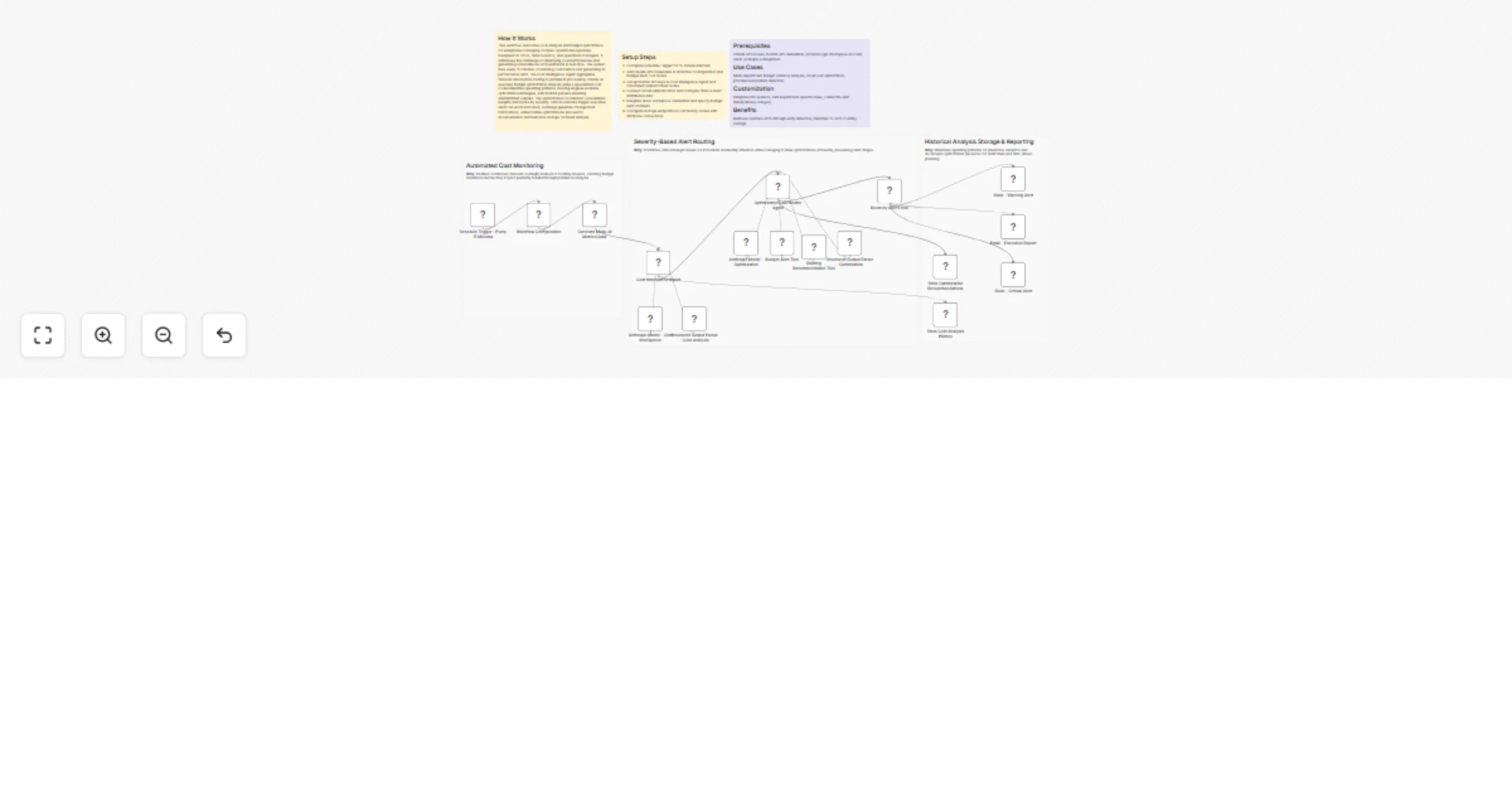
Original n8n.io sourceThis workflow automates cost analysis and budget optimization for enterprises managing complex operational expenses. Designed for CFOs, finance teams, and operations managers, it addresses the challenge of identifying cost inefficiencies and generating actionable recommendations in real-time. The system runs every 15 minutes, monitoring cost metrics and generating AI performance data. The Cost Intelligence Agent aggregates financial data before routing to parallel AI processing. Claude AI executes budget optimization analysis while a specialized cost model identifies spending patterns. Routing engines evaluate optimization strategies, with NVIDIA parsers ensuring standardized outputs. The Optimization Coordinator consolidates insights and routes by severity: critical overruns trigger executive alerts via email and Slack, warnings generate management notifications, while routine optimizations proceed to documentation and historical storage for trend analysis.
Claude API access, NVIDIA API credentials, Gmail/Google Workspace account, Slack workspace integration
Multi-department budget variance analysis, cloud cost optimization, procurement pattern detection
Integrate ERP systems, add department-specific rules, customize alert thresholds by category
Reduces overruns 40% through early detection, identifies 15-20% monthly savings
This catalog entry is organized from the workflow JSON. The node-level section below shows the executable blocks available for review before importing the template.
| Workflow | Monitor AI infrastructure costs and route budget alerts with Claude, NVIDIA, Slack, and Gmail |
|---|---|
| Complexity | advanced |
| Nodes | 23 |
| Categories | Document Extraction, AI Summarization |
| Author | Cheng Siong Chin |
| Published | 11 Feb 2026 |
Use the JSON export at /data/workflows/13313/13313.json as the source template for this automation.
Open n8n, import the downloaded JSON, and review each node before activating the workflow.
Replace placeholder credentials, API keys, webhook URLs, account IDs, and environment-specific values with your own settings.
Run the workflow manually or in a staging workspace, inspect node output, and confirm downstream systems receive the expected data.
Enable the workflow only after testing, then monitor executions, errors, and rate limits during the first production runs.
Review imported nodes carefully before activation. This catalog entry is intended to help you inspect the workflow structure, understand required services, and find related templates faster.
Node names, credentials, schedules, webhook paths, and external service limits may need adjustment for your workspace.
How It Works This workflow automates cost analysis and budget optimization for enterprises managing complex operational expenses. Designed for CFOs, finance teams, and operations managers, it addre...
Review the workflow JSON, configure any required credentials in n8n, and test the automation in a safe workspace before using it in production.
Yes. Use the block-by-block analysis and the downloadable JSON to inspect each node, then adjust credentials, prompts, schedules, filters, or destinations for your Document Extraction, AI Summarization use case.