Block 1 - Get a time entry
- Type / Role
- n8n-nodes-base.clockify - clockify
- Config choices
- Version 1


 Early Deal
Overview Stop guessing your agency's actual margins. This workflow acts as a centralized financial brain for digital marketing agencies. It aggregates real time data from your time tracking, ad pla...
n8n-nodes-base.clockify, n8n-nodes-base.stripe, n8n-nodes-base.shopify, n8n-nodes-base.facebookgraphapi, n8n-nodes-base.googleads, n8n-nodes-base.googlesheets, n8n-nodes-base.scheduletrigger, n8n-nodes-base.merge
This workflow is cataloged by N8N Workflows and links back to its original n8n.io source page by Shashwat Singh.
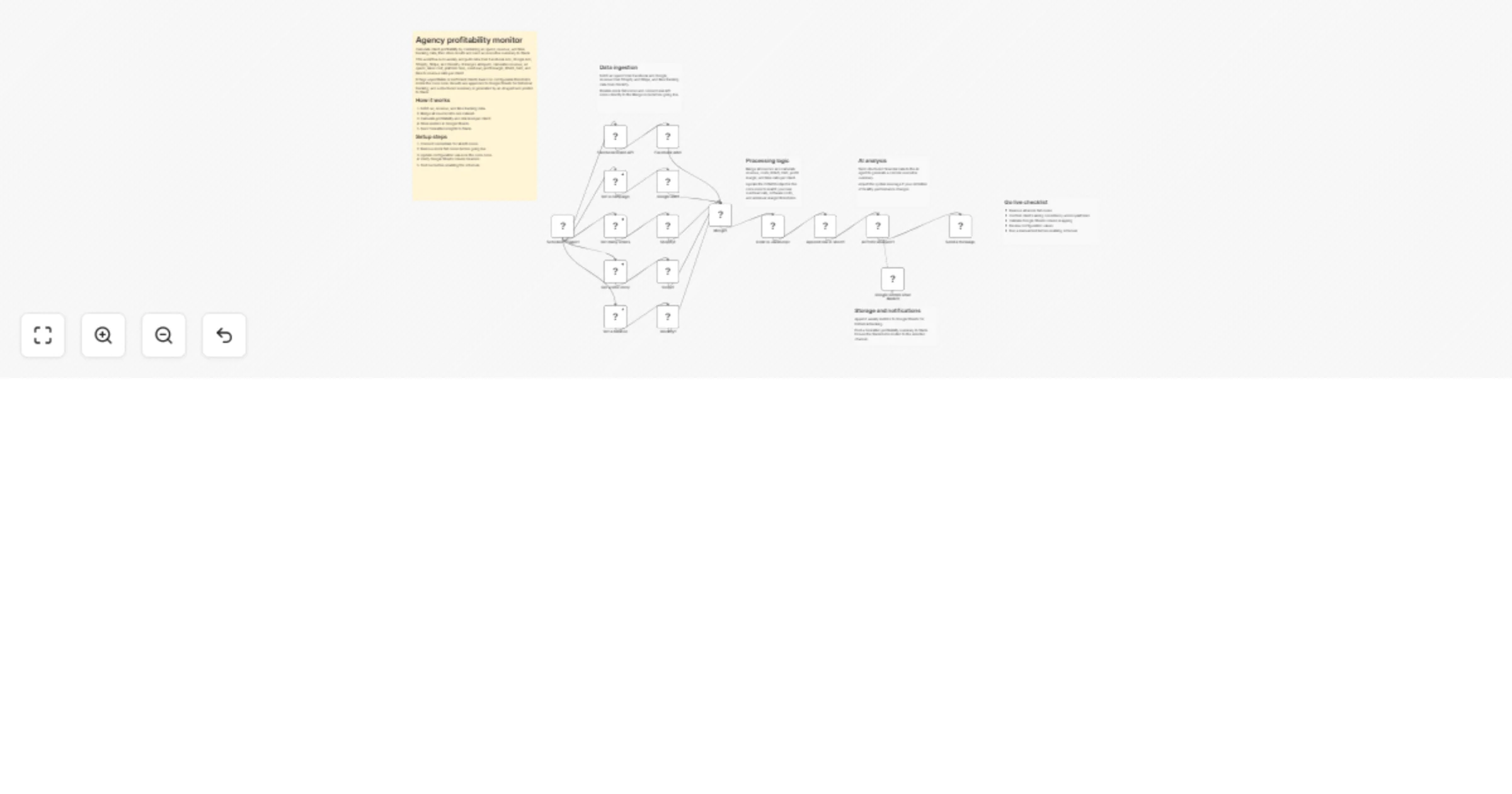
Original n8n.io sourceStop guessing your agency's actual margins. This workflow acts as a centralized financial brain for digital marketing agencies. It aggregates real-time data from your time-tracking, ad platforms, and payment processors to calculate precise profitability metrics (Gross Profit, Net Margin, ROAS, and Efficiency).
It doesn't just crunch numbers; it uses Google Gemini to act as a virtual CFO, analyzing the data and sending an executive summary to Slack with actionable insights, while simultaneously archiving the data to Google Sheets for historical trending.
Multi-Source Aggregation: Pulls data from Facebook Ads, Google Ads, Shopify, Stripe, and Clockify.
Smart Cost Allocation: Automatically calculates overhead (default 30%) and software costs against your gross revenue.
AI Analysis: Uses Google Gemini to review the calculated metrics and draft a "Human-readable" executive summary for Slack.
Dual Output: Sends instant alerts to Slack and logs granular data to Google Sheets.
Ensure you have authenticated credentials for:
Clockify
Stripe & Shopify
Facebook Marketing API & Google Ads
Google Sheets & Google Gemini (PaLM)
Slack
Create a new Google Sheet with the following headers in Row 1: timestamp, date, totalRevenue, totalAdSpend, facebookAdSpend, googleAdSpend, totalTimeCost, grossProfit, profitMargin, roas.
Open the "Code in JavaScript" node. At the very top, you will see a CONFIG object. Edit these values to match your agency's model:
const CONFIG = {
 platformFeeRate: 0.029, // Stripe/Shopify fees
 monthlySoftwareCosts: 500, // Fixed monthly SaaS costs
 overheadRate: 0.30, // Overhead % (rent, admin, etc)
 minProfitMargin: 20 // Target margin %
};
The template includes "Set" nodes with mock data for testing purposes. Simply bypass these nodes and connect the API nodes directly to the "Merge" node when you are ready to go live.
This catalog entry is organized from the workflow JSON. The node-level section below shows the executable blocks available for review before importing the template.
| Workflow | Monitor agency profitability with Facebook Ads, Shopify, Stripe, Clockify, Google Sheets, Slack and Gemini |
|---|---|
| Complexity | advanced |
| Nodes | 23 |
| Categories | CRM, AI Summarization |
| Author | Shashwat Singh |
| Published | 13 Feb 2026 |
Use the JSON export at /data/workflows/13368/13368.json as the source template for this automation.
Open n8n, import the downloaded JSON, and review each node before activating the workflow.
Replace placeholder credentials, API keys, webhook URLs, account IDs, and environment-specific values with your own settings.
Run the workflow manually or in a staging workspace, inspect node output, and confirm downstream systems receive the expected data.
Enable the workflow only after testing, then monitor executions, errors, and rate limits during the first production runs.
Review imported nodes carefully before activation. This catalog entry is intended to help you inspect the workflow structure, understand required services, and find related templates faster.
Node names, credentials, schedules, webhook paths, and external service limits may need adjustment for your workspace.
Overview Stop guessing your agency's actual margins. This workflow acts as a centralized financial brain for digital marketing agencies. It aggregates real time data from your time tracking, ad pla...
Review the workflow JSON, configure any required credentials in n8n, and test the automation in a safe workspace before using it in production.
Yes. Use the block-by-block analysis and the downloadable JSON to inspect each node, then adjust credentials, prompts, schedules, filters, or destinations for your CRM, AI Summarization use case.