Block 1 - Receive Bot Messages
- Type / Role
- n8n-nodes-base.telegramTrigger - telegramTrigger
- Config choices
- Version 1.2


 Early Deal
Categories Productivity Automation AI Agents Scheduling Personal Operations Description Build a fully automated AI powered Calendar Assistant that manages your Google Calendar via Telegram and deli...
n8n-nodes-base.telegramtrigger, @n8n/n8n-nodes-langchain.agent, @n8n/n8n-nodes-langchain.lmchatopenai, @n8n/n8n-nodes-langchain.memorybufferwindow, n8n-nodes-base.googlecalendartool, n8n-nodes-base.telegram, n8n-nodes-base.switch, @n8n/n8n-nodes-langchain.googlegemini
This workflow is cataloged by N8N Workflows and links back to its original n8n.io source page by Ahmed Salama.
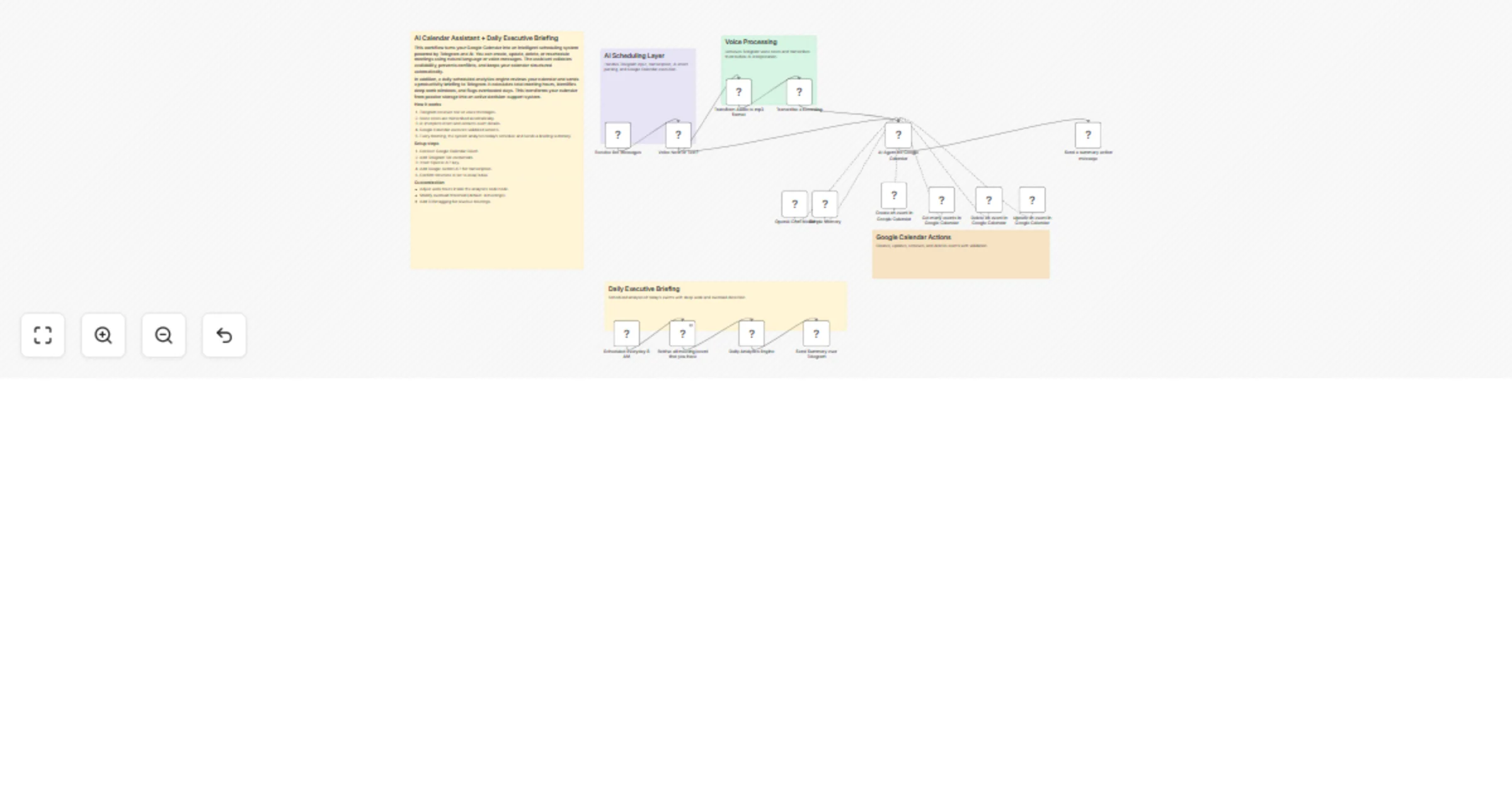
Original n8n.io sourceBuild a fully automated AI-powered Calendar Assistant that manages your Google Calendar via Telegram and delivers a daily executive productivity briefing.
This workflow combines conversational AI scheduling with automated daily analytics to transform your calendar from a passive storage tool into an active decision system.
The assistant handles event creation, updates, deletions, conflict detection, and rescheduling through natural language messages or voice notes. It uses AI to interpret requests, validate availability, and maintain a clean scheduling structure.
In addition, a daily automated summary analyzes your calendar and sends a productivity briefing directly to Telegram. It calculates total meeting hours, identifies deep work windows, and flags overload risks to help you protect strategic time.
The result is a smart, low-friction scheduling system that reduces decision fatigue and improves time allocation without manual calendar reviews.
Create and manage events directly from Telegram using text or voice.
Automatically checks availability before creating meetings.
Receive a structured summary of your day every morning.
Identifies uninterrupted focus windows automatically.
Flags days with excessive meetings.
Designed to operate reliably in Asia/Dubai timezone.
Meeting count
Total meeting hours
Free focus blocks
Overload status
Sends formatted summary to Telegram
Intermediate
45–75 minutes
Typical range: $10–40/month depending on usage.
This catalog entry is organized from the workflow JSON. The node-level section below shows the executable blocks available for review before importing the template.
| Workflow | Manage Google Calendar via Telegram and get daily AI briefings (OpenAI + Gemini) |
|---|---|
| Complexity | advanced |
| Nodes | 21 |
| Categories | Personal Productivity, AI Chatbot |
| Author | Ahmed Salama |
| Published | 11 Feb 2026 |
Use the JSON export at /data/workflows/13309/13309.json as the source template for this automation.
Open n8n, import the downloaded JSON, and review each node before activating the workflow.
Replace placeholder credentials, API keys, webhook URLs, account IDs, and environment-specific values with your own settings.
Run the workflow manually or in a staging workspace, inspect node output, and confirm downstream systems receive the expected data.
Enable the workflow only after testing, then monitor executions, errors, and rate limits during the first production runs.
Review imported nodes carefully before activation. This catalog entry is intended to help you inspect the workflow structure, understand required services, and find related templates faster.
Node names, credentials, schedules, webhook paths, and external service limits may need adjustment for your workspace.
Categories Productivity Automation AI Agents Scheduling Personal Operations Description Build a fully automated AI powered Calendar Assistant that manages your Google Calendar via Telegram and deli...
Review the workflow JSON, configure any required credentials in n8n, and test the automation in a safe workspace before using it in production.
Yes. Use the block-by-block analysis and the downloadable JSON to inspect each node, then adjust credentials, prompts, schedules, filters, or destinations for your Personal Productivity, AI Chatbot use case.