Block 1 - Switch
- Type / Role
- n8n-nodes-base.switch - switch
- Config choices
- Version 3.2


 Early Deal
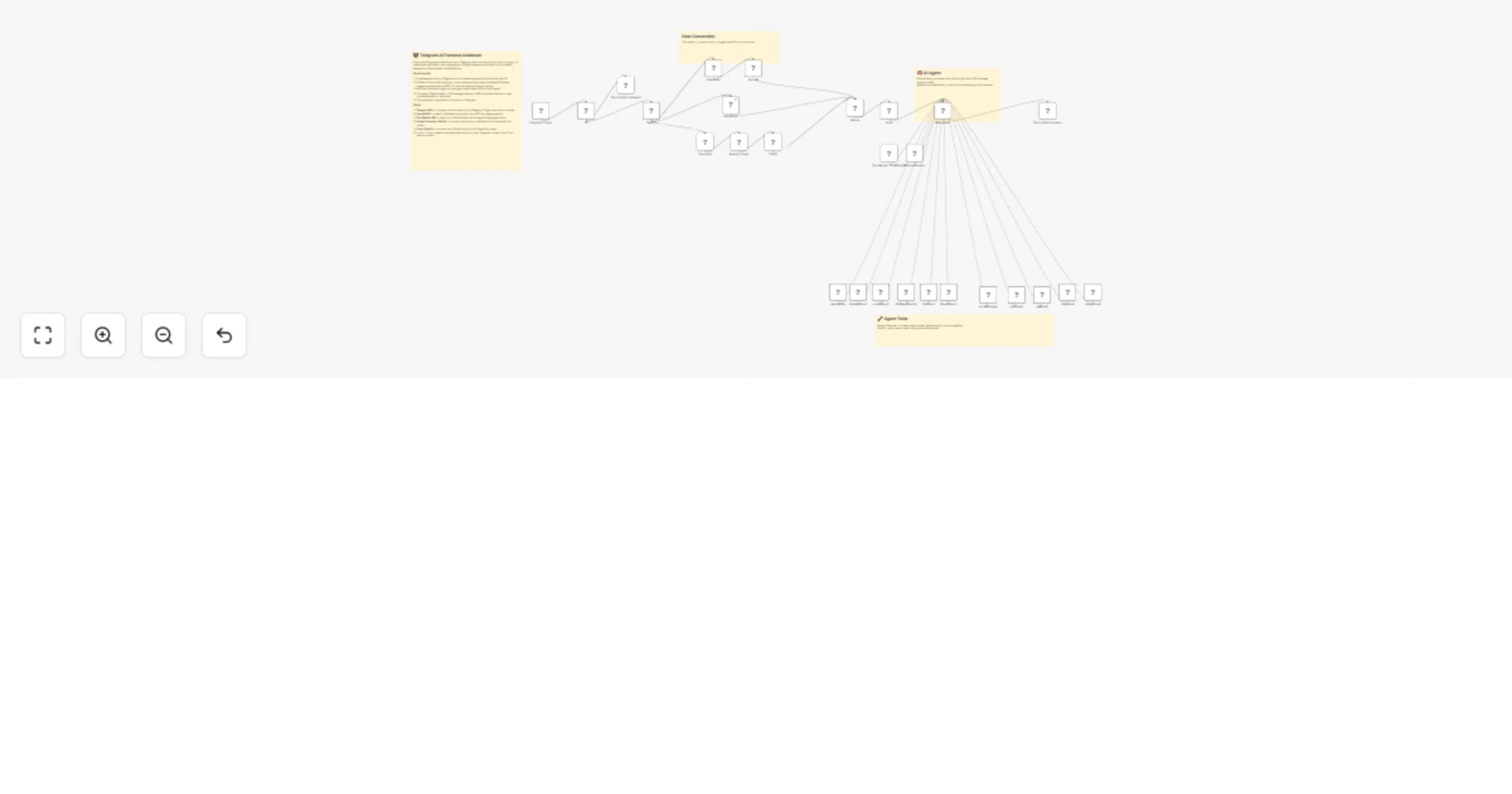
Telegram AI Personal Assistant — Calendar & Email Manager This workflow turns a Telegram bot into a fully functional personal AI assistant capable of handling your schedule and inbox through natura...
n8n-nodes-base.switch, n8n-nodes-base.telegram, @n8n/n8n-nodes-langchain.openai, n8n-nodes-base.set, n8n-nodes-base.merge, n8n-nodes-base.if, @n8n/n8n-nodes-langchain.agent, @n8n/n8n-nodes-langchain.lmchatopenrouter
This workflow is cataloged by N8N Workflows and links back to its original n8n.io source page by Ghufran Barcha.
Original n8n.io sourceThis workflow turns a Telegram bot into a fully functional personal AI assistant capable of handling your schedule and inbox through natural conversation. Send it a text message, record a voice note, or snap a photo — it understands all three and responds intelligently.
The assistant is powered by Claude Haiku (via OpenRouter) and comes with a built-in 30-message memory buffer, so it remembers context across a conversation just like a real assistant would. It has full read/write access to Google Calendar and Gmail, meaning it can book meetings, check your availability, send emails, reply to threads, and clean up your inbox — all from a single Telegram chat.
Multi-modal input handling
All three input types are normalized into a unified context object before reaching the agent, so the AI always receives clean, structured input regardless of how the user communicated.
Authorization layer Only the allowlisted Telegram User ID can interact with the assistant. Any unauthorized message receives an instant rejection and the workflow stops — no agent calls are made.
AI agent with tools The LangChain agent receives the full context and decides autonomously whether to reply conversationally or invoke one of the connected tools. It uses the current date/time from n8n to handle scheduling requests accurately.
Google Calendar tools: check availability, create events, list upcoming events, fetch a specific event, update event details, delete events.
Gmail tools: send new emails, search the inbox, read a specific email, reply to a thread, delete messages.
Persistent memory Each user's conversation is tracked using a sliding window of the last 30 messages, keyed by their Telegram User ID. The assistant remembers what was said earlier in the same session without needing reminders.
If node and replace the placeholder value with your own Telegram numeric User ID. You can find this by messaging @userinfobot on Telegram.If node with a list-based check or a Code node that checks against an array of allowed IDs.contextWindowLength value in the Simple Memory node (currently 30 messages).This catalog entry is organized from the workflow JSON. The node-level section below shows the executable blocks available for review before importing the template.
Showing the first 24 of 31 workflow blocks. Download the JSON for the full node graph.
| Workflow | Manage Google Calendar and Gmail from Telegram with a Claude AI assistant |
|---|---|
| Complexity | advanced |
| Nodes | 31 |
| Categories | Personal Productivity, AI Chatbot |
| Author | Ghufran Barcha |
| Published | 03 Apr 2026 |
Use the JSON export at /data/workflows/14666/14666.json as the source template for this automation.
Open n8n, import the downloaded JSON, and review each node before activating the workflow.
Replace placeholder credentials, API keys, webhook URLs, account IDs, and environment-specific values with your own settings.
Run the workflow manually or in a staging workspace, inspect node output, and confirm downstream systems receive the expected data.
Enable the workflow only after testing, then monitor executions, errors, and rate limits during the first production runs.
Review imported nodes carefully before activation. This catalog entry is intended to help you inspect the workflow structure, understand required services, and find related templates faster.
Node names, credentials, schedules, webhook paths, and external service limits may need adjustment for your workspace.
Telegram AI Personal Assistant — Calendar & Email Manager This workflow turns a Telegram bot into a fully functional personal AI assistant capable of handling your schedule and inbox through natura...
Review the workflow JSON, configure any required credentials in n8n, and test the automation in a safe workspace before using it in production.
Yes. Use the block-by-block analysis and the downloadable JSON to inspect each node, then adjust credentials, prompts, schedules, filters, or destinations for your Personal Productivity, AI Chatbot use case.