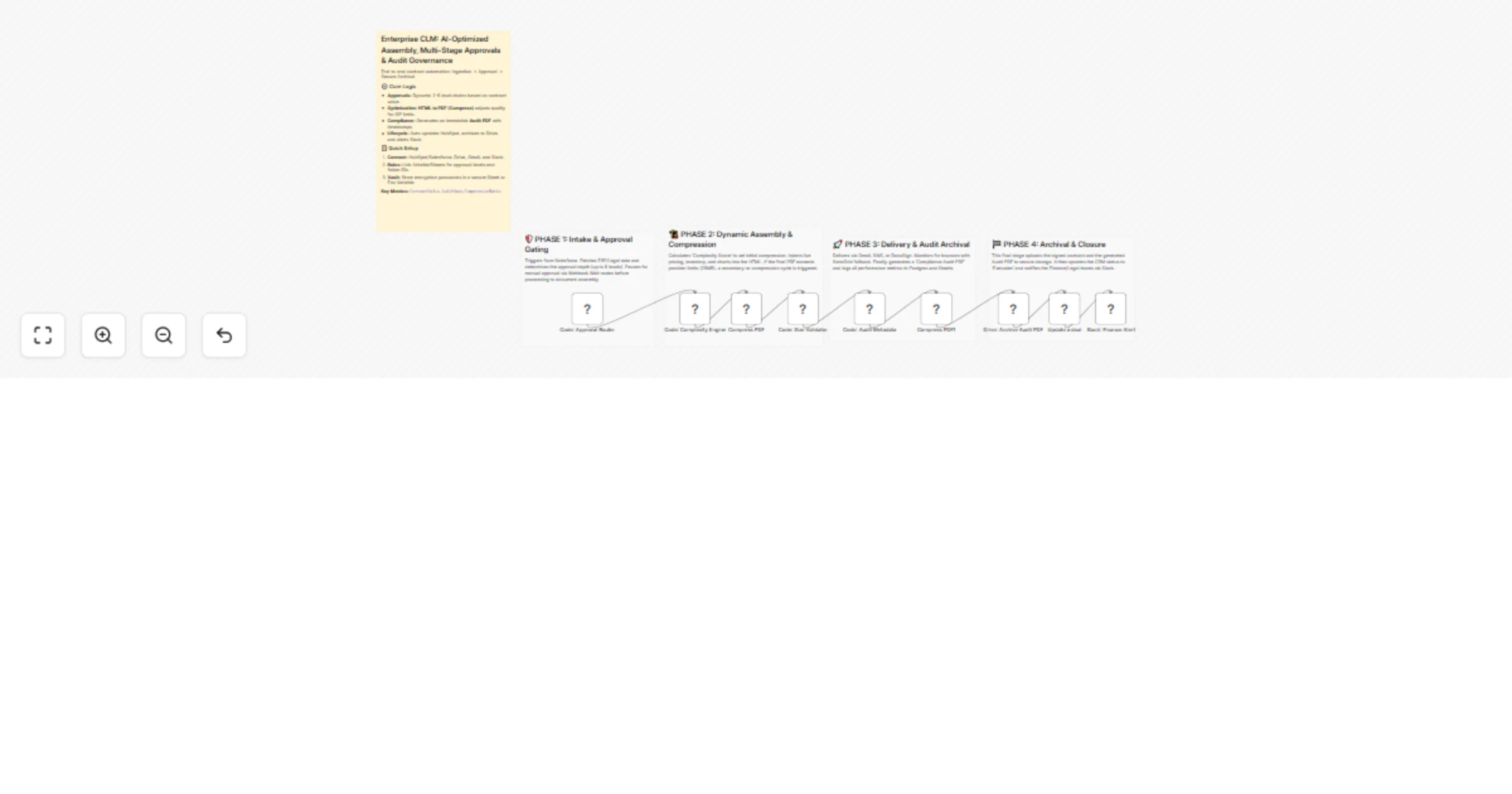
Manage enterprise contract approvals and audit PDFs with HubSpot, Google Drive and Slack

Workflow preview

Workflow preview
100%
Manage enterprise contract approvals and audit PDFs with HubSpot, Google Drive and Slack preview
Open on n8n.io

1. Workflow Overview

Enterprise CLM: AI Optimized Assembly, Multi Stage Approvals & Audit Governance Description This industrial strength Contract Lifecycle Management (CLM) hub provides end to end automation for se...

Best for

  • Document Extraction automation workflows
  • intermediate n8n builders looking for reusable templates

Tools used

n8n-nodes-base.stickynote, n8n-nodes-base.code, n8n-nodes-htmlcsstopdf.htmlcsstopdf, n8n-nodes-base.googledrive, n8n-nodes-base.slack, n8n-nodes-base.hubspot

Source and attribution

This workflow is cataloged by N8N Workflows and links back to its original n8n.io source page by Jitesh Dugar.

Original n8n.io source

1.1 Workflow description

Title
Manage enterprise contract approvals and audit PDFs with HubSpot, Google Drive and Slack
Workflow name
Manage enterprise contract approvals and audit PDFs with HubSpot, Google Drive and Slack

Enterprise CLM: AI-Optimized Assembly, Multi-Stage Approvals & Audit Governance

🎯 Description

This industrial-strength Contract Lifecycle Management (CLM) hub provides end-to-end automation for securing, optimizing, and archiving sensitive corporate agreements. It bridges the gap between initial sales triggers and final compliance archival with an AI-driven optimization layer.

✨ What This Workflow Does

  1. Intelligent Approval Gating - Automatically assigns a dynamic approval chain (2 to 6 levels) based on the contract value tier ($50k - $500k+), ensuring high-value deals receive proper executive oversight.
  2. Complexity-Aware Compression - Analyzes the document (page count/complexity) and recipient ISP limits (Gmail/Outlook) to apply optimal compression ratios via the HTML to PDF (Compress) node.
  3. Automated Compliance Auditing - Generates a secondary, immutable "Audit PDF" that captures all approval metadata, timestamps, and digital fingerprints for legal non-repudiation.
  4. Secure Multi-Cloud Archival - Automatically uploads final signed documents and audit trails to specific Google Drive folder structures.
  5. Bi-Directional CRM Sync - Updates the HubSpot deal stage to "Contract Signed" and attaches the direct link to the audit record for immediate visibility.
  6. Instant Financial Notification - Alerts the Finance and Legal teams via Slack the moment a contract is fully executed and archived.

💡 Key Features

  • ISP Optimization: Prevents email delivery failures by dynamically scaling file quality to stay within provider attachment limits.
  • Audit Readiness: Every contract lifecycle is documented in a secondary "Black Box" PDF, making regulatory audits seamless.
  • Self-Healing Updates: CRM and storage systems are updated simultaneously, eliminating manual data entry across departments.

📦 Requirements

  • HTML to PDF Node - Essential for both document compression and audit trail generation.
  • HubSpot - For deal tracking and CRM synchronization.
  • Google Drive - For secure, long-term document archival.
  • Slack - For real-time stakeholder notifications.

🚀 Benefits

Reduced Legal Risk - Every stage of approval is logged in an immutable PDF audit trail. ✅ Guaranteed Deliverability - Smart compression ensures contracts always reach the recipient's inbox. ✅ Centralized Governance - One workflow manages the transition from Sales to Finance and Legal departments.


Tags: #legal-ops #clm #pdf-automation #compression #governance #hubspot #slack #enterprise

Category: Legal & Compliance

Difficulty: Advanced

Ready to stop email bounces? Import this template, connect your accounts, and ensure your large PDF attachments are always delivered.

1.2 Logical Blocks

This catalog entry is organized from the workflow JSON. The node-level section below shows the executable blocks available for review before importing the template.

2. Block-by-Block Analysis

Block 1 - Sticky_Approval

Type / Role
n8n-nodes-base.stickyNote - stickyNote
Config choices
Version 1

Block 2 - Sticky_Assembly

Type / Role
n8n-nodes-base.stickyNote - stickyNote
Config choices
Version 1

Block 3 - Sticky_Audit

Type / Role
n8n-nodes-base.stickyNote - stickyNote
Config choices
Version 1

Block 4 - Code: Approval Router

Type / Role
n8n-nodes-base.code - code
Config choices
Version 2

Block 5 - Code: Complexity Engine

Type / Role
n8n-nodes-base.code - code
Config choices
Version 2

Block 6 - Code: Size Validator

Type / Role
n8n-nodes-base.code - code
Config choices
Version 2

Block 7 - Code: Audit Metadata

Type / Role
n8n-nodes-base.code - code
Config choices
Version 2

Block 8 - Compress PDF

Type / Role
n8n-nodes-htmlcsstopdf.htmlcsstopdf - htmlcsstopdf
Config choices
Version 1

Block 9 - Sticky_Closure

Type / Role
n8n-nodes-base.stickyNote - stickyNote
Config choices
Version 1

Block 10 - Drive: Archive Audit PDF

Type / Role
n8n-nodes-base.googleDrive - googleDrive
Config choices
Version 3

Block 11 - Slack: Finance Alert

Type / Role
n8n-nodes-base.slack - slack
Config choices
Version 2.1

Block 12 - Compress PDF1

Type / Role
n8n-nodes-htmlcsstopdf.htmlcsstopdf - htmlcsstopdf
Config choices
Version 1

Block 13 - Update a deal

Type / Role
n8n-nodes-base.hubspot - hubspot
Config choices
Version 2.2

Block 14 - Sticky Note

Type / Role
n8n-nodes-base.stickyNote - stickyNote
Config choices
Version 1

3. Summary Table

Workflow Manage enterprise contract approvals and audit PDFs with HubSpot, Google Drive and Slack
Complexity intermediate
Nodes 14
Categories Document Extraction
Author Jitesh Dugar
Published 12 Jan 2026

4. Reproducing the Workflow from Scratch

  1. 1. Download the workflow JSON

    Use the JSON export at /data/workflows/12659/12659.json as the source template for this automation.

  2. 2. Import the template into n8n

    Open n8n, import the downloaded JSON, and review each node before activating the workflow.

  3. 3. Configure credentials and variables

    Replace placeholder credentials, API keys, webhook URLs, account IDs, and environment-specific values with your own settings.

  4. 4. Test with sample data

    Run the workflow manually or in a staging workspace, inspect node output, and confirm downstream systems receive the expected data.

  5. 5. Activate and monitor

    Enable the workflow only after testing, then monitor executions, errors, and rate limits during the first production runs.

5. General Notes & Resources

Review imported nodes carefully before activation. This catalog entry is intended to help you inspect the workflow structure, understand required services, and find related templates faster.

Node names, credentials, schedules, webhook paths, and external service limits may need adjustment for your workspace.

Frequently asked questions

What does Manage enterprise contract approvals and audit PDFs with HubSpot, Google Drive and Slack do?

Enterprise CLM: AI Optimized Assembly, Multi Stage Approvals & Audit Governance Description This industrial strength Contract Lifecycle Management (CLM) hub provides end to end automation for se...

What do I need before importing this workflow?

Review the workflow JSON, configure any required credentials in n8n, and test the automation in a safe workspace before using it in production.

Can I customize this workflow?

Yes. Use the block-by-block analysis and the downloadable JSON to inspect each node, then adjust credentials, prompts, schedules, filters, or destinations for your Document Extraction use case.