Block 1 - 📋 Overview
- Type / Role
- n8n-nodes-base.stickyNote - stickyNote
- Config choices
- Version 1


 Early Deal
Accelerate your real estate marketing by moving from "photo capture" to "published listing" in seconds. This workflow automates the entire listing process by hosting property photos via UploadToURL...
n8n-nodes-base.stickynote, n8n-nodes-base.webhook, n8n-nodes-base.code, n8n-nodes-base.if, n8n-nodes-uploadtourl.uploadtourl, @n8n/n8n-nodes-langchain.openai, n8n-nodes-base.httprequest, n8n-nodes-base.airtable
This workflow is cataloged by N8N Workflows and links back to its original n8n.io source page by Jitesh Dugar.
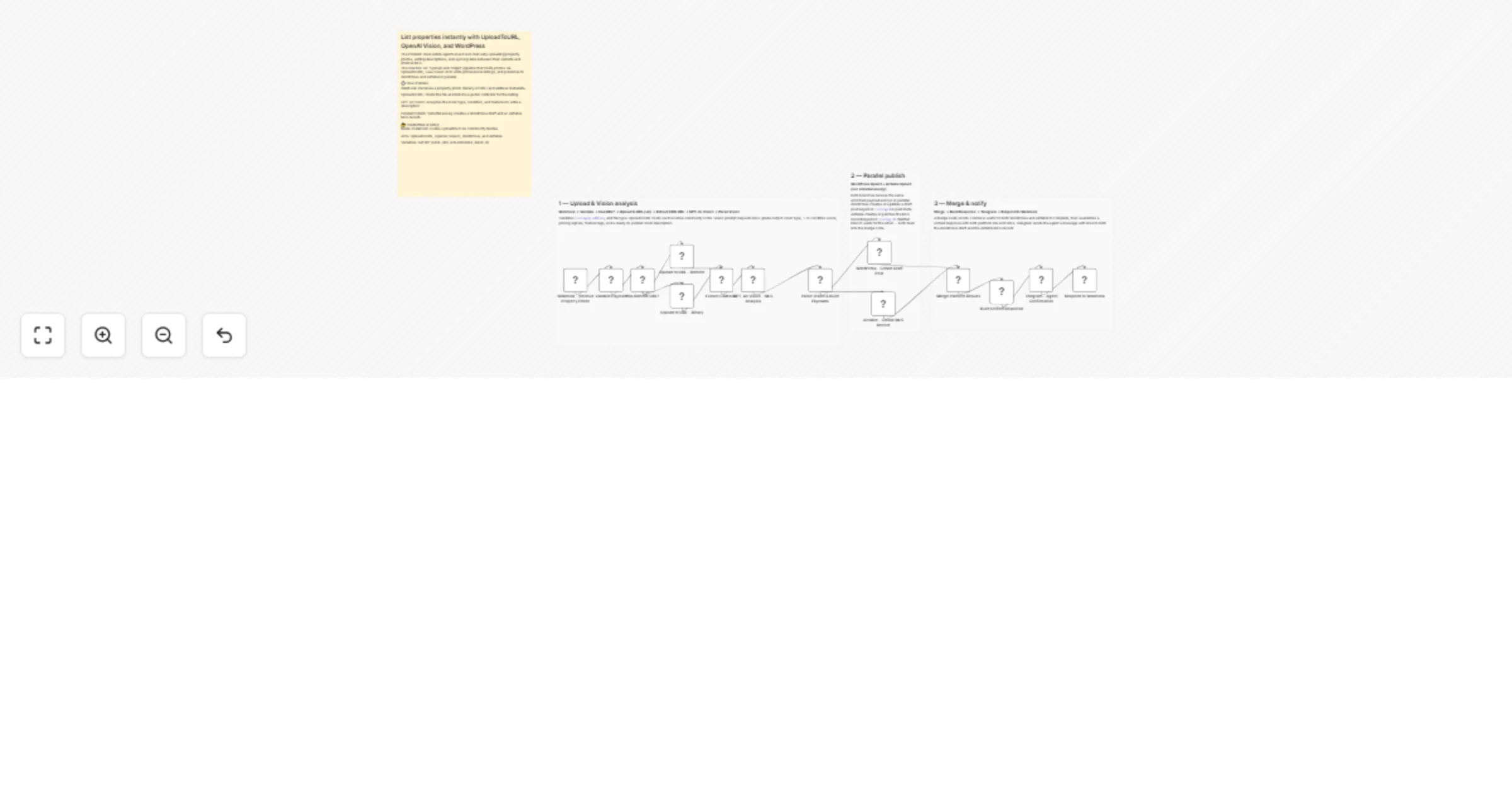
Original n8n.io sourceAccelerate your real estate marketing by moving from "photo capture" to "published listing" in seconds. This workflow automates the entire listing process by hosting property photos via UploadToURL, using GPT-4o Vision to write professional MLS descriptions, and parallel-publishing the results to WordPress and Airtable.
Turns on-site property photos into fully-enriched digital listings:
n8n-nodes-uploadtourl must be installed.WP_BASE_URL, AIRTABLE_BASE_ID, and TELEGRAM_CHAT_ID.Listing ID, Address, Price, and MLS Description.A team of agents can document an entire apartment complex in one afternoon, with every room automatically categorized and described in WordPress by the time they get back to the office.
Property managers use the condition score (1–10) generated by the AI to prioritize maintenance and renovations across a portfolio.
The AI-generated "Marketing Blurb" can be used to instantly trigger a second workflow that posts a property "sneak peek" to Instagram or LinkedIn.
{listingId}_{address}.jpg for better organization and SEO.Ready to automate your real estate pipeline? Import this template and connect UploadToURL to start publishing professional listings faster.
Questions about the Airtable schema? The workflow includes detailed sticky notes explaining the exact field types required for the MLS record sync.
This catalog entry is organized from the workflow JSON. The node-level section below shows the executable blocks available for review before importing the template.
| Workflow | List properties instantly with UploadToURL, OpenAI Vision, WordPress and Airtable |
|---|---|
| Complexity | advanced |
| Nodes | 18 |
| Categories | Content Creation, Multimodal AI |
| Author | Jitesh Dugar |
| Published | 23 Feb 2026 |
Use the JSON export at /data/workflows/13635/13635.json as the source template for this automation.
Open n8n, import the downloaded JSON, and review each node before activating the workflow.
Replace placeholder credentials, API keys, webhook URLs, account IDs, and environment-specific values with your own settings.
Run the workflow manually or in a staging workspace, inspect node output, and confirm downstream systems receive the expected data.
Enable the workflow only after testing, then monitor executions, errors, and rate limits during the first production runs.
Review imported nodes carefully before activation. This catalog entry is intended to help you inspect the workflow structure, understand required services, and find related templates faster.
Node names, credentials, schedules, webhook paths, and external service limits may need adjustment for your workspace.
Accelerate your real estate marketing by moving from "photo capture" to "published listing" in seconds. This workflow automates the entire listing process by hosting property photos via UploadToURL...
Review the workflow JSON, configure any required credentials in n8n, and test the automation in a safe workspace before using it in production.
Yes. Use the block-by-block analysis and the downloadable JSON to inspect each node, then adjust credentials, prompts, schedules, filters, or destinations for your Content Creation, Multimodal AI use case.