Block 1 - When clicking ‘Test workflow’
- Type / Role
- n8n-nodes-base.manualTrigger - manualTrigger
- Config choices
- Version 1


 Early Deal
This workflow is provided as-is. Please review and test before using in production.
Notice Community nodes can only be installed on self hosted instances of n8n. Who this is for The Legal Case Research Extractor is a powerful autom...
n8n-nodes-base.manualtrigger, n8n-nodes-base.stickynote, n8n-nodes-mcp.mcpclient, n8n-nodes-base.function, n8n-nodes-base.set, @n8n/n8n-nodes-langchain.chainllm, @n8n/n8n-nodes-langchain.outputparserstructured, n8n-nodes-base.splitinbatches
This workflow is cataloged by N8N Workflows and links back to its original n8n.io source page by Ranjan Dailata.
Original n8n.io sourceCommunity nodes can only be installed on self-hosted instances of n8n.
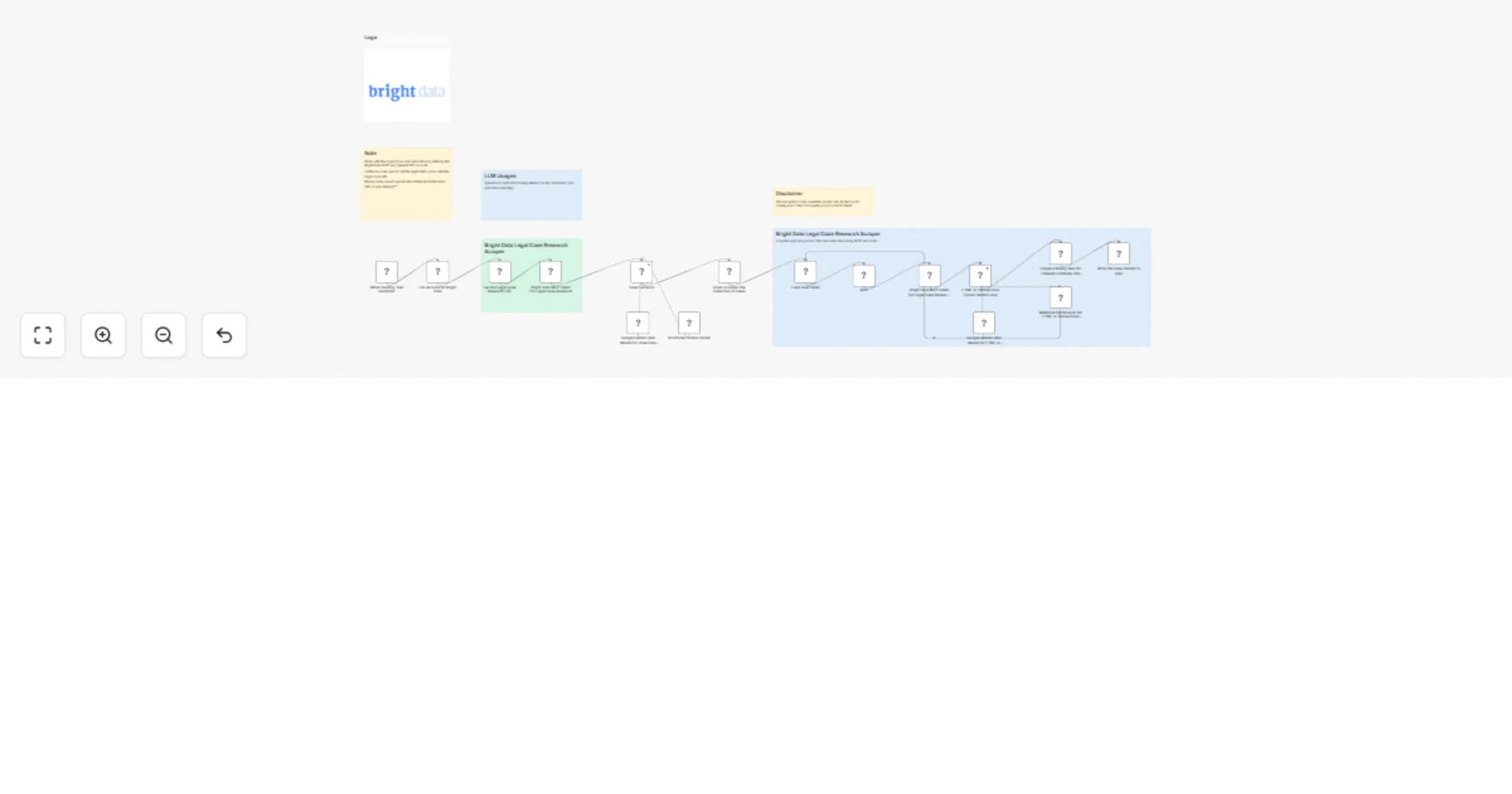
The Legal Case Research Extractor is a powerful automated workflow designed for legal tech teams, researchers, law firms, and data scientists focused on transforming unstructured legal case data into actionable, structured insights.
This workflow is tailored for:
Legal Researchers automating case law data mining
Litigation Support Teams handling large volumes of case records
LawTech Startups building AI-powered legal research assistants
Compliance Analysts extracting case-specific insights
AI Developers working on legal NLP, summarization, and search engines
Legal case data is often locked in semi-structured or raw HTML formats, scattered across jurisdiction-specific websites. Manually extracting and processing this data is tedious and inefficient.
This workflow automates:
Extraction of legal case data via Bright Data's powerful MCP infrastructure
Parsing of HTML into clean, readable text using Google Gemini LLM
Structuring and delivering the output through webhook and file storage
Input
Bright Data MCP Data Extractor
Case Extractor
Loop through Legal Case URLs
Receives a collection of legal case links to process
Each URL represents a different case from a target legal website
Bright Data MCP Scraping
Utilizes Bright Data’s scrape_as_html MCP mode
Retrieves raw HTML content of each legal case
Google Gemini LLM Extraction
Transforms raw HTML into clean, structured text
Performs additional information extraction if required (e.g., case summary, court, jurisdiction etc.)
Webhook Notification
Sends extracted legal case content to a configurable webhook URL
Enables downstream processing or storage in legal databases
Binary Conversion & File Persistence
Converts the structured text to binary format
Saves the final response to disk for archival or further processing
Make sure to copy the Bright Data API_TOKEN within the Environments textbox above as API_TOKEN=<your-token>
Target New Legal Portals
Customize LLM Extraction
Modify the prompt to extract specific fields: case number, plaintiff, case summary, outcome, legal precedents etc.
Add a summarization step if needed
Enhance Loop Handling
Integrate with a Google Sheet or API to dynamically fetch case URLs
Add error handling logic to skip failed cases and log them
Improve Security & Compliance
Redact sensitive information before sending via webhook
Store processed case data in encrypted cloud storage
Output Formats
Save as PDF, JSON, or Markdown
Enable output to cloud storage (S3, Google Drive) or legal document management systems
This catalog entry is organized from the workflow JSON. The node-level section below shows the executable blocks available for review before importing the template.
| Workflow | Legal Case Research Extractor, Data Miner with Bright Data MCP & Google Gemini |
|---|---|
| Complexity | advanced |
| Nodes | 22 |
| Categories | Document Extraction, AI Summarization |
| Author | Ranjan Dailata |
| Published | 24 May 2025 |
Use the JSON export at /data/workflows/4354/4354.json as the source template for this automation.
Open n8n, import the downloaded JSON, and review each node before activating the workflow.
Replace placeholder credentials, API keys, webhook URLs, account IDs, and environment-specific values with your own settings.
Run the workflow manually or in a staging workspace, inspect node output, and confirm downstream systems receive the expected data.
Enable the workflow only after testing, then monitor executions, errors, and rate limits during the first production runs.
Review imported nodes carefully before activation. This catalog entry is intended to help you inspect the workflow structure, understand required services, and find related templates faster.
Node names, credentials, schedules, webhook paths, and external service limits may need adjustment for your workspace.
Notice Community nodes can only be installed on self hosted instances of n8n. Who this is for The Legal Case Research Extractor is a powerful autom...
Review the workflow JSON, configure any required credentials in n8n, and test the automation in a safe workspace before using it in production.
Yes. Use the block-by-block analysis and the downloadable JSON to inspect each node, then adjust credentials, prompts, schedules, filters, or destinations for your Document Extraction, AI Summarization use case.