Handle WhatsApp course enrollment and payments with Wati and Razorpay

Workflow preview

Workflow preview
100%
Handle WhatsApp course enrollment and payments with Wati and Razorpay preview
Open on n8n.io

1. Workflow Overview

Transform your educational business with a fully automated mobile storefront. This workflow manages the entire student journey—from browsing course catalogues to secure payment processing and enrol...

Best for

  • CRM automation workflows
  • AI Chatbot automation workflows
  • advanced n8n builders looking for reusable templates

Tools used

n8n-nodes-base.stickynote, n8n-nodes-base.switch, n8n-nodes-base.googlesheets, n8n-nodes-base.code, n8n-nodes-base.httprequest, n8n-nodes-wati.wati, n8n-nodes-wati.watitrigger

Source and attribution

This workflow is cataloged by N8N Workflows and links back to its original n8n.io source page by Jitesh Dugar.

Original n8n.io source

1.1 Workflow description

Title
Handle WhatsApp course enrollment and payments with Wati and Razorpay
Workflow name
Handle WhatsApp course enrollment and payments with Wati and Razorpay

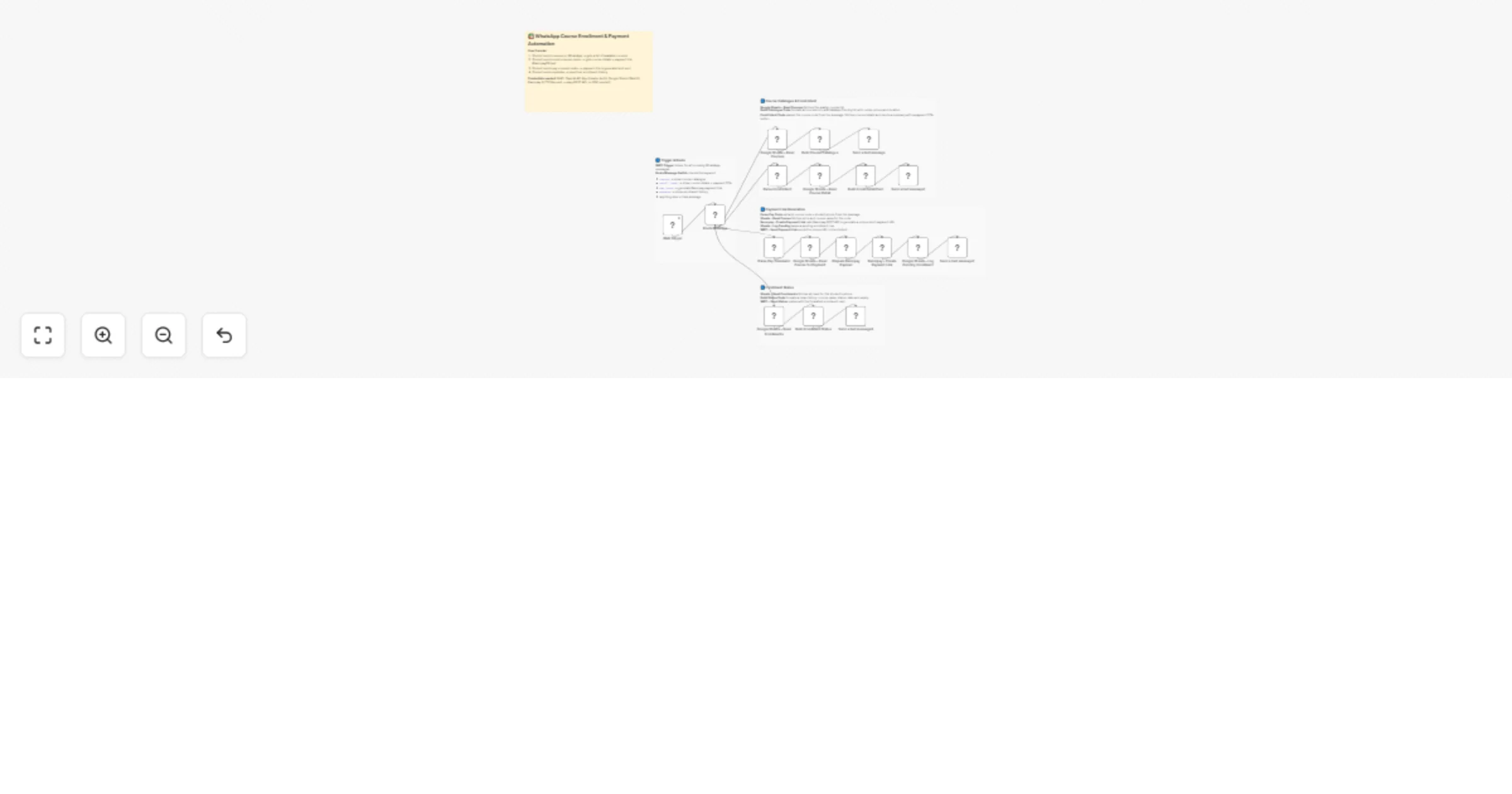
Transform your educational business with a fully automated mobile storefront. This workflow manages the entire student journey—from browsing course catalogues to secure payment processing and enrollment tracking—all within WhatsApp by combining WATI, Razorpay, and Google Sheets.


🎯 What This Workflow Does

Turns WhatsApp into a 24/7 automated enrollment desk:

  • 📝 Captures Student Intent Receives text commands like courses, enroll, or pay via the WATI Trigger from the student's phone.

  • 🚦 Smart Message Routing A Switch node identifies the keyword to trigger the correct path:

  • courses: Displays the full course catalogue.

  • enroll : Shows specific course details and a payment CTA.

  • pay : Generates a unique Razorpay payment link.

  • mystatus: Fetches the student's personal enrollment history.

  • 👁️ Dynamic Catalogue Generation Fetches live data from Google Sheets to build a formatted WhatsApp message with course codes, prices, and durations.

  • 💳 Instant Payment Processing Integrates with the Razorpay API to create secure, short-URL payment links tailored to the specific course and student.

  • 📊 Automated CRM Logging Logs every enrollment attempt as "Pending" in Google Sheets, capturing timestamps, phone numbers, and unique payment IDs.


✨ Key Features

  • White-Label Automation: Sell courses under your own brand without needing a complex website or LMS.
  • Real-Time Status Tracking: Students can instantly view their active and pending enrollments with the mystatus command.
  • Native Razorpay Integration: Uses a clean REST API approach (HTTP Request) to generate payment links without requiring external SDKs.
  • Formatted Course Cards: Automatically generates detailed summaries for each course, including instructor info and start dates.
  • Multi-Category Support: Organizes your catalogue by subject (e.g., Programming, Marketing) for a professional user experience.

💼 Perfect For

  • Independent Tutors: Selling recorded workshops or live sessions without manual billing.
  • Coaching Institutes: Automating the registration process for high-volume course launches.
  • Skill-Based Bootcamps: Providing a low-friction "chat-to-pay" experience for mobile users.
  • Corporate Trainers: Tracking employee registrations for internal certification programs.

🔧 What You'll Need

Required Integrations

  • WATI – To handle WhatsApp message triggers and delivery.
  • Razorpay – To generate unique payment links via REST API.
  • Google Sheets – To manage your course database and enrollment logs.

Optional Customizations

  • Payment Confirmation: Set up a Razorpay Webhook to automatically update enrollment status from "Pending" to "Enrolled" upon payment.
  • Automated Welcome: Add a node to send a "Course Access Guide" PDF once the payment is verified.

🚀 Quick Start

  1. Import Template – Copy the JSON and import it into your n8n instance.
  2. Set Credentials – Connect your WATI, Razorpay (Basic Auth), and Google Sheets accounts.
  3. Configure Sheets – Ensure your Google Sheet has headers for:

Courses Tab: name, code, category, price, duration, shortDesc, description, instructor, startDate

Enrollments Tab: timestamp, phone, courseCode, courseName, amount, status, paymentlinkId, paymentlinkUrl

  1. Test Browsing – Send the word courses to your WATI number.
  2. Simulate Payment – Send pay <course_code> to receive your first automated payment link.

🎨 Customization Options

  • Currency Setup: Change the currency from INR to USD or EUR in the Razorpay Payload node.
  • Personalized Feedback: Edit the Build Enrollment Status code to change how the student’s history is displayed.
  • Custom CTA: Modify the "Enroll Detail Card" to include links to your YouTube demo or LinkedIn profile.

📈 Expected Results

  • 95% reduction in manual coordination for course registrations and link sharing.
  • Faster conversions by allowing students to pay the moment they show interest.
  • Organized data with every student interaction logged in a single spreadsheet.
  • Professional image using automated, well-formatted WhatsApp cards and official payment links.

🏆 Use Cases

Upskilling Bootcamps

A programming school sends the courses list to a leads group; students enroll and pay for "Python 101" entirely through the chat.

Skill Progress Tracking

A student types mystatus to see which courses they have paid for and which enrollments are still pending.

Flash Sales

Promote a course code on Instagram; when users message that code to your WhatsApp, the bot handles the sale 24/7.


💡 Pro Tips

  • Shorthand Commands: The bot is built to handle case-insensitive commands, so PAY PY101 and pay py101 work equally well.
  • Razorpay Test Mode: Always test your payment links using Razorpay's "Test Mode" keys before going live to ensure the links generate correctly.
  • Clean Database: The Build Enrollment Status node uses phone number filtering to ensure students only see their own private history.

Ready to start enrolling students? Import this template and connect your Razorpay account to automate your sales today!

1.2 Logical Blocks

This catalog entry is organized from the workflow JSON. The node-level section below shows the executable blocks available for review before importing the template.

2. Block-by-Block Analysis

Block 1 - 📋 Flow Overview

Type / Role
n8n-nodes-base.stickyNote - stickyNote
Config choices
Version 1

Block 2 - Sticky – Trigger & Route

Type / Role
n8n-nodes-base.stickyNote - stickyNote
Config choices
Version 1

Block 3 - Sticky – Catalogue & Enroll

Type / Role
n8n-nodes-base.stickyNote - stickyNote
Config choices
Version 1

Block 4 - Sticky – Payment

Type / Role
n8n-nodes-base.stickyNote - stickyNote
Config choices
Version 1

Block 5 - Sticky – Status

Type / Role
n8n-nodes-base.stickyNote - stickyNote
Config choices
Version 1

Block 6 - Route Message

Type / Role
n8n-nodes-base.switch - switch
Config choices
Version 3

Block 7 - Google Sheets – Read Courses

Type / Role
n8n-nodes-base.googleSheets - googleSheets
Config choices
Version 4.5

Block 8 - Build Course Catalogue

Type / Role
n8n-nodes-base.code - code
Config choices
Version 2

Block 9 - Parse Enroll Intent

Type / Role
n8n-nodes-base.code - code
Config choices
Version 2

Block 10 - Google Sheets – Read Course Detail

Type / Role
n8n-nodes-base.googleSheets - googleSheets
Config choices
Version 4.5

Block 11 - Build Enroll Detail Card

Type / Role
n8n-nodes-base.code - code
Config choices
Version 2

Block 12 - Parse Pay Command

Type / Role
n8n-nodes-base.code - code
Config choices
Version 2

Block 13 - Google Sheets – Read Course for Payment

Type / Role
n8n-nodes-base.googleSheets - googleSheets
Config choices
Version 4.5

Block 14 - Prepare Razorpay Payload

Type / Role
n8n-nodes-base.code - code
Config choices
Version 2

Block 15 - Razorpay – Create Payment Link

Type / Role
n8n-nodes-base.httpRequest - httpRequest
Config choices
Version 4.2

Block 16 - Google Sheets – Log Pending Enrollment

Type / Role
n8n-nodes-base.googleSheets - googleSheets
Config choices
Version 4.5

Block 17 - Google Sheets – Read Enrollments

Type / Role
n8n-nodes-base.googleSheets - googleSheets
Config choices
Version 4.5

Block 18 - Build Enrollment Status

Type / Role
n8n-nodes-base.code - code
Config choices
Version 2

Block 19 - Send a text message

Type / Role
n8n-nodes-wati.wati - wati
Config choices
Version 1

Block 20 - Send a text message1

Type / Role
n8n-nodes-wati.wati - wati
Config choices
Version 1

Block 21 - Send a text message2

Type / Role
n8n-nodes-wati.wati - wati
Config choices
Version 1

Block 22 - Send a text message3

Type / Role
n8n-nodes-wati.wati - wati
Config choices
Version 1

Block 23 - Wati Trigger

Type / Role
n8n-nodes-wati.watiTrigger - watiTrigger
Config choices
Version 1

3. Summary Table

Workflow Handle WhatsApp course enrollment and payments with Wati and Razorpay
Complexity advanced
Nodes 23
Categories CRM, AI Chatbot
Author Jitesh Dugar
Published 25 Feb 2026

4. Reproducing the Workflow from Scratch

  1. 1. Download the workflow JSON

    Use the JSON export at /data/workflows/13693/13693.json as the source template for this automation.

  2. 2. Import the template into n8n

    Open n8n, import the downloaded JSON, and review each node before activating the workflow.

  3. 3. Configure credentials and variables

    Replace placeholder credentials, API keys, webhook URLs, account IDs, and environment-specific values with your own settings.

  4. 4. Test with sample data

    Run the workflow manually or in a staging workspace, inspect node output, and confirm downstream systems receive the expected data.

  5. 5. Activate and monitor

    Enable the workflow only after testing, then monitor executions, errors, and rate limits during the first production runs.

5. General Notes & Resources

Review imported nodes carefully before activation. This catalog entry is intended to help you inspect the workflow structure, understand required services, and find related templates faster.

Node names, credentials, schedules, webhook paths, and external service limits may need adjustment for your workspace.

Frequently asked questions

What does Handle WhatsApp course enrollment and payments with Wati and Razorpay do?

Transform your educational business with a fully automated mobile storefront. This workflow manages the entire student journey—from browsing course catalogues to secure payment processing and enrol...

What do I need before importing this workflow?

Review the workflow JSON, configure any required credentials in n8n, and test the automation in a safe workspace before using it in production.

Can I customize this workflow?

Yes. Use the block-by-block analysis and the downloadable JSON to inspect each node, then adjust credentials, prompts, schedules, filters, or destinations for your CRM, AI Chatbot use case.