Block 1 - Marketplace Agent Brain
- Type / Role
- @n8n/n8n-nodes-langchain.lmChatOpenAi - lmChatOpenAi
- Config choices
- Version 1.2


 Early Deal
This workflow is provided as-is. Please review and test before using in production.
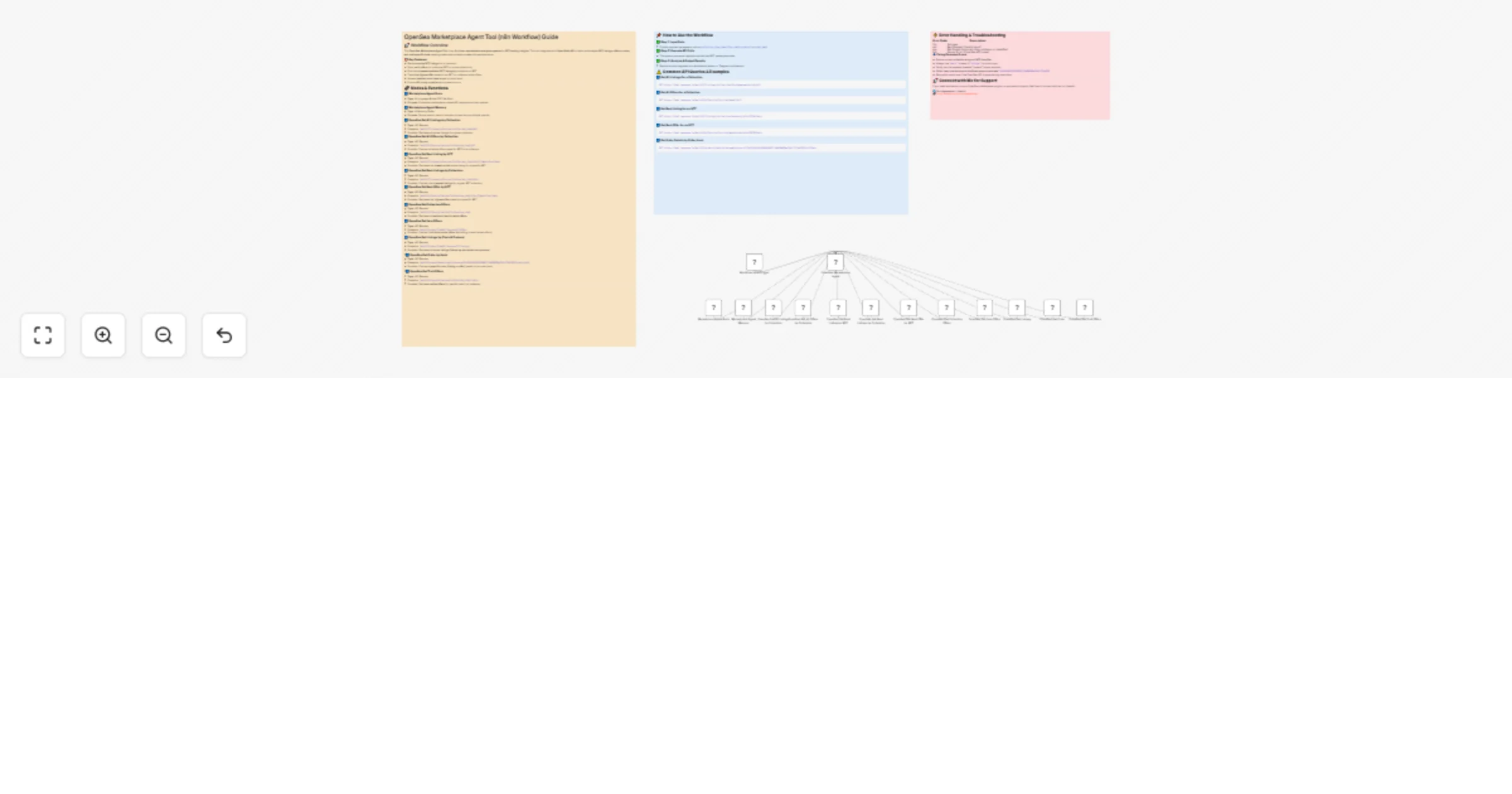
Track NFT listings, offers, orders, and trait based pricing in real time! This workflow integrates OpenSea API , AI powered analytics (GPT 4o mini) , and n8n automation to provide instant insights ...
@n8n/n8n-nodes-langchain.lmchatopenai, @n8n/n8n-nodes-langchain.memorybufferwindow, @n8n/n8n-nodes-langchain.agent, n8n-nodes-base.executeworkflowtrigger, @n8n/n8n-nodes-langchain.toolhttprequest, n8n-nodes-base.stickynote
This workflow is cataloged by N8N Workflows and links back to its original n8n.io source page by Don Jayamaha Jr.
Original n8n.io sourceTrack NFT listings, offers, orders, and trait-based pricing in real time! This workflow integrates OpenSea API, AI-powered analytics (GPT-4o-mini), and n8n automation to provide instant insights into NFT trading activity. Ideal for NFT traders, collectors, and investors looking to monitor the market and identify profitable opportunities.
🔹 Find the Best NFT Listings → Retrieve the cheapest available listings in any collection.
🔹 Track Offers on NFTs → See all active offers, including highest bids.
🔹 Analyze Collection-Wide Market Data → Compare listings, offers, and sales activity.
🔹 Retrieve Order Details → Search by order hash to check buyer, seller, and transaction status.
🔹 Fetch NFT Trait-Based Offers → Identify rare traits that receive premium bids.
🔹 Monitor Multi-Chain Listings → Works across Ethereum, Polygon (Matic), Arbitrum, Optimism, and more.
✅ "Show me the 10 cheapest listings for Bored Ape Yacht Club."
✅ "Find the highest bid for CryptoPunk #1234."
✅ "Track all open offers for Azuki NFTs."
✅ "Retrieve details for this OpenSea order: 0x123abc... on Ethereum."
✅ "List all NFTs for sale in the 'CloneX' collection."
1️⃣ Get All Listings by Collection → /api/v2/listings/collection/{collection_slug}/all (Fetches active listings for a collection)
2️⃣ Get All Offers by Collection → /api/v2/offers/collection/{collection_slug}/all (Retrieves all offers for a collection)
3️⃣ Get Best Listing by NFT → /api/v2/listings/collection/{collection_slug}/nfts/{identifier}/best (Finds the lowest-priced NFT listing)
4️⃣ Get Best Listings by Collection → /api/v2/listings/collection/{collection_slug}/best (Fetches the cheapest listings per collection)
5️⃣ Get Best Offer by NFT → /api/v2/offers/collection/{collection_slug}/nfts/{identifier}/best (Retrieves the highest offer for an NFT)
6️⃣ Get Collection Offers → /api/v2/offers/collection/{collection_slug} (Shows collection-wide offers)
7️⃣ Get Item Offers → /api/v2/orders/{chain}/{protocol}/offers (Fetches active item-specific offers)
8️⃣ Get Listings by Chain & Protocol → /api/v2/orders/{chain}/{protocol}/listings (Retrieves active listings across blockchains)
9️⃣ Get Order Details by Hash → /api/v2/orders/chain/{chain}/protocol/{protocol_address}/{order_hash} (Checks order status using an order hash)
🔟 Get Trait-Based Offers → /api/v2/offers/collection/{collection_slug}/traits (Fetches offers for specific NFT traits)
"Get the best listing for BAYC #5678") and receive instant insights!Stay ahead of the NFT market—gain powerful insights with AI-powered OpenSea analytics!
This catalog entry is organized from the workflow JSON. The node-level section below shows the executable blocks available for review before importing the template.
| Workflow | Get real-time NFT Marketplace insights with OpenSea Marketplace Agent Tool |
|---|---|
| Complexity | advanced |
| Nodes | 17 |
| Categories | Crypto Trading, AI Chatbot |
| Author | Don Jayamaha Jr |
| Published | 20 Mar 2025 |
Use the JSON export at /data/workflows/3239/3239.json as the source template for this automation.
Open n8n, import the downloaded JSON, and review each node before activating the workflow.
Replace placeholder credentials, API keys, webhook URLs, account IDs, and environment-specific values with your own settings.
Run the workflow manually or in a staging workspace, inspect node output, and confirm downstream systems receive the expected data.
Enable the workflow only after testing, then monitor executions, errors, and rate limits during the first production runs.
Review imported nodes carefully before activation. This catalog entry is intended to help you inspect the workflow structure, understand required services, and find related templates faster.
Node names, credentials, schedules, webhook paths, and external service limits may need adjustment for your workspace.
Track NFT listings, offers, orders, and trait based pricing in real time! This workflow integrates OpenSea API , AI powered analytics (GPT 4o mini) , and n8n automation to provide instant insights ...
Review the workflow JSON, configure any required credentials in n8n, and test the automation in a safe workspace before using it in production.
Yes. Use the block-by-block analysis and the downloadable JSON to inspect each node, then adjust credentials, prompts, schedules, filters, or destinations for your Crypto Trading, AI Chatbot use case.