Block 1 - When chat message received
- Type / Role
- @n8n/n8n-nodes-langchain.chatTrigger - chatTrigger
- Config choices
- Version 1.1


 Early Deal
This workflow is provided as-is. Please review and test before using in production.
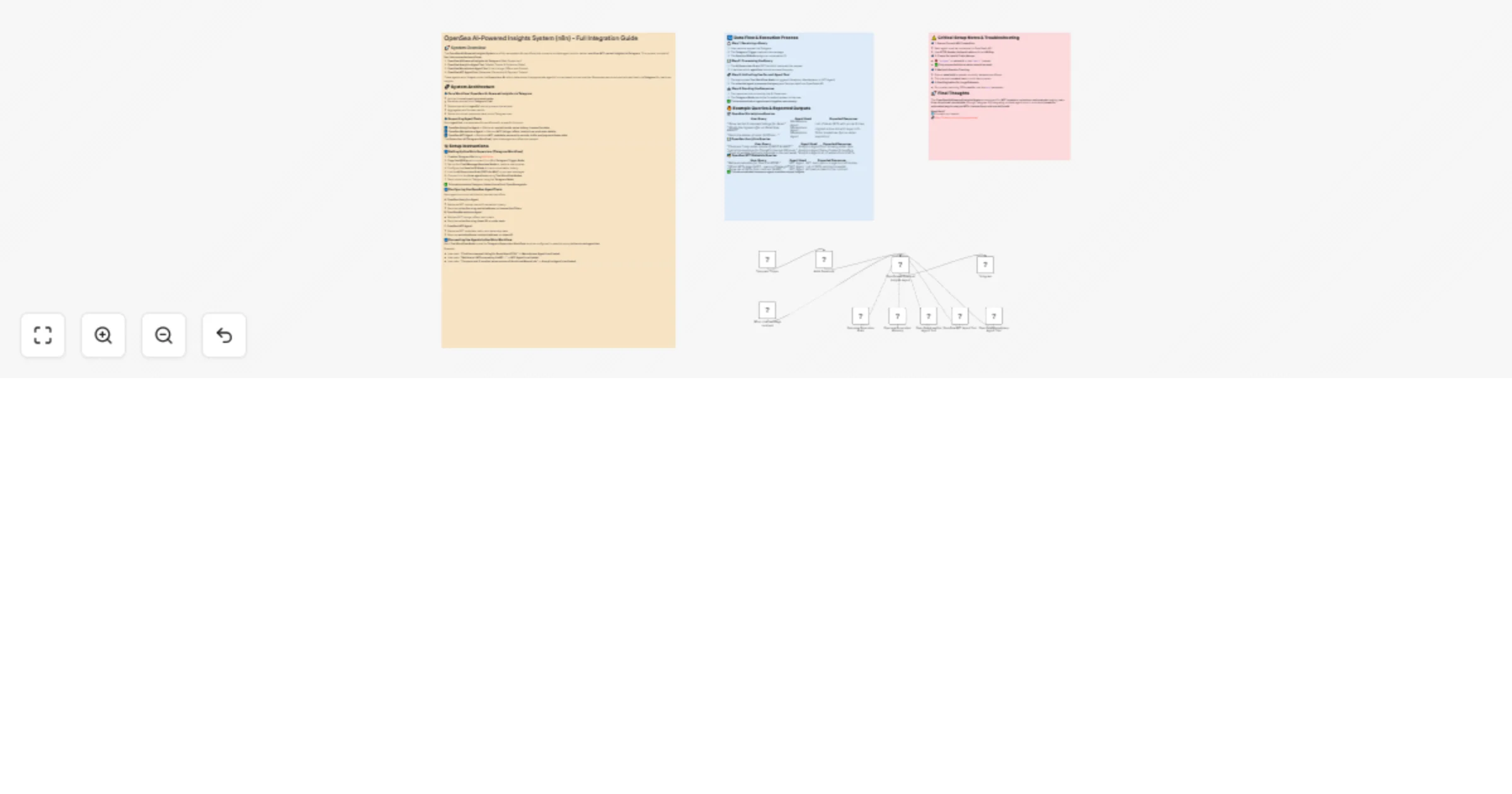
Track NFT market trends, collections, and trades in real time—directly from Telegram! This master workflow integrates the OpenSea API , GPT 4o mini AI , and Telegram , allowing users to request nat...
@n8n/n8n-nodes-langchain.chattrigger, n8n-nodes-base.telegramtrigger, n8n-nodes-base.set, @n8n/n8n-nodes-langchain.lmchatopenai, @n8n/n8n-nodes-langchain.memorybufferwindow, @n8n/n8n-nodes-langchain.toolworkflow, n8n-nodes-base.telegram, @n8n/n8n-nodes-langchain.agent
This workflow is cataloged by N8N Workflows and links back to its original n8n.io source page by Don Jayamaha Jr.
Original n8n.io sourceTrack NFT market trends, collections, and trades in real time—directly from Telegram! This master workflow integrates the OpenSea API, GPT-4o-mini AI, and Telegram, allowing users to request natural-language NFT analytics and receive structured insights instantly.
Whether you're an NFT trader, collector, or market analyst, this Telegram-native assistant brings you on-demand market intelligence—powered by OpenSea and AI.
> ⚠️ Important: This workflow requires three sub-workflows to function properly. These must be downloaded and published in your n8n instance.
To activate this template, download and publish the following workflows:
📌 You can also find these by visiting my Creator profile:
👉 https://n8n.io/creators/don-the-gem-dealer/
🔹 Discover undervalued NFTs based on trait rarity and price
🔹 Track market trends for any collection in real time
🔹 Compare collection performance by volume, sales, and listings
🔹 Analyze flipping trends and whale activity across wallets
🔹 Retrieve NFT ownership and metadata instantly
🔹 View trait-specific offers for insight into rarity-driven demand
✅ "What are the cheapest NFTs in the Pudgy Penguins collection?"
✅ "Get sales volume for Azuki and CloneX over the last 30 days."
✅ "Who owns Bored Ape #456?"
✅ "Show the best current offers for Moonbirds."
> If your queries don’t respond correctly, make sure all three sub-workflows are installed and published, not just saved.
🚀 Dominate the NFT market with AI-powered OpenSea intelligence—right from your Telegram inbox!
This catalog entry is organized from the workflow JSON. The node-level section below shows the executable blocks available for review before importing the template.
| Workflow | Get real-time NFT insights via Telegram with OpenSea & AI (Main interface) |
|---|---|
| Complexity | intermediate |
| Nodes | 13 |
| Categories | Crypto Trading, AI Chatbot |
| Author | Don Jayamaha Jr |
| Published | 20 Mar 2025 |
Use the JSON export at /data/workflows/3236/3236.json as the source template for this automation.
Open n8n, import the downloaded JSON, and review each node before activating the workflow.
Replace placeholder credentials, API keys, webhook URLs, account IDs, and environment-specific values with your own settings.
Run the workflow manually or in a staging workspace, inspect node output, and confirm downstream systems receive the expected data.
Enable the workflow only after testing, then monitor executions, errors, and rate limits during the first production runs.
Review imported nodes carefully before activation. This catalog entry is intended to help you inspect the workflow structure, understand required services, and find related templates faster.
Node names, credentials, schedules, webhook paths, and external service limits may need adjustment for your workspace.
Track NFT market trends, collections, and trades in real time—directly from Telegram! This master workflow integrates the OpenSea API , GPT 4o mini AI , and Telegram , allowing users to request nat...
Review the workflow JSON, configure any required credentials in n8n, and test the automation in a safe workspace before using it in production.
Yes. Use the block-by-block analysis and the downloadable JSON to inspect each node, then adjust credentials, prompts, schedules, filters, or destinations for your Crypto Trading, AI Chatbot use case.