Block 1 - When clicking 'Execute workflow'
- Type / Role
- n8n-nodes-base.manualTrigger - manualTrigger
- Config choices
- Version 1


 Early Deal
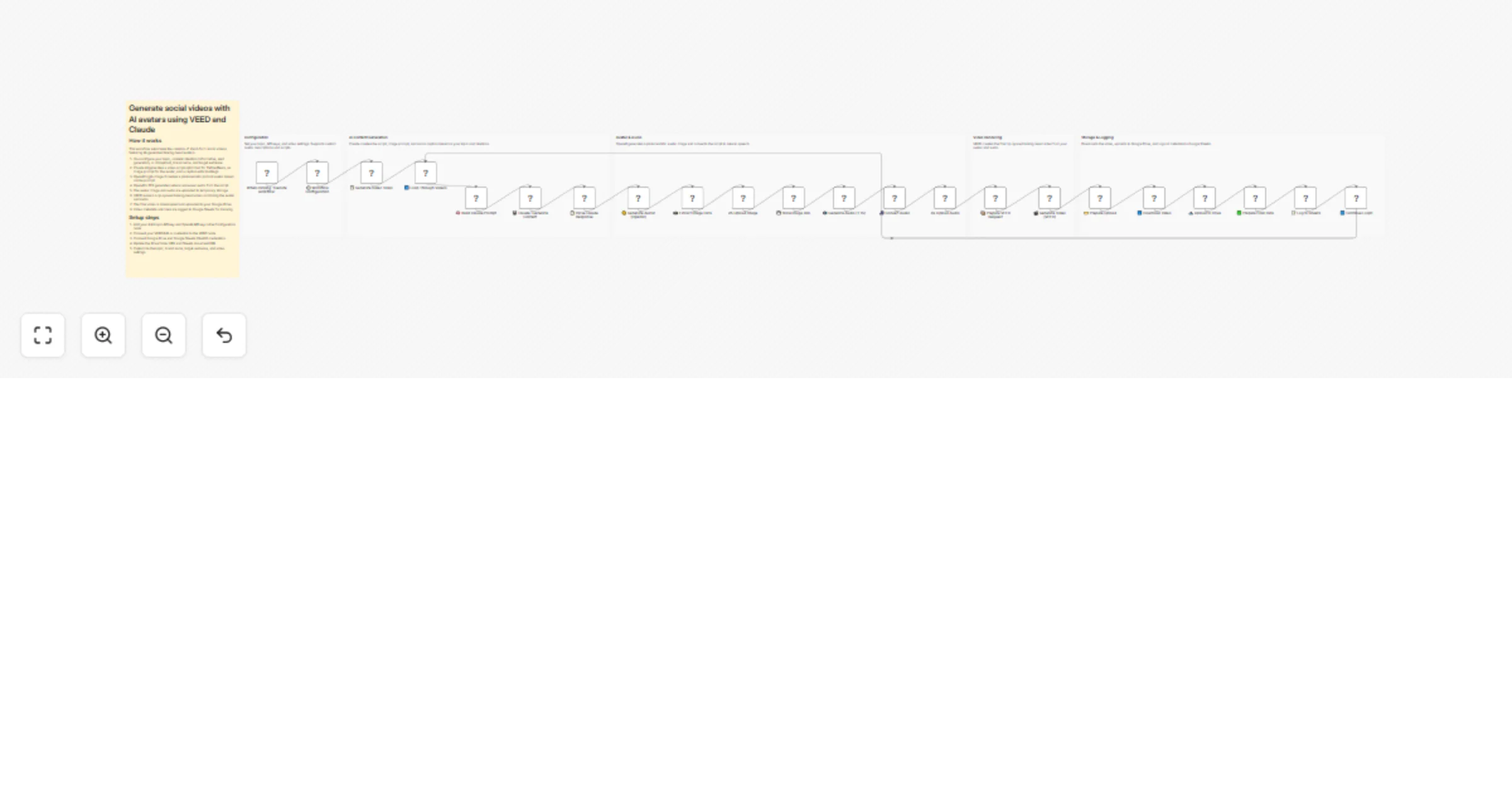
Generate social videos with AI avatars using VEED and Claude Overview This n8n workflow automatically generates TikTok/Reels ready talking head videos from scratch. You provide a topic and intentio...
n8n-nodes-base.manualtrigger, n8n-nodes-base.set, n8n-nodes-base.code, n8n-nodes-base.splitinbatches, n8n-nodes-base.httprequest, n8n-nodes-veed.veed, n8n-nodes-base.googledrive, n8n-nodes-base.googlesheets
This workflow is cataloged by N8N Workflows and links back to its original n8n.io source page by VEED.
Original n8n.io sourceThis n8n workflow automatically generates TikTok/Reels-ready talking head videos from scratch. You provide a topic and intention, and the workflow handles everything: scriptwriting, avatar generation, voiceover creation, and video rendering.
Output: Vertical (9:16) AI-generated videos with lip-synced avatars, ready for social media posting.
Topic + Intention → Claude writes script → OpenAI generates avatar → OpenAI creates voiceover → VEED renders video → Saved to Google Drive + logged to Sheets
| Step | Tool | What Happens |
|---|---|---|
| 1. Script Generation | Claude Sonnet 4 | Creates hook, script (30-45 sec), caption, and image prompt based on your topic and intention |
| 2. Avatar Generation | OpenAI gpt-image-1 | Generates photorealistic portrait image (1024×1536) |
| 3. Voiceover | OpenAI TTS-1-HD | Converts script to natural speech (Nova voice) |
| 4. Video Rendering | VEED Fabric 1.0 | Lip-syncs avatar to audio, creates final video |
| 5. Storage | Google Drive | Uploads final MP4 |
| 6. Logging | Google Sheets | Records all metadata (script, caption, URLs, timestamps) |
| Service | Key Type | Where to Get |
|---|---|---|
| Anthropic | API Key | https://console.anthropic.com/settings/keys |
| OpenAI | API Key | https://platform.openai.com/api-keys |
> ⚠️ OpenAI Note: gpt-image-1 requires organization verification. Go to https://platform.openai.com/settings/organization/general to verify.
| Node | Credential Type | Purpose |
|---|---|---|
| ** Generate Video (VEED)** | FAL.ai API | VEED video rendering |
| ** Upload to Drive** | Google Drive OAuth2 | Store final videos |
| ** Log to Sheets** | Google Sheets OAuth2 | Track all generated content |
Edit the ⚙️ Workflow Configuration node to customize. The configuration uses a JSON format:
{
 "topic": "AI video creation tools",
 "intention": "informative",
 "brand_name": "YOUR_BRAND_NAME",
 "target_audience": "content creators and marketers",
 "trending_hashtags": "#AIvideo #ContentCreation #VideoMarketing #AItools #TikTokTips",
 "num_videos": 1,
 "anthropic_api_key": "YOUR_ANTHROPIC_API_KEY",
 "openai_api_key": "YOUR_OPENAI_API_KEY",
 "video_resolution": "720p",
 "video_aspect_ratio": "9:16",
 "custom_avatar_description": "",
 "custom_script": ""
}
| Field | Required | Description |
|---|---|---|
topic |
✅ | The subject of your video (e.g., "AI productivity tools") |
intention |
✅ | Content style: informative, lead_generation, or disruption |
brand_name |
✅ | Your brand/product name to mention |
target_audience |
✅ | Who you're creating content for |
trending_hashtags |
✅ | Hashtags to include in the caption |
num_videos |
✅ | How many videos to generate (1-5 recommended) |
anthropic_api_key |
✅ | Your Anthropic API key |
openai_api_key |
✅ | Your OpenAI API key |
video_resolution |
✅ | Video quality: 720p or 1080p |
video_aspect_ratio |
✅ | Aspect ratio: 9:16 (vertical) or 16:9 (horizontal) |
custom_avatar_description |
❌ | Optional: Describe your avatar (leave empty for AI-generated) |
custom_script |
❌ | Optional: Your own script (leave empty for AI-generated) |
| Intention | Content Style | Best For |
|---|---|---|
informative |
Educational, value-driven, builds trust | Thought leadership, tutorials |
lead_generation |
Creates curiosity, soft CTA | Product awareness, funnels |
disruption |
Bold, provocative, scroll-stopping | Viral potential, brand awareness |
The workflow supports flexible content generation - you can let Claude generate everything, or provide your own inputs.
Leave custom_avatar_description empty to let Claude decide, or provide your own:
"custom_avatar_description": "a female influencer in her 30s, with a coworking space in the background, attractive but charismatic"
Examples:
"a woman in her 20s with gym clothes""a bearded man in his 30s wearing a hoodie""a professional woman with glasses in business casual"Leave custom_script empty to let Claude write it, or provide your own:
"custom_script": "This is my custom script. VEED is a great platform for creating videos like this. You can try it too!"
Guidelines for custom scripts:
| custom_avatar_description | custom_script | What Claude Generates |
|---|---|---|
| Empty | Empty | Avatar + Script + Caption |
| Provided | Empty | Script + Caption |
| Empty | Provided | Avatar + Caption |
| Provided | Provided | Caption only |
When generating multiple videos, the workflow automatically varies the approach:
| # | Angle | Hook Style |
|---|---|---|
| 1 | Problem-solution | Opens with a question |
| 2 | Myth-busting | Opens with controversial statement |
| 3 | Quick-tip | Opens with a number/statistic |
| 4 | Before-after | Opens with transformation |
| 5 | Trend-commentary | Opens with news/timely angle |
| Asset | Format | Location |
|---|---|---|
| Final Video | MP4 (720p, 9:16) | Google Drive folder |
| Avatar Image | PNG (1024×1536) | tmpfiles.org (temporary) |
| Voiceover | MP3 | tmpfiles.org (temporary) |
| Metadata | Row entry | Google Sheets |
| Column | Description |
|---|---|
| topic | Video topic |
| intention | Content intention used |
| brand_name | Brand mentioned |
| content_theme | 2-3 word theme summary |
| script_audio | Full voiceover script |
| script_image | Image generation prompt |
| caption | Ready-to-post TikTok caption with hashtags |
| image_url | Temporary avatar image URL |
| audio_url | Temporary audio URL |
| video_url | Google Drive link to final video |
| status | done/error |
| created_at | Timestamp |
| Service | Usage | Approximate Cost |
|---|---|---|
| Claude Sonnet 4 | ~2K tokens | ~$0.01 |
| OpenAI gpt-image-1 | 1 image (1024×1536) | ~$0.04-0.08 |
| OpenAI TTS-1-HD | ~450 characters | ~$0.01 |
| VEED/FAL.ai | 1 video render | ~$0.10-0.20 |
| Total | ~$0.15-0.30 per video |
> Costs vary based on script length and current API pricing.
generate-social-videos-with-ai-avatars-using-veed-and-claude.json into n8nYOUR_ANTHROPIC_API_KEY with your actual Anthropic API keyYOUR_OPENAI_API_KEY with your actual OpenAI API keytopic, intention, brand_name, content_theme, script_audio, script_image, caption, image_url, audio_url, video_url, status, created_attopic, brand_name, target_audience, and trending_hashtagscustom_avatar_description and/or custom_scriptnum_videos: 1 for initial testingThis workflow can also be exposed to Claude Desktop via n8n's Model Context Protocol (MCP) integration, allowing you to generate videos through natural language prompts.
{
 "mcpServers": {
 "n8n-mcp": {
 "command": "supergateway",
 "args": [
 "--streamableHttp",
 "https://YOUR_N8N_INSTANCE.app.n8n.cloud/mcp-server/http",
 "--header",
 "authorization:Bearer YOUR_MCP_ACCESS_TOKEN"
 ]
 }
 }
}
> Note: Install supergateway globally first: npm install -g supergateway
| Issue | Solution |
|---|---|
| "Organization must be verified" | Verify at platform.openai.com/settings/organization/general |
| VEED authentication error | Re-add FAL.ai credential to VEED node |
| Google Drive "no binary field" | Ensure Download Video outputs to field named data |
| JSON parse error from Claude | Workflow has fallback content; check Claude node output |
| Image URL blocked | Workflow uses base64 to avoid this; ensure gpt-image-1 model |
| MCP "Server disconnected" (Windows) | Install supergateway globally: npm install -g supergateway |
| MCP path error on Windows | Use supergateway directly instead of npx |
| Version | Date | Changes |
|---|---|---|
| 2.0 | Jan 2026 | Added custom avatar/script options, MCP integration support, improved configuration |
| 1.0 | Jan 2026 | Initial release with portrait mode, gpt-image-1, native VEED node |
Built with:
This catalog entry is organized from the workflow JSON. The node-level section below shows the executable blocks available for review before importing the template.
Showing the first 24 of 28 workflow blocks. Download the JSON for the full node graph.
| Workflow | Generate social videos with AI avatars using VEED, Claude, and OpenAI |
|---|---|
| Complexity | advanced |
| Nodes | 28 |
| Categories | Content Creation, Multimodal AI |
| Author | VEED |
| Published | 15 Jan 2026 |
Use the JSON export at /data/workflows/12729/12729.json as the source template for this automation.
Open n8n, import the downloaded JSON, and review each node before activating the workflow.
Replace placeholder credentials, API keys, webhook URLs, account IDs, and environment-specific values with your own settings.
Run the workflow manually or in a staging workspace, inspect node output, and confirm downstream systems receive the expected data.
Enable the workflow only after testing, then monitor executions, errors, and rate limits during the first production runs.
Review imported nodes carefully before activation. This catalog entry is intended to help you inspect the workflow structure, understand required services, and find related templates faster.
Node names, credentials, schedules, webhook paths, and external service limits may need adjustment for your workspace.
Generate social videos with AI avatars using VEED and Claude Overview This n8n workflow automatically generates TikTok/Reels ready talking head videos from scratch. You provide a topic and intentio...
Review the workflow JSON, configure any required credentials in n8n, and test the automation in a safe workspace before using it in production.
Yes. Use the block-by-block analysis and the downloadable JSON to inspect each node, then adjust credentials, prompts, schedules, filters, or destinations for your Content Creation, Multimodal AI use case.