Block 1 - Wait for Video Gen
- Type / Role
- n8n-nodes-base.wait - wait
- Config choices
- Version 1.1


 Early Deal
Stop Editing. Start Automating. Turn a simple spreadsheet of text into a limitless stream of viral video content. This advanced n8n workflow builds a fully autonomous "Faceless Channel" factory....
n8n-nodes-base.wait, n8n-nodes-base.httprequest, @n8n/n8n-nodes-langchain.lmchatgooglegemini, n8n-nodes-base.set, n8n-nodes-base.manualtrigger, n8n-nodes-base.code, n8n-nodes-base.googlesheetstool, n8n-nodes-base.googlesheets
This workflow is cataloged by N8N Workflows and links back to its original n8n.io source page by Jordan Hoyle.
Original n8n.io source🚀 Stop Editing. Start Automating. Turn a simple spreadsheet of text into a limitless stream of viral video content.
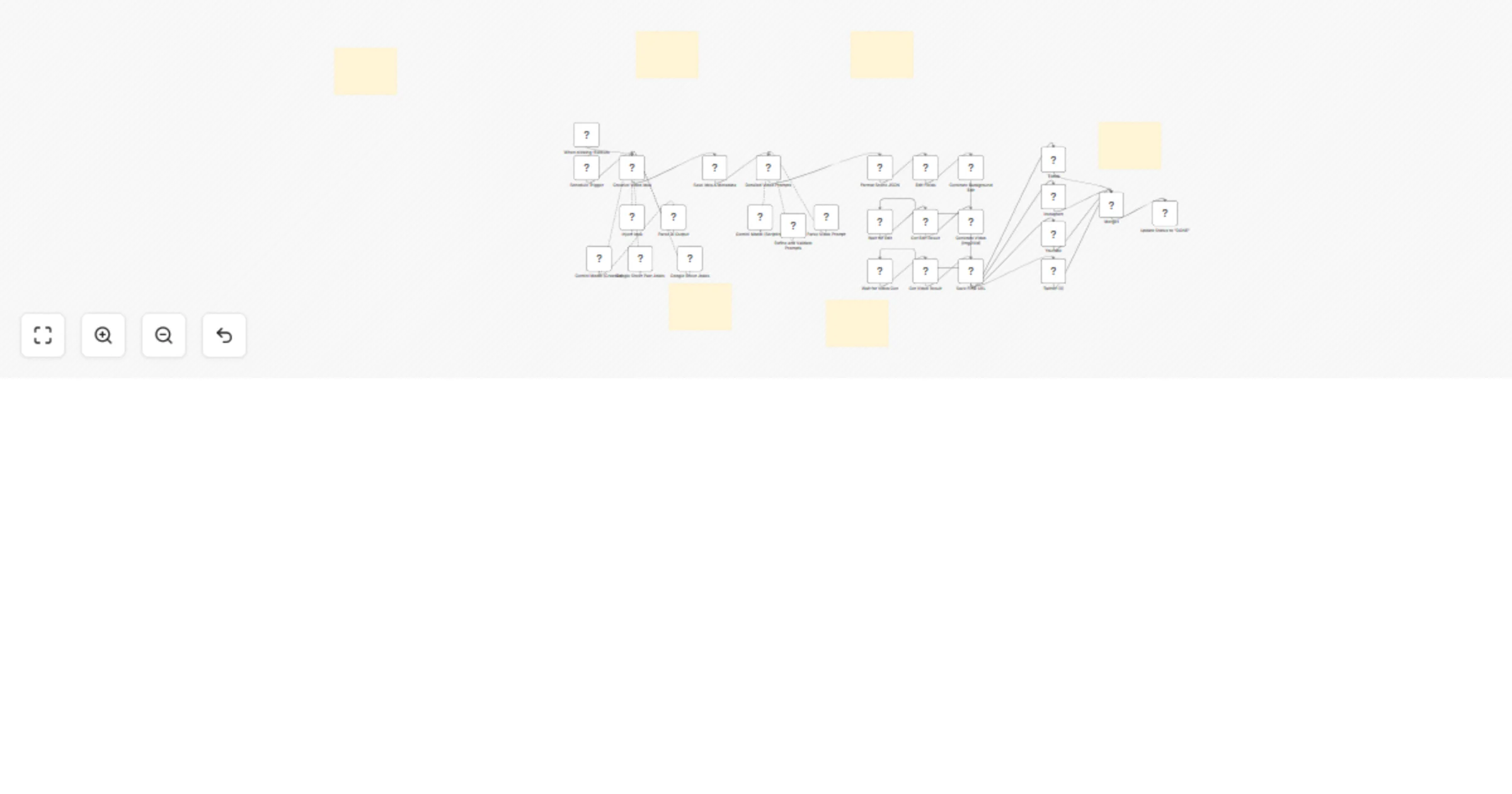
This advanced n8n workflow builds a fully autonomous "Faceless Channel" factory. It takes a list of jokes (or facts/quotes) from a Google Sheet, uses Google Gemini to script a perfect 10-second viral scene, and uses Wavespeed AI (Wan 2.5) to generate high-quality animated videos—all without you lifting a finger.
Whether you run a TikTok page, Instagram Reels account, or YouTube Shorts channel, this workflow is your new production team.
⚡ How It Works The Brain (Gemini): The workflow picks a joke from your list, checks if it's been used before, and scripts a visual scene with two distinct characters (Character A & Character B).
The Director (Prompt Engineering): It automatically generates detailed environment and action prompts for the video model.
The Studio (Wavespeed AI): It edits the background of your master image to match the joke's setting, then animates the scene using the powerful Wan 2.5 model.
The Delivery: It saves the final video URL, caption, and optimized hashtags back to your Google Sheet, ready for posting.
🔥 Key Features Duplicate Protection: Automatically logs used jokes to a "Past Jokes" tab so you never repeat content.
Customizable Avatars: Easily swap in your own "Master Image" to use your specific characters or brand avatars.
Smart Environment Swapping: The AI understands the joke's context and changes the video background to match (e.g., a bar, a park, an office).
Viral Metadata: Automatically generates a catchy caption and 3 sets of tiered hashtags (Niche, Popular, Trending).
Plug & Play: Clean, annotated nodes with a setup guide included.
📋 Requirements Before purchasing, please ensure you have the following:
n8n Instance: You need a working installation of n8n (Self-hosted or Cloud version).
Wavespeed AI Account: You will need an API key from Wavespeed to access the video generation models (Wan 2.5).
Google Gemini API Key: A free Google AI Studio key is required for the scripting logic.
Google Account: To access the Google Sheets integration.
A "Master Image": You need one image of your two characters to serve as the visual base for the automation.
📦 What's Inside? The Full Workflow JSON: Cleaned, organized, and ready to import.
Sticky Note Setup Guide: Step-by-step instructions on connecting your sheets and API keys.
This catalog entry is organized from the workflow JSON. The node-level section below shows the executable blocks available for review before importing the template.
Showing the first 24 of 34 workflow blocks. Download the JSON for the full node graph.
| Workflow | Generate short joke videos from Google Sheets with Google Gemini and Wavespeed AI |
|---|---|
| Complexity | advanced |
| Nodes | 34 |
| Categories | Content Creation, Multimodal AI |
| Author | Jordan Hoyle |
| Published | 27 Jan 2026 |
Use the JSON export at /data/workflows/13040/13040.json as the source template for this automation.
Open n8n, import the downloaded JSON, and review each node before activating the workflow.
Replace placeholder credentials, API keys, webhook URLs, account IDs, and environment-specific values with your own settings.
Run the workflow manually or in a staging workspace, inspect node output, and confirm downstream systems receive the expected data.
Enable the workflow only after testing, then monitor executions, errors, and rate limits during the first production runs.
Review imported nodes carefully before activation. This catalog entry is intended to help you inspect the workflow structure, understand required services, and find related templates faster.
Node names, credentials, schedules, webhook paths, and external service limits may need adjustment for your workspace.
Stop Editing. Start Automating. Turn a simple spreadsheet of text into a limitless stream of viral video content. This advanced n8n workflow builds a fully autonomous "Faceless Channel" factory....
Review the workflow JSON, configure any required credentials in n8n, and test the automation in a safe workspace before using it in production.
Yes. Use the block-by-block analysis and the downloadable JSON to inspect each node, then adjust credentials, prompts, schedules, filters, or destinations for your Content Creation, Multimodal AI use case.