Block 1 - user-agents
- Type / Role
- n8n-nodes-base.httpRequest - httpRequest
- Config choices
- Version 4.3


 Early Deal
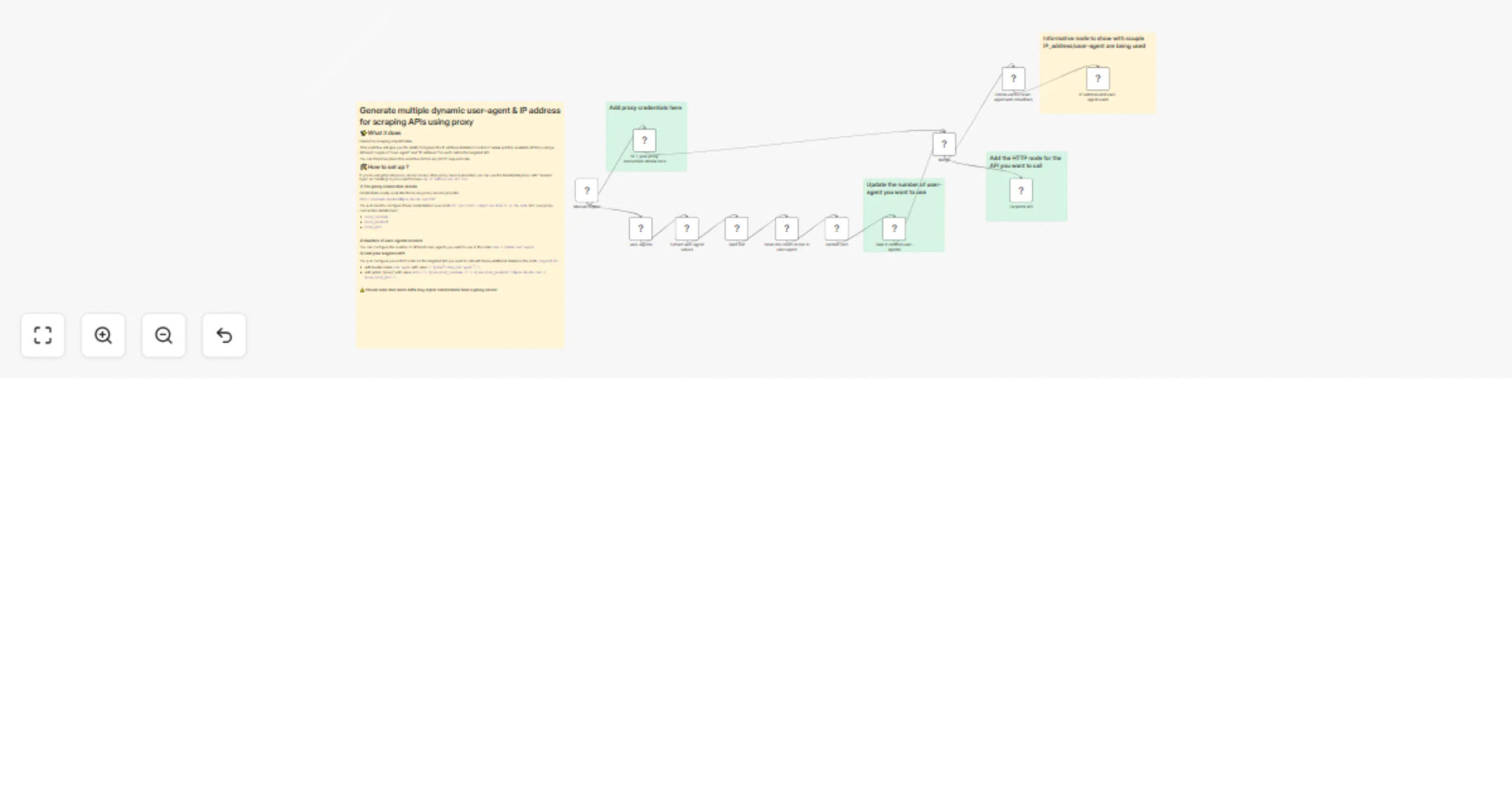
What it does Useful for scraping only/API data. This workflow will give you the ability to bypass the IP address limitation control of some publicly available APIs by using a different couple of "...
n8n-nodes-base.httprequest, n8n-nodes-base.set, n8n-nodes-base.sort, n8n-nodes-base.html, n8n-nodes-base.splitout, n8n-nodes-base.manualtrigger, n8n-nodes-base.merge, n8n-nodes-base.stickynote
This workflow is cataloged by N8N Workflows and links back to its original n8n.io source page by Adam ABDELMOUMNI.
Original n8n.io sourceUseful for scraping only/API data.
This workflow will give you the ability to bypass the IP address limitation control of some publicly available APIs by using a different couple of "user-agent" and "IP address" for each call to the targeted API.
You can therefore place this workflow before any HTTP request node.
1) Generate over 9000 different user-agents that can be used randomly (or not) into each one of you API call.
Example of user-agents it can provide with for Chrome web browser :
"Mozilla/5.0 (Windows NT 11.0; Win64; x64) AppleWebKit/537.36 (KHTML, like Gecko) Chrome/134.0.6998.166 Safari/537.36"

"Mozilla/5.0 (Windows NT 10.0; Win64; x64; rv:146.0) Gecko/20100101 Firefox/146.0"

"Mozilla/5.0 (Windows NT 10.0; Win64; x64) AppleWebKit/537.36 (KHTML like Gecko) Chrome/46.0.2486.0 Safari/537.36 Edge/13.10586"
It will simply send an HTTP GET request to https://www.useragentstring.com/pages/Browserlist/ and get all user-agent values available from over 100 web browsers (Chrome, Edge,Safari,Firefox etc).
2) Generate a dynamic IP address to be used as proxy to be used for each API call.
It uses decodo "residential" "rotating session" type : a different residential IP address is used for each API call.
After running the workflow you'll find different IP address/user-agent used in node IP address and user-agent used:
If you're using Decodo proxy server (or any other proxy service provider) you can use the Residential proxy with "session type" as "rotating" is your want to have one IP address per API call
1) The proxy connection details
Credentials usually work like this in any proxy service provider :
http://username:[email protected]:PORT
You just need to configure these credentials in your node SET your proxy connection details in the node SET your proxy connection details here`:
proxy_usernameproxy_passwordproxy_port2) Number of user-agents needed
You can configure the number of different user-agents you want to use in the node Take X random user-agents
3) Call your targeted API
You just configure your HTTP node for the targeted API you want to call with these additional details in the node Targeted API :
user-agent with value {{ $json["clean_user-agent"] }}http://{{ $json.proxy_username }}:{{ $json.proxy_password }}@gate.decodo.com:{{ $json.proxy_port }}This catalog entry is organized from the workflow JSON. The node-level section below shows the executable blocks available for review before importing the template.
| Workflow | Generate rotating user-agents and proxy IPs for scraping APIs |
|---|---|
| Complexity | advanced |
| Nodes | 17 |
| Categories | Document Extraction |
| Author | Adam ABDELMOUMNI |
| Published | 23 Feb 2026 |
Use the JSON export at /data/workflows/13637/13637.json as the source template for this automation.
Open n8n, import the downloaded JSON, and review each node before activating the workflow.
Replace placeholder credentials, API keys, webhook URLs, account IDs, and environment-specific values with your own settings.
Run the workflow manually or in a staging workspace, inspect node output, and confirm downstream systems receive the expected data.
Enable the workflow only after testing, then monitor executions, errors, and rate limits during the first production runs.
Review imported nodes carefully before activation. This catalog entry is intended to help you inspect the workflow structure, understand required services, and find related templates faster.
Node names, credentials, schedules, webhook paths, and external service limits may need adjustment for your workspace.
What it does Useful for scraping only/API data. This workflow will give you the ability to bypass the IP address limitation control of some publicly available APIs by using a different couple of "...
Review the workflow JSON, configure any required credentials in n8n, and test the automation in a safe workspace before using it in production.
Yes. Use the block-by-block analysis and the downloadable JSON to inspect each node, then adjust credentials, prompts, schedules, filters, or destinations for your Document Extraction use case.