Block 1 - On form submission
- Type / Role
- n8n-nodes-base.formTrigger - formTrigger
- Config choices
- Version 2.2


 Early Deal
Automated Real Estate Content Generation Workflow This n8n workflow automates turning short user ideas into production ready real estate marketing assets (photorealistic images and optional 360°...
n8n-nodes-base.formtrigger, n8n-nodes-base.googlesheets, @n8n/n8n-nodes-langchain.agent, n8n-nodes-base.googledrive, n8n-nodes-base.gmail, n8n-nodes-base.switch, n8n-nodes-base.form, n8n-nodes-base.wait
This workflow is cataloged by N8N Workflows and links back to its original n8n.io source page by Pratyush Kumar Jha.
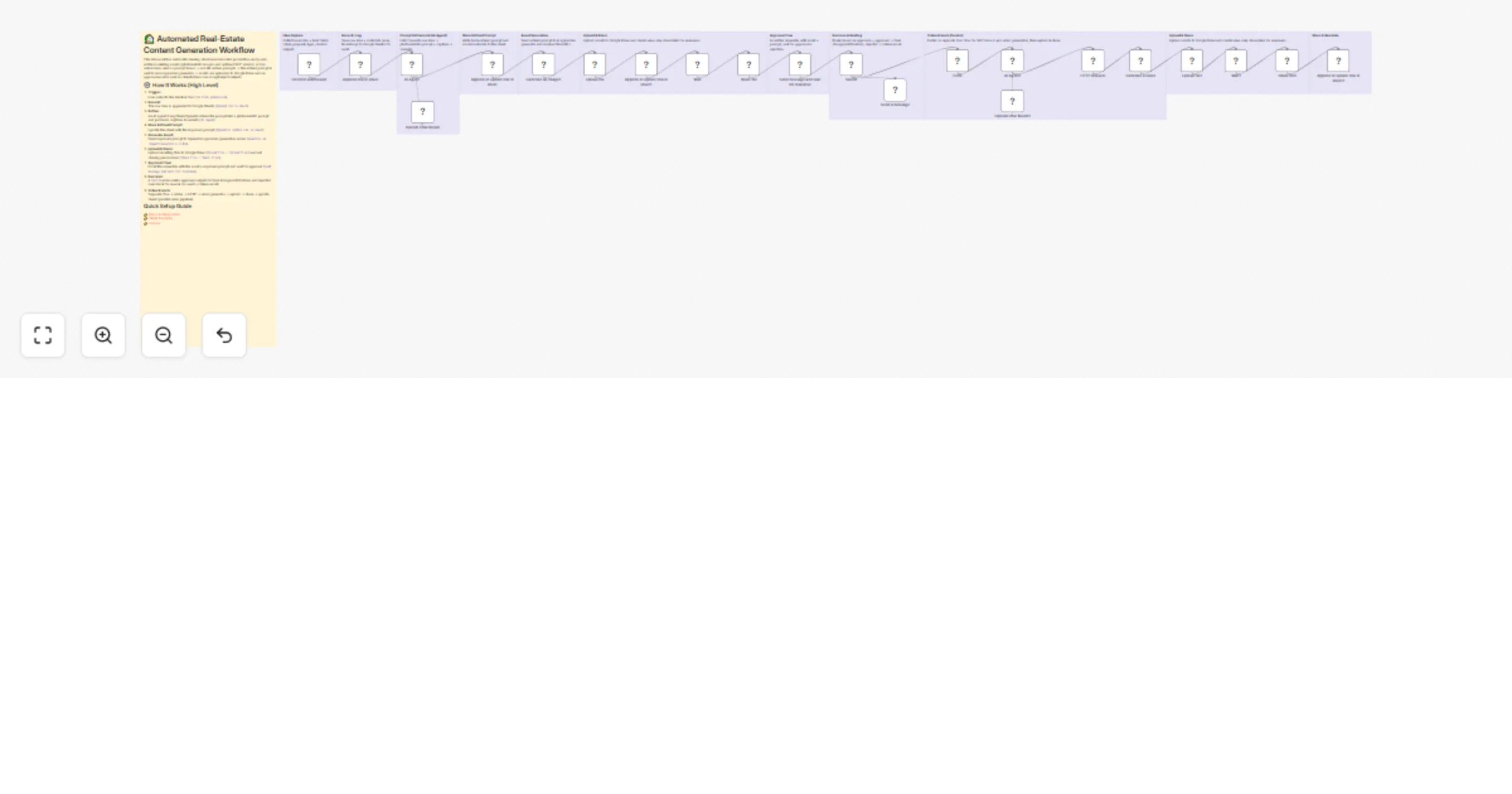
Original n8n.io sourceThis n8n workflow automates turning short user ideas into production-ready real-estate marketing assets (photorealistic images and optional 360° videos). A form submission seeds a prompt board → an LLM refines prompts → the refined prompt is sent to an image/video generator → assets are uploaded to Google Drive and an approval email is sent so stakeholders can accept/reject outputs.
Trigger:
User submits the ideation form (On form submission).
Record:
The raw idea is appended to Google Sheets (Append row in sheet).
Refine:
An AI agent (LangChain/OpenAI) refines the prompt into a photorealistic prompt and produces captions & variants (AI Agent).
Store Refined Prompt:
Update the sheet with the improved prompt (Append or update row in sheet).
Generate Asset:
Send improved prompt to OpenAI image/video generation nodes (Generate an image2 / Generate a video).
Upload & Share:
Upload resulting files to Google Drive (Upload file / Upload file1) and set sharing permissions (Share file / Share file1).
Approval Flow:
Email the requester with the asset + improved prompt and wait for approval (Send message and wait for response).
Decision:
A Switch node routes approved outputs to final storage/notifications and rejected ones back for rework (or sends a failure email).
Video Branch: Separate flow → refine → HTTP → video generator → upload → share → update sheet (parallel video pipeline).
👉 Demo & Setup Video 👉 Sheet Template 👉 Course
On form submission — Form trigger for ideation input Append row in sheet — Initial recording to Google Sheets AI Agent — LangChain/OpenAI agent for prompt refinement Generate an image2 — OpenAI image generation node Upload file / Upload file1 — Google Drive upload nodes Share file / Share file1 — Set file sharing permissions Send message and wait for response — Gmail approval workflow Switch — Approval vs rejection routing Form + AI Agent1 + Generate a video — Video generation pipeline Wait / Wait1 — Handle long-running generation OpenAI Chat Model / OpenAI Chat Model1 — LLM configuration nodes💡 Tip: Store credentials securely in n8n credential manager and avoid hardcoding secrets.
Model & Prompt Control: Use strong system prompts enforcing photorealism and real-estate context.
Rate Limits & Retries: Add retry logic with exponential backoff for API calls.
Wait Times:
Use Wait nodes for long video generation tasks.
File Size & Format: Standardize image sizes (e.g., 1792×1024) and compress videos.
Sharing Permissions: Use view-only links for approvals.
Logging & Observability: Track prompt, model, timestamp in Google Sheets.
Security: Use credential manager, rotate API keys regularly.
Cost Control: Monitor OpenAI usage and apply limits.
Input Validation: Validate prompt length and required fields.
n8n, automation, real-estate, prompt-engineering, OpenAI, DALL·E, video, google-sheets, google-drive, gmail, approval-flow, image-generation
This catalog entry is organized from the workflow JSON. The node-level section below shows the executable blocks available for review before importing the template.
Showing the first 24 of 34 workflow blocks. Download the JSON for the full node graph.
| Workflow | Generate real-estate marketing images and videos with OpenAI and Google Drive |
|---|---|
| Complexity | advanced |
| Nodes | 34 |
| Categories | Content Creation, Multimodal AI |
| Author | Pratyush Kumar Jha |
| Published | 18 Mar 2026 |
Use the JSON export at /data/workflows/14134/14134.json as the source template for this automation.
Open n8n, import the downloaded JSON, and review each node before activating the workflow.
Replace placeholder credentials, API keys, webhook URLs, account IDs, and environment-specific values with your own settings.
Run the workflow manually or in a staging workspace, inspect node output, and confirm downstream systems receive the expected data.
Enable the workflow only after testing, then monitor executions, errors, and rate limits during the first production runs.
Review imported nodes carefully before activation. This catalog entry is intended to help you inspect the workflow structure, understand required services, and find related templates faster.
Node names, credentials, schedules, webhook paths, and external service limits may need adjustment for your workspace.
Automated Real Estate Content Generation Workflow This n8n workflow automates turning short user ideas into production ready real estate marketing assets (photorealistic images and optional 360°...
Review the workflow JSON, configure any required credentials in n8n, and test the automation in a safe workspace before using it in production.
Yes. Use the block-by-block analysis and the downloadable JSON to inspect each node, then adjust credentials, prompts, schedules, filters, or destinations for your Content Creation, Multimodal AI use case.