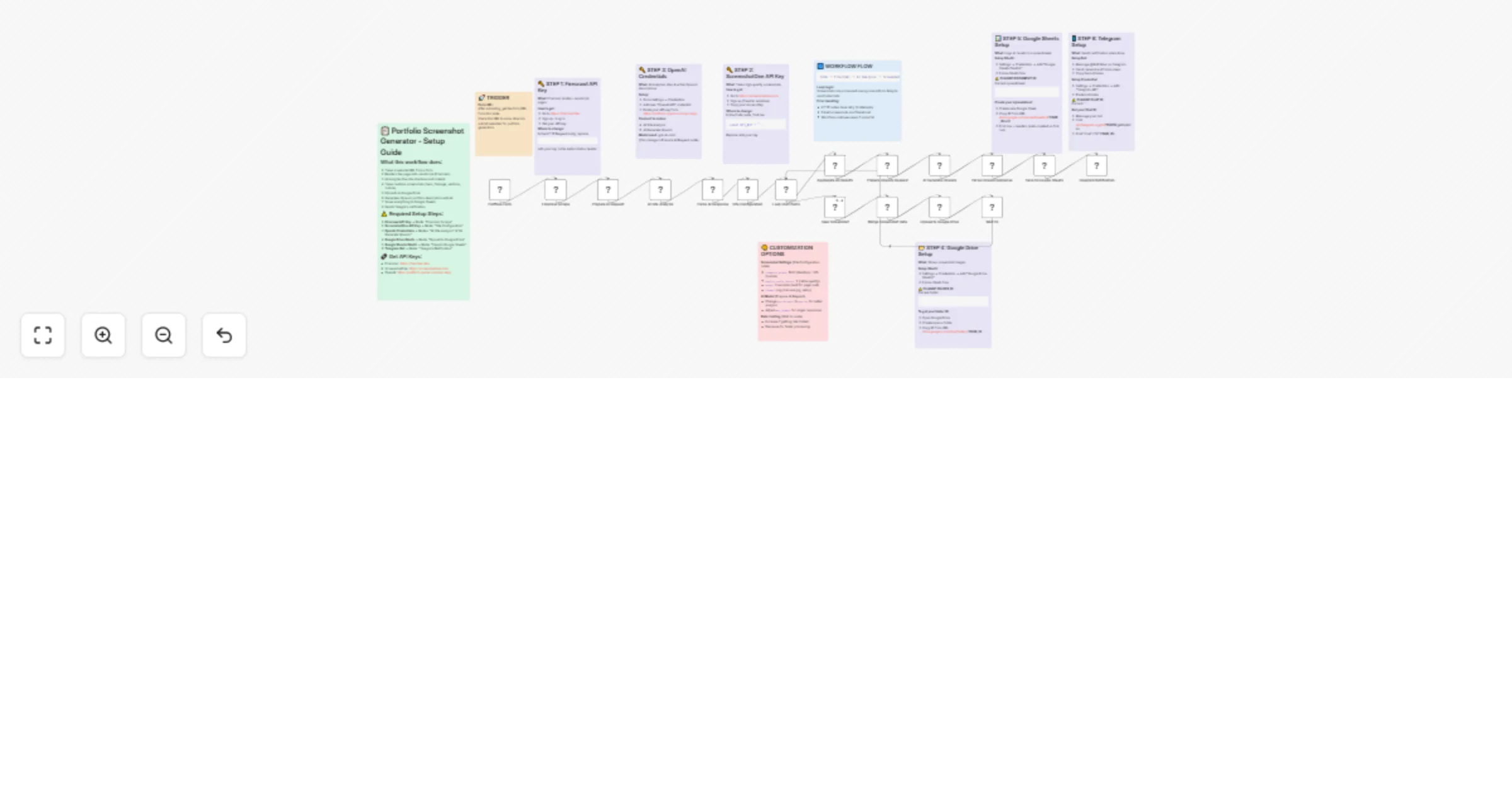
Generate portfolio screenshots and Upwork copy with Firecrawl, ScreenshotOne, OpenAI and Google Workspace

Workflow preview

Workflow preview
100%
Generate portfolio screenshots and Upwork copy with Firecrawl, ScreenshotOne, OpenAI and Google Workspace preview
Open on n8n.io

1. Workflow Overview

AI Portfolio Generator for Freelancers Automatically transform any website URL into a complete portfolio entry with professional screenshots and AI generated Upwork project descriptions. Perfect...

Best for

  • Content Creation automation workflows
  • AI Summarization automation workflows
  • advanced n8n builders looking for reusable templates

Tools used

n8n-nodes-base.stickynote, n8n-nodes-base.code, n8n-nodes-base.httprequest, n8n-nodes-base.googledrive, n8n-nodes-base.googlesheets, n8n-nodes-base.telegram, n8n-nodes-base.formtrigger, n8n-nodes-base.splitinbatches

Source and attribution

This workflow is cataloged by N8N Workflows and links back to its original n8n.io source page by Valeriy Halahan.

Original n8n.io source

1.1 Workflow description

Title
Generate portfolio screenshots and Upwork copy with Firecrawl, ScreenshotOne, OpenAI and Google Workspace
Workflow name
Generate portfolio screenshots and Upwork copy with Firecrawl, ScreenshotOne, OpenAI and Google Workspace

AI Portfolio Generator for Freelancers

Automatically transform any website URL into a complete portfolio entry with professional screenshots and AI-generated Upwork project descriptions.

🎯 Perfect For

  • Freelancers building their Upwork/portfolio from past projects
  • Agencies documenting client work at scale
  • Web developers showcasing their websites professionally
  • Anyone who needs consistent, high-quality website screenshots

✨ What It Does

  1. Submit a URL via simple web form
  2. AI analyzes the website (structure, niche, audience, services)
  3. Smart screenshots capture hero, fullpage, individual sections, and mobile views
  4. AI writes compelling Upwork portfolio description with title, role, and skills
  5. Auto-saves everything to Google Drive + Sheets + sends Telegram notification

πŸ”₯ Key Features

  • JavaScript Rendering β€” Works with React, Vue, Next.js, and any SPA (via Firecrawl)
  • Intelligent Section Detection β€” AI identifies real content sections, not utility elements
  • Multiple Screenshot Types β€” Hero (1920Γ—1080), fullpage, custom sections, mobile (375Γ—812)
  • Retina Quality β€” 2x device scale factor for crisp images
  • Smart Error Handling β€” Retries failed screenshots, filters invalid results
  • Rate Limit Protection β€” Built-in delays to respect API limits
  • Complete Logging β€” Every run logged to Google Sheets with all metadata

πŸ“Έ Screenshots Captured

Type Resolution Description
Hero 1920Γ—1080 @2x Above-the-fold view
Fullpage 1920Γ—auto @2x Entire scrollable page
Sections 1920Γ—1080 @2x Each detected content section
Mobile 375Γ—812 @2x iPhone-style mobile view

πŸ€– AI-Generated Upwork Content

  • Project Title (max 50 chars)
  • Your Role (e.g., "Full-Stack Developer", "Lead Designer")
  • Project Description (goals, solution, impact β€” max 600 chars)
  • Skills (5 relevant technical skills)

πŸ”§ Services Used

Service Purpose Free Tier
Firecrawl JavaScript rendering βœ… 500 pages/month
ScreenshotOne Screenshot API βœ… 100 screenshots/month
OpenAI GPT-4o-mini analysis Pay-as-you-go
Google Drive Image storage βœ… 15GB free
Google Sheets Results logging βœ… Free
Telegram Notifications βœ… Free

πŸ“‹ Setup Checklist

  1. βœ… Import workflow
  2. βœ… Add Firecrawl API key
  3. βœ… Add ScreenshotOne API key
  4. βœ… Connect OpenAI credentials
  5. βœ… Connect Google Drive (+ set your folder)
  6. βœ… Connect Google Sheets (+ set your spreadsheet)
  7. βœ… Set up Telegram bot + chat ID
  8. βœ… Activate & share the form URL!

πŸ’‘ Pro Tips

  • Test with simple sites first before complex SPAs
  • Increase delay in Wait node if hitting rate limits
  • Change AI model to gpt-4o for better analysis quality
  • All instructions included as Sticky Notes inside the workflow!

πŸ“Š Output Example

After processing example.com:

  • πŸ“ 5 PNG screenshots in Google Drive
  • πŸ“Š Full analysis row in Google Sheets
  • πŸ“± Telegram message with all links and AI-generated Upwork content

Built for freelancers, by a freelancer. Stop wasting hours on manual portfolio creation β€” let AI do the heavy lifting! πŸš€

#portfolio, #screenshots, #upwork, #freelancer, #ai, #gpt, #automation, #firecrawl, #screenshotone, #google-drive, #google-sheets, #telegram, #website-analysis, #form-trigger

1.2 Logical Blocks

This catalog entry is organized from the workflow JSON. The node-level section below shows the executable blocks available for review before importing the template.

2. Block-by-Block Analysis

Block 1 - Sticky Note - Main Guide

Type / Role
n8n-nodes-base.stickyNote - stickyNote
Config choices
Version 1

Block 2 - Sticky Note - Firecrawl

Type / Role
n8n-nodes-base.stickyNote - stickyNote
Config choices
Version 1

Block 3 - Sticky Note - ScreenshotOne

Type / Role
n8n-nodes-base.stickyNote - stickyNote
Config choices
Version 1

Block 4 - Sticky Note - OpenAI

Type / Role
n8n-nodes-base.stickyNote - stickyNote
Config choices
Version 1

Block 5 - Sticky Note - Google Drive

Type / Role
n8n-nodes-base.stickyNote - stickyNote
Config choices
Version 1

Block 6 - Sticky Note - Google Sheets

Type / Role
n8n-nodes-base.stickyNote - stickyNote
Config choices
Version 1

Block 7 - Sticky Note - Telegram

Type / Role
n8n-nodes-base.stickyNote - stickyNote
Config choices
Version 1

Block 8 - Sticky Note - Customization

Type / Role
n8n-nodes-base.stickyNote - stickyNote
Config choices
Version 1

Block 9 - Sticky Note - Flow

Type / Role
n8n-nodes-base.stickyNote - stickyNote
Config choices
Version 1

Block 10 - Sticky Note - Trigger

Type / Role
n8n-nodes-base.stickyNote - stickyNote
Config choices
Version 1

Block 11 - Site Configuration

Type / Role
n8n-nodes-base.code - code
Config choices
Version 2

Block 12 - Take Screenshot

Type / Role
n8n-nodes-base.httpRequest - httpRequest
Config choices
Version 4.2

Block 13 - Merge Screenshot Data

Type / Role
n8n-nodes-base.code - code
Config choices
Version 2

Block 14 - Upload to Google Drive

Type / Role
n8n-nodes-base.googleDrive - googleDrive
Config choices
Version 3

Block 15 - Aggregate All Results

Type / Role
n8n-nodes-base.code - code
Config choices
Version 2

Block 16 - Save to Google Sheets

Type / Role
n8n-nodes-base.googleSheets - googleSheets
Config choices
Version 4.5

Block 17 - Telegram Notification

Type / Role
n8n-nodes-base.telegram - telegram
Config choices
Version 1.2

Block 18 - Firecrawl Scrape

Type / Role
n8n-nodes-base.httpRequest - httpRequest
Config choices
Version 4.2

Block 19 - Parse AI Response

Type / Role
n8n-nodes-base.code - code
Config choices
Version 2

Block 20 - Prepare AI Request

Type / Role
n8n-nodes-base.code - code
Config choices
Version 2

Block 21 - AI Site Analysis

Type / Role
n8n-nodes-base.httpRequest - httpRequest
Config choices
Version 4.2

Block 22 - Prepare Upwork Request

Type / Role
n8n-nodes-base.code - code
Config choices
Version 2

Block 23 - AI Generate Upwork

Type / Role
n8n-nodes-base.httpRequest - httpRequest
Config choices
Version 4.2

Block 24 - Parse Upwork Response

Type / Role
n8n-nodes-base.code - code
Config choices
Version 2

Showing the first 24 of 27 workflow blocks. Download the JSON for the full node graph.

3. Summary Table

Workflow Generate portfolio screenshots and Upwork copy with Firecrawl, ScreenshotOne, OpenAI and Google Workspace
Complexity advanced
Nodes 27
Categories Content Creation, AI Summarization
Author Valeriy Halahan
Published 23 Jan 2026

4. Reproducing the Workflow from Scratch

  1. 1. Download the workflow JSON

    Use the JSON export at /data/workflows/12952/12952.json as the source template for this automation.

  2. 2. Import the template into n8n

    Open n8n, import the downloaded JSON, and review each node before activating the workflow.

  3. 3. Configure credentials and variables

    Replace placeholder credentials, API keys, webhook URLs, account IDs, and environment-specific values with your own settings.

  4. 4. Test with sample data

    Run the workflow manually or in a staging workspace, inspect node output, and confirm downstream systems receive the expected data.

  5. 5. Activate and monitor

    Enable the workflow only after testing, then monitor executions, errors, and rate limits during the first production runs.

5. General Notes & Resources

Review imported nodes carefully before activation. This catalog entry is intended to help you inspect the workflow structure, understand required services, and find related templates faster.

Node names, credentials, schedules, webhook paths, and external service limits may need adjustment for your workspace.

Frequently asked questions

What does Generate portfolio screenshots and Upwork copy with Firecrawl, ScreenshotOne, OpenAI and Google Workspace do?

AI Portfolio Generator for Freelancers Automatically transform any website URL into a complete portfolio entry with professional screenshots and AI generated Upwork project descriptions. Perfect...

What do I need before importing this workflow?

Review the workflow JSON, configure any required credentials in n8n, and test the automation in a safe workspace before using it in production.

Can I customize this workflow?

Yes. Use the block-by-block analysis and the downloadable JSON to inspect each node, then adjust credentials, prompts, schedules, filters, or destinations for your Content Creation, AI Summarization use case.