Block 1 - Google Gemini Chat Model
- Type / Role
- @n8n/n8n-nodes-langchain.lmChatGoogleGemini - lmChatGoogleGemini
- Config choices
- Version 1


 Early Deal
Automated AI content researcher: YouTube & RSS to Notion via Gemini This workflow is basically my shortcut for researching popular topics to create p...
@n8n/n8n-nodes-langchain.lmchatgooglegemini, n8n-nodes-base.notion, n8n-nodes-base.splitout, @n8n/n8n-nodes-langchain.toolserpapi, n8n-nodes-base.stickynote, n8n-nodes-base.telegram, n8n-nodes-base.scheduletrigger, n8n-nodes-base.googlesheets
This workflow is cataloged by N8N Workflows and links back to its original n8n.io source page by Adil Khan.
Original n8n.io source🤖 Automated AI content researcher: YouTube & RSS to Notion via Gemini
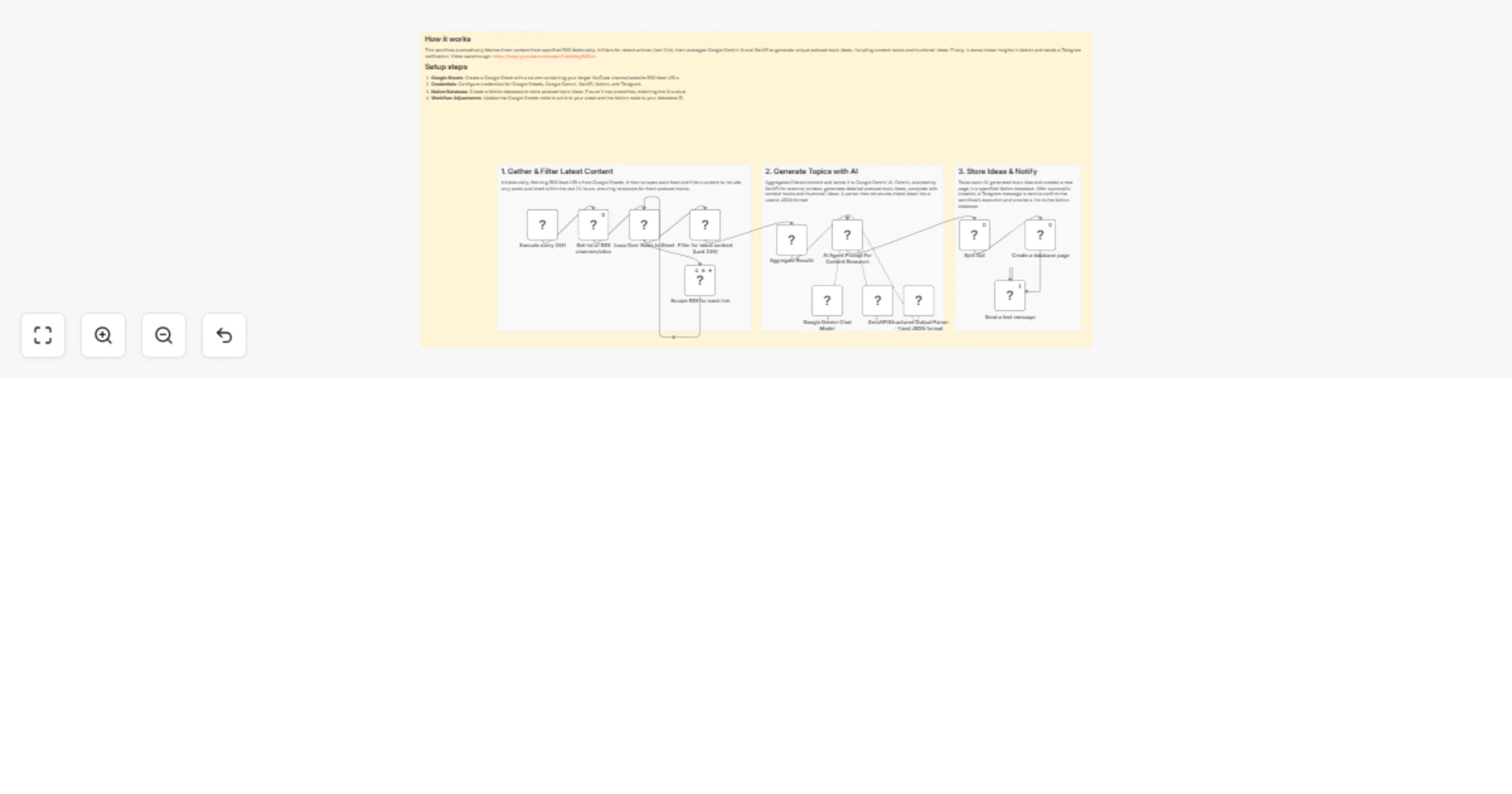
This workflow is basically my shortcut for researching popular topics to create podcast content on without spending all day on YouTube, scrolling X and reading websites.
It grabs the latest videos and articles from the last 24 hours, runs them through Gemini Pro (with SerpAPI to double-check inputs), and then spits out actual content hooks and thumbnail ideas.
Everything gets cleaned up into a neat Notion database so I can just log in, see what's hot, and start working on the podcast.
What you need To use this workflow, you need credentials for the following services:
Google Gemini API: (Free tier available via Google AI Studio) for the LLM.
SerpAPI: To allow the AI Agent to browse live Google search results.
Google Sheets: To maintain your list of target RSS feeds.
Notion: For storing the researched content.
Telegram: For mobile notifications.
Resources Video Tutorial: https://youtu.be/IoHayi68Ckk
Created by: Scalo Labs
This catalog entry is organized from the workflow JSON. The node-level section below shows the executable blocks available for review before importing the template.
| Workflow | Generate podcast topic ideas from RSS feeds with Gemini, SerpAPI and Notion |
|---|---|
| Complexity | advanced |
| Nodes | 17 |
| Categories | Content Creation, AI Summarization |
| Author | Adil Khan |
| Published | 17 Jan 2026 |
Use the JSON export at /data/workflows/12780/12780.json as the source template for this automation.
Open n8n, import the downloaded JSON, and review each node before activating the workflow.
Replace placeholder credentials, API keys, webhook URLs, account IDs, and environment-specific values with your own settings.
Run the workflow manually or in a staging workspace, inspect node output, and confirm downstream systems receive the expected data.
Enable the workflow only after testing, then monitor executions, errors, and rate limits during the first production runs.
Review imported nodes carefully before activation. This catalog entry is intended to help you inspect the workflow structure, understand required services, and find related templates faster.
Node names, credentials, schedules, webhook paths, and external service limits may need adjustment for your workspace.
Automated AI content researcher: YouTube & RSS to Notion via Gemini This workflow is basically my shortcut for researching popular topics to create p...
Review the workflow JSON, configure any required credentials in n8n, and test the automation in a safe workspace before using it in production.
Yes. Use the block-by-block analysis and the downloadable JSON to inspect each node, then adjust credentials, prompts, schedules, filters, or destinations for your Content Creation, AI Summarization use case.