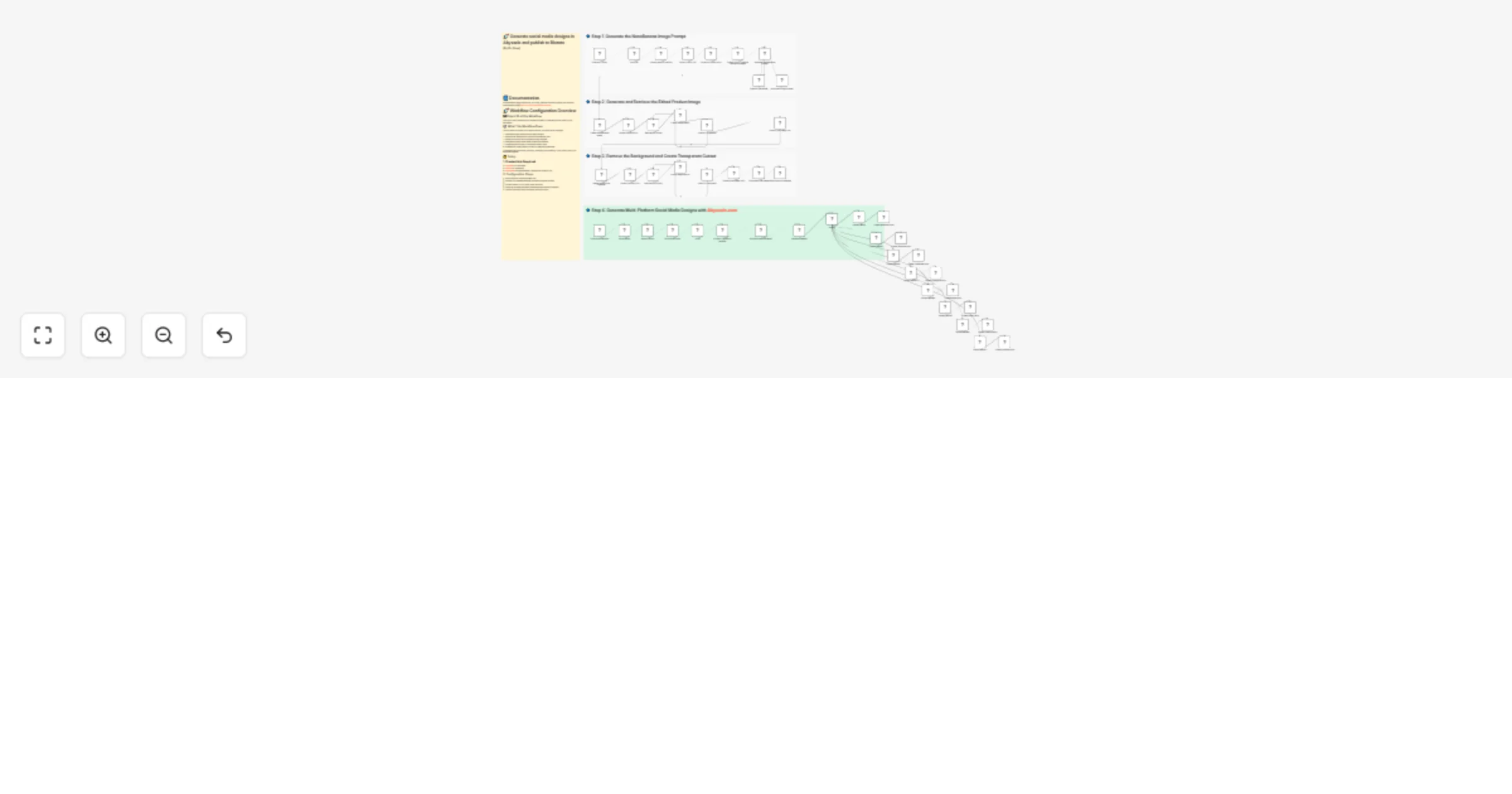
Generate multi-format social visuals with Abyssale and publish via Blotato

Workflow preview

Workflow preview
100%
Generate multi-format social visuals with Abyssale and publish via Blotato preview
Open on n8n.io

1. Workflow Overview

Automate multi format design creation in Abyssale and publish via Blotato Documentation : [Notion Guide](https://automatisation.notion.site/Automate multi format design creation in Abyssale a...

Best for

  • Content Creation automation workflows
  • Multimodal AI automation workflows
  • advanced n8n builders looking for reusable templates

Tools used

n8n-nodes-base.telegramtrigger, n8n-nodes-base.httprequest, n8n-nodes-base.code, n8n-nodes-base.set, @n8n/n8n-nodes-langchain.agent, @n8n/n8n-nodes-langchain.lmchatopenai, n8n-nodes-base.wait, n8n-nodes-base.if

Source and attribution

This workflow is cataloged by N8N Workflows and links back to its original n8n.io source page by Dr. Firas.

Original n8n.io source

1.1 Workflow description

Title
Generate multi-format social visuals with Abyssale and publish via Blotato
Workflow name
Generate multi-format social visuals with Abyssale and publish via Blotato

πŸ’₯ Automate multi-format design creation in Abyssale and publish via Blotato

πŸ“„ Documentation: Notion Guide

This workflow automates the creation of multi-format social media visuals using Abyssale and publishes them directly to social platforms via Blotato. It includes AI-based product image generation, background removal, dynamic design customization, and multi-channel distribution.


Who is this for?

  • Marketers and growth teams managing multiple social platforms
  • E-commerce brands launching product campaigns
  • Agencies producing multi-format creatives at scale
  • Automation builders who want end-to-end design + publishing in one workflow

What problem is this workflow solving? / Use case

Creating platform-specific visuals manually is time-consuming. Each social network requires different dimensions and formats. Design β†’ Export β†’ Resize β†’ Upload β†’ Publish quickly becomes repetitive and inefficient.

This workflow solves that by:

  • Generating a clean product image (PNG with transparent background)
  • Injecting it automatically into an Abyssale design template
  • Generating all required social media formats
  • Publishing each format to the correct platform automatically

What this workflow does

  1. Generate product image (AI)
  • Creates a high-quality product image
  • Ensures single product rendering unless otherwise requested
  • Removes background and outputs transparent PNG
  1. Customize design in Abyssale
  • Loads selected template
  • Builds editable form dynamically
  • Allows image and text updates
  • Generates multiple formats (Facebook, Instagram, LinkedIn, etc.)
  1. Dispatch by format
  • Uses a Switch node to route each format
  • Each format is sent to a dedicated Blotato node
  1. Publish to social platforms
  • Facebook post
  • Facebook feed
  • Instagram post
  • Instagram story
  • LinkedIn feed
  • Twitter/X post
  • Pinterest pins
  • Tiktok post

Each format is automatically matched with its corresponding publishing node.


Setup

  1. Credentials required
  1. Configure template
  • Select your Abyssale template ID
  • Ensure all required formats are enabled in the template
  1. Set publishing destinations
  • Connect Blotato accounts to your social platforms
  • Map each format to the correct channel
  1. Optional
  • Adjust polling timing for image generation
  • Modify default caption input

How to customize this workflow to your needs

  • Replace the AI image generation model
  • Modify the prompt rules (e.g., product style, realism, lighting)
  • Add or remove social platforms
  • Change the Abyssale template
  • Add approval step before publishing
  • Add scheduling instead of instant publishing
  • Insert analytics tracking after posting

You can also extend it by:

  • Adding email notifications
  • Storing generated images in cloud storage
  • Logging posts in a database
  • Creating A/B variations automatically

This workflow enables a fully automated pipeline from product idea to published multi-platform campaign with minimal manual work.

πŸŽ₯ Watch This Tutorial


πŸ‘‹ Need help or want to customize this?

πŸ“© Contact: LinkedIn πŸ“Ί YouTube: @DRFIRASS πŸš€ Workshops: Mes Ateliers n8n

Need help customizing?

Contact me for consulting and support : Linkedin / Youtube / πŸš€ Mes Ateliers n8n

1.2 Logical Blocks

This catalog entry is organized from the workflow JSON. The node-level section below shows the executable blocks available for review before importing the template.

2. Block-by-Block Analysis

Block 1 - Telegram Trigger

Type / Role
n8n-nodes-base.telegramTrigger - telegramTrigger
Config choices
Version 1.2

Block 2 - Upload Image to tmpfiles

Type / Role
n8n-nodes-base.httpRequest - httpRequest
Config choices
Version 4.3

Block 3 - Extract Public URL

Type / Role
n8n-nodes-base.code - code
Config choices
Version 2

Block 4 - Prepare AI Agent Input

Type / Role
n8n-nodes-base.set - set
Config choices
Version 3.4

Block 5 - Generate NanoBanana Prompt

Type / Role
@n8n/n8n-nodes-langchain.agent - agent
Config choices
Version 3.1

Block 6 - OpenAI Chat Model

Type / Role
@n8n/n8n-nodes-langchain.lmChatOpenAi - lmChatOpenAi
Config choices
Version 1.3

Block 7 - Create NanoBanana Image

Type / Role
n8n-nodes-base.httpRequest - httpRequest
Config choices
Version 4.3

Block 8 - Extract Prediction ID

Type / Role
n8n-nodes-base.code - code
Config choices
Version 2

Block 9 - Wait Before Polling

Type / Role
n8n-nodes-base.wait - wait
Config choices
Version 1.1

Block 10 - Check Image Status

Type / Role
n8n-nodes-base.httpRequest - httpRequest
Config choices
Version 4.3

Block 11 - Check If Completed

Type / Role
n8n-nodes-base.if - if
Config choices
Version 2.3

Block 12 - Extract Final Image URL

Type / Role
n8n-nodes-base.code - code
Config choices
Version 2

Block 13 - Download Final Image

Type / Role
n8n-nodes-base.httpRequest - httpRequest
Config choices
Version 4.3

Block 14 - Send Photo to Telegram

Type / Role
n8n-nodes-base.telegram - telegram
Config choices
Version 1.2

Block 15 - Structured Output Parser

Type / Role
@n8n/n8n-nodes-langchain.outputParserStructured - outputParserStructured
Config choices
Version 1.3

Block 16 - Get a file

Type / Role
n8n-nodes-base.telegram - telegram
Config choices
Version 1.2

Block 17 - OpenAI Vision: Analyze Reference Image

Type / Role
@n8n/n8n-nodes-langchain.openAi - openAi
Config choices
Version 1.8

Block 18 - Extract Prediction ID1

Type / Role
n8n-nodes-base.code - code
Config choices
Version 2

Block 19 - Wait Before Polling1

Type / Role
n8n-nodes-base.wait - wait
Config choices
Version 1.1

Block 20 - Check Image Status1

Type / Role
n8n-nodes-base.httpRequest - httpRequest
Config choices
Version 4.3

Block 21 - Check If Completed1

Type / Role
n8n-nodes-base.if - if
Config choices
Version 2.3

Block 22 - Extract Final Image URL1

Type / Role
n8n-nodes-base.code - code
Config choices
Version 2

Block 23 - image background remover

Type / Role
n8n-nodes-base.httpRequest - httpRequest
Config choices
Version 4.3

Block 24 - Sticky Note

Type / Role
n8n-nodes-base.stickyNote - stickyNote
Config choices
Version 1

Showing the first 24 of 53 workflow blocks. Download the JSON for the full node graph.

3. Summary Table

Workflow Generate multi-format social visuals with Abyssale and publish via Blotato
Complexity advanced
Nodes 53
Categories Content Creation, Multimodal AI
Author Dr. Firas
Published 12 Feb 2026

4. Reproducing the Workflow from Scratch

  1. 1. Download the workflow JSON

    Use the JSON export at /data/workflows/13357/13357.json as the source template for this automation.

  2. 2. Import the template into n8n

    Open n8n, import the downloaded JSON, and review each node before activating the workflow.

  3. 3. Configure credentials and variables

    Replace placeholder credentials, API keys, webhook URLs, account IDs, and environment-specific values with your own settings.

  4. 4. Test with sample data

    Run the workflow manually or in a staging workspace, inspect node output, and confirm downstream systems receive the expected data.

  5. 5. Activate and monitor

    Enable the workflow only after testing, then monitor executions, errors, and rate limits during the first production runs.

5. General Notes & Resources

Review imported nodes carefully before activation. This catalog entry is intended to help you inspect the workflow structure, understand required services, and find related templates faster.

Node names, credentials, schedules, webhook paths, and external service limits may need adjustment for your workspace.

Frequently asked questions

What does Generate multi-format social visuals with Abyssale and publish via Blotato do?

Automate multi format design creation in Abyssale and publish via Blotato Documentation : [Notion Guide](https://automatisation.notion.site/Automate multi format design creation in Abyssale a...

What do I need before importing this workflow?

Review the workflow JSON, configure any required credentials in n8n, and test the automation in a safe workspace before using it in production.

Can I customize this workflow?

Yes. Use the block-by-block analysis and the downloadable JSON to inspect each node, then adjust credentials, prompts, schedules, filters, or destinations for your Content Creation, Multimodal AI use case.