Block 1 - Main Overview
- Type / Role
- n8n-nodes-base.stickyNote - stickyNote
- Config choices
- Version 1


 Early Deal
This workflow connects n8n to the Adobe Firefly API to automatically generate branded marketing graphics from plain text prompts. Submit a campaign brief and receive 4 production ready creative ass...
n8n-nodes-base.stickynote, n8n-nodes-base.webhook, n8n-nodes-base.set, n8n-nodes-base.code, n8n-nodes-base.httprequest, n8n-nodes-base.respondtowebhook, n8n-nodes-base.wait
This workflow is cataloged by N8N Workflows and links back to its original n8n.io source page by Oneclick AI Squad.
Original n8n.io sourceThis workflow connects n8n to the Adobe Firefly API to automatically generate branded marketing graphics from plain text prompts. Submit a campaign brief and receive 4 production-ready creative asset variations for social media, banner ads, email headers, and campaigns — all generated in seconds with no designer required.
Adobe Firefly is Adobe's commercially safe generative AI model, trained exclusively on licensed Adobe Stock content. Every image produced is safe for commercial marketing use with zero copyright risk.
To fully automate creative asset production for marketing teams and agencies. Instead of waiting days for a designer or paying per-asset fees, this workflow generates on-brand visuals instantly from a campaign description.
Specific outcomes:
Marketing teams spend 30-40% of their time waiting on creative assets. Agencies bill 150-500 USD per graphic. Adobe Firefly changes this completely:
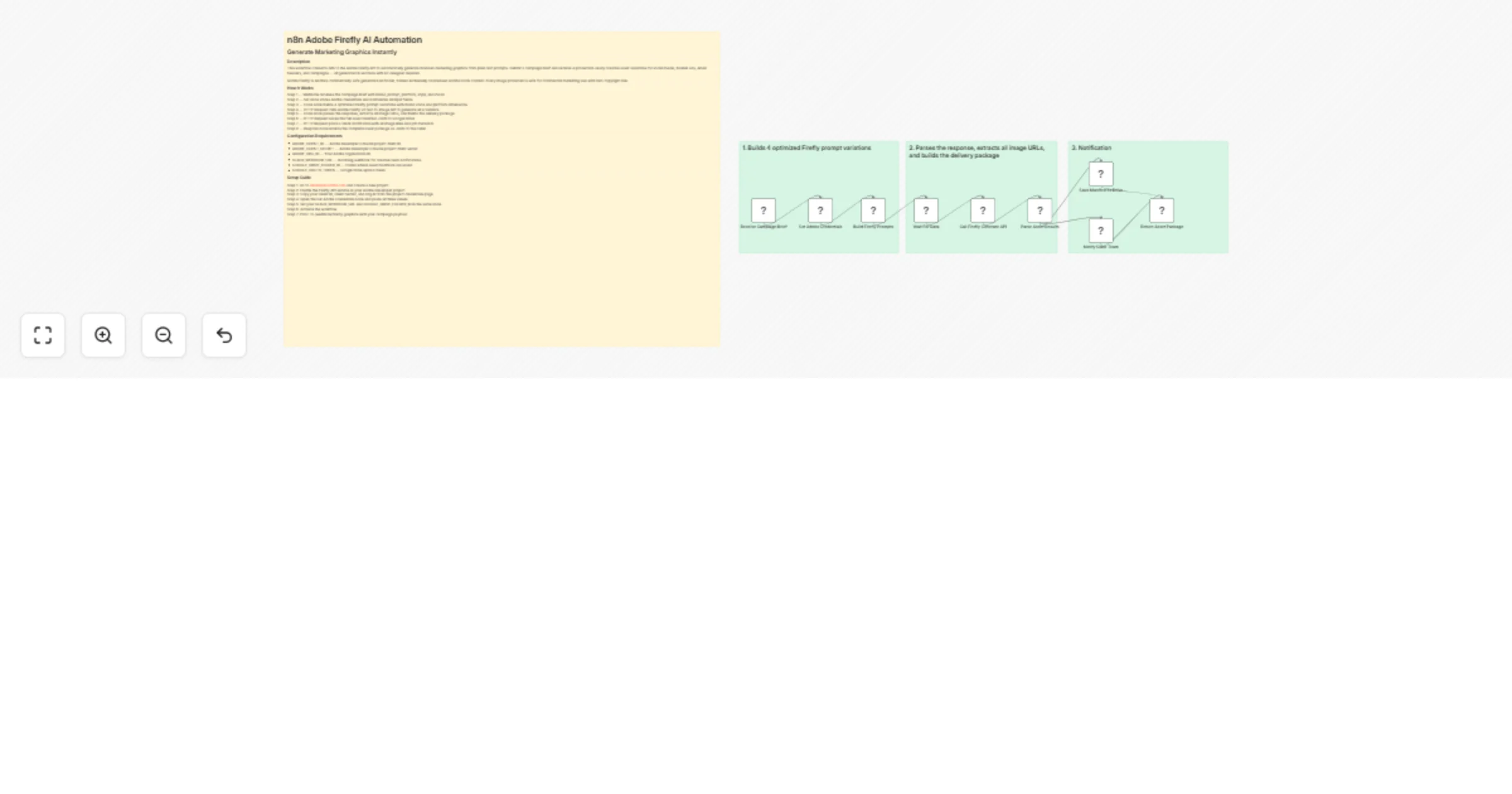
Step 1 — Webhook receives the campaign brief with brand, prompt, platform, style, and mood Step 2 — Set node stores Adobe credentials and normalizes all input fields Step 3 — Code node builds 4 optimized Firefly prompt variations with brand voice and platform dimensions Step 4 — HTTP Request calls Adobe Firefly v3 text-to-image API to generate all 4 variants Step 5 — Code node parses the response, extracts all image URLs, and builds the delivery package Step 6 — HTTP Request saves the full asset manifest JSON to Google Drive Step 7 — HTTP Request posts a Slack notification with all image links and job metadata Step 8 — Respond node returns the complete asset package as JSON to the caller
Step 1: Go to developer.adobe.com and create a new project Step 2: Enable the Firefly API service in your Adobe Developer project Step 3: Copy your Client ID, Client Secret, and Org ID from the project credentials page Step 4: Open the Set Adobe Credentials node and paste all three values Step 5: Set your SLACK_WEBHOOK_URL and GOOGLE_DRIVE_FOLDER_ID in the same node Step 6: Activate the workflow Step 7: POST to /webhook/firefly-graphics with your campaign payload
Explore More Automation: Contact us to design AI-powered lead nurturing, content engagement, and multi-platform reply workflows tailored to your growth strategy.
This catalog entry is organized from the workflow JSON. The node-level section below shows the executable blocks available for review before importing the template.
| Workflow | Generate marketing graphics with Adobe Firefly, Slack and Google Drive |
|---|---|
| Complexity | intermediate |
| Nodes | 13 |
| Categories | Content Creation, Multimodal AI |
| Author | Oneclick AI Squad |
| Published | 02 Mar 2026 |
Use the JSON export at /data/workflows/13810/13810.json as the source template for this automation.
Open n8n, import the downloaded JSON, and review each node before activating the workflow.
Replace placeholder credentials, API keys, webhook URLs, account IDs, and environment-specific values with your own settings.
Run the workflow manually or in a staging workspace, inspect node output, and confirm downstream systems receive the expected data.
Enable the workflow only after testing, then monitor executions, errors, and rate limits during the first production runs.
Review imported nodes carefully before activation. This catalog entry is intended to help you inspect the workflow structure, understand required services, and find related templates faster.
Node names, credentials, schedules, webhook paths, and external service limits may need adjustment for your workspace.
This workflow connects n8n to the Adobe Firefly API to automatically generate branded marketing graphics from plain text prompts. Submit a campaign brief and receive 4 production ready creative ass...
Review the workflow JSON, configure any required credentials in n8n, and test the automation in a safe workspace before using it in production.
Yes. Use the block-by-block analysis and the downloadable JSON to inspect each node, then adjust credentials, prompts, schedules, filters, or destinations for your Content Creation, Multimodal AI use case.