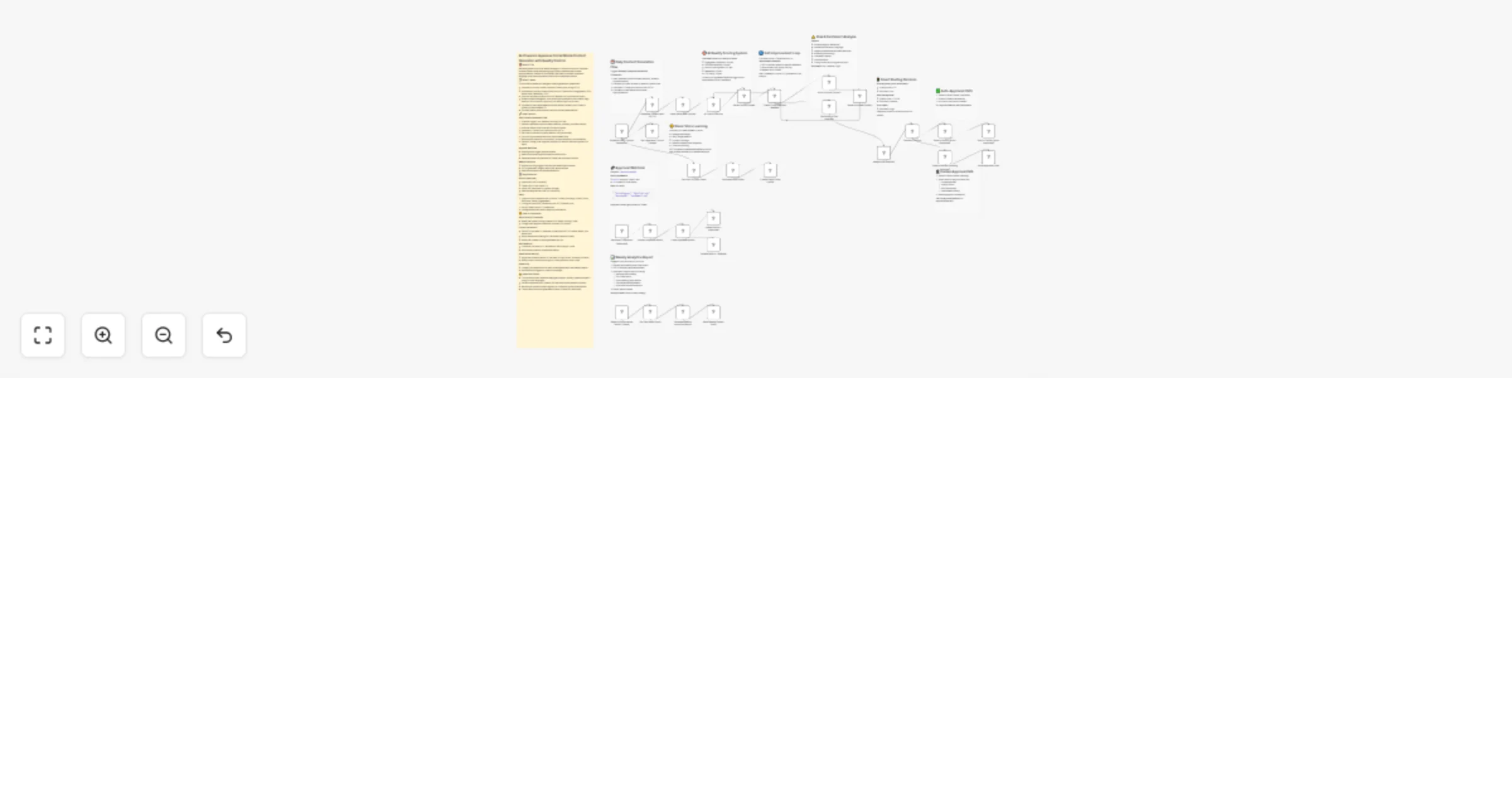
Generate Japanese Twitter posts with GPT-4, quality control, and Notion

Workflow preview

Workflow preview
100%
Generate Japanese Twitter posts with GPT-4, quality control, and Notion preview
Open on n8n.io

1. Workflow Overview

AI Powered Japanese Social Media Content Generator with Quality Control Who's it for Marketing teams and social media managers in Japan who want to automate content creation while maintaining hi...

Best for

  • Content Creation automation workflows
  • Multimodal AI automation workflows
  • advanced n8n builders looking for reusable templates

Tools used

n8n-nodes-base.stickynote, n8n-nodes-base.scheduletrigger, n8n-nodes-base.httprequest, n8n-nodes-base.code, n8n-nodes-base.if, n8n-nodes-base.notion, n8n-nodes-base.emailsend, n8n-nodes-base.webhook

Source and attribution

This workflow is cataloged by N8N Workflows and links back to its original n8n.io source page by yuta tokumitsu.

Original n8n.io source

1.1 Workflow description

Title
Generate Japanese Twitter posts with GPT-4, quality control, and Notion
Workflow name
Generate Japanese Twitter posts with GPT-4, quality control, and Notion

AI-Powered Japanese Social Media Content Generator with Quality Control

🎯 Who's it for

Marketing teams and social media managers in Japan who want to automate content creation while maintaining high quality standards and cultural appropriateness. Perfect for businesses that need consistent Japanese-language social media presence with built-in compliance checks.

📝 What it does

This workflow creates an intelligent content generation system that:

  • Generates culturally-aware Japanese Twitter posts using GPT-4
  • Automatically scores content quality across 5 dimensions (engagement, SEO, brand voice, readability, CTA)
  • Performs sentiment analysis and risk detection for controversial topics
  • Routes content intelligently: auto-posts high-quality/low-risk content, flags medium-risk content for approval, and rejects high-risk content
  • Includes an auto-improvement loop that refines content up to 3 times if quality scores are below 70
  • Provides weekly performance analytics and recommendations

🔧 How it works

Daily Content Generation Flow:

  1. Schedule trigger runs weekday mornings at 9 AM
  2. Fetches Japanese cultural context (seasons, holidays, business events)
  3. Analyzes brand voice from past 30 days of posts
  4. Generates 3 Twitter post variations with GPT-4
  5. Each post is scored on quality metrics (100-point scale)
  6. Low-scoring content enters auto-improvement loop
  7. Risk analysis checks for controversy, cultural sensitivity, and sentiment
  8. Decision routing: auto-approve and post OR send for manual approval OR reject

Approval Workflow:

  • Pending posts trigger approval emails
  • Webhook receives approval/rejection/edit actions
  • Approved posts are published to Twitter and archived in Notion

Weekly Analytics:

  • Monday morning trigger analyzes past week's performance
  • GPT-4 generates insights report with best practices
  • Email sent to team with recommendations

⚙️ Requirements

APIs & Credentials:

  • OpenAI API (GPT-4 access)
  • Twitter API v2 with OAuth 2.0
  • Notion API (database for content storage)
  • Email sending service (SMTP or SendGrid)

Setup:

  1. Create a Notion database with columns: Content, Hashtags, Quality Score, Risk Level, Status, Engagement
  2. Configure OpenAI API credentials with HTTP Header Auth
  3. Set up Twitter OAuth 2.0 credentials
  4. Configure email service for approval notifications

🎨 How to customize

Adjust Quality Thresholds:

  • Modify the quality scoring criteria in "AI Quality Scoring" node
  • Change auto-approval threshold (currently 70+ points)

Content Generation:

  • Edit GPT-4 prompts in "Generate Content with GPT-4" node to match your brand tone
  • Adjust temperature settings for more/less creative content
  • Modify the number of posts generated per run

Risk Detection:

  • Customize risk factors in "Sentiment & Risk Analysis" node
  • Add industry-specific compliance checks

Brand Voice Learning:

  • Adjust the lookback period in "Get Past 30 Days Posts" (currently 30 days)
  • Modify brand voice analysis logic in "Analyze Brand Voice" node

Scheduling:

  • Change cron expressions for daily content generation and weekly reports
  • Add additional triggers for special campaigns

⚠️ Important Notes

  • This workflow uses Japanese language prompts - modify system prompts if using for other languages
  • Ensure compliance with Twitter's API rate limits and automation policies
  • Review auto-posted content regularly to validate AI quality assessments
  • The workflow stores all generated content in Notion for audit trails

1.2 Logical Blocks

This catalog entry is organized from the workflow JSON. The node-level section below shows the executable blocks available for review before importing the template.

2. Block-by-Block Analysis

Block 1 - Sticky Note - Content Generation

Type / Role
n8n-nodes-base.stickyNote - stickyNote
Config choices
Version 1

Block 2 - Sticky Note - Quality Scoring

Type / Role
n8n-nodes-base.stickyNote - stickyNote
Config choices
Version 1

Block 3 - Sticky Note - Improvement

Type / Role
n8n-nodes-base.stickyNote - stickyNote
Config choices
Version 1

Block 4 - Sticky Note - Risk Analysis

Type / Role
n8n-nodes-base.stickyNote - stickyNote
Config choices
Version 1

Block 5 - Sticky Note - Routing

Type / Role
n8n-nodes-base.stickyNote - stickyNote
Config choices
Version 1

Block 6 - Sticky Note - Auto Approve

Type / Role
n8n-nodes-base.stickyNote - stickyNote
Config choices
Version 1

Block 7 - Sticky Note - Approval Path

Type / Role
n8n-nodes-base.stickyNote - stickyNote
Config choices
Version 1

Block 8 - Sticky Note - Webhook

Type / Role
n8n-nodes-base.stickyNote - stickyNote
Config choices
Version 1

Block 9 - Sticky Note - Analytics

Type / Role
n8n-nodes-base.stickyNote - stickyNote
Config choices
Version 1

Block 10 - Sticky Note - Brand Voice

Type / Role
n8n-nodes-base.stickyNote - stickyNote
Config choices
Version 1

Block 11 - Schedule Daily Content Generation

Type / Role
n8n-nodes-base.scheduleTrigger - scheduleTrigger
Config choices
Version 1.1

Block 12 - Generate Content with GPT-4

Type / Role
n8n-nodes-base.httpRequest - httpRequest
Config choices
Version 4.1

Block 13 - Parse Generated Content

Type / Role
n8n-nodes-base.code - code
Config choices
Version 2

Block 14 - AI Quality Scoring

Type / Role
n8n-nodes-base.httpRequest - httpRequest
Config choices
Version 4.1

Block 15 - Parse Quality Scores

Type / Role
n8n-nodes-base.code - code
Config choices
Version 2

Block 16 - Check if Improvement Needed

Type / Role
n8n-nodes-base.if - if
Config choices
Version 2

Block 17 - Auto-Improve Content

Type / Role
n8n-nodes-base.httpRequest - httpRequest
Config choices
Version 4.1

Block 18 - Parse Improved Content

Type / Role
n8n-nodes-base.code - code
Config choices
Version 2

Block 19 - Sentiment & Risk Analysis

Type / Role
n8n-nodes-base.httpRequest - httpRequest
Config choices
Version 4.1

Block 20 - Merge Risk Analysis

Type / Role
n8n-nodes-base.code - code
Config choices
Version 2

Block 21 - Decision Routing

Type / Role
n8n-nodes-base.if - if
Config choices
Version 2

Block 22 - Save to Notion (Auto-Approved)

Type / Role
n8n-nodes-base.notion - notion
Config choices
Version 2.1

Block 23 - Save to Notion (Pending Approval)

Type / Role
n8n-nodes-base.notion - notion
Config choices
Version 2.1

Block 24 - Send Approval Email

Type / Role
n8n-nodes-base.emailSend - emailSend
Config choices
Version 2.1

Showing the first 24 of 39 workflow blocks. Download the JSON for the full node graph.

3. Summary Table

Workflow Generate Japanese Twitter posts with GPT-4, quality control, and Notion
Complexity advanced
Nodes 39
Categories Content Creation, Multimodal AI
Author yuta tokumitsu
Published 26 Jan 2026

4. Reproducing the Workflow from Scratch

  1. 1. Download the workflow JSON

    Use the JSON export at /data/workflows/13003/13003.json as the source template for this automation.

  2. 2. Import the template into n8n

    Open n8n, import the downloaded JSON, and review each node before activating the workflow.

  3. 3. Configure credentials and variables

    Replace placeholder credentials, API keys, webhook URLs, account IDs, and environment-specific values with your own settings.

  4. 4. Test with sample data

    Run the workflow manually or in a staging workspace, inspect node output, and confirm downstream systems receive the expected data.

  5. 5. Activate and monitor

    Enable the workflow only after testing, then monitor executions, errors, and rate limits during the first production runs.

5. General Notes & Resources

Review imported nodes carefully before activation. This catalog entry is intended to help you inspect the workflow structure, understand required services, and find related templates faster.

Node names, credentials, schedules, webhook paths, and external service limits may need adjustment for your workspace.

Frequently asked questions

What does Generate Japanese Twitter posts with GPT-4, quality control, and Notion do?

AI Powered Japanese Social Media Content Generator with Quality Control Who's it for Marketing teams and social media managers in Japan who want to automate content creation while maintaining hi...

What do I need before importing this workflow?

Review the workflow JSON, configure any required credentials in n8n, and test the automation in a safe workspace before using it in production.

Can I customize this workflow?

Yes. Use the block-by-block analysis and the downloadable JSON to inspect each node, then adjust credentials, prompts, schedules, filters, or destinations for your Content Creation, Multimodal AI use case.