Block 1 - Credentials Setup Guide
- Type / Role
- n8n-nodes-base.stickyNote - stickyNote
- Config choices
- Version 1


 Early Deal
This workflow is provided as-is. Please review and test before using in production.
Automated Certificate Generator with Email Validation & Delivery Automatically generate, validate, and deliver professional course completion certificates with zero manual work — from webhook reque...
n8n-nodes-base.stickynote, n8n-nodes-base.webhook, n8n-nodes-base.code, n8n-nodes-base.gmail, n8n-nodes-base.googlesheets, n8n-nodes-base.errortrigger, n8n-nodes-base.slack, n8n-nodes-htmlcsstoimage.htmlcsstoimage
This workflow is cataloged by N8N Workflows and links back to its original n8n.io source page by Jitesh Dugar.
Original n8n.io sourceAutomatically generate, validate, and deliver professional course completion certificates with zero manual work — from webhook request to PDF delivery in seconds.
This workflow transforms certificate generation from a manual design task into a fully automated system. It receives certificate requests via webhook, validates recipient emails using advanced verification, generates beautifully designed HTML certificates, converts them to high-quality PNG images, delivers via professional email templates, and maintains complete audit trails in Google Sheets.
Powered by email validation APIs and HTML-to-image conversion, it ensures every certificate meets professional standards while preventing delivery to invalid or fraudulent email addresses.
Educational Institutions
Corporate Training
Online Course Platforms
Event Management
Certification Programs
certificate-generator.json fileVerifiEmail APIHTMLcsstoImg APIGmail OAuth2https://your-n8n-instance.com/webhook/certificate-generatorFor LMS Integration:
// When course is completed
fetch('https://your-n8n-instance.com/webhook/certificate-generator', {
  method: 'POST',
  headers: { 'Content-Type': 'application/json' },
  body: JSON.stringify({
    name: student.fullName,
    course: course.title,
    date: new Date().toISOString().split('T')[0],
    email: student.email,
    instructor: course.instructor,
    duration: course.duration
  })
});
For Zapier/Make.com:
Send test request:
curl -X POST https://your-n8n-instance.com/webhook/certificate-generator \
  -H "Content-Type: application/json" \
  -d '{
    "name": "Test User",
    "course": "Test Course",
    "date": "2025-10-04",
    "email": "[email protected]"
  }'
Verify:
Processing Time: 5-10 seconds per certificate
POST /webhook/certificate-generator
Content-Type: application/json
{
  "name": "string",      // Full name of recipient
  "course": "string",    // Course or program name
  "date": "YYYY-MM-DD",  // Completion date
  "email": "string"      // Recipient email address
}
{
  "instructor": "string",     // Instructor name (default: "Program Director")
  "duration": "string",       // Course duration (e.g., "40 hours")
  "certificateId": "string"   // Custom ID (auto-generated if not provided)
}
{
  "success": true,
  "message": "Certificate generated and sent successfully",
  "certificateId": "CERT-1728000000-ABC123",
  "certificateUrl": "https://hcti.io/v1/image/xyz123"
}
{
  "success": false,
  "error": "Missing required fields: name, course, date, or valid email"
}
Edit the "Generate HTML Certificate" Code node:
Change Brand Colors:
// Background gradient
background: linear-gradient(135deg, #YOUR_COLOR_1 0%, #YOUR_COLOR_2 100%);

// Border color
border: 3px solid #YOUR_BRAND_COLOR;
Add Company Logo:
<div>
    <img src="https://your-domain.com/logo.png">
</div>
Modify Fonts:
@import url('https://fonts.googleapis.com/css2?family=Your+Font&display=swap');
font-family: 'Your Font', sans-serif;
Edit the "Send Certificate Email" node message:
Update Company Info:
<p>© 2025 Your Company Name</p>
<p>Contact: [email protected]</p>
Change Header Color:
.header {
    background: linear-gradient(135deg, #YOUR_COLOR_1, #YOUR_COLOR_2);
}
In "Generate HTML Certificate" node:
// Custom format: COURSE-YEAR-NUMBER
const certId = `${data.course.substring(0,3).toUpperCase()}-${new Date().getFullYear()}-${Math.floor(Math.random() * 10000)}`;
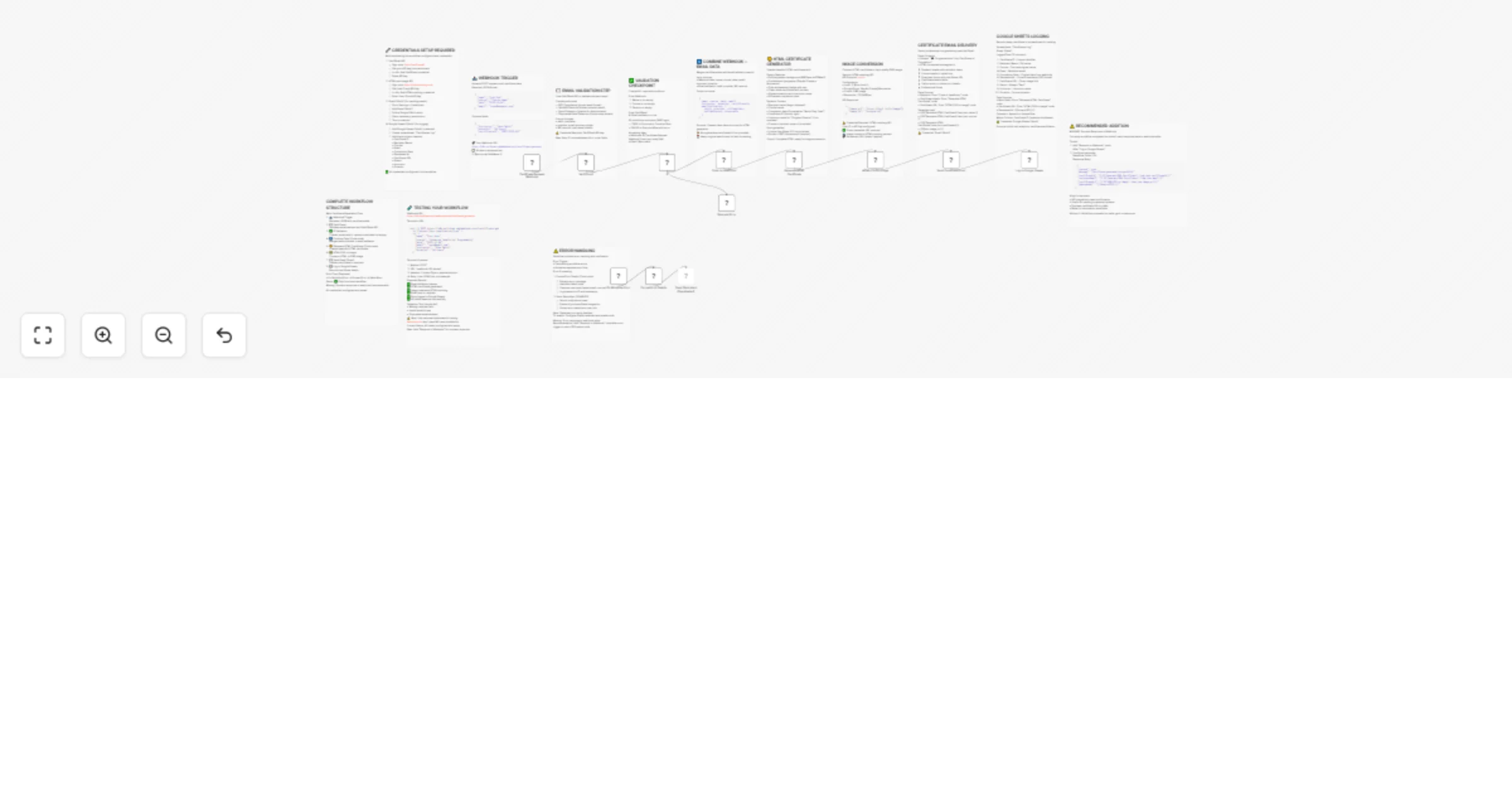
Webhook → Email Validation → Field Validation → Combine Data
    ↓
Generate HTML → Convert to PNG → Send Email
    ↓
Log to Sheets → Success Response
    ↓
Error Handling (if failed)
PNG Certificate Includes:
Google Sheets Entry:
Email Notification:
Webhook not receiving data
Email validation fails
Certificate not generating
Image conversion fails
Email not delivered
Google Sheets not updating
This workflow template is provided as-is for free use and modification under the MIT License. Attribution appreciated but not required.
Version: 1.0.0
Last Updated: October 2025
Compatibility: n8n v1.0.0+
This catalog entry is organized from the workflow JSON. The node-level section below shows the executable blocks available for review before importing the template.
Showing the first 24 of 25 workflow blocks. Download the JSON for the full node graph.
| Workflow | Generate & deliver certificates with VerifiEmail & HTMLcsstoImg to Gmail |
|---|---|
| Complexity | advanced |
| Nodes | 25 |
| Categories | Document Extraction |
| Author | Jitesh Dugar |
| Published | 05 Oct 2025 |
Use the JSON export at /data/workflows/9273/9273.json as the source template for this automation.
Open n8n, import the downloaded JSON, and review each node before activating the workflow.
Replace placeholder credentials, API keys, webhook URLs, account IDs, and environment-specific values with your own settings.
Run the workflow manually or in a staging workspace, inspect node output, and confirm downstream systems receive the expected data.
Enable the workflow only after testing, then monitor executions, errors, and rate limits during the first production runs.
Review imported nodes carefully before activation. This catalog entry is intended to help you inspect the workflow structure, understand required services, and find related templates faster.
Node names, credentials, schedules, webhook paths, and external service limits may need adjustment for your workspace.
Automated Certificate Generator with Email Validation & Delivery Automatically generate, validate, and deliver professional course completion certificates with zero manual work — from webhook reque...
Review the workflow JSON, configure any required credentials in n8n, and test the automation in a safe workspace before using it in production.
Yes. Use the block-by-block analysis and the downloadable JSON to inspect each node, then adjust credentials, prompts, schedules, filters, or destinations for your Document Extraction use case.