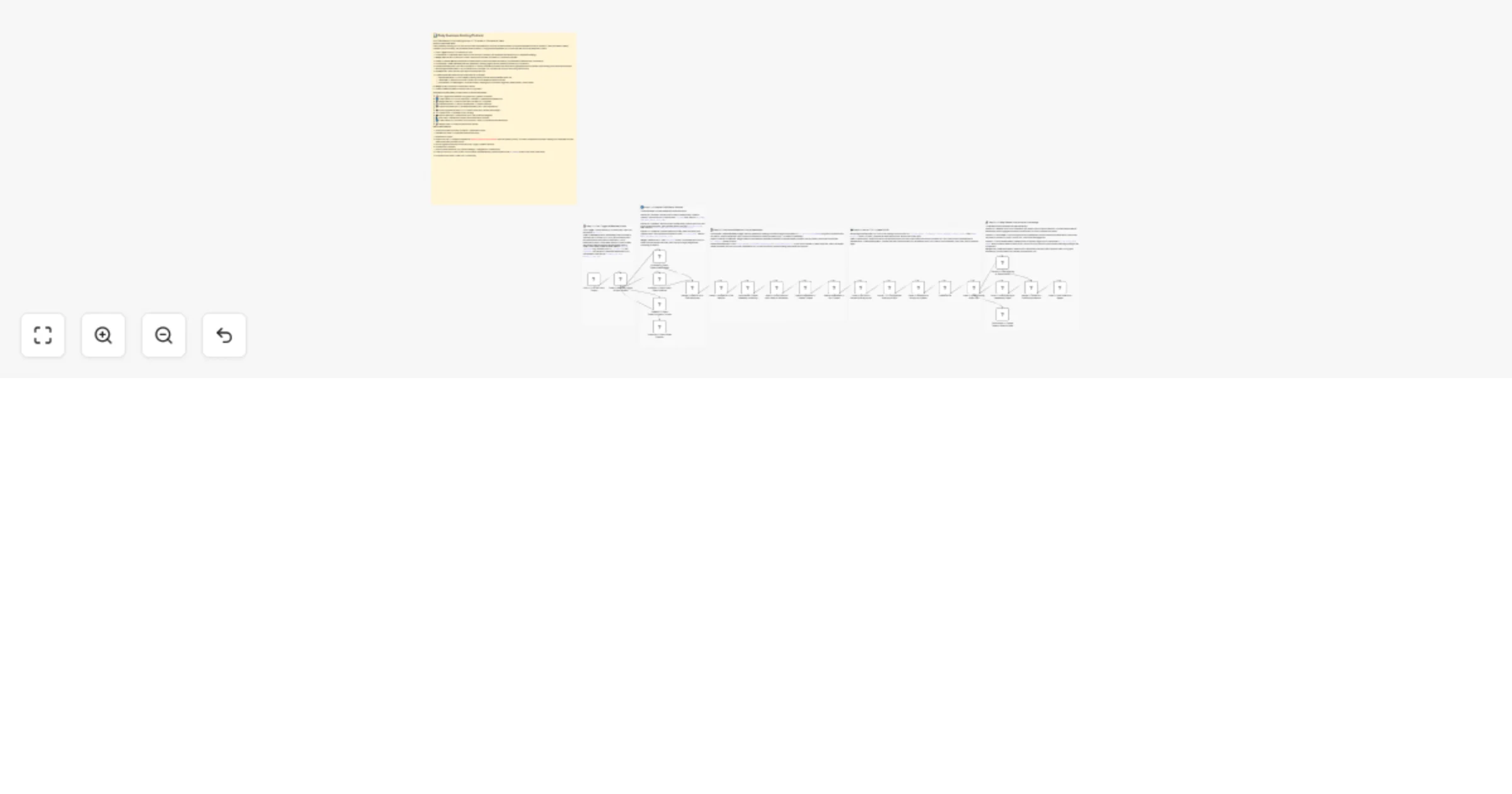
Generate daily business briefing podcasts with OpenAI, Azure TTS, HubSpot, Zendesk, Pipedrive, Discord, Twilio and Confluence

Workflow preview

Workflow preview
100%
Generate daily business briefing podcasts with OpenAI, Azure TTS, HubSpot, Zendesk, Pipedrive, Discord, Twilio and Confluence preview
Open on n8n.io

1. Workflow Overview

Keep your leadership team informed with a data driven, automated morning briefing. This workflow pulls live metrics from HubSpot, Zendesk, and Pipedrive, then uses AI and Neural TTS to generate a p...

Best for

  • Content Creation automation workflows
  • Multimodal AI automation workflows
  • advanced n8n builders looking for reusable templates

Tools used

n8n-nodes-base.stickynote, n8n-nodes-base.scheduletrigger, n8n-nodes-base.code, n8n-nodes-base.httprequest, n8n-nodes-base.merge, n8n-nodes-uploadtourl.uploadtourl

Source and attribution

This workflow is cataloged by N8N Workflows and links back to its original n8n.io source page by Jitesh Dugar.

Original n8n.io source

1.1 Workflow description

Title
Generate daily business briefing podcasts with OpenAI, Azure TTS, HubSpot, Zendesk, Pipedrive, Discord, Twilio and Confluence
Workflow name
Generate daily business briefing podcasts with OpenAI, Azure TTS, HubSpot, Zendesk, Pipedrive, Discord, Twilio and Confluence

Keep your leadership team informed with a data-driven, automated morning briefing. This workflow pulls live metrics from HubSpot, Zendesk, and Pipedrive, then uses AI and Neural TTS to generate a professional audio briefing delivered via Discord, SMS, and Confluence.


🎯 What This Workflow Does

This template acts as an automated newsroom, executing a "Fetch β†’ Analyze β†’ Broadcast" cycle every weekday morning.


⏰ Step 1 β€” Intelligent Triggering

  • Schedule: Runs Monday–Friday at 7:30 AM
  • Weekday Guard: Skips weekends automatically
  • Date Context: Generates standardized timestamps for API calls

πŸ”€ Step 2 β€” Parallel Metric Fetching

  • HubSpot: Fetches new leads and deal values
  • Zendesk: Retrieves ticket volume and response metrics
  • Pipedrive: Pulls pipeline health and deal status
  • Merge: Waits for all APIs before proceeding

πŸ€– Step 3 β€” AI Scripting & Trend Analysis

  • Historical Comparison: Reads previous data to calculate trends
  • AI Script Generation: Uses OpenAI to create a natural, spoken-style briefing

πŸ”Š Step 4 β€” Neural TTS & Hosting

  • Voice Generation: Uses Azure Neural TTS for high-quality audio
  • CDN Hosting: Uploads MP3 via UploadToURL for public access

πŸ“‘ Step 5 β€” Multi-Channel Broadcast

  • Discord: Sends rich message with audio link
  • Twilio SMS: Delivers summary + link to leadership
  • Confluence: Logs full report with embedded audio

✨ Key Features

  • Parallel Processing: Faster execution with simultaneous API calls
  • Trend Intelligence: Automatically calculates day-over-day changes
  • Mobile Friendly: SMS delivery for on-the-go access
  • Premium Audio: Natural-sounding Neural TTS voices

πŸ”§ Setup Requirements

Required Integrations

  • HubSpot, Zendesk, Pipedrive: API access
  • OpenAI: API key + Assistant ID
  • Azure Speech: Subscription key
  • Twilio: SMS credentials
  • Confluence: API token + space access
  • UploadToURL: CDN hosting for audio

Turn your metrics into a daily executive briefing. Import this template and start broadcasting insights automatically.

1.2 Logical Blocks

This catalog entry is organized from the workflow JSON. The node-level section below shows the executable blocks available for review before importing the template.

2. Block-by-Block Analysis

Block 1 - πŸ“‹ MAIN β€” Workflow Overview

Type / Role
n8n-nodes-base.stickyNote - stickyNote
Config choices
Version 1

Block 2 - πŸ“ Note β€” Cron, Weekday Guard & Date Context

Type / Role
n8n-nodes-base.stickyNote - stickyNote
Config choices
Version 1

Block 3 - πŸ“ Note β€” Parallel CRM Fetch & Merge

Type / Role
n8n-nodes-base.stickyNote - stickyNote
Config choices
Version 1

Block 4 - πŸ“ Note β€” Confluence Read, Metrics Compile & Assistants API

Type / Role
n8n-nodes-base.stickyNote - stickyNote
Config choices
Version 1

Block 5 - πŸ“ Note β€” Azure TTS, Binary Wrap & UploadToURL

Type / Role
n8n-nodes-base.stickyNote - stickyNote
Config choices
Version 1

Block 6 - πŸ“ Note β€” Discord, Twilio, Confluence + Final Merge

Type / Role
n8n-nodes-base.stickyNote - stickyNote
Config choices
Version 1

Block 7 - Cron β€” 7:30 AM Daily Trigger

Type / Role
n8n-nodes-base.scheduleTrigger - scheduleTrigger
Config choices
Version 1.2

Block 8 - Code β€” Weekday Guard & Date Context

Type / Role
n8n-nodes-base.code - code
Config choices
Version 2

Block 9 - HubSpot β€” Fetch Today's New Leads

Type / Role
n8n-nodes-base.httpRequest - httpRequest
Config choices
Version 4.2

Block 10 - HubSpot β€” Fetch Open Deals Pipeline

Type / Role
n8n-nodes-base.httpRequest - httpRequest
Config choices
Version 4.2

Block 11 - Zendesk β€” Fetch Today's Support Tickets

Type / Role
n8n-nodes-base.httpRequest - httpRequest
Config choices
Version 4.2

Block 12 - Pipedrive β€” Fetch Sales Pipeline

Type / Role
n8n-nodes-base.httpRequest - httpRequest
Config choices
Version 4.2

Block 13 - Merge β€” Wait for All 3 CRM Branches

Type / Role
n8n-nodes-base.merge - merge
Config choices
Version 3

Block 14 - Code β€” Compile All CRM Metrics

Type / Role
n8n-nodes-base.code - code
Config choices
Version 2

Block 15 - Confluence β€” Read Yesterday's Briefing Page

Type / Role
n8n-nodes-base.httpRequest - httpRequest
Config choices
Version 4.2

Block 16 - Code β€” Enrich Metrics with Delta vs Yesterday

Type / Role
n8n-nodes-base.code - code
Config choices
Version 2

Block 17 - OpenAI Assistants β€” Create Thread

Type / Role
n8n-nodes-base.httpRequest - httpRequest
Config choices
Version 4.2

Block 18 - OpenAI Assistants β€” Run Thread

Type / Role
n8n-nodes-base.httpRequest - httpRequest
Config choices
Version 4.2

Block 19 - Code β€” Poll Run & Extract Briefing Script

Type / Role
n8n-nodes-base.code - code
Config choices
Version 2

Block 20 - Azure TTS β€” Synthesize Briefing to MP3

Type / Role
n8n-nodes-base.httpRequest - httpRequest
Config choices
Version 4.2

Block 21 - Code β€” Wrap Azure Binary for Upload

Type / Role
n8n-nodes-base.code - code
Config choices
Version 2

Block 22 - Code β€” Store Briefing Audio URL

Type / Role
n8n-nodes-base.code - code
Config choices
Version 2

Block 23 - Discord β€” Post Briefing to Team Server

Type / Role
n8n-nodes-base.httpRequest - httpRequest
Config choices
Version 4.2

Block 24 - Twilio β€” SMS Briefing to Leadership Team

Type / Role
n8n-nodes-base.code - code
Config choices
Version 2

Showing the first 24 of 28 workflow blocks. Download the JSON for the full node graph.

3. Summary Table

Workflow Generate daily business briefing podcasts with OpenAI, Azure TTS, HubSpot, Zendesk, Pipedrive, Discord, Twilio and Confluence
Complexity advanced
Nodes 28
Categories Content Creation, Multimodal AI
Author Jitesh Dugar
Published 10 Apr 2026

4. Reproducing the Workflow from Scratch

  1. 1. Download the workflow JSON

    Use the JSON export at /data/workflows/14977/14977.json as the source template for this automation.

  2. 2. Import the template into n8n

    Open n8n, import the downloaded JSON, and review each node before activating the workflow.

  3. 3. Configure credentials and variables

    Replace placeholder credentials, API keys, webhook URLs, account IDs, and environment-specific values with your own settings.

  4. 4. Test with sample data

    Run the workflow manually or in a staging workspace, inspect node output, and confirm downstream systems receive the expected data.

  5. 5. Activate and monitor

    Enable the workflow only after testing, then monitor executions, errors, and rate limits during the first production runs.

5. General Notes & Resources

Review imported nodes carefully before activation. This catalog entry is intended to help you inspect the workflow structure, understand required services, and find related templates faster.

Node names, credentials, schedules, webhook paths, and external service limits may need adjustment for your workspace.

Frequently asked questions

What does Generate daily business briefing podcasts with OpenAI, Azure TTS, HubSpot, Zendesk, Pipedrive, Discord, Twilio and Confluence do?

Keep your leadership team informed with a data driven, automated morning briefing. This workflow pulls live metrics from HubSpot, Zendesk, and Pipedrive, then uses AI and Neural TTS to generate a p...

What do I need before importing this workflow?

Review the workflow JSON, configure any required credentials in n8n, and test the automation in a safe workspace before using it in production.

Can I customize this workflow?

Yes. Use the block-by-block analysis and the downloadable JSON to inspect each node, then adjust credentials, prompts, schedules, filters, or destinations for your Content Creation, Multimodal AI use case.