Block 1 - X Scraper
- Type / Role
- n8n-nodes-base.httpRequest - httpRequest
- Config choices
- Version 4.2


 Early Deal
Trend2Content This n8n workflow (named Trend2Content ) takes a short topic input from a small web form, scrapes recent/top social content for that topic (via an Apify act), aggregates the raw text,...
n8n-nodes-base.httprequest, n8n-nodes-base.set, @n8n/n8n-nodes-langchain.agent, n8n-nodes-base.aggregate, @n8n/n8n-nodes-langchain.outputparserstructured, n8n-nodes-base.googlesheets, n8n-nodes-base.code, n8n-nodes-base.stickynote
This workflow is cataloged by N8N Workflows and links back to its original n8n.io source page by Pratyush Kumar Jha.
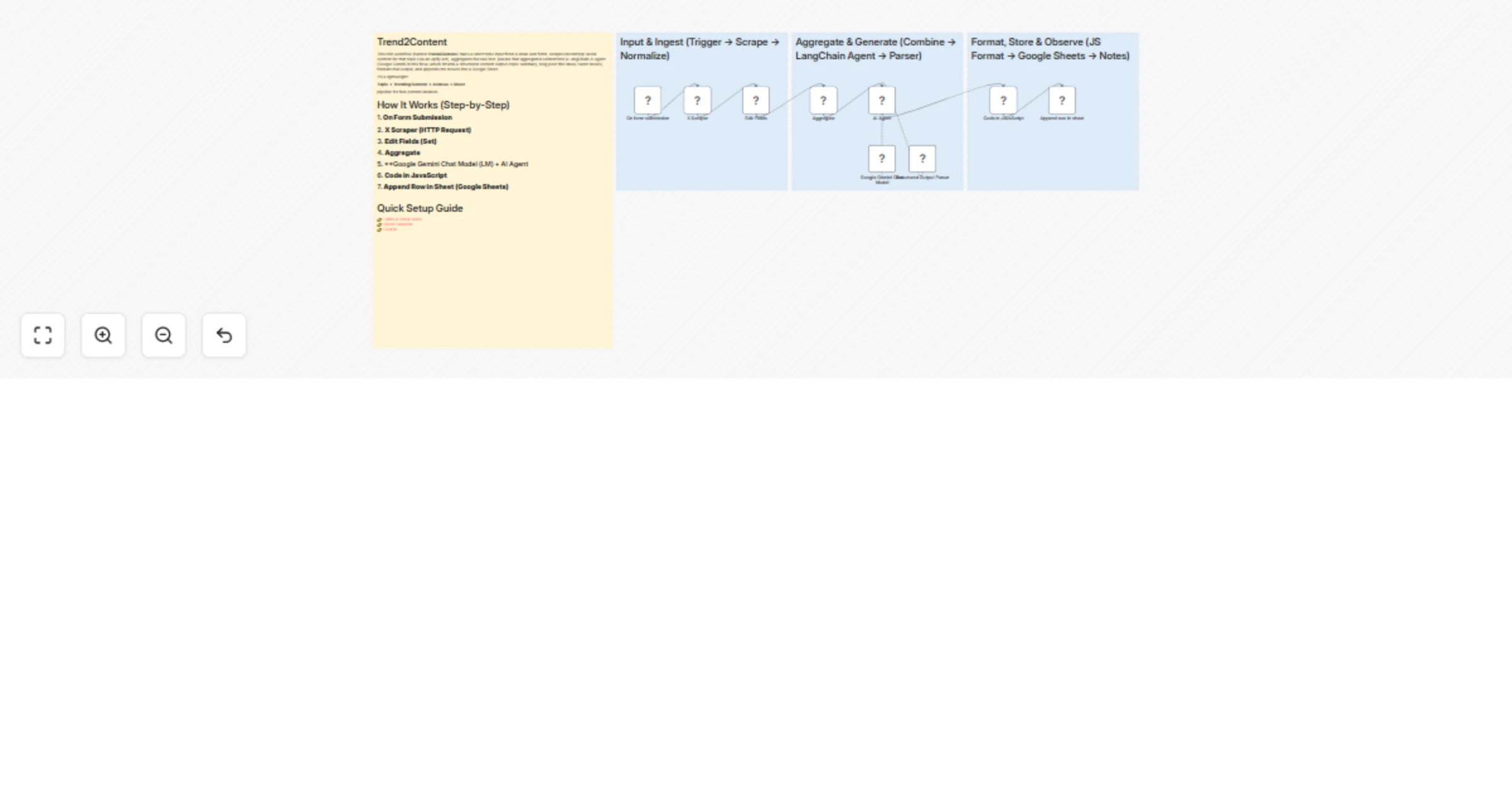
Original n8n.io sourceThis n8n workflow (named Trend2Content) takes a short topic input from a small web form, scrapes recent/top social content for that topic (via an Apify act), aggregates the raw text, passes that aggregated content into a LangChain AI agent (Google Gemini in this flow) which returns a structured content output (topic summary, blog post title ideas, tweet hooks), formats that output, and appends the results into a Google Sheet.
It’s a lightweight:
Topic → Trending Content → AI Ideas → Sheet
pipeline for fast content ideation.
On Form Submission
The user fills a single field Topic (webhook/form trigger).
X Scraper (HTTP Request)
Calls an Apify act run-sync-get-dataset-items with:
searchTerms: [{{ $json.Topic }}] maxItems: 20
to fetch social posts for that topic.Edit Fields (Set)
Extracts fullText from each scraped item and stores it in a Content field.
Aggregate
Aggregates the Content field so the AI agent receives one combined input rather than many separate items.
Google Gemini Chat Model (LM) + AI Agent (LangChain Agent Node) The agent uses a templated system prompt + the aggregated content to generate a structured response with:
The agent is connected to a Structured Output Parser node to force a predictable JSON schema.
Code in JavaScript Transforms the structured JSON into sheet-friendly strings (joins arrays with bullets).
Append Row in Sheet (Google Sheets)
Appends the generated blog_post_titles and tweet_hooks to the target Google Sheet.
(Optional) Sticky notes and internal meta nodes exist for documentation and board organization.
👉 Demo & Setup Video 👉 Sheet Template 👉 Course
maxItems, sort (Top/Recent), or modify searchTerms (e.g., topic + hashtag).Authorization: Bearer token (Apify).systemMessage and prompt template (tone, format, extra outputs).Authorization: Bearer YOUR_APIFY_TOKENspreadsheets scope.active: true).maxItems (20–50 recommended).status, error_message, run_time).Add output types:
Instagram captions
LinkedIn posts
Video scripts
Email subject lines
Add sentiment / trend scoring.
Add language detection & translation.
Store aggregated content in a vector database (Pinecone / Chroma).
Schedule runs using Cron trigger.
Add multiple data sources (Reddit, RSS, HackerNews).
Add approval workflow (Slack / Notion).
Add metadata columns:
source_urls
top_authors
most_shared
#content-ideation' #social #ai #google-gemini #apify #google-sheets #n8n
This catalog entry is organized from the workflow JSON. The node-level section below shows the executable blocks available for review before importing the template.
| Workflow | Generate content ideas from social trends with Apify, Gemini, and Google Sheets |
|---|---|
| Complexity | intermediate |
| Nodes | 13 |
| Categories | Content Creation, Multimodal AI |
| Author | Pratyush Kumar Jha |
| Published | 19 Feb 2026 |
Use the JSON export at /data/workflows/13525/13525.json as the source template for this automation.
Open n8n, import the downloaded JSON, and review each node before activating the workflow.
Replace placeholder credentials, API keys, webhook URLs, account IDs, and environment-specific values with your own settings.
Run the workflow manually or in a staging workspace, inspect node output, and confirm downstream systems receive the expected data.
Enable the workflow only after testing, then monitor executions, errors, and rate limits during the first production runs.
Review imported nodes carefully before activation. This catalog entry is intended to help you inspect the workflow structure, understand required services, and find related templates faster.
Node names, credentials, schedules, webhook paths, and external service limits may need adjustment for your workspace.
Trend2Content This n8n workflow (named Trend2Content ) takes a short topic input from a small web form, scrapes recent/top social content for that topic (via an Apify act), aggregates the raw text,...
Review the workflow JSON, configure any required credentials in n8n, and test the automation in a safe workspace before using it in production.
Yes. Use the block-by-block analysis and the downloadable JSON to inspect each node, then adjust credentials, prompts, schedules, filters, or destinations for your Content Creation, Multimodal AI use case.