Block 1 - 📋 Flow Overview
- Type / Role
- n8n-nodes-base.stickyNote - stickyNote
- Config choices
- Version 1


 Early Deal
WhatsApp Cinematic Video Automation with OpenAI Sora Elevate your digital presence with high fidelity cinematic video automation. This workflow orchestrates the complex, asynchronous rendering p...
n8n-nodes-base.stickynote, n8n-nodes-base.webhook, n8n-nodes-base.switch, n8n-nodes-base.respondtowebhook, n8n-nodes-base.code, n8n-nodes-base.httprequest, n8n-nodes-base.wait, n8n-nodes-base.if
This workflow is cataloged by N8N Workflows and links back to its original n8n.io source page by Jitesh Dugar.
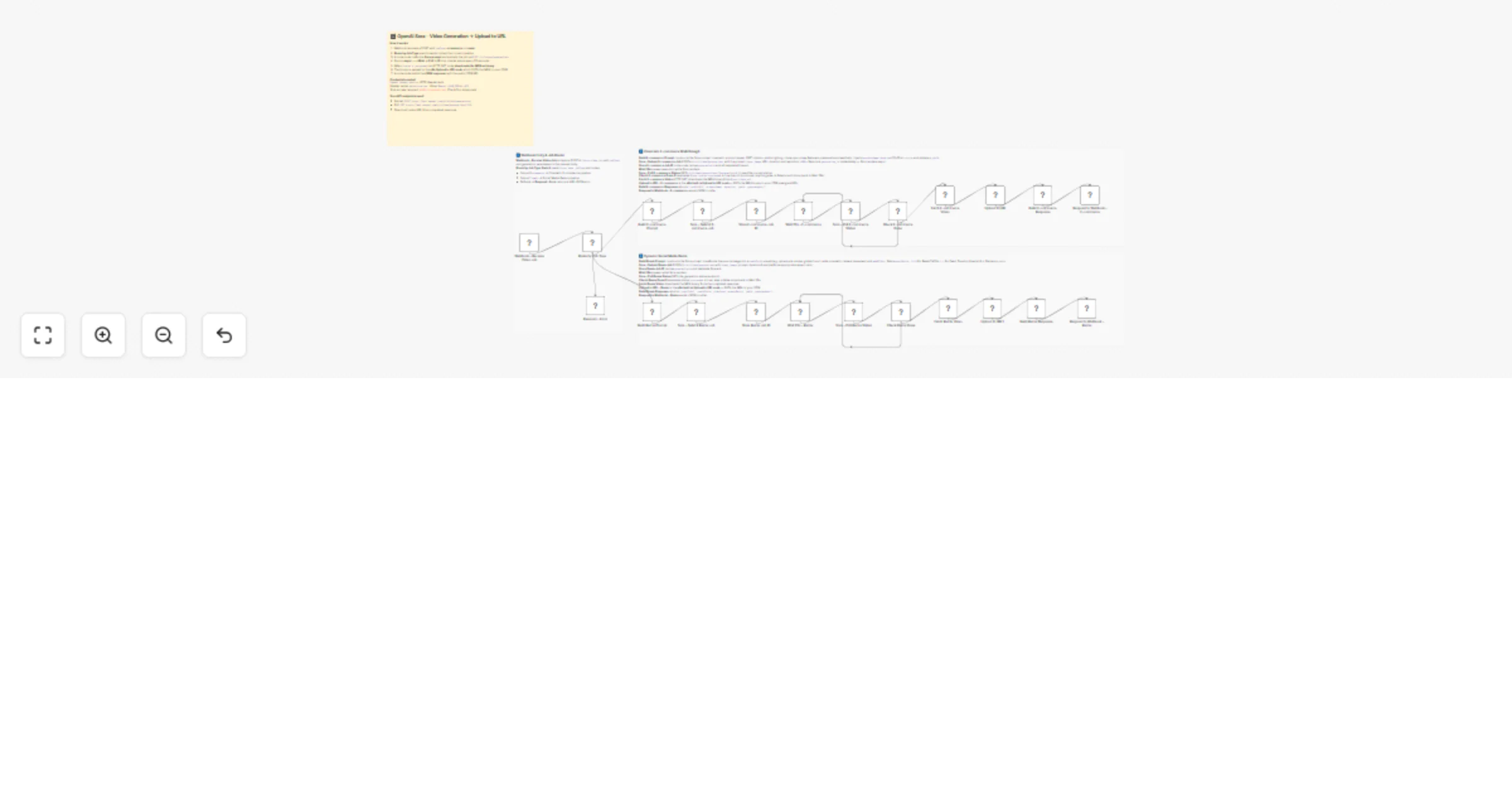
Original n8n.io sourceElevate your digital presence with high-fidelity cinematic video automation. This workflow orchestrates the complex, asynchronous rendering process of OpenAI Sora—transforming static product images or creative concepts into hosted MP4 assets ready for immediate deployment to your storefront or social channels.
This template manages two distinct cinematic video pipelines through a specialized polling and hosting architecture:
Turn a single product photo into a premium commercial asset. This path generates 10–20 second videos featuring dramatic reveals, 360° rotations, and professional studio lighting effects. The resulting video URL can be embedded directly into Shopify, Meesho, or other e-commerce platforms.
Optimized for TikTok, Reels, and Stories, this path "remixes" source images into specific artistic styles (like cyberpunk or anime) with vertical aspect ratios (9:16). It applies cinematic camera movements and dramatic transitions to create viral-ready short-form content.
uploadtourl node to automatically transfer completed MP4 binaries from OpenAI's temporary storage to your permanent CDN via presigned PUT URLs.jobType payload.uploadtourl.OpenAI Header Auth with your Bearer token.YOUR_CDN_DOMAIN in the response nodes with your actual public asset URL structure.Bring your assets to life! Import this template and connect your OpenAI API key to start generating and hosting cinematic videos automatically!
This catalog entry is organized from the workflow JSON. The node-level section below shows the executable blocks available for review before importing the template.
Showing the first 24 of 27 workflow blocks. Download the JSON for the full node graph.
| Workflow | Generate cinematic videos with OpenAI Sora and uploadtourl hosting |
|---|---|
| Complexity | advanced |
| Nodes | 27 |
| Categories | Content Creation, Multimodal AI |
| Author | Jitesh Dugar |
| Published | 27 Feb 2026 |
Use the JSON export at /data/workflows/13752/13752.json as the source template for this automation.
Open n8n, import the downloaded JSON, and review each node before activating the workflow.
Replace placeholder credentials, API keys, webhook URLs, account IDs, and environment-specific values with your own settings.
Run the workflow manually or in a staging workspace, inspect node output, and confirm downstream systems receive the expected data.
Enable the workflow only after testing, then monitor executions, errors, and rate limits during the first production runs.
Review imported nodes carefully before activation. This catalog entry is intended to help you inspect the workflow structure, understand required services, and find related templates faster.
Node names, credentials, schedules, webhook paths, and external service limits may need adjustment for your workspace.
WhatsApp Cinematic Video Automation with OpenAI Sora Elevate your digital presence with high fidelity cinematic video automation. This workflow orchestrates the complex, asynchronous rendering p...
Review the workflow JSON, configure any required credentials in n8n, and test the automation in a safe workspace before using it in production.
Yes. Use the block-by-block analysis and the downloadable JSON to inspect each node, then adjust credentials, prompts, schedules, filters, or destinations for your Content Creation, Multimodal AI use case.