Block 1 - Tavily
- Type / Role
- @n8n/n8n-nodes-langchain.toolHttpRequest - toolHttpRequest
- Config choices
- Version 1.1


 Early Deal
Who Is This For? This workflow is designed for marketers, content creators, agencies, and solo founders who want to publish long‐form posts with visuals on autopilot using n8n and AI agents. Whet...
@n8n/n8n-nodes-langchain.toolhttprequest, @n8n/n8n-nodes-langchain.agent, n8n-nodes-base.httprequest, n8n-nodes-base.converttofile, n8n-nodes-base.stickynote, n8n-nodes-base.executeworkflowtrigger, n8n-nodes-base.googlesheets, n8n-nodes-base.googledrive
This workflow is cataloged by N8N Workflows and links back to its original n8n.io source page by N8ner.
Original n8n.io sourceThis workflow is designed for marketers, content creators, agencies, and solo founders who want to publish long‐form posts with visuals on autopilot using n8n and AI agents.
Whether you run a blog, SaaS, personal brand, newsletter, or client accounts, this tool helps you keep a consistent content pipeline without manually writing every article, creating images, and posting to each platform one by one. 💪🏼 While the template is wired around classic blog + social media distribution, the underlying logic is universal. You can easily adapt it to any niche by editing prompts, swapping models, and re‐wiring nodes. You can plug in any LLM you like, from ChatGPT to Claude, Gemini, Mistral, DeepSeek, OpenRouter, or even local models through Ollama.
🤯 Most teams waste hours on the same repetitive loop: research a topic, gather links, write a blog post, craft social captions, generate visuals, upload everything to multiple platforms, and archive assets. 💎 This workflow solves that by automating the full content chain—from research and blog‐post generation to image creation, publishing across channels, and logging everything in your content database—so your feeds stay active while you focus on strategy, not busywork.
✨ Generates in‐depth blog posts tailored to your topic and target audience, enriched with fresh references from the web via Tavily/SerpAPI search tools. ✨ Creates an image prompt and title from the article, generates the visual with OpenAI Images (gpt-image-1), and converts it into a ready‐to‐use image file. ✨ Automatically publishes content to your connected platforms (WordPress for blog posts, Telegram, X/Twitter, Facebook, LinkedIn) while saving images to Google Drive and logging each publication in Google Sheets for tracking.
Surprisingly simple ☺️
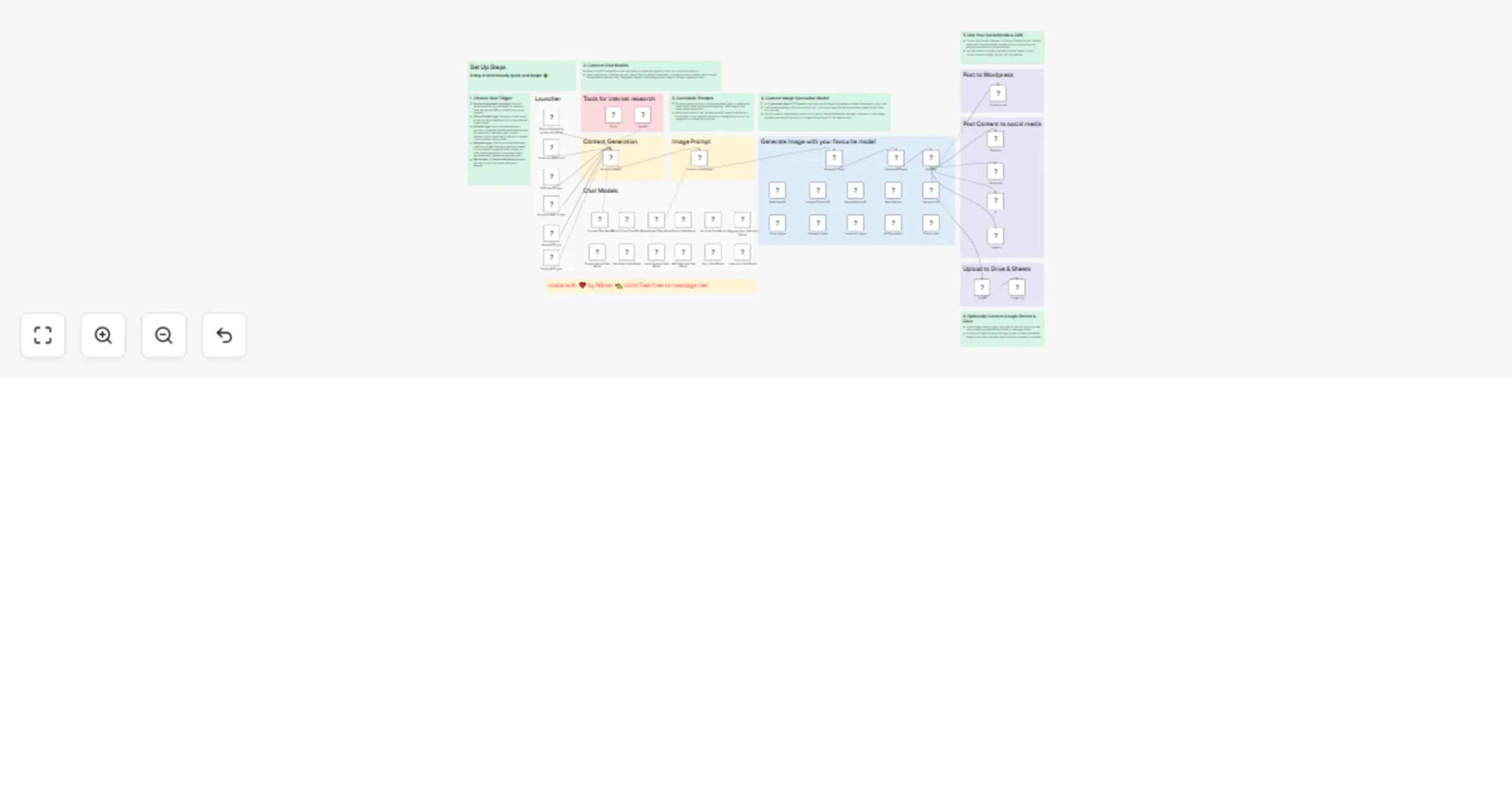
The workflow is triggered by another n8n workflow or by one of several triggers (Facebook, RSS, Google Sheets, Airtable, Postgres) that pass in the blogTopic, targetAudience, and Telegram chatID. The Blog Post Agent (LLM with access to Tavily/SerpAPI) researches the topic, writes a structured article for the specified audience, and sends its output to the Image Prompt Agent, which turns the content into a visual prompt and title.
🎯 The end result: you provide a topic, run the workflow, and receive a complete blog post, matching image, and ready‐made social posts shipped directly to your channels and archives—no manual copy‐paste.
🤖 The system will continuously generate blog posts, visuals, and social updates and publish them across your selected platforms while archiving everything in Drive and Sheets—keeping your brand visible, consistent, and professional with minimal ongoing effort.
This catalog entry is organized from the workflow JSON. The node-level section below shows the executable blocks available for review before importing the template.
Showing the first 24 of 59 workflow blocks. Download the JSON for the full node graph.
| Workflow | 💾 Generate Blog Posts on Autopilot with GPT‐5, Tavily and WordPress |
|---|---|
| Complexity | advanced |
| Nodes | 59 |
| Categories | Content Creation, Multimodal AI |
| Author | N8ner |
| Published | 21 Jan 2026 |
Use the JSON export at /data/workflows/12858/12858.json as the source template for this automation.
Open n8n, import the downloaded JSON, and review each node before activating the workflow.
Replace placeholder credentials, API keys, webhook URLs, account IDs, and environment-specific values with your own settings.
Run the workflow manually or in a staging workspace, inspect node output, and confirm downstream systems receive the expected data.
Enable the workflow only after testing, then monitor executions, errors, and rate limits during the first production runs.
Review imported nodes carefully before activation. This catalog entry is intended to help you inspect the workflow structure, understand required services, and find related templates faster.
Node names, credentials, schedules, webhook paths, and external service limits may need adjustment for your workspace.
Who Is This For? This workflow is designed for marketers, content creators, agencies, and solo founders who want to publish long‐form posts with visuals on autopilot using n8n and AI agents. Whet...
Review the workflow JSON, configure any required credentials in n8n, and test the automation in a safe workspace before using it in production.
Yes. Use the block-by-block analysis and the downloadable JSON to inspect each node, then adjust credentials, prompts, schedules, filters, or destinations for your Content Creation, Multimodal AI use case.