Block 1 - Google Gemini Chat Model
- Type / Role
- @n8n/n8n-nodes-langchain.lmChatGoogleGemini - lmChatGoogleGemini
- Config choices
- Version 1


 Early Deal
1. Overview This workflow automates the process of collecting viral content ideas, generating videos using AI services, and publishing posts to social media platforms. It uses scheduled triggers an...
@n8n/n8n-nodes-langchain.lmchatgooglegemini, @n8n/n8n-nodes-langchain.toolthink, @n8n/n8n-nodes-langchain.outputparserstructured, @blotato/n8n-nodes-blotato.blotato, n8n-nodes-base.switch, @n8n/n8n-nodes-langchain.googlegemini, @apify/n8n-nodes-apify.apify, n8n-nodes-base.googlesheets
This workflow is cataloged by N8N Workflows and links back to its original n8n.io source page by giangxai.
Original n8n.io source1. Overview
This workflow automates the process of collecting viral content ideas, generating videos using AI services, and publishing posts to social media platforms.
It uses scheduled triggers and external APIs to run the entire content pipeline with minimal manual input. Google Sheets is used as the central data layer to store ideas, track processing status, and prevent duplicate content.
The workflow is designed to support continuous content production by connecting idea discovery, content generation, and publishing into a single automated system.
2. What Can This Workflow Do? This workflow can be used for:
The workflow is suitable for users who want to reduce manual work while maintaining a structured and repeatable content production process.
3. Required API Keys & Credentials
The following credentials must be configured before running the workflow:
⚠️ All API keys and credentials must be properly set up in n8n Credentials before executing the workflow.
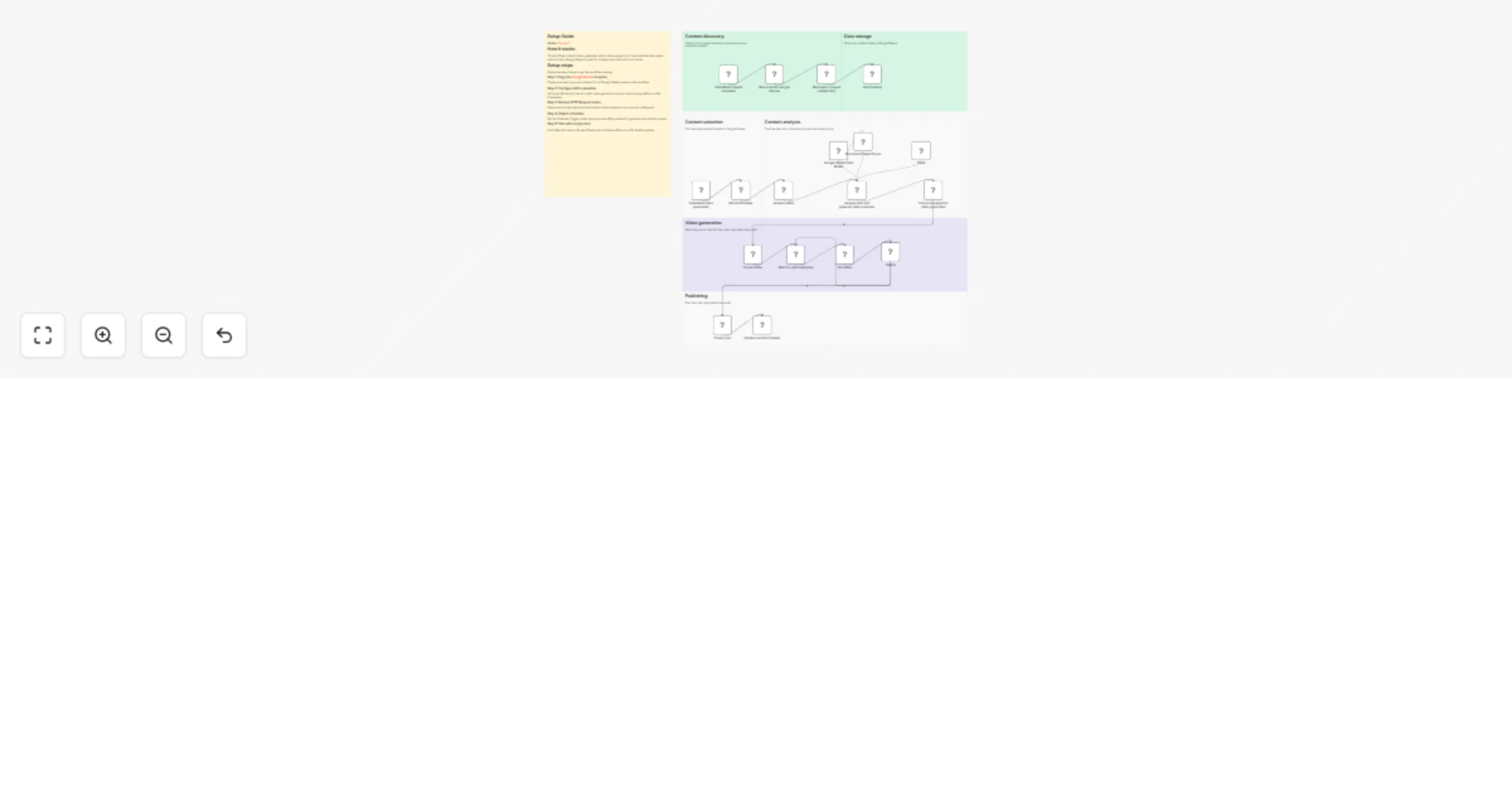
4. High-Level Architecture
The system is divided into two main workflows:
Get Content Viral: Collects and stores viral content ideas automatically
Create Video and Auto Post
5. Workflow 1 – Get Content Viral Purpose
This workflow is responsible for automatically discovering and collecting viral content ideas, then storing them in Google Sheets for further processing.
It acts as the idea intake layer of the entire AI Content Factory. Workflow Steps
Scheduled content execution The workflow is triggered automatically based on a predefined schedule (e.g. daily or multiple times per day). This allows the system to continuously collect fresh viral content ideas without manual intervention.
Run Apify Actor & Get Dataset
Google Sheets serves as the central idea repository for downstream workflows.
Output:
6. Workflow 2 – Create Video and Auto Post Purpose
This workflow is responsible for transforming viral content ideas into AI-generated videos and automatically publishing them to social media platforms.
It acts as the production and distribution layer of the AI Content Factory.
Workflow Steps
Scheduled video generation The workflow runs automatically based on a predefined schedule. This allows you to control how many videos are generated and published per day.
Get Viral Content (Google Sheets)
A structured output parser is used to ensure consistent and predictable results for downstream steps.
Output
8. Notes, Limitations & Best Practices
Notes The overall content quality depends heavily on:
This workflow is designed for automation, not manual fine-tuning. Google Sheets is used as a lightweight database and works best for small to medium-scale content pipelines.
Limitations
API rate limits and quotas may restrict:
Video generation APIs may:
Social media platforms may impose:
Best Practices
Start with a low posting frequency and gradually scale up
Regularly review and refine:
Use Google Sheets status fields to:
Add error handling and retry logic for:
Periodically clean and optimize your Google Sheets data to maintain performance
This catalog entry is organized from the workflow JSON. The node-level section below shows the executable blocks available for review before importing the template.
Showing the first 24 of 25 workflow blocks. Download the JSON for the full node graph.
| Workflow | Generate and publish AI short videos using Gemini, Sora-2, Apify, and Google Sheets |
|---|---|
| Complexity | advanced |
| Nodes | 25 |
| Categories | Content Creation, Multimodal AI |
| Author | giangxai |
| Published | 11 Dec 2025 |
Use the JSON export at /data/workflows/11676/11676.json as the source template for this automation.
Open n8n, import the downloaded JSON, and review each node before activating the workflow.
Replace placeholder credentials, API keys, webhook URLs, account IDs, and environment-specific values with your own settings.
Run the workflow manually or in a staging workspace, inspect node output, and confirm downstream systems receive the expected data.
Enable the workflow only after testing, then monitor executions, errors, and rate limits during the first production runs.
Review imported nodes carefully before activation. This catalog entry is intended to help you inspect the workflow structure, understand required services, and find related templates faster.
Node names, credentials, schedules, webhook paths, and external service limits may need adjustment for your workspace.
1. Overview This workflow automates the process of collecting viral content ideas, generating videos using AI services, and publishing posts to social media platforms. It uses scheduled triggers an...
Review the workflow JSON, configure any required credentials in n8n, and test the automation in a safe workspace before using it in production.
Yes. Use the block-by-block analysis and the downloadable JSON to inspect each node, then adjust credentials, prompts, schedules, filters, or destinations for your Content Creation, Multimodal AI use case.