Block 1 - Set Currencies
- Type / Role
- n8n-nodes-base.set - set
- Config choices
- Version 3.4


 Early Deal
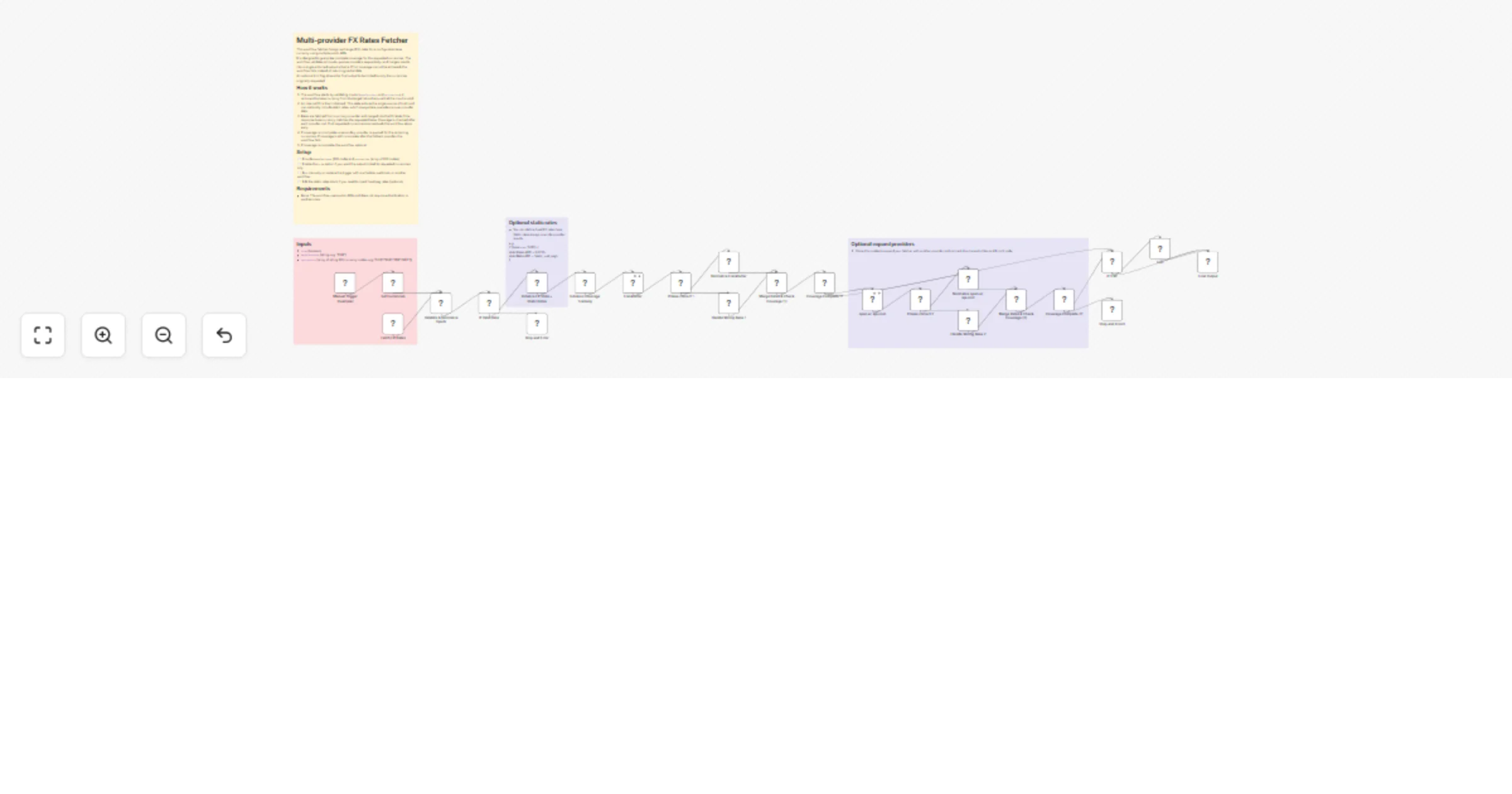
This workflow fetches foreign exchange (FX) rates using multiple public APIs. It validates all inputs, queries providers sequentially, and merges results into a single enforced output schema. The w...
n8n-nodes-base.set, n8n-nodes-base.if, n8n-nodes-base.stopanderror, n8n-nodes-base.httprequest, n8n-nodes-base.code, n8n-nodes-base.executeworkflowtrigger, n8n-nodes-base.manualtrigger, n8n-nodes-base.noop
This workflow is cataloged by N8N Workflows and links back to its original n8n.io source page by Matchaccino Studio.
Original n8n.io sourceIt validates all inputs, queries providers sequentially, and merges results into a single enforced output schema. The workflow is designed to guarantee complete coverage for the requested currencies. If full coverage cannot be achieved, it fails explicitly instead of returning partial data.
An optional trim flag allows the final output to be limited to only the currencies originally requested.
This template is intended for developers and automation builders who need reliable FX rates as part of a larger workflow, such as reporting, pricing, analytics, or financial automation.
It can be used as a standalone workflow or reused as a sub-workflow via the Execute Workflow node.
The workflow starts by validating and normalizing the input parameters. An internal FX state is initialized and acts as the single source of truth throughout execution. Optional static rates can be defined at this stage and always take precedence over provider data.
Rates are fetched from a primary provider first. After each provider call, coverage is checked to determine whether all requested currencies have been resolved. If coverage is complete, the workflow stops early.
If some currencies are still missing, a secondary provider is queried. If coverage is still incomplete after the fallback provider, the workflow fails.
When coverage is complete, the workflow optionally trims the output and returns the final FX payload.
baseCurrency (ISO currency code).currencies array containing the currencies to fetch (ISO currency code).trim flag to control whether the output is reduced to the requested currencies only.You can define static FX rates during the initialization step. Static rates always override provider results and can be used for fixed or pegged currencies.
Additional FX providers can be added by cloning the provider fetch nodes and connecting them to the existing coverage and error-handling logic.
This catalog entry is organized from the workflow JSON. The node-level section below shows the executable blocks available for review before importing the template.
Showing the first 24 of 28 workflow blocks. Download the JSON for the full node graph.
| Workflow | Fetch reliable FX exchange rates with Frankfurter and open.er-api |
|---|---|
| Complexity | advanced |
| Nodes | 28 |
| Categories | Engineering |
| Author | Matchaccino Studio |
| Published | 07 Jan 2026 |
Use the JSON export at /data/workflows/12539/12539.json as the source template for this automation.
Open n8n, import the downloaded JSON, and review each node before activating the workflow.
Replace placeholder credentials, API keys, webhook URLs, account IDs, and environment-specific values with your own settings.
Run the workflow manually or in a staging workspace, inspect node output, and confirm downstream systems receive the expected data.
Enable the workflow only after testing, then monitor executions, errors, and rate limits during the first production runs.
Review imported nodes carefully before activation. This catalog entry is intended to help you inspect the workflow structure, understand required services, and find related templates faster.
Node names, credentials, schedules, webhook paths, and external service limits may need adjustment for your workspace.
This workflow fetches foreign exchange (FX) rates using multiple public APIs. It validates all inputs, queries providers sequentially, and merges results into a single enforced output schema. The w...
Review the workflow JSON, configure any required credentials in n8n, and test the automation in a safe workspace before using it in production.
Yes. Use the block-by-block analysis and the downloadable JSON to inspect each node, then adjust credentials, prompts, schedules, filters, or destinations for your Engineering use case.