Evaluate job fit and generate application assets from Telegram links with OpenAI, Pinecone, Apify and Google Sheets

Workflow preview

Workflow preview
100%
Evaluate job fit and generate application assets from Telegram links with OpenAI, Pinecone, Apify and Google Sheets preview
Open on n8n.io

1. Workflow Overview

Summary This workflow automates the early stage job application process using AI. It: accepts a job link from Telegram extracts and normalizes the URL scrapes the job page evaluates job fit against...

Best for

  • Personal Productivity automation workflows
  • AI Chatbot automation workflows
  • advanced n8n builders looking for reusable templates

Tools used

n8n-nodes-base.stickynote, @n8n/n8n-nodes-langchain.vectorstorepinecone, @n8n/n8n-nodes-langchain.documentdefaultdataloader, n8n-nodes-base.googledrive, @n8n/n8n-nodes-langchain.embeddingsopenai, @n8n/n8n-nodes-langchain.textsplitterrecursivecharactertextsplitter, n8n-nodes-base.telegramtrigger, @n8n/n8n-nodes-langchain.agent

Source and attribution

This workflow is cataloged by N8N Workflows and links back to its original n8n.io source page by Harsh Goyal.

Original n8n.io source

1.1 Workflow description

Title
Evaluate job fit and generate application assets from Telegram links with OpenAI, Pinecone, Apify and Google Sheets
Workflow name
Evaluate job fit and generate application assets from Telegram links with OpenAI, Pinecone, Apify and Google Sheets

Summary

This workflow automates the early-stage job application process using AI.

It:

  • accepts a job link from Telegram
  • extracts and normalizes the URL
  • scrapes the job page
  • evaluates job fit against resume context stored in Pinecone
  • asks for user approval if the role is a good match
  • generates application materials like:
  • cover letter
  • recruiter email draft
  • resume improvement suggestions
  • logs the application in Google Sheets
  • creates supporting files in Google Drive
  • sends status updates back on Telegram

Why this is useful

This helps reduce the manual effort involved in checking roles, deciding whether to apply, and preparing customized application material.

Stack used

  • n8n
  • Telegram
  • OpenAI
  • Pinecone
  • Apify
  • Google Sheets
  • Google Drive
  • Gmail

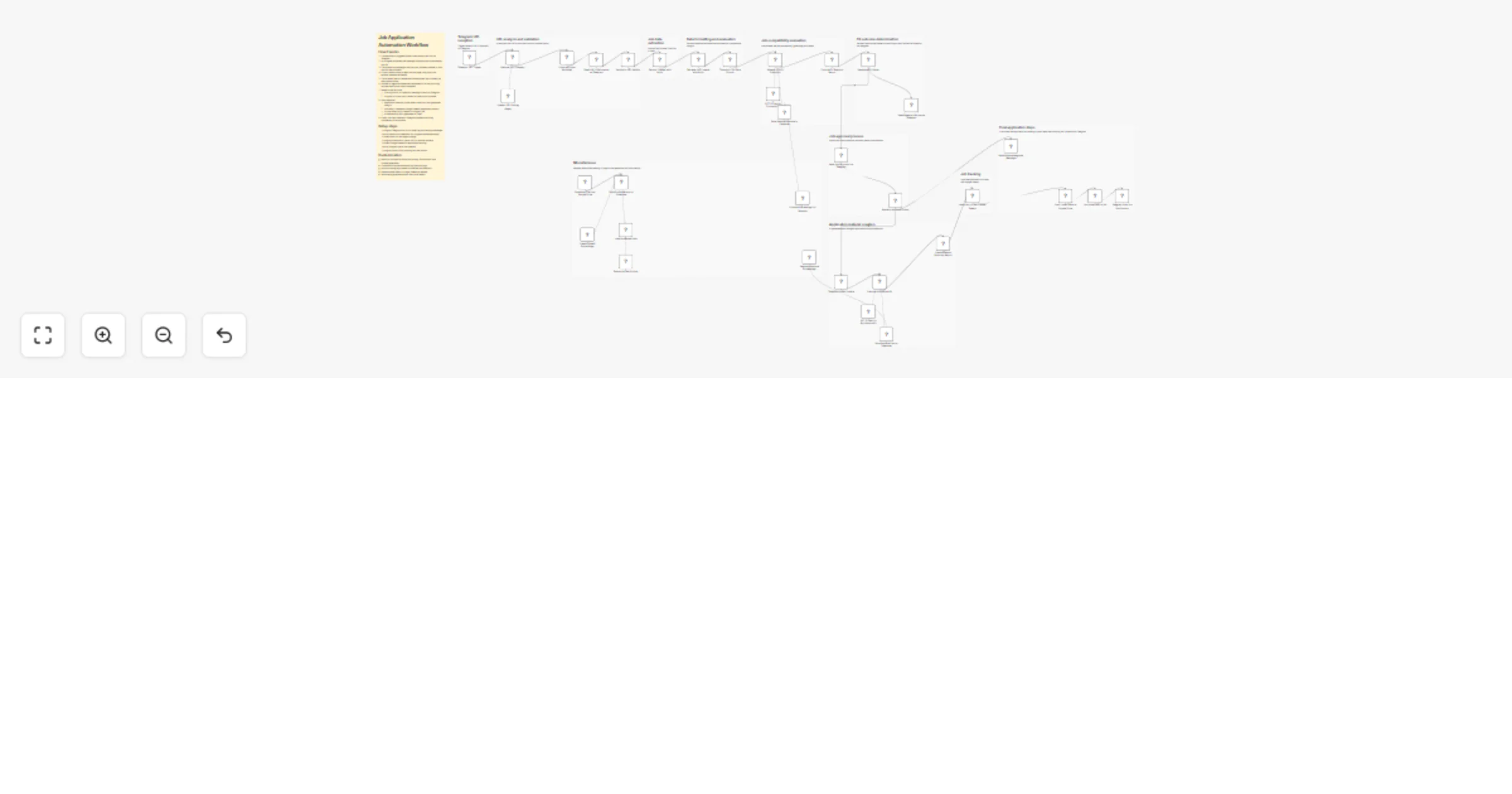
Workflow overview

  1. User sends a job link on Telegram
  2. AI extracts and validates the link
  3. Job page is scraped and normalized
  4. Resume context is retrieved from Pinecone
  5. AI calculates fit score
  6. If fit is low, user gets a rejection message
  7. If fit is good, user is asked for approval
  8. On approval, the workflow generates application assets
  9. A tracker entry is added and the user gets a final update

Notes

  • Resume data is retrieved from a vector database
  • Application materials are generated only after approval
  • The workflow is designed to be modular and can be extended with auto-apply, ATS scoring, or multi-channel alerts later

1.2 Logical Blocks

This catalog entry is organized from the workflow JSON. The node-level section below shows the executable blocks available for review before importing the template.

2. Block-by-Block Analysis

Block 1 - Sticky Note9

Type / Role
n8n-nodes-base.stickyNote - stickyNote
Config choices
Version 1

Block 2 - Sticky Note10

Type / Role
n8n-nodes-base.stickyNote - stickyNote
Config choices
Version 1

Block 3 - Sticky Note11

Type / Role
n8n-nodes-base.stickyNote - stickyNote
Config choices
Version 1

Block 4 - Save Profile Vectors to Pinecone

Type / Role
@n8n/n8n-nodes-langchain.vectorStorePinecone - vectorStorePinecone
Config choices
Version 1.3

Block 5 - Load Document Data

Type / Role
@n8n/n8n-nodes-langchain.documentDefaultDataLoader - documentDefaultDataLoader
Config choices
Version 1.1

Block 6 - Download File from Google Drive

Type / Role
n8n-nodes-base.googleDrive - googleDrive
Config choices
Version 3

Block 7 - Create OpenAI Embeddings

Type / Role
@n8n/n8n-nodes-langchain.embeddingsOpenAi - embeddingsOpenAi
Config choices
Version 1.2

Block 8 - Recursive Text Splitter

Type / Role
@n8n/n8n-nodes-langchain.textSplitterRecursiveCharacterTextSplitter - textSplitterRecursiveCharacterTextSplitter
Config choices
Version 1

Block 9 - Telegram URL Trigger

Type / Role
n8n-nodes-base.telegramTrigger - telegramTrigger
Config choices
Version 1.2

Block 10 - Analyze URL Contents

Type / Role
@n8n/n8n-nodes-langchain.agent - agent
Config choices
Version 3.1

Block 11 - Construct Input Variables

Type / Role
n8n-nodes-base.code - code
Config choices
Version 2

Block 12 - Send URL Confirmation on Telegram

Type / Role
n8n-nodes-base.telegram - telegram
Config choices
Version 1

Block 13 - Switch by URL Validity

Type / Role
n8n-nodes-base.switch - switch
Config choices
Version 3.4

Block 14 - Extract Content with Apify

Type / Role
@apify/n8n-nodes-apify.apify - apify
Config choices
Version 1

Block 15 - Transform Job Data Format

Type / Role
n8n-nodes-base.code - code
Config choices
Version 2

Block 16 - OpenAI URL Parsing Agent

Type / Role
@n8n/n8n-nodes-langchain.lmChatOpenAi - lmChatOpenAi
Config choices
Version 1.3

Block 17 - Retrieve Job Content with Apify

Type / Role
@apify/n8n-nodes-apify.apify - apify
Config choices
Version 1

Block 18 - Assess Job-Fit Suitability

Type / Role
@n8n/n8n-nodes-langchain.agent - agent
Config choices
Version 3.1

Block 19 - Compile Fit Analysis Report

Type / Role
n8n-nodes-base.code - code
Config choices
Version 2

Block 20 - Decide on Fit Status

Type / Role
n8n-nodes-base.switch - switch
Config choices
Version 3.4

Block 21 - Send Rejection Notice on Telegram

Type / Role
n8n-nodes-base.telegram - telegram
Config choices
Version 1

Block 22 - Seek Job Approval via Telegram

Type / Role
n8n-nodes-base.telegram - telegram
Config choices
Version 1

Block 23 - Route by Approval Status

Type / Role
n8n-nodes-base.switch - switch
Config choices
Version 3.4

Block 24 - Prepare Application Kit

Type / Role
@n8n/n8n-nodes-langchain.agent - agent
Config choices
Version 3.1

Showing the first 24 of 46 workflow blocks. Download the JSON for the full node graph.

3. Summary Table

Workflow Evaluate job fit and generate application assets from Telegram links with OpenAI, Pinecone, Apify and Google Sheets
Complexity advanced
Nodes 46
Categories Personal Productivity, AI Chatbot
Author Harsh Goyal
Published 03 Apr 2026

4. Reproducing the Workflow from Scratch

  1. 1. Download the workflow JSON

    Use the JSON export at /data/workflows/14667/14667.json as the source template for this automation.

  2. 2. Import the template into n8n

    Open n8n, import the downloaded JSON, and review each node before activating the workflow.

  3. 3. Configure credentials and variables

    Replace placeholder credentials, API keys, webhook URLs, account IDs, and environment-specific values with your own settings.

  4. 4. Test with sample data

    Run the workflow manually or in a staging workspace, inspect node output, and confirm downstream systems receive the expected data.

  5. 5. Activate and monitor

    Enable the workflow only after testing, then monitor executions, errors, and rate limits during the first production runs.

5. General Notes & Resources

Review imported nodes carefully before activation. This catalog entry is intended to help you inspect the workflow structure, understand required services, and find related templates faster.

Node names, credentials, schedules, webhook paths, and external service limits may need adjustment for your workspace.

Frequently asked questions

What does Evaluate job fit and generate application assets from Telegram links with OpenAI, Pinecone, Apify and Google Sheets do?

Summary This workflow automates the early stage job application process using AI. It: accepts a job link from Telegram extracts and normalizes the URL scrapes the job page evaluates job fit against...

What do I need before importing this workflow?

Review the workflow JSON, configure any required credentials in n8n, and test the automation in a safe workspace before using it in production.

Can I customize this workflow?

Yes. Use the block-by-block analysis and the downloadable JSON to inspect each node, then adjust credentials, prompts, schedules, filters, or destinations for your Personal Productivity, AI Chatbot use case.