Decrypt legacy PDF archives with HTML to PDF, PostgreSQL and Google Drive

Workflow preview

Workflow preview
100%
Decrypt legacy PDF archives with HTML to PDF, PostgreSQL and Google Drive preview
Open on n8n.io

1. Workflow Overview

Bulk Archival Decryption: AI Powered Compliance Audit & Unlocking Engine Description This is a high security enterprise solution for LegalOps and Compliance departments. It automates the high st...

Best for

  • Document Extraction automation workflows
  • advanced n8n builders looking for reusable templates

Tools used

n8n-nodes-base.stickynote, n8n-nodes-base.if, n8n-nodes-base.postgres, n8n-nodes-base.slack, n8n-nodes-base.googledrive, n8n-nodes-base.code, n8n-nodes-htmlcsstopdf.htmlcsstopdf, n8n-nodes-base.gmail

Source and attribution

This workflow is cataloged by N8N Workflows and links back to its original n8n.io source page by Jitesh Dugar.

Original n8n.io source

1.1 Workflow description

Title
Decrypt legacy PDF archives with HTML to PDF, PostgreSQL and Google Drive
Workflow name
Decrypt legacy PDF archives with HTML to PDF, PostgreSQL and Google Drive

Bulk Archival Decryption: AI-Powered Compliance Audit & Unlocking Engine

🎯 Description

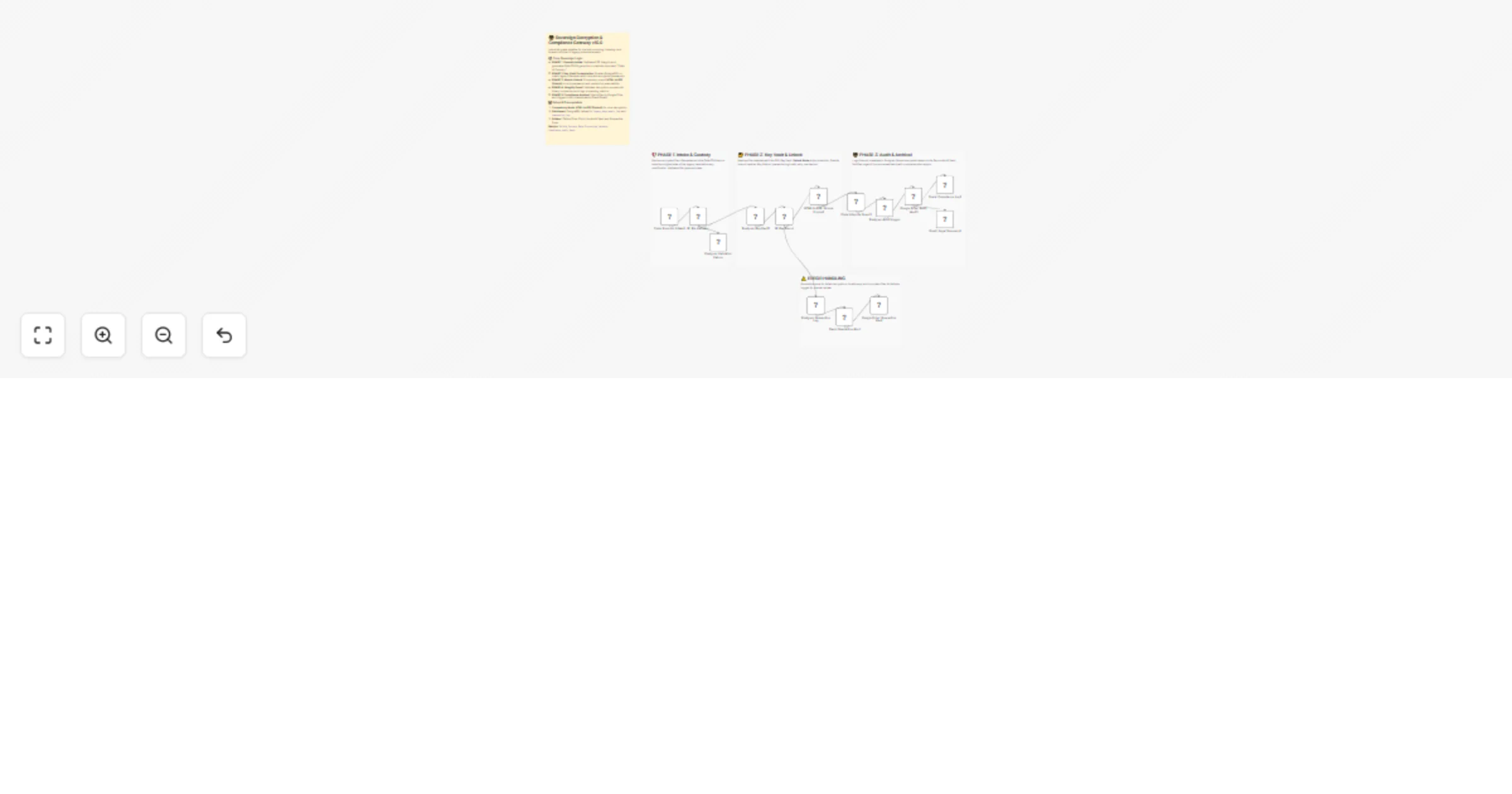
This is a high-security enterprise solution for LegalOps and Compliance departments. It automates the high-stakes process of decrypting batches of legacy, password-protected PDF assets to facilitate forensic indexing and search discovery. By utilizing the HTML to PDF (Unlock) node, it bridges the gap between inaccessible "dark data" and searchable compliance archives.

✨ The Sovereign Lifecycle

  1. Phase 1: Secure Intake & Forensic Fingerprinting - Fetches legacy binaries and generates an initial SHA-256 hash. This establishes a strict "Chain of Custody" before any modification occurs.
  2. Phase 2: Key Vault Orchestration - Integrates with a PostgreSQL Key Vault to automatically retrieve historical passwords based on file metadata, enabling the decryption of thousands of documents without manual intervention.
  3. Phase 3: Atomic Unlock sovereign - Utilizes the HTML to PDF (Unlock) node to strip owner and user passwords with cryptographic precision, restoring full text-extraction and print capabilities.
  4. Phase 4: Integrity Guard & Validation - A dedicated Code Node compares the original and unlocked file hashes to verify successful decryption. It calculates processing latency and logs comprehensive integrity statuses.
  5. Phase 5: Compliance-Ready Archival - Unlocked files are vaulted in a secure Google Drive "Audit Vault." Forensic metadata, including custody IDs and timestamps, are permanently logged to PostgreSQL.
  6. Phase 6: Incident Management - Features a robust error-handling "Quarantine Zone." Failed decryptions or invalid keys trigger immediate Slack alerts and moves the problematic files to a restricted folder for manual legal review.

💡 Key Technical Features

  • Forensic Audit Trail: Every processing event is recorded with non-repudiation tokens for regulatory auditors.
  • Bi-Directional Governance: Simultaneously updates PostgreSQL audit logs while managing physical file movements in cloud storage.
  • Fail-Safe Validation: Implements strict MIME-type and file-size validation to prevent the processing of malicious or corrupted binaries.

🚀 Benefits

Zero Audit Gaps - Ensures 100% of legacy data is accessible for regulatory search and indexing. ✅ Reduced Legal Risk - Provides an immutable record of the decryption process for internal and external discovery. ✅ Instant Discovery - Drastically reduces the time required to "open" legacy archives for litigation or audits.


Tags: #legalops #compliance #pdf-unlock #audit #governance #enterprise #cybersecurity

Category: Legal & Compliance | Difficulty: Advanced

1.2 Logical Blocks

This catalog entry is organized from the workflow JSON. The node-level section below shows the executable blocks available for review before importing the template.

2. Block-by-Block Analysis

Block 1 - Sticky_Quarantine

Type / Role
n8n-nodes-base.stickyNote - stickyNote
Config choices
Version 1

Block 2 - IF: File Validator

Type / Role
n8n-nodes-base.if - if
Config choices
Version 2

Block 3 - IF: Key Found

Type / Role
n8n-nodes-base.if - if
Config choices
Version 2

Block 4 - Postgres: Audit Logger

Type / Role
n8n-nodes-base.postgres - postgres
Config choices
Version 2.4

Block 5 - Postgres: Quarantine Log

Type / Role
n8n-nodes-base.postgres - postgres
Config choices
Version 2.4

Block 6 - Slack: Quarantine Alert

Type / Role
n8n-nodes-base.slack - slack
Config choices
Version 2.1

Block 7 - Google Drive: Quarantine Vault

Type / Role
n8n-nodes-base.googleDrive - googleDrive
Config choices
Version 3

Block 8 - Postgres: Validation Failure

Type / Role
n8n-nodes-base.postgres - postgres
Config choices
Version 2.4

Block 9 - Sticky_Intake1

Type / Role
n8n-nodes-base.stickyNote - stickyNote
Config choices
Version 1

Block 10 - Sticky_Unlock1

Type / Role
n8n-nodes-base.stickyNote - stickyNote
Config choices
Version 1

Block 11 - Sticky_Audit1

Type / Role
n8n-nodes-base.stickyNote - stickyNote
Config choices
Version 1

Block 12 - Code: Forensic Intake1

Type / Role
n8n-nodes-base.code - code
Config choices
Version 2

Block 13 - Postgres: Key Vault1

Type / Role
n8n-nodes-base.postgres - postgres
Config choices
Version 2.4

Block 14 - HTML to PDF: Unlock Engine1

Type / Role
n8n-nodes-htmlcsstopdf.htmlcsstopdf - htmlcsstopdf
Config choices
Version 1

Block 15 - Code: Integrity Guard1

Type / Role
n8n-nodes-base.code - code
Config choices
Version 2

Block 16 - Google Drive: Audit Vault1

Type / Role
n8n-nodes-base.googleDrive - googleDrive
Config choices
Version 3

Block 17 - Slack: Compliance Log1

Type / Role
n8n-nodes-base.slack - slack
Config choices
Version 2.1

Block 18 - Gmail: Legal Summary1

Type / Role
n8n-nodes-base.gmail - gmail
Config choices
Version 2.1

Block 19 - Sticky Note

Type / Role
n8n-nodes-base.stickyNote - stickyNote
Config choices
Version 1

3. Summary Table

Workflow Decrypt legacy PDF archives with HTML to PDF, PostgreSQL and Google Drive
Complexity advanced
Nodes 19
Categories Document Extraction
Author Jitesh Dugar
Published 27 Jan 2026

4. Reproducing the Workflow from Scratch

  1. 1. Download the workflow JSON

    Use the JSON export at /data/workflows/13032/13032.json as the source template for this automation.

  2. 2. Import the template into n8n

    Open n8n, import the downloaded JSON, and review each node before activating the workflow.

  3. 3. Configure credentials and variables

    Replace placeholder credentials, API keys, webhook URLs, account IDs, and environment-specific values with your own settings.

  4. 4. Test with sample data

    Run the workflow manually or in a staging workspace, inspect node output, and confirm downstream systems receive the expected data.

  5. 5. Activate and monitor

    Enable the workflow only after testing, then monitor executions, errors, and rate limits during the first production runs.

5. General Notes & Resources

Review imported nodes carefully before activation. This catalog entry is intended to help you inspect the workflow structure, understand required services, and find related templates faster.

Node names, credentials, schedules, webhook paths, and external service limits may need adjustment for your workspace.

Frequently asked questions

What does Decrypt legacy PDF archives with HTML to PDF, PostgreSQL and Google Drive do?

Bulk Archival Decryption: AI Powered Compliance Audit & Unlocking Engine Description This is a high security enterprise solution for LegalOps and Compliance departments. It automates the high st...

What do I need before importing this workflow?

Review the workflow JSON, configure any required credentials in n8n, and test the automation in a safe workspace before using it in production.

Can I customize this workflow?

Yes. Use the block-by-block analysis and the downloadable JSON to inspect each node, then adjust credentials, prompts, schedules, filters, or destinations for your Document Extraction use case.