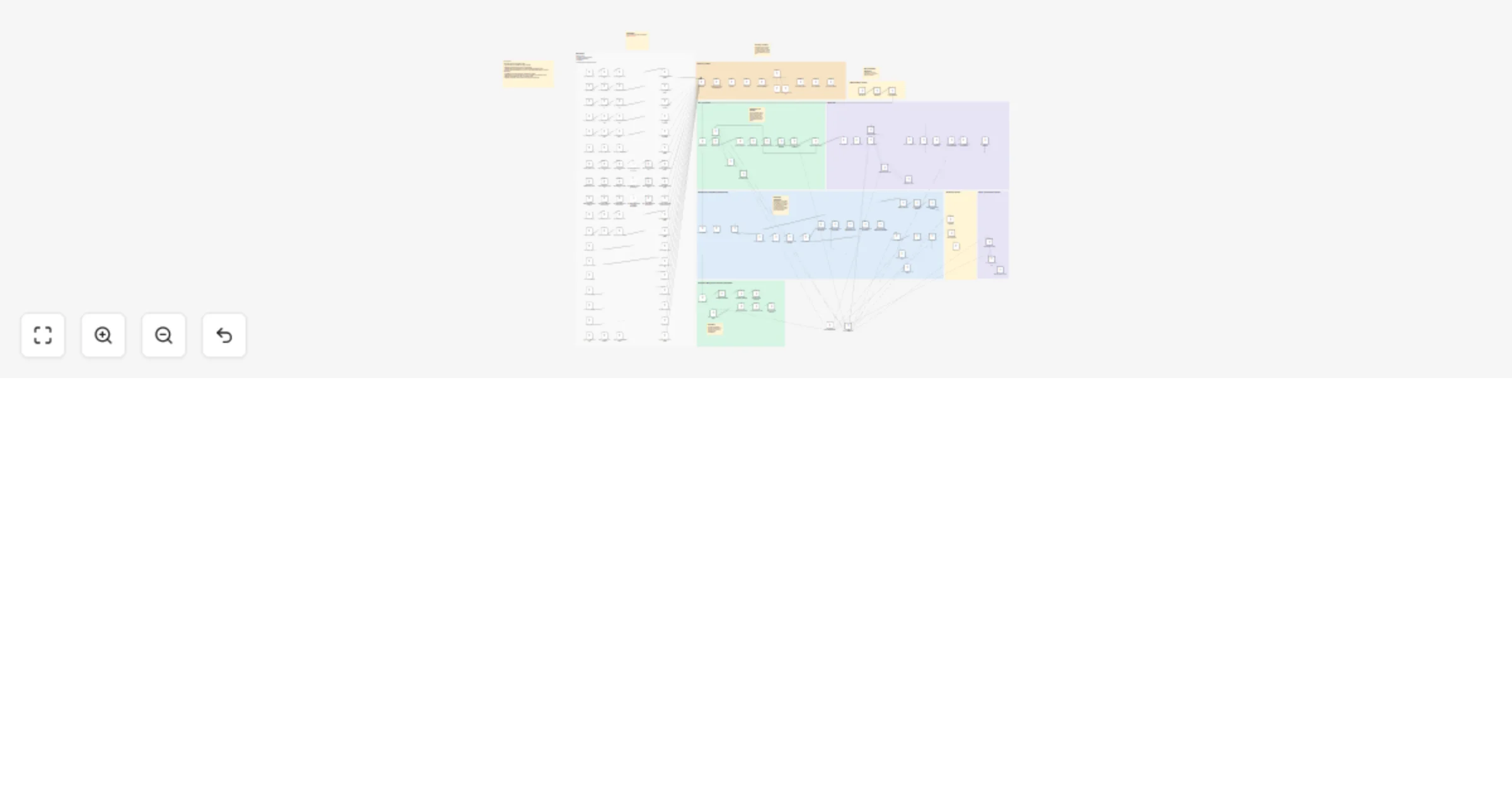
Curate and generate an AI newsletter from RSS feeds with OpenAI and Slack

Workflow preview

Workflow preview
100%
Curate and generate an AI newsletter from RSS feeds with OpenAI and Slack preview
Open on n8n.io

1. Workflow Overview

Who’s it for This workflow is for content creators, newsletter editors, and AI enthusiasts who want to automate the heavy lifting of news gathering. It acts as an autonomous research agent that mon...

Best for

  • Content Creation automation workflows
  • Multimodal AI automation workflows
  • advanced n8n builders looking for reusable templates

Tools used

@n8n/n8n-nodes-langchain.chainllm, @n8n/n8n-nodes-langchain.outputparserstructured, @n8n/n8n-nodes-langchain.lmchatopenai, n8n-nodes-base.googlesheets, n8n-nodes-base.rssfeedreadtrigger, n8n-nodes-base.set, n8n-nodes-base.scheduletrigger, n8n-nodes-base.httprequest

Source and attribution

This workflow is cataloged by N8N Workflows and links back to its original n8n.io source page by Maksudur Rahman.

Original n8n.io source

1.1 Workflow description

Title
Curate and generate an AI newsletter from RSS feeds with OpenAI and Slack
Workflow name
Curate and generate an AI newsletter from RSS feeds with OpenAI and Slack

Who’s it for

This workflow is for content creators, newsletter editors, and AI enthusiasts who want to automate the heavy lifting of news gathering. It acts as an autonomous research agent that monitors industry sources and drafts high-quality summaries for your review.

How it works

This workflow serves as a "human-in-the-loop" publishing agent:

  1. Ingestion & Normalization: It monitors 15+ sources including RSS feeds (TechCrunch), Reddit (r/OpenAI), and company blogs (Anthropic, Google). It normalizes these diverse inputs into a standard format.
  2. Filtering & Curating: Using OpenAI (GPT-4o), it filters out noise to identify only high-impact stories. It then selects the top 4 stories based on relevance to a tech-savvy audience.
  3. Drafting: It writes a complete newsletter, including a catchy subject line, an intro hook, deep-dive summaries, and a "quick hits" list. It even generates viral short-form video scripts based on the news.
  4. Slack Approval: The draft is sent to Slack. You can approve it immediately or reply with feedback (e.g., "Make the tone punchier"), prompting the AI to revise the draft before generating the final file.

How to set up

  1. Credentials: Connect your OpenAI, Anthropic, Google Sheets, and Slack accounts in n8n.
  2. Google Sheets: Create a sheet with columns for Title, URL, Source, Published, and Content. Paste the Sheet ID into the "Log to Google Sheets" and "Get_Stories" nodes.
  3. Slack: Update the Slack nodes with your specific Channel ID where you want to receive drafts.

Requirements

  • n8n version: 1.0+ (requires LangChain nodes).
  • LLM API Keys: OpenAI and Anthropic.
  • Google Sheets: For logging processed history.
  • Slack: For the approval interface.

How to customize

  • Change Sources: Edit the RSS Trigger nodes to track Finance, SaaS, or Crypto news instead of AI.
  • Adjust Tone: Open the stories_prompt node to change the persona of the AI editor (e.g., from "Professional" to "Witty").
  • Publishing: Connect the final output to a CMS like WordPress or Ghost to publish automatically upon approval.

1.2 Logical Blocks

This catalog entry is organized from the workflow JSON. The node-level section below shows the executable blocks available for review before importing the template.

2. Block-by-Block Analysis

Block 1 - evaluate_content

Type / Role
@n8n/n8n-nodes-langchain.chainLlm - chainLlm
Config choices
Version 1.5

Block 2 - is_revelant_content_parser

Type / Role
@n8n/n8n-nodes-langchain.outputParserStructured - outputParserStructured
Config choices
Version 1.2

Block 3 - o3-mini

Type / Role
@n8n/n8n-nodes-langchain.lmChatOpenAi - lmChatOpenAi
Config choices
Version 1.2

Block 4 - Log to Google Sheets

Type / Role
n8n-nodes-base.googleSheets - googleSheets
Config choices
Version 4.5

Block 5 - the_neuron_trigger

Type / Role
n8n-nodes-base.rssFeedReadTrigger - rssFeedReadTrigger
Config choices
Version 1

Block 6 - futurepedia_trigger

Type / Role
n8n-nodes-base.rssFeedReadTrigger - rssFeedReadTrigger
Config choices
Version 1

Block 7 - superhuman_trigger

Type / Role
n8n-nodes-base.rssFeedReadTrigger - rssFeedReadTrigger
Config choices
Version 1

Block 8 - normalize_neuron

Type / Role
n8n-nodes-base.set - set
Config choices
Version 3.4

Block 9 - normalize_futurepedia

Type / Role
n8n-nodes-base.set - set
Config choices
Version 3.4

Block 10 - normalize_superhuman

Type / Role
n8n-nodes-base.set - set
Config choices
Version 3.4

Block 11 - the_rundown_ai_trigger

Type / Role
n8n-nodes-base.rssFeedReadTrigger - rssFeedReadTrigger
Config choices
Version 1

Block 12 - normalize_the_rundown_ai

Type / Role
n8n-nodes-base.set - set
Config choices
Version 3.4

Block 13 - taaft_trigger

Type / Role
n8n-nodes-base.rssFeedReadTrigger - rssFeedReadTrigger
Config choices
Version 1

Block 14 - normalize_taaft

Type / Role
n8n-nodes-base.set - set
Config choices
Version 3.4

Block 15 - bens_bites_trigger

Type / Role
n8n-nodes-base.rssFeedReadTrigger - rssFeedReadTrigger
Config choices
Version 1

Block 16 - normalize_bens_bites

Type / Role
n8n-nodes-base.set - set
Config choices
Version 3.4

Block 17 - google_news_trigger

Type / Role
n8n-nodes-base.scheduleTrigger - scheduleTrigger
Config choices
Version 1.2

Block 18 - fetch_google_news_feed

Type / Role
n8n-nodes-base.httpRequest - httpRequest
Config choices
Version 4.2

Block 19 - normalize_google_news_articles

Type / Role
n8n-nodes-base.code - code
Config choices
Version 2

Block 20 - hacker_news_trigger

Type / Role
n8n-nodes-base.scheduleTrigger - scheduleTrigger
Config choices
Version 1.2

Block 21 - fetch_hacker_news_feed

Type / Role
n8n-nodes-base.httpRequest - httpRequest
Config choices
Version 4.2

Block 22 - split_google_news_items

Type / Role
n8n-nodes-base.splitOut - splitOut
Config choices
Version 1

Block 23 - split_hacker_news_items

Type / Role
n8n-nodes-base.splitOut - splitOut
Config choices
Version 1

Block 24 - normalize_hacker_news_articles

Type / Role
n8n-nodes-base.code - code
Config choices
Version 2

Showing the first 24 of 155 workflow blocks. Download the JSON for the full node graph.

3. Summary Table

Workflow Curate and generate an AI newsletter from RSS feeds with OpenAI and Slack
Complexity advanced
Nodes 155
Categories Content Creation, Multimodal AI
Author Maksudur Rahman
Published 07 Jan 2026

4. Reproducing the Workflow from Scratch

  1. 1. Download the workflow JSON

    Use the JSON export at /data/workflows/12533/12533.json as the source template for this automation.

  2. 2. Import the template into n8n

    Open n8n, import the downloaded JSON, and review each node before activating the workflow.

  3. 3. Configure credentials and variables

    Replace placeholder credentials, API keys, webhook URLs, account IDs, and environment-specific values with your own settings.

  4. 4. Test with sample data

    Run the workflow manually or in a staging workspace, inspect node output, and confirm downstream systems receive the expected data.

  5. 5. Activate and monitor

    Enable the workflow only after testing, then monitor executions, errors, and rate limits during the first production runs.

5. General Notes & Resources

Review imported nodes carefully before activation. This catalog entry is intended to help you inspect the workflow structure, understand required services, and find related templates faster.

Node names, credentials, schedules, webhook paths, and external service limits may need adjustment for your workspace.

Frequently asked questions

What does Curate and generate an AI newsletter from RSS feeds with OpenAI and Slack do?

Who’s it for This workflow is for content creators, newsletter editors, and AI enthusiasts who want to automate the heavy lifting of news gathering. It acts as an autonomous research agent that mon...

What do I need before importing this workflow?

Review the workflow JSON, configure any required credentials in n8n, and test the automation in a safe workspace before using it in production.

Can I customize this workflow?

Yes. Use the block-by-block analysis and the downloadable JSON to inspect each node, then adjust credentials, prompts, schedules, filters, or destinations for your Content Creation, Multimodal AI use case.