Block 1 - 📋 Overview
- Type / Role
- n8n-nodes-base.stickyNote - stickyNote
- Config choices
- Version 1


 Early Deal
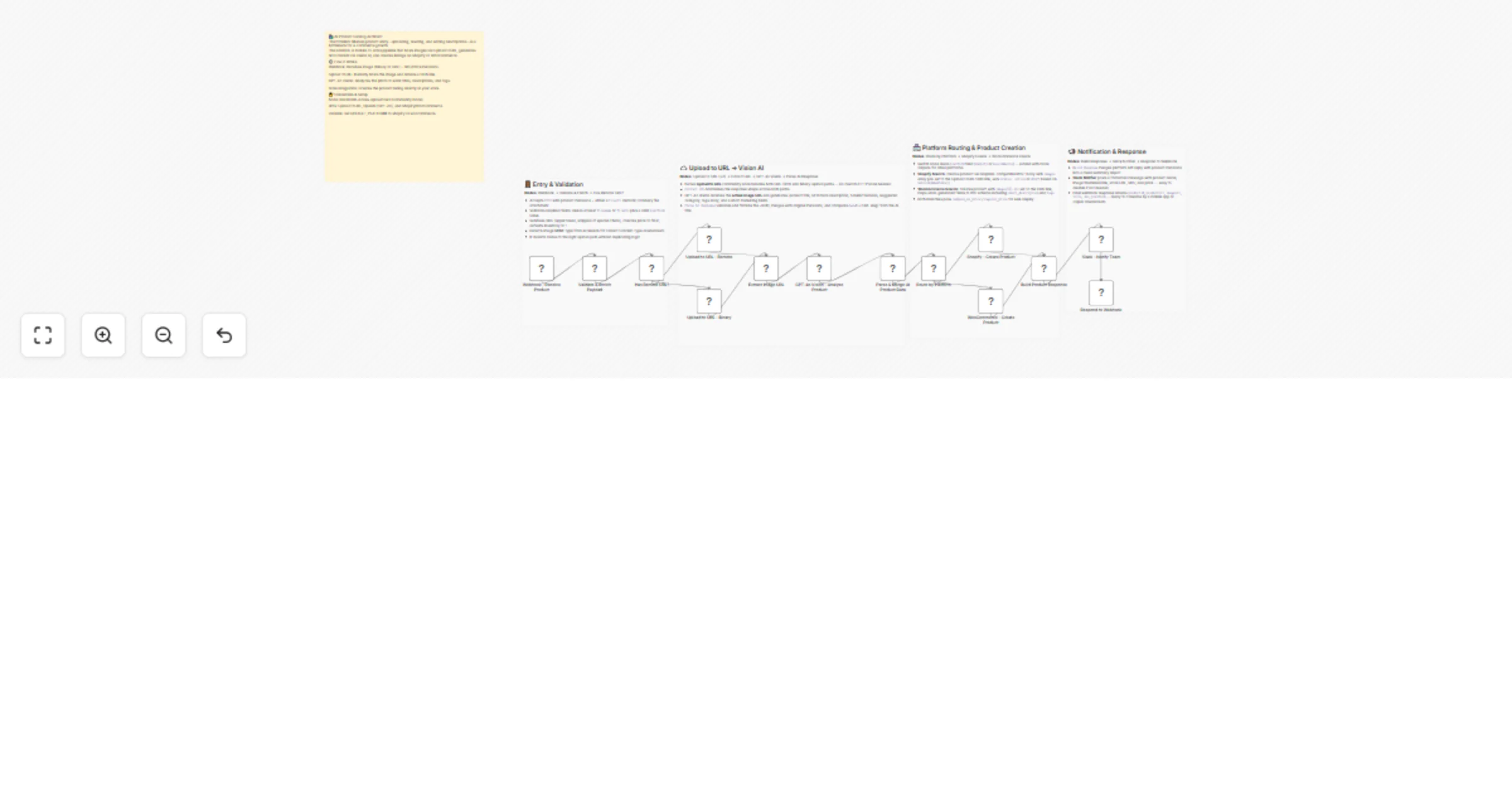
Transform raw product images into fully optimized e commerce listings in seconds. This workflow automates the bridge between a photo upload and a live product page by combining UploadToURL for host...
n8n-nodes-base.stickynote, n8n-nodes-base.webhook, n8n-nodes-base.code, n8n-nodes-base.if, n8n-nodes-uploadtourl.uploadtourl, @n8n/n8n-nodes-langchain.openai, n8n-nodes-base.switch, n8n-nodes-base.shopify
This workflow is cataloged by N8N Workflows and links back to its original n8n.io source page by Jitesh Dugar.
Original n8n.io sourceTransform raw product images into fully-optimized e-commerce listings in seconds. This workflow automates the bridge between a photo upload and a live product page by combining UploadToURL for hosting, GPT-4o Vision for content generation, and native integrations for Shopify and WooCommerce.
Turns a single product photo into a comprehensive, SEO-ready store listing:
n8n-nodes-uploadtourl must be installed.DEFAULT_PLATFORM variable (shopify/woocommerce).POST request with an image and price to the Webhook URL.publishImmediately to false to create all AI products as "Drafts" for human review.A warehouse team snaps photos of 50 new arrivals; the workflow creates 50 draft listings with descriptions and prices ready for final approval.
Input a list of product image URLs from a supplier site; the AI re-writes all titles and descriptions to ensure unique content for SEO.
Small business owners can manage their entire store from their smartphone by simply "sharing" a photo to the n8n webhook.
confidenceScore; you can set a filter to only auto-publish products with a score above 0.9.Ready to automate your storefront? Import this template and connect UploadToURL to start building your AI-driven product catalog today.
Questions about store-specific fields? Detailed sticky notes inside the workflow explain how to map custom attributes for both Shopify and WooCommerce.
This catalog entry is organized from the workflow JSON. The node-level section below shows the executable blocks available for review before importing the template.
| Workflow | Create e-commerce listings from images with UploadToURL, GPT-4o, Shopify |
|---|---|
| Complexity | advanced |
| Nodes | 19 |
| Categories | Content Creation, Multimodal AI |
| Author | Jitesh Dugar |
| Published | 20 Feb 2026 |
Use the JSON export at /data/workflows/13541/13541.json as the source template for this automation.
Open n8n, import the downloaded JSON, and review each node before activating the workflow.
Replace placeholder credentials, API keys, webhook URLs, account IDs, and environment-specific values with your own settings.
Run the workflow manually or in a staging workspace, inspect node output, and confirm downstream systems receive the expected data.
Enable the workflow only after testing, then monitor executions, errors, and rate limits during the first production runs.
Review imported nodes carefully before activation. This catalog entry is intended to help you inspect the workflow structure, understand required services, and find related templates faster.
Node names, credentials, schedules, webhook paths, and external service limits may need adjustment for your workspace.
Transform raw product images into fully optimized e commerce listings in seconds. This workflow automates the bridge between a photo upload and a live product page by combining UploadToURL for host...
Review the workflow JSON, configure any required credentials in n8n, and test the automation in a safe workspace before using it in production.
Yes. Use the block-by-block analysis and the downloadable JSON to inspect each node, then adjust credentials, prompts, schedules, filters, or destinations for your Content Creation, Multimodal AI use case.