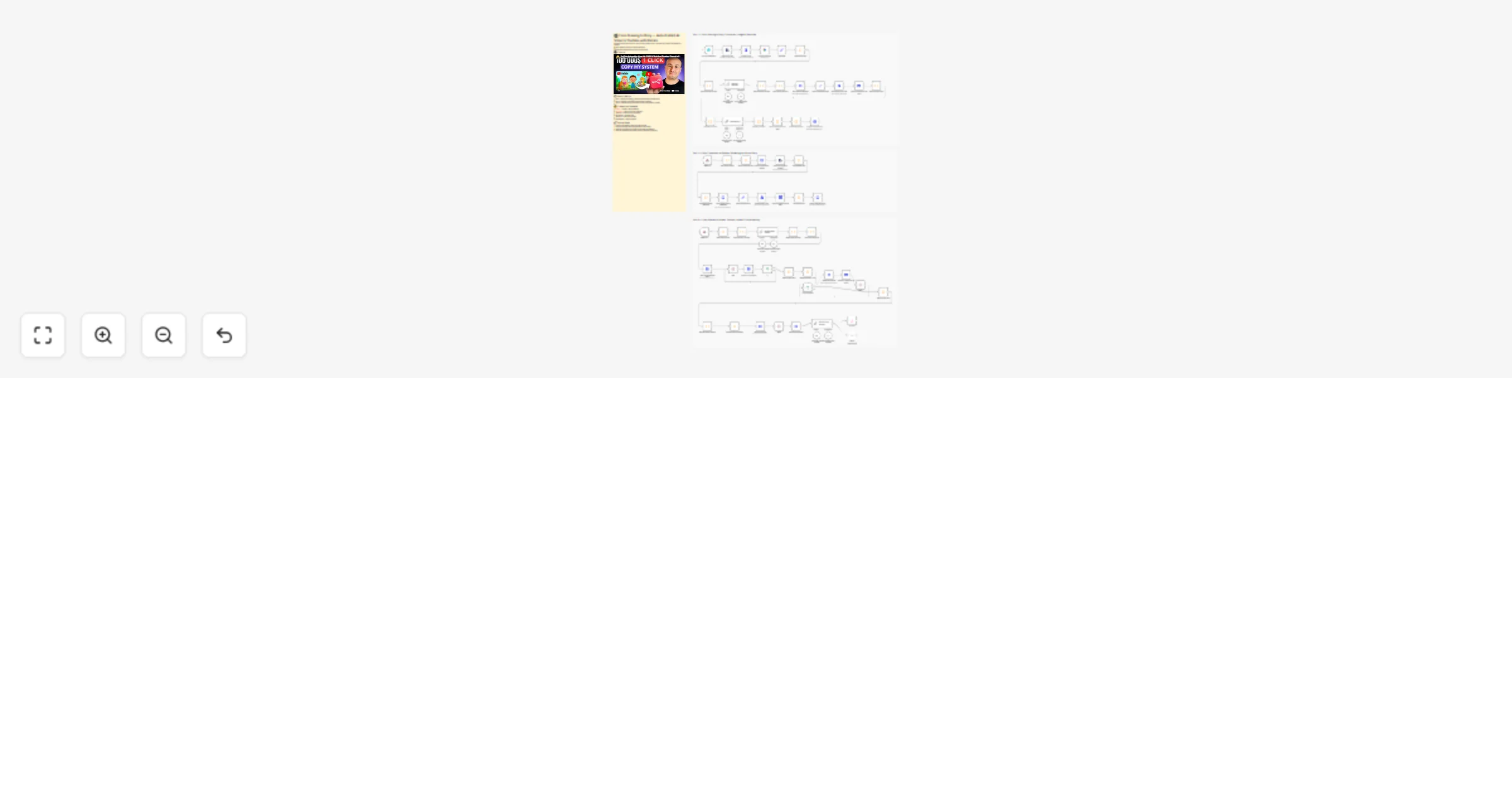
Create children’s AI story videos from drawings and auto-publish to YouTube with Blotato

Workflow preview

Workflow preview
100%
Create children’s AI story videos from drawings and auto-publish to YouTube with Blotato preview
Open on n8n.io

1. Workflow Overview

From Drawing to Story: Auto Publish AI Video to YouTube with Blotato Overview Transform a hand drawn character sketch into a fully animated, narrated video story — automatically. This 3 part pip...

Best for

  • Content Creation automation workflows
  • Multimodal AI automation workflows
  • advanced n8n builders looking for reusable templates

Tools used

n8n-nodes-base.formtrigger, @n8n/n8n-nodes-langchain.googlegemini, n8n-nodes-base.set, n8n-nodes-base.extractfromfile, n8n-nodes-base.converttofile, n8n-nodes-base.code, n8n-nodes-base.httprequest, @n8n/n8n-nodes-langchain.outputparserstructured

Source and attribution

This workflow is cataloged by N8N Workflows and links back to its original n8n.io source page by Dr. Firas.

Original n8n.io source

1.1 Workflow description

Title
Create children’s AI story videos from drawings and auto-publish to YouTube with Blotato
Workflow name
Create children’s AI story videos from drawings and auto-publish to YouTube with Blotato

💥 From Drawing to Story: Auto-Publish AI Video to YouTube with Blotato

Overview

Transform a hand-drawn character sketch into a fully animated, narrated video story — automatically. This 3-part pipeline uses Claude AI, image generation, and video synthesis to go from a simple drawing to a publish-ready video, with no manual editing required.

Perfect for: indie creators, educators, storytellers, and anyone who wants to bring hand-drawn characters to life at scale.


How It Works

Part 1 — From Drawing to Story: Bringing Characters to Life

  1. A form submission triggers the workflow with an uploaded drawing
  2. The image is analyzed by Claude AI to extract characters and traits
  3. Character images are generated via Nano Banana (image generation API)
  4. A full story is written by Claude AI, split into scenes, and passed to Part 2

Part 2 — From Characters to Scenes: Rendering the Visual Story

  1. Character images are downloaded and converted to Base64 references
  2. Scene images are generated using Nano Banana with character consistency
  3. Scene image URLs are mapped and the video pipeline is triggered

Part 3 — From Scenes to Screen: Video, Narration & Final Render

  1. Video prompts and narration context are generated by Claude AI
  2. Videos are generated via AtlasCloud (Kling Pro 3.0) with polling loop
  3. Narration audio is created with ElevenLabs and uploaded
  4. Shotstack assembles the final video with audio sync
  5. Final video is published to YouTube (and optionally TikTok)

> ⚠️ Important — Workflow Structure > > This template is split into 3 separate workflows. > Each part must be imported and deployed in its own workflow in n8n. > > 📺 Watch the step-by-step tutorial to set everything up correctly: > > @youtube

Requirements

Credentials needed

  • Blotato API credentials (YouTube/TikTok publishing)
  • AtlasCloud API (Kling Pro 3.0 video generation)
  • Anthropic API key (Claude AI for story & prompts)
  • ElevenLabs API key (narration audio)
  • Shotstack API key (video assembly)
  • Nano Banana API key (image generation)

Setup steps

  1. Configure credentials for each service above in n8n
  2. Set up a form trigger with a file upload field for the drawing
  3. Deploy the 3 workflows in order and connect them via webhooks
  4. Run a test submission with a simple sketch to validate the full pipeline

🎥 Watch This Tutorial


👋 Need help or want to customize this?

📩 Contact: LinkedIn 📺 YouTube: @DRFIRASS 🚀 Workshops: Mes Ateliers n8n

Need help customizing?

Contact me for consulting and support : Linkedin / Youtube / 🚀 Mes Ateliers n8n

1.2 Logical Blocks

This catalog entry is organized from the workflow JSON. The node-level section below shows the executable blocks available for review before importing the template.

2. Block-by-Block Analysis

Block 1 - On form submission

Type / Role
n8n-nodes-base.formTrigger - formTrigger
Config choices
Version 2.4

Block 2 - Analyze an image

Type / Role
@n8n/n8n-nodes-langchain.googleGemini - googleGemini
Config choices
Version 1.1

Block 3 - Edit Fields

Type / Role
n8n-nodes-base.set - set
Config choices
Version 3.4

Block 4 - Extract from File

Type / Role
n8n-nodes-base.extractFromFile - extractFromFile
Config choices
Version 1.1

Block 5 - Convert to File

Type / Role
n8n-nodes-base.convertToFile - convertToFile
Config choices
Version 1.1

Block 6 - Parse Characters

Type / Role
n8n-nodes-base.code - code
Config choices
Version 2

Block 7 - Build Character Prompt

Type / Role
n8n-nodes-base.code - code
Config choices
Version 2

Block 8 - Split Character Prompts

Type / Role
n8n-nodes-base.code - code
Config choices
Version 2

Block 9 - Nano Banana Payload

Type / Role
n8n-nodes-base.code - code
Config choices
Version 2

Block 10 - Nano Banana Generate

Type / Role
n8n-nodes-base.httpRequest - httpRequest
Config choices
Version 4.3

Block 11 - Extract Character Image

Type / Role
n8n-nodes-base.set - set
Config choices
Version 3.4

Block 12 - Character Image to File

Type / Role
n8n-nodes-base.convertToFile - convertToFile
Config choices
Version 1.1

Block 13 - Map Character URLs

Type / Role
n8n-nodes-base.code - code
Config choices
Version 2

Block 14 - Build Story Context

Type / Role
n8n-nodes-base.code - code
Config choices
Version 2

Block 15 - Split Story Chunks

Type / Role
n8n-nodes-base.code - code
Config choices
Version 2

Block 16 - Extract Unique Character URLs

Type / Role
n8n-nodes-base.code - code
Config choices
Version 2

Block 17 - Build Scene Payload

Type / Role
n8n-nodes-base.code - code
Config choices
Version 2

Block 18 - Trigger Scene Workflow

Type / Role
n8n-nodes-base.httpRequest - httpRequest
Config choices
Version 4.3

Block 19 - Structured Output Parser2

Type / Role
@n8n/n8n-nodes-langchain.outputParserStructured - outputParserStructured
Config choices
Version 1.3

Block 20 - Anthropic Chat Model1

Type / Role
@n8n/n8n-nodes-langchain.lmChatAnthropic - lmChatAnthropic
Config choices
Version 1.3

Block 21 - Structured Output Parser

Type / Role
@n8n/n8n-nodes-langchain.outputParserStructured - outputParserStructured
Config choices
Version 1.3

Block 22 - Anthropic Chat Model

Type / Role
@n8n/n8n-nodes-langchain.lmChatAnthropic - lmChatAnthropic
Config choices
Version 1.3

Block 23 - Upload an asset from file data1

Type / Role
n8n-nodes-cloudinary.cloudinary - cloudinary
Config choices
Version 1

Block 24 - Generate Story

Type / Role
@n8n/n8n-nodes-langchain.chainLlm - chainLlm
Config choices
Version 1.9

Showing the first 24 of 71 workflow blocks. Download the JSON for the full node graph.

3. Summary Table

Workflow Create children’s AI story videos from drawings and auto-publish to YouTube with Blotato
Complexity advanced
Nodes 71
Categories Content Creation, Multimodal AI
Author Dr. Firas
Published 18 Mar 2026

4. Reproducing the Workflow from Scratch

  1. 1. Download the workflow JSON

    Use the JSON export at /data/workflows/14171/14171.json as the source template for this automation.

  2. 2. Import the template into n8n

    Open n8n, import the downloaded JSON, and review each node before activating the workflow.

  3. 3. Configure credentials and variables

    Replace placeholder credentials, API keys, webhook URLs, account IDs, and environment-specific values with your own settings.

  4. 4. Test with sample data

    Run the workflow manually or in a staging workspace, inspect node output, and confirm downstream systems receive the expected data.

  5. 5. Activate and monitor

    Enable the workflow only after testing, then monitor executions, errors, and rate limits during the first production runs.

5. General Notes & Resources

Review imported nodes carefully before activation. This catalog entry is intended to help you inspect the workflow structure, understand required services, and find related templates faster.

Node names, credentials, schedules, webhook paths, and external service limits may need adjustment for your workspace.

Frequently asked questions

What does Create children’s AI story videos from drawings and auto-publish to YouTube with Blotato do?

From Drawing to Story: Auto Publish AI Video to YouTube with Blotato Overview Transform a hand drawn character sketch into a fully animated, narrated video story — automatically. This 3 part pip...

What do I need before importing this workflow?

Review the workflow JSON, configure any required credentials in n8n, and test the automation in a safe workspace before using it in production.

Can I customize this workflow?

Yes. Use the block-by-block analysis and the downloadable JSON to inspect each node, then adjust credentials, prompts, schedules, filters, or destinations for your Content Creation, Multimodal AI use case.