Create AI-ready vector datasets for LLMs with Bright Data, Gemini & Pinecone

Workflow preview

Workflow preview
100%
Create AI-ready vector datasets for LLMs with Bright Data, Gemini & Pinecone preview
Open on n8n.io

Important notice

This workflow is provided as-is. Please review and test before using in production.

1. Workflow Overview

Who this is for? This workflow enables automated, scalable collection of high quality, AI ready data from websites using Bright Data’s Web Unlocker, with a focus on preparing that data for LLM trai...

Best for

  • Engineering automation workflows
  • AI RAG automation workflows
  • advanced n8n builders looking for reusable templates

Tools used

n8n-nodes-base.manualtrigger, @n8n/n8n-nodes-langchain.agent, @n8n/n8n-nodes-langchain.vectorstorepinecone, @n8n/n8n-nodes-langchain.embeddingsgooglegemini, @n8n/n8n-nodes-langchain.documentdefaultdataloader, @n8n/n8n-nodes-langchain.textsplitterrecursivecharactertextsplitter, @n8n/n8n-nodes-langchain.lmchatgooglegemini, @n8n/n8n-nodes-langchain.outputparserstructured

Source and attribution

This workflow is cataloged by N8N Workflows and links back to its original n8n.io source page by Ranjan Dailata.

Original n8n.io source

1.1 Workflow description

Title
Create AI-ready vector datasets for LLMs with Bright Data, Gemini & Pinecone
Workflow name
Create AI-ready vector datasets for LLMs with Bright Data, Gemini & Pinecone

Who this is for?

This workflow enables automated, scalable collection of high-quality, AI-ready data from websites using Bright Data’s Web Unlocker, with a focus on preparing that data for LLM training. Leveraging LLM Chains and AI agents, the system formats and extracts key information, then stores the structured embeddings in a Pinecone vector database.

This workflow is tailored for:​

  • ML Engineers & Researchers building or fine-tuning domain-specific LLMs.

  • AI Startups needing clean, structured content for product training.

  • Data Teams preparing knowledge bases for enterprise-grade AI apps.

  • LLM-as-a-Service Providers sourcing dynamic web content across niches.

What problem is this workflow solving?

Training a large language model (LLM) requires vast amounts of clean, relevant, and structured data. Manual collection is slow, error-prone, and lacks scalability.

This workflow:

  • Automatically extracts web data from specified URLs.

  • Bypasses anti-bot measures using Bright Data’s Web Unlocker.

  • Formats, cleans, and transforms raw content using LLM agents.

  • Stores semantically searchable vectors in Pinecone.

  • Makes datasets AI-ready for fine-tuning, RAG, or domain-specific training.

What this workflow does

This workflow automates the process of collecting, cleaning, and vectorizing web content to create structured, high-quality datasets that are ready to be used for LLM (Large Language Model) training or retrieval-augmented generation (RAG).

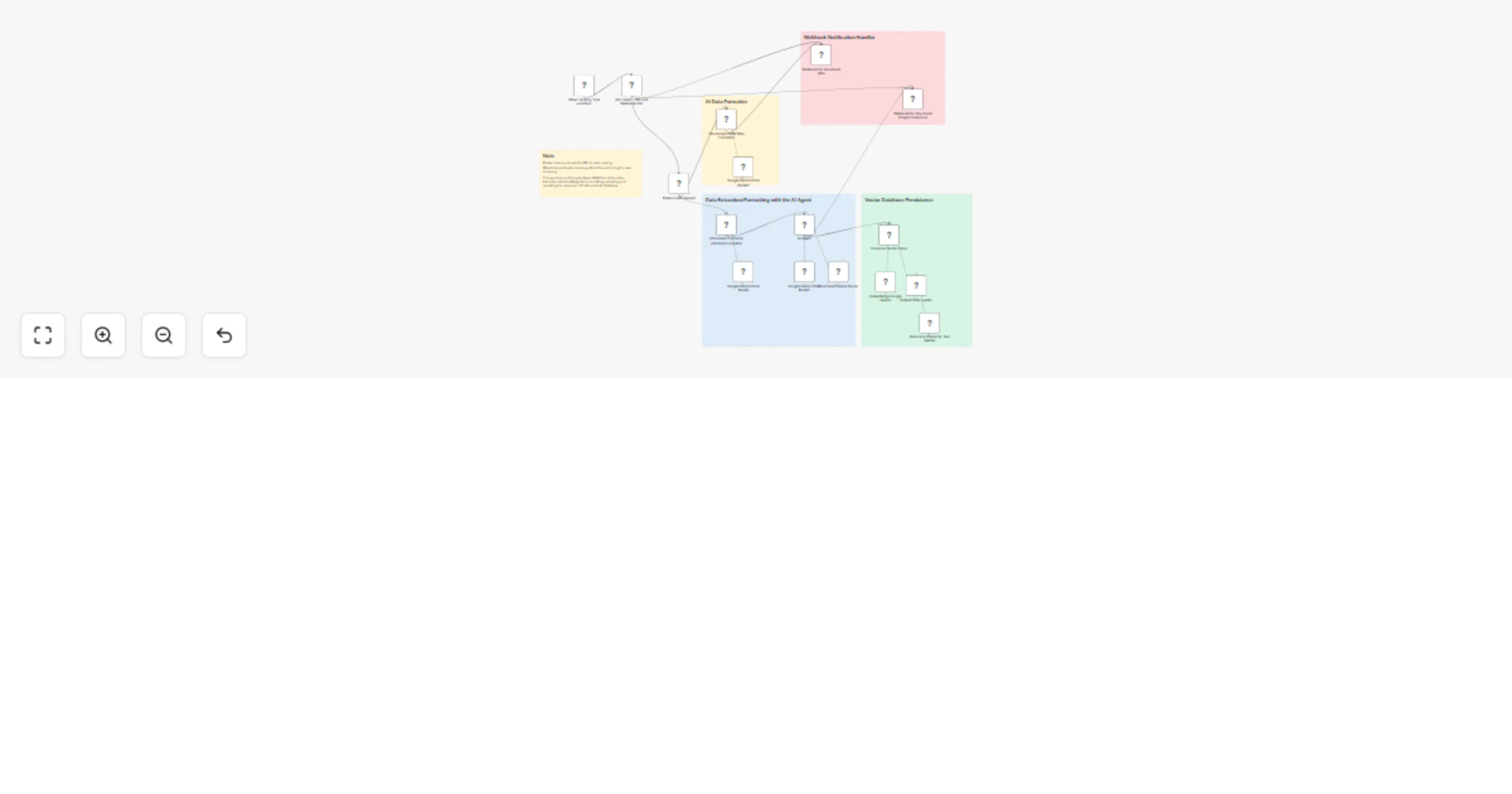
  1. Web Crawling with Bright Data Web Unlocker.
  2. AI Information Extraction and Data Formatting.
  3. AI Data Formatting to produce a JSON structured data.
  4. Persistence in Pinecone Vector DB.
  5. Handle Webhook notification of structured data.

Setup

  • Sign up at Bright Data.
  • Navigate to Proxies & Scraping and create a new Web Unlocker zone by selecting Web Unlocker API under Scraping Solutions.
  • In n8n, configure the Header Auth account under Credentials (Generic Auth Type: Header Authentication). The Value field should be set with the Bearer XXXXXXXXXXXXXX. The XXXXXXXXXXXXXX should be replaced by the Web Unlocker Token.
  • A Google Gemini API key (or access through Vertex AI or proxy).
  • Update the LinkedIn URL by navigating to the Set LinkedIn URL node.
  • Update the Set Fields - URL and Webhook URL node with the URL for web data extraction and the Webhook notification URL.

How to customize this workflow to your needs

  1. Set Your Target URLs. Target sites that are high-quality, domain-specific, and relevant to your LLM's purpose.
  2. Adjust Bright Data Web Unlocker Settings. Geo-location, Headers / User-Agent strings, Retry rules and proxies.
  3. Modify the Information Extraction Logic. Change prompts to extract specific attributes. Use structured templates or few-shot examples in prompts.
  4. Swap the Embedding Model. Use OpenAI, Hugging Face or other your own hosted embedding model API.
  5. Customize Pinecone Metadata Fields. Store extra fields in Pinecone for better filtering & semantic querying.
  6. Add Data Validation or Deduplication. Skip duplicates or low-quality content.

1.2 Logical Blocks

This catalog entry is organized from the workflow JSON. The node-level section below shows the executable blocks available for review before importing the template.

2. Block-by-Block Analysis

Block 1 - When clicking ‘Test workflow’

Type / Role
n8n-nodes-base.manualTrigger - manualTrigger
Config choices
Version 1

Block 2 - AI Agent

Type / Role
@n8n/n8n-nodes-langchain.agent - agent
Config choices
Version 1.8

Block 3 - Pinecone Vector Store

Type / Role
@n8n/n8n-nodes-langchain.vectorStorePinecone - vectorStorePinecone
Config choices
Version 1.1

Block 4 - Embeddings Google Gemini

Type / Role
@n8n/n8n-nodes-langchain.embeddingsGoogleGemini - embeddingsGoogleGemini
Config choices
Version 1

Block 5 - Default Data Loader

Type / Role
@n8n/n8n-nodes-langchain.documentDefaultDataLoader - documentDefaultDataLoader
Config choices
Version 1

Block 6 - Recursive Character Text Splitter

Type / Role
@n8n/n8n-nodes-langchain.textSplitterRecursiveCharacterTextSplitter - textSplitterRecursiveCharacterTextSplitter
Config choices
Version 1

Block 7 - Google Gemini Chat Model1

Type / Role
@n8n/n8n-nodes-langchain.lmChatGoogleGemini - lmChatGoogleGemini
Config choices
Version 1

Block 8 - Google Gemini Chat Model2

Type / Role
@n8n/n8n-nodes-langchain.lmChatGoogleGemini - lmChatGoogleGemini
Config choices
Version 1

Block 9 - Google Gemini Chat Model

Type / Role
@n8n/n8n-nodes-langchain.lmChatGoogleGemini - lmChatGoogleGemini
Config choices
Version 1

Block 10 - Structured Output Parser

Type / Role
@n8n/n8n-nodes-langchain.outputParserStructured - outputParserStructured
Config choices
Version 1.2

Block 11 - Sticky Note

Type / Role
n8n-nodes-base.stickyNote - stickyNote
Config choices
Version 1

Block 12 - Set Fields - URL and Webhook URL

Type / Role
n8n-nodes-base.set - set
Config choices
Version 3.4

Block 13 - Make a web request

Type / Role
n8n-nodes-base.httpRequest - httpRequest
Config choices
Version 4.2

Block 14 - Structured JSON Data Formatter

Type / Role
@n8n/n8n-nodes-langchain.chainLlm - chainLlm
Config choices
Version 1.6

Block 15 - Webhook for structured data

Type / Role
n8n-nodes-base.httpRequest - httpRequest
Config choices
Version 4.2

Block 16 - Webhook for structured AI agent response

Type / Role
n8n-nodes-base.httpRequest - httpRequest
Config choices
Version 4.2

Block 17 - Sticky Note1

Type / Role
n8n-nodes-base.stickyNote - stickyNote
Config choices
Version 1

Block 18 - Sticky Note2

Type / Role
n8n-nodes-base.stickyNote - stickyNote
Config choices
Version 1

Block 19 - Sticky Note3

Type / Role
n8n-nodes-base.stickyNote - stickyNote
Config choices
Version 1

Block 20 - Information Extractor with Data Formatter

Type / Role
@n8n/n8n-nodes-langchain.informationExtractor - informationExtractor
Config choices
Version 1

Block 21 - Sticky Note4

Type / Role
n8n-nodes-base.stickyNote - stickyNote
Config choices
Version 1

3. Summary Table

Workflow Create AI-ready vector datasets for LLMs with Bright Data, Gemini & Pinecone
Complexity advanced
Nodes 21
Categories Engineering, AI RAG
Author Ranjan Dailata
Published 13 Apr 2025

4. Reproducing the Workflow from Scratch

  1. 1. Download the workflow JSON

    Use the JSON export at /data/workflows/3542/3542.json as the source template for this automation.

  2. 2. Import the template into n8n

    Open n8n, import the downloaded JSON, and review each node before activating the workflow.

  3. 3. Configure credentials and variables

    Replace placeholder credentials, API keys, webhook URLs, account IDs, and environment-specific values with your own settings.

  4. 4. Test with sample data

    Run the workflow manually or in a staging workspace, inspect node output, and confirm downstream systems receive the expected data.

  5. 5. Activate and monitor

    Enable the workflow only after testing, then monitor executions, errors, and rate limits during the first production runs.

5. General Notes & Resources

Review imported nodes carefully before activation. This catalog entry is intended to help you inspect the workflow structure, understand required services, and find related templates faster.

Node names, credentials, schedules, webhook paths, and external service limits may need adjustment for your workspace.

Frequently asked questions

What does Create AI-ready vector datasets for LLMs with Bright Data, Gemini & Pinecone do?

Who this is for? This workflow enables automated, scalable collection of high quality, AI ready data from websites using Bright Data’s Web Unlocker, with a focus on preparing that data for LLM trai...

What do I need before importing this workflow?

Review the workflow JSON, configure any required credentials in n8n, and test the automation in a safe workspace before using it in production.

Can I customize this workflow?

Yes. Use the block-by-block analysis and the downloadable JSON to inspect each node, then adjust credentials, prompts, schedules, filters, or destinations for your Engineering, AI RAG use case.