Create AI-driven social media posts and publish to all major platforms

Workflow preview

Workflow preview
100%
Create AI-driven social media posts and publish to all major platforms preview
Open on n8n.io

1. Workflow Overview

This n8n template is a complete, two part social media engine: it automates competitor/inspiration research, uses AI to recreate viral formats for your niche, and handles multi platform distributio...

Best for

  • Content Creation automation workflows
  • Multimodal AI automation workflows
  • advanced n8n builders looking for reusable templates

Tools used

n8n-nodes-base.stickynote, n8n-nodes-base.twitter, n8n-nodes-base.facebookgraphapi, n8n-nodes-base.linkedin, n8n-nodes-base.httprequest, @n8n/n8n-nodes-langchain.agent, @apify/n8n-nodes-apify.apify, n8n-nodes-base.airtable

Source and attribution

This workflow is cataloged by N8N Workflows and links back to its original n8n.io source page by Vincent Nguyen.

Original n8n.io source

1.1 Workflow description

Title
Create AI-driven social media posts and publish to all major platforms
Workflow name
Create AI-driven social media posts and publish to all major platforms

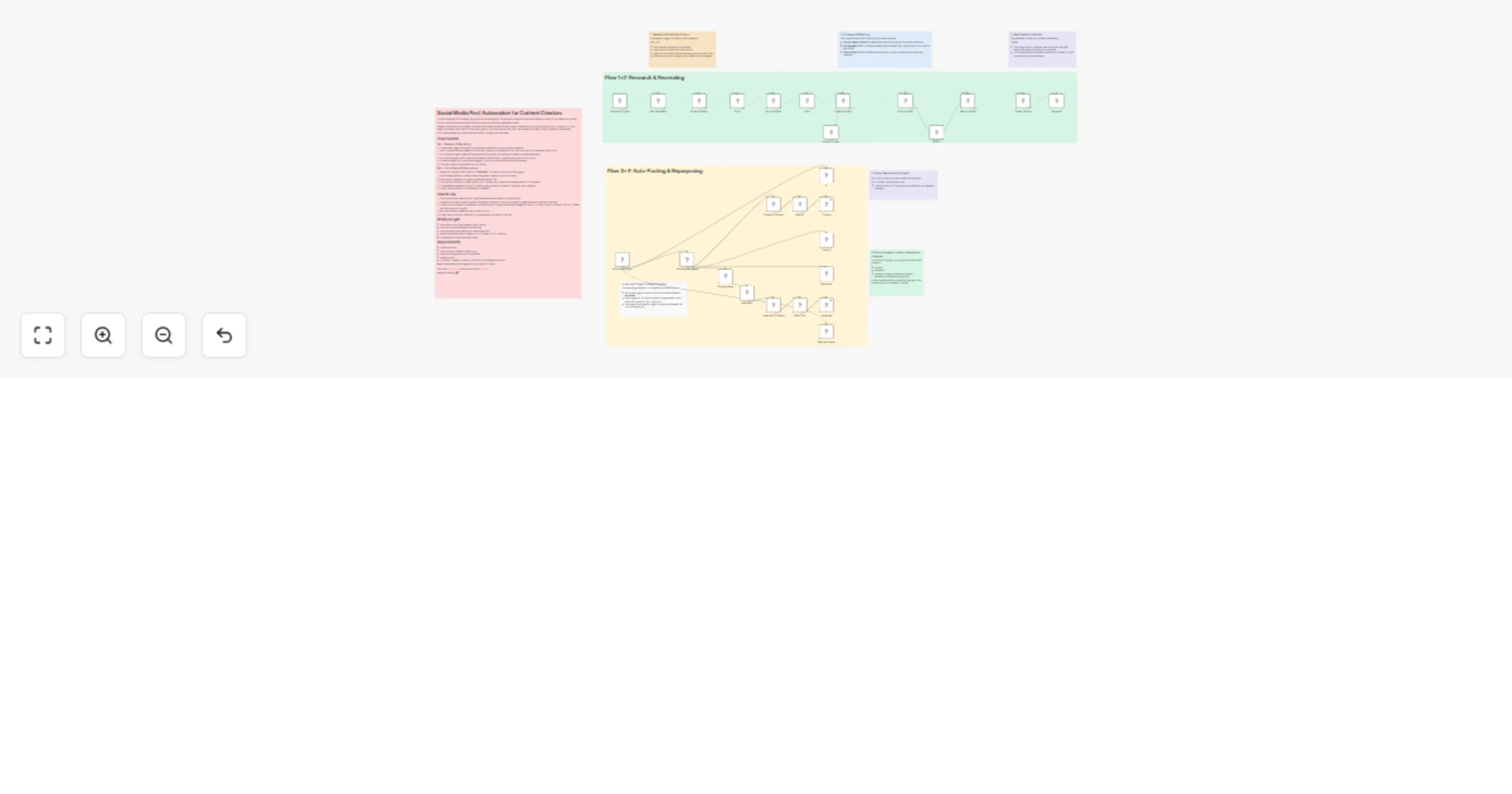
This n8n template is a complete, two-part social media engine: it automates competitor/inspiration research, uses AI to recreate viral formats for your niche, and handles multi-platform distribution with auto-generated visuals.

Instead of staring at a blank page, this workflow scrapes top-performing content, breaks down the psychological hooks, rewrites it for your specific audience, and drafts a custom text graphic. Once you approve the draft, n8n handles the heavy lifting of posting it everywhere.

You curate and approve. n8n researches, writes, designs, and publishes.

How it works

Part 1: Research & Recreating

  1. A scheduled trigger runs daily to pull a target username from your Airtable database.
  2. Apify scrapes the latest tweets from that user, filtering out replies and links, and sorts them by the highest view count.
  3. An AI Analysis Agent (Gemini) breaks down the top post's structure and creates a reusable template.
  4. An AI Writing Agent (GPT) uses that template to write a fresh, original post tailored to your niche.
  5. A Caption Agent (GPT) writes an engaging, long-form caption with hooks and hashtags.
  6. The draft is saved into Airtable for your review.

Part 2: Auto-Posting & Repurposing

  1. When you change a draft's status to "Approved" in Airtable, the second flow triggers.
  2. An AI Image generator creates a sleek text-graphic based on your short post.
  3. The image is uploaded to ImgBB to generate a public URL.
  4. The pure text version is pushed directly to X (Twitter) and Threads (via authenticated HTTP requests).
  5. The generated image and long-form caption are published to LinkedIn, Facebook, and Instagram.
  6. Finally, the Airtable record is marked as "Posted."

How to use

  1. Set up an Airtable base with your target usernames and a table for content drafts.
  2. Update the AI Agent system prompts (Writing and Caption) to match your specific target audience, expertise, and tone.
  3. Connect all your platform credentials in n8n (ensure you use the credential manager for the HTTP nodes, like HTTP Header Auth for Threads and Query Auth for ImgBB—no hardcoded API keys!).
  4. Let the schedule scrape and draft content for you.
  5. Simply mark a draft as "Approved" in Airtable when you want it to go live.

What you get

  • Automated viral content research and curation
  • AI-driven structural analysis and rewriting
  • Auto-generated text-graphics for visual platforms
  • Hands-free publishing to 5 platforms (X, Threads, IG, FB, LinkedIn)
  • A centralized content approval system

Requirements

  • Airtable account
  • Apify account (Twitter Scraper actor)
  • OpenAI & Google Gemini API credentials
  • ImgBB account
  • X (Twitter), Threads, LinkedIn, Facebook, and Instagram accounts

Need help tweaking the AI agents for your specific funnel?

Ask in the n8n Forum or shoot me a DM on LinkedIn

Happy automating 🚀

1.2 Logical Blocks

This catalog entry is organized from the workflow JSON. The node-level section below shows the executable blocks available for review before importing the template.

2. Block-by-Block Analysis

Block 1 - Sticky Note

Type / Role
n8n-nodes-base.stickyNote - stickyNote
Config choices
Version 1

Block 2 - X

Type / Role
n8n-nodes-base.twitter - twitter
Config choices
Version 2

Block 3 - Facebook

Type / Role
n8n-nodes-base.facebookGraphApi - facebookGraphApi
Config choices
Version 1

Block 4 - LinkedIn

Type / Role
n8n-nodes-base.linkedIn - linkedIn
Config choices
Version 1

Block 5 - Threads

Type / Role
n8n-nodes-base.httpRequest - httpRequest
Config choices
Version 4.3

Block 6 - Writing Agent

Type / Role
@n8n/n8n-nodes-langchain.agent - agent
Config choices
Version 3

Block 7 - Sticky Note5

Type / Role
n8n-nodes-base.stickyNote - stickyNote
Config choices
Version 1

Block 8 - Scrape Tweets

Type / Role
@apify/n8n-nodes-apify.apify - apify
Config choices
Version 1

Block 9 - Analysis Agent

Type / Role
@n8n/n8n-nodes-langchain.agent - agent
Config choices
Version 3

Block 10 - Get Username

Type / Role
n8n-nodes-base.airtable - airtable
Config choices
Version 2.1

Block 11 - Limit

Type / Role
n8n-nodes-base.limit - limit
Config choices
Version 1

Block 12 - Sort by Views

Type / Role
n8n-nodes-base.sort - sort
Config choices
Version 1

Block 13 - Filter

Type / Role
n8n-nodes-base.filter - filter
Config choices
Version 2.2

Block 14 - Scraped?

Type / Role
n8n-nodes-base.airtable - airtable
Config choices
Version 2.1

Block 15 - Create records

Type / Role
n8n-nodes-base.airtable - airtable
Config choices
Version 2.1

Block 16 - Approved Trigger

Type / Role
n8n-nodes-base.airtableTrigger - airtableTrigger
Config choices
Version 1

Block 17 - Mark as Posted

Type / Role
n8n-nodes-base.airtable - airtable
Config choices
Version 2.1

Block 18 - Instagram

Type / Role
n8n-nodes-base.facebookGraphApi - facebookGraphApi
Config choices
Version 1

Block 19 - Generate an image

Type / Role
@n8n/n8n-nodes-langchain.openAi - openAi
Config choices
Version 2

Block 20 - Caption Agent

Type / Role
@n8n/n8n-nodes-langchain.agent - agent
Config choices
Version 3

Block 21 - Upload Image

Type / Role
n8n-nodes-base.httpRequest - httpRequest
Config choices
Version 4.3

Block 22 - Wait 5s

Type / Role
n8n-nodes-base.wait - wait
Config choices
Version 1.1

Block 23 - Threads Container

Type / Role
n8n-nodes-base.httpRequest - httpRequest
Config choices
Version 4.3

Block 24 - Wait 5 sec

Type / Role
n8n-nodes-base.wait - wait
Config choices
Version 1.1

Showing the first 24 of 36 workflow blocks. Download the JSON for the full node graph.

3. Summary Table

Workflow Create AI-driven social media posts and publish to all major platforms
Complexity advanced
Nodes 36
Categories Content Creation, Multimodal AI
Author Vincent Nguyen
Published 20 Feb 2026

4. Reproducing the Workflow from Scratch

  1. 1. Download the workflow JSON

    Use the JSON export at /data/workflows/13528/13528.json as the source template for this automation.

  2. 2. Import the template into n8n

    Open n8n, import the downloaded JSON, and review each node before activating the workflow.

  3. 3. Configure credentials and variables

    Replace placeholder credentials, API keys, webhook URLs, account IDs, and environment-specific values with your own settings.

  4. 4. Test with sample data

    Run the workflow manually or in a staging workspace, inspect node output, and confirm downstream systems receive the expected data.

  5. 5. Activate and monitor

    Enable the workflow only after testing, then monitor executions, errors, and rate limits during the first production runs.

5. General Notes & Resources

Review imported nodes carefully before activation. This catalog entry is intended to help you inspect the workflow structure, understand required services, and find related templates faster.

Node names, credentials, schedules, webhook paths, and external service limits may need adjustment for your workspace.

Frequently asked questions

What does Create AI-driven social media posts and publish to all major platforms do?

This n8n template is a complete, two part social media engine: it automates competitor/inspiration research, uses AI to recreate viral formats for your niche, and handles multi platform distributio...

What do I need before importing this workflow?

Review the workflow JSON, configure any required credentials in n8n, and test the automation in a safe workspace before using it in production.

Can I customize this workflow?

Yes. Use the block-by-block analysis and the downloadable JSON to inspect each node, then adjust credentials, prompts, schedules, filters, or destinations for your Content Creation, Multimodal AI use case.