Create active learning notes from YouTube videos with Gemini and Notion

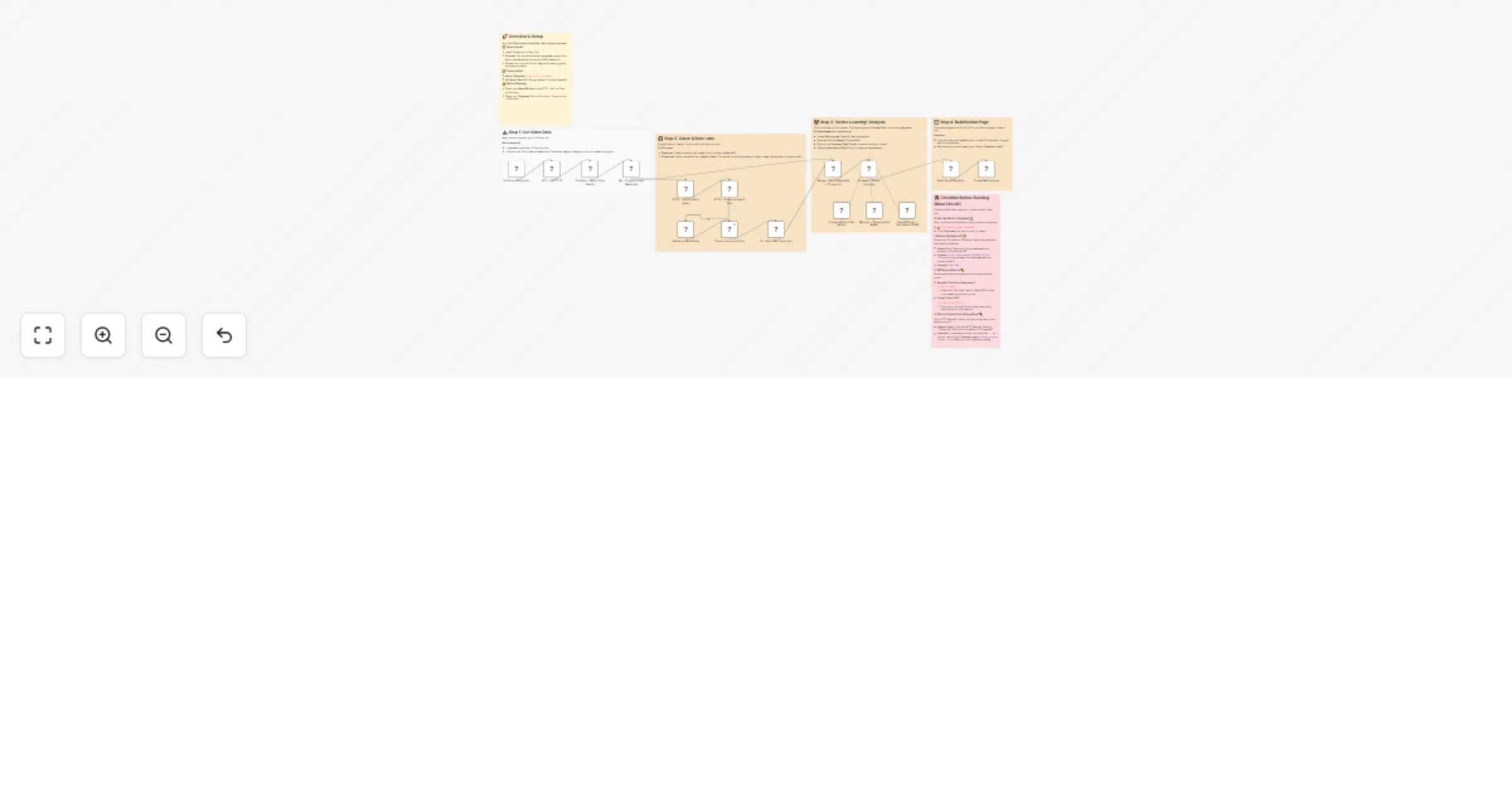
Workflow preview

Workflow preview
100%
Create active learning notes from YouTube videos with Gemini and Notion preview
Open on n8n.io

1. Workflow Overview

What this workflow does Transform YouTube videos into structured Active Learning study sheets using AI. This workflow extracts video metadata, transcribes audio with Google Gemini, applies the ICAP...

Best for

  • Content Creation automation workflows
  • AI Summarization automation workflows
  • advanced n8n builders looking for reusable templates

Tools used

n8n-nodes-base.formtrigger, n8n-nodes-base.stickynote, n8n-nodes-base.set, n8n-nodes-base.httprequest, n8n-nodes-base.if, n8n-nodes-base.merge, n8n-nodes-base.youtube, @n8n/n8n-nodes-langchain.memorybufferwindow

Source and attribution

This workflow is cataloged by N8N Workflows and links back to its original n8n.io source page by Abelion Lavv.

Original n8n.io source

1.1 Workflow description

Title
Create active learning notes from YouTube videos with Gemini and Notion
Workflow name
Create active learning notes from YouTube videos with Gemini and Notion

What this workflow does

Transform YouTube videos into structured Active Learning study sheets using AI.

This workflow extracts video metadata, transcribes audio with Google Gemini, applies the ICAP Framework (Interactive, Constructive, Active, Passive) for deep learning, and generates micro-goals, Cornell notes, Feynman explanations, and practice tasks—all automatically formatted in Notion.

Perfect for students, educators, and lifelong learners who want to maximize retention from video content.


How it works

  1. Submit YouTube URL - User enters video URL via form
  2. Extract metadata - Retrieves title, channel, publish date, and thumbnail
  3. Download & transcribe - Gets audio via RapidAPI and transcribes with Google Gemini
  4. AI analysis - Applies Active Learning framework to generate structured study content
  5. Create Notion page - Builds formatted page with all learning materials

Setup requirements

Credentials needed:

  • YouTube Data API (OAuth2)
  • Google Gemini API key
  • RapidAPI key (YouTube Downloader API)
  • Notion API integration

Before running:

  1. Duplicate the Notion database template (link in workflow sticky note)
  2. Share database with your Notion integration
  3. Configure credentials in n8n
  4. Add your RapidAPI key in the HTTP node
  5. Add your Notion Database ID in the Build Page Structure node

All configuration points are clearly marked with sticky notes in the workflow.

1.2 Logical Blocks

This catalog entry is organized from the workflow JSON. The node-level section below shows the executable blocks available for review before importing the template.

2. Block-by-Block Analysis

Block 1 - On form submission

Type / Role
n8n-nodes-base.formTrigger - formTrigger
Config choices
Version 2.4

Block 2 - Sticky Note - Overview

Type / Role
n8n-nodes-base.stickyNote - stickyNote
Config choices
Version 1

Block 3 - Sticky Note - Fetch

Type / Role
n8n-nodes-base.stickyNote - stickyNote
Config choices
Version 1

Block 4 - Sticky Note - Audio

Type / Role
n8n-nodes-base.stickyNote - stickyNote
Config choices
Version 1

Block 5 - Sticky Note - AI

Type / Role
n8n-nodes-base.stickyNote - stickyNote
Config choices
Version 1

Block 6 - Sticky Note - Storage

Type / Role
n8n-nodes-base.stickyNote - stickyNote
Config choices
Version 1

Block 7 - Sticky Note - Security

Type / Role
n8n-nodes-base.stickyNote - stickyNote
Config choices
Version 1

Block 8 - Set - Prepare Video Metadata

Type / Role
n8n-nodes-base.set - set
Config choices
Version 3.4

Block 9 - HTTP - Download Audio File

Type / Role
n8n-nodes-base.httpRequest - httpRequest
Config choices
Version 4.2

Block 10 - IF - Skip if No Transcript

Type / Role
n8n-nodes-base.if - if
Config choices
Version 2.1

Block 11 - Merge - Attach Metadata + Transcript

Type / Role
n8n-nodes-base.merge - merge
Config choices
Version 3

Block 12 - HTTP - Get YouTube Audio

Type / Role
n8n-nodes-base.httpRequest - httpRequest
Config choices
Version 4.2

Block 13 - YouTube - Fetch Video Details

Type / Role
n8n-nodes-base.youTube - youTube
Config choices
Version 1

Block 14 - Memory - Conversation Buffer

Type / Role
@n8n/n8n-nodes-langchain.memoryBufferWindow - memoryBufferWindow
Config choices
Version 1.3

Block 15 - Output Parser - Structured JSON

Type / Role
@n8n/n8n-nodes-langchain.outputParserStructured - outputParserStructured
Config choices
Version 1.3

Block 16 - Transcribe a recording

Type / Role
@n8n/n8n-nodes-langchain.googleGemini - googleGemini
Config choices
Version 1.1

Block 17 - Google Gemini Chat Model

Type / Role
@n8n/n8n-nodes-langchain.lmChatGoogleGemini - lmChatGoogleGemini
Config choices
Version 1

Block 18 - AI Agent - Active Learning

Type / Role
@n8n/n8n-nodes-langchain.agent - agent
Config choices
Version 2.1

Block 19 - SET - Get YT ID

Type / Role
n8n-nodes-base.set - set
Config choices
Version 3.4

Block 20 - Create Notion Page

Type / Role
n8n-nodes-base.httpRequest - httpRequest
Config choices
Version 4.3

Block 21 - Set Audio MimeType

Type / Role
n8n-nodes-base.code - code
Config choices
Version 2

Block 22 - Build Page Structure

Type / Role
n8n-nodes-base.code - code
Config choices
Version 2

3. Summary Table

Workflow Create active learning notes from YouTube videos with Gemini and Notion
Complexity advanced
Nodes 22
Categories Content Creation, AI Summarization
Author Abelion Lavv
Published 01 Jan 2026

4. Reproducing the Workflow from Scratch

  1. 1. Download the workflow JSON

    Use the JSON export at /data/workflows/12372/12372.json as the source template for this automation.

  2. 2. Import the template into n8n

    Open n8n, import the downloaded JSON, and review each node before activating the workflow.

  3. 3. Configure credentials and variables

    Replace placeholder credentials, API keys, webhook URLs, account IDs, and environment-specific values with your own settings.

  4. 4. Test with sample data

    Run the workflow manually or in a staging workspace, inspect node output, and confirm downstream systems receive the expected data.

  5. 5. Activate and monitor

    Enable the workflow only after testing, then monitor executions, errors, and rate limits during the first production runs.

5. General Notes & Resources

Review imported nodes carefully before activation. This catalog entry is intended to help you inspect the workflow structure, understand required services, and find related templates faster.

Node names, credentials, schedules, webhook paths, and external service limits may need adjustment for your workspace.

Frequently asked questions

What does Create active learning notes from YouTube videos with Gemini and Notion do?

What this workflow does Transform YouTube videos into structured Active Learning study sheets using AI. This workflow extracts video metadata, transcribes audio with Google Gemini, applies the ICAP...

What do I need before importing this workflow?

Review the workflow JSON, configure any required credentials in n8n, and test the automation in a safe workspace before using it in production.

Can I customize this workflow?

Yes. Use the block-by-block analysis and the downloadable JSON to inspect each node, then adjust credentials, prompts, schedules, filters, or destinations for your Content Creation, AI Summarization use case.