Block 1 - Google Gemini Chat Model
- Type / Role
- @n8n/n8n-nodes-langchain.lmChatGoogleGemini - lmChatGoogleGemini
- Config choices
- Version 1


 Early Deal
Description Categories Developer Automation, AI Agents, GitHub Automation, DevOps Productivity Build an AI Driven GitHub Pull Request Automation with n8n + MCP This workflow creates an AI powered G...
@n8n/n8n-nodes-langchain.lmchatgooglegemini, @n8n/n8n-nodes-langchain.outputparserstructured, n8n-nodes-base.if, @n8n/n8n-nodes-langchain.mcptrigger, @n8n/n8n-nodes-langchain.toolworkflow, n8n-nodes-base.stickynote, n8n-nodes-base.executeworkflowtrigger, @n8n/n8n-nodes-langchain.agent
This workflow is cataloged by N8N Workflows and links back to its original n8n.io source page by Ahmed Salama.
Original n8n.io sourceCategories Developer Automation, AI Agents, GitHub Automation, DevOps Productivity
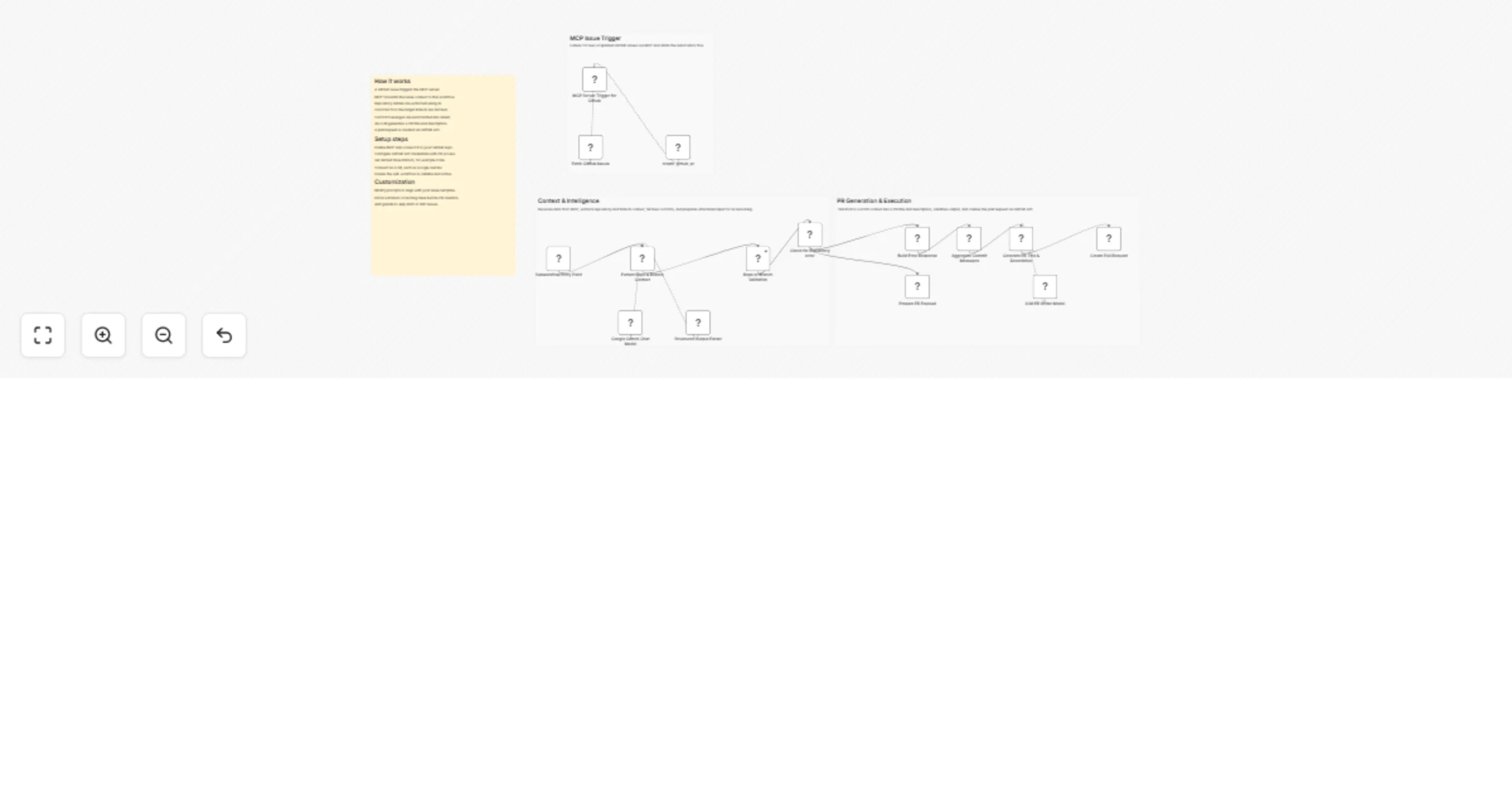
This workflow creates an AI-powered GitHub automation that turns raw commit history into a clean, professional pull request automatically.
When triggered via MCP or another workflow, it extracts repository details, fetches all commits from a target branch, uses AI to understand the intent behind the changes, and creates a well-structured pull request with a clear title and description.
The result is a reliable, no-manual-work system that standardizes pull requests and reduces review friction across teams.
Every PR follows a clean, readable structure regardless of who triggered it.
No copy-pasting commit messages or writing descriptions by hand.
Reviewers get clear context upfront, reducing back-and-forth.
Commit history is summarized intelligently, not blindly concatenated.
Can be called directly by AI tools like Cursor through MCP.
Intermediate
45–75 minutes
Typical range: $0–20/month
Nodes used in workflow
This catalog entry is organized from the workflow JSON. The node-level section below shows the executable blocks available for review before importing the template.
| Workflow | Convert GitHub commits into review-ready pull requests with Google Gemini |
|---|---|
| Complexity | advanced |
| Nodes | 19 |
| Categories | DevOps, AI RAG |
| Author | Ahmed Salama |
| Published | 30 Jan 2026 |
Use the JSON export at /data/workflows/13118/13118.json as the source template for this automation.
Open n8n, import the downloaded JSON, and review each node before activating the workflow.
Replace placeholder credentials, API keys, webhook URLs, account IDs, and environment-specific values with your own settings.
Run the workflow manually or in a staging workspace, inspect node output, and confirm downstream systems receive the expected data.
Enable the workflow only after testing, then monitor executions, errors, and rate limits during the first production runs.
Review imported nodes carefully before activation. This catalog entry is intended to help you inspect the workflow structure, understand required services, and find related templates faster.
Node names, credentials, schedules, webhook paths, and external service limits may need adjustment for your workspace.
Description Categories Developer Automation, AI Agents, GitHub Automation, DevOps Productivity Build an AI Driven GitHub Pull Request Automation with n8n + MCP This workflow creates an AI powered G...
Review the workflow JSON, configure any required credentials in n8n, and test the automation in a safe workspace before using it in production.
Yes. Use the block-by-block analysis and the downloadable JSON to inspect each node, then adjust credentials, prompts, schedules, filters, or destinations for your DevOps, AI RAG use case.