Block 1 - Form to include slug of the market
- Type / Role
- n8n-nodes-base.formTrigger - formTrigger
- Config choices
- Version 2.3


 Early Deal
This workflow automatically collects historical price data from Polymarket Up/Down markets and stores it in Supabase, creating a structured and query ready dataset for analysis. By continuously fet...
n8n-nodes-base.formtrigger, n8n-nodes-base.httprequest, n8n-nodes-base.splitout, n8n-nodes-base.datatable, n8n-nodes-base.manualtrigger, n8n-nodes-base.if, n8n-nodes-base.datetime, n8n-nodes-base.set
This workflow is cataloged by N8N Workflows and links back to its original n8n.io source page by Caio Carvalho.
Original n8n.io sourceThis workflow automatically collects historical price data from Polymarket Up/Down markets and stores it in Supabase, creating a structured and query-ready dataset for analysis. By continuously fetching price movements from prediction markets such as Bitcoin, S&P 500, and other Up/Down series, the automation enables reliable historical tracking without manual intervention. The data is normalized and persisted in Supabase, making it easy to run SQL queries, build dashboards, perform quantitative analysis, or integrate with analytics and AI pipelines. This setup is ideal for traders, data analysts, and developers who need accurate Polymarket price history for research, strategy testing, or long-term market monitoring
How it works
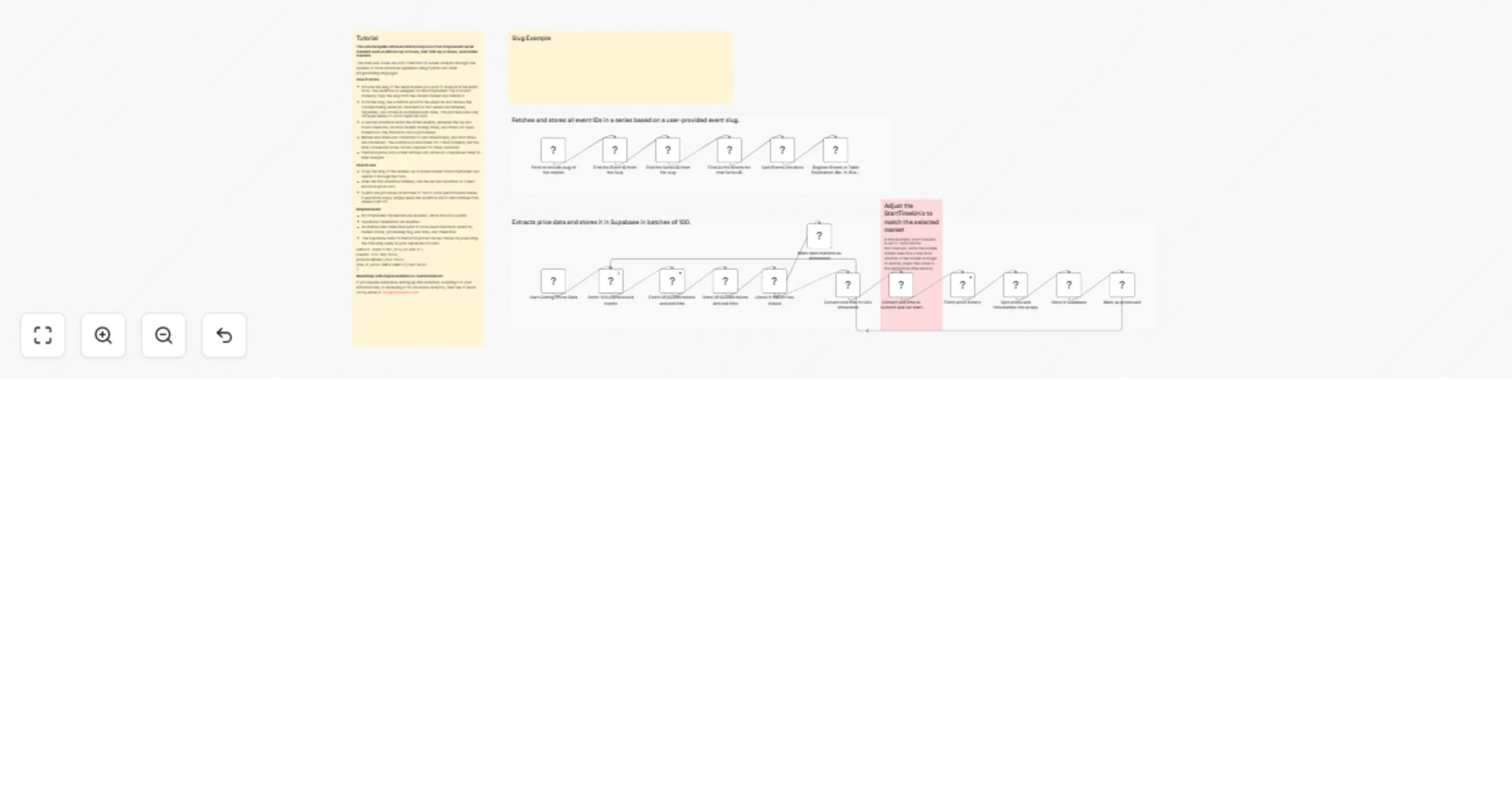
Provide the slug of the serial market you want to analyze in the initial form. The workflow is designed for live Polymarket “Up or Down” markets; copy the slug from the current market and submit it.
From the slug, the workflow extracts the event ID and derives the corresponding series ID. All events in that series are retrieved, organized, and stored in an internal n8n table. This process runs only once per series to avoid duplicate data.
A second workflow reads the stored events, retrieves the Up and Down token IDs, records market closing times, and filters out open markets so only historical data is processed.
Market end times are converted to Unix timestamps, and start times are calculated. The workflow is structured for 1-hour markets, but the time-conversion node can be adjusted for other durations.
Historical price data is then fetched and stored in a Supabase table for later analysis.
How to use
Copy the slug of the desired Up or Down market from Polymarket and submit it through the form.
After the first workflow finishes, run the second workflow to collect historical price data.
Events are processed in batches of 100 to avoid performance issues. If execution stops, simply rerun the workflow and it will continue from where it left off.
Need help with implementation or customization?
If you require assistance setting up this workflow, adapting it to your infrastructure, or extending it for advanced analytics, feel free to reach out by email at [email protected] .
This catalog entry is organized from the workflow JSON. The node-level section below shows the executable blocks available for review before importing the template.
| Workflow | Collect historical price data from Polymarket Up/Down markets into Supabase |
|---|---|
| Complexity | advanced |
| Nodes | 23 |
| Categories | Crypto Trading |
| Author | Caio Carvalho |
| Published | 19 Jan 2026 |
Use the JSON export at /data/workflows/12823/12823.json as the source template for this automation.
Open n8n, import the downloaded JSON, and review each node before activating the workflow.
Replace placeholder credentials, API keys, webhook URLs, account IDs, and environment-specific values with your own settings.
Run the workflow manually or in a staging workspace, inspect node output, and confirm downstream systems receive the expected data.
Enable the workflow only after testing, then monitor executions, errors, and rate limits during the first production runs.
Review imported nodes carefully before activation. This catalog entry is intended to help you inspect the workflow structure, understand required services, and find related templates faster.
Node names, credentials, schedules, webhook paths, and external service limits may need adjustment for your workspace.
This workflow automatically collects historical price data from Polymarket Up/Down markets and stores it in Supabase, creating a structured and query ready dataset for analysis. By continuously fet...
Review the workflow JSON, configure any required credentials in n8n, and test the automation in a safe workspace before using it in production.
Yes. Use the block-by-block analysis and the downloadable JSON to inspect each node, then adjust credentials, prompts, schedules, filters, or destinations for your Crypto Trading use case.