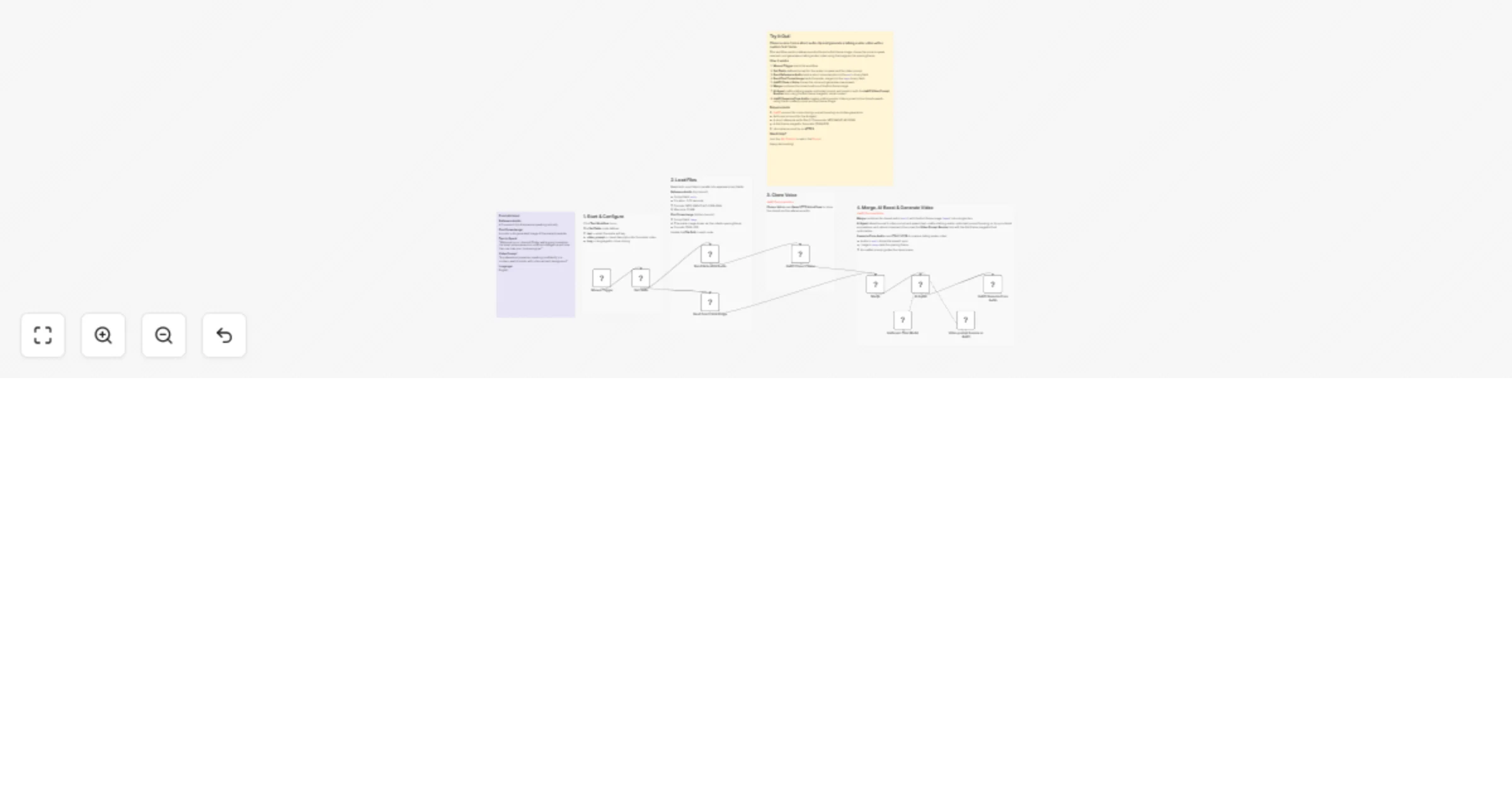
Clone a voice and create talking avatar videos using Anthropic and deAPI

Workflow preview

Workflow preview
100%
Clone a voice and create talking avatar videos using Anthropic and deAPI preview
Open on n8n.io

1. Workflow Overview

Who is this for? Content creators who want a consistent on screen avatar without filming themselves Marketing teams producing personalized video messages at scale Educators building video lessons w...

Best for

  • Content Creation automation workflows
  • Multimodal AI automation workflows
  • advanced n8n builders looking for reusable templates

Tools used

n8n-nodes-base.stickynote, n8n-nodes-base.manualtrigger, n8n-nodes-base.set, n8n-nodes-base.readwritefile, n8n-nodes-deapi.deapi, @n8n/n8n-nodes-langchain.agent, @n8n/n8n-nodes-langchain.lmchatanthropic, n8n-nodes-deapi.deapitool

Source and attribution

This workflow is cataloged by N8N Workflows and links back to its original n8n.io source page by deAPI Team.

Original n8n.io source

1.1 Workflow description

Title
Clone a voice and create talking avatar videos using Anthropic and deAPI
Workflow name
Clone a voice and create talking avatar videos using Anthropic and deAPI

Who is this for?

  • Content creators who want a consistent on-screen avatar without filming themselves
  • Marketing teams producing personalized video messages at scale
  • Educators building video lessons with a virtual presenter
  • Anyone who wants to turn text into a talking avatar video using a cloned voice

What problem does this solve?

Creating a talking-head video normally requires a camera, lighting, and a person on screen. Voice cloning adds another layer of complexity. This workflow handles everything — provide a short voice sample and an image, type what you want the avatar to say, and get a lip-synced talking avatar video.

What this workflow does

  1. Reads a short reference audio clip and a first frame image in parallel
  2. Clones the voice from the reference audio using deAPI (Qwen3 TTS VoiceClone) and generates new speech from the provided text
  3. Merges the cloned audio and the first frame image into a single item
  4. AI Agent crafts a talking-avatar-optimized video prompt — focusing on lip sync, facial expressions, and natural movement — then boosts it with the deAPI Video Prompt Booster tool using the first frame image for visual context
  5. Generates a talking avatar video synced to the cloned speech using deAPI (LTX-2.3 22B), with the image as the opening frame and the AI-crafted prompt guiding the scene

Setup

Requirements

  • n8n instance (self-hosted or n8n Cloud)
  • deAPI account for voice cloning, prompt boosting, and video generation
  • Anthropic account for the AI Agent
  • A short reference audio file (3-10 seconds, MP3/WAV/FLAC/OGG/M4A)
  • A first frame image for the avatar (PNG/JPG)

Installing the deAPI Node

  • n8n Cloud: Go to SettingsCommunity Nodes and toggle the “Verified Community Nodes” option
  • Self-hosted: Go to SettingsCommunity Nodes and install n8n-nodes-deapi

Configuration

  1. Add your deAPI credentials (API key + webhook secret)
  2. Add your Anthropic credentials (API key)
  3. Update the File Path in the "Read Reference Audio" node to point to your voice sample
  4. Update the File Path in the "Read First Frame Image" node to point to your avatar image
  5. Edit the Set Fields node with your desired text, video prompt, and language
  6. Ensure your n8n instance is on HTTPS

How to customize this workflow

  • Change the AI model: Swap Anthropic for OpenAI, Google Gemini, or any other LLM provider
  • Adjust the avatar style: Modify the AI Agent system message to target different visual styles (cartoon, realistic, professional, casual)
  • Add audio transcription: Insert a deAPI Transcribe Audio node before voice cloning and pass the transcript as refText for improved cloning accuracy
  • Change the aspect ratio: Switch from landscape to portrait for mobile-first content or square for social media
  • Add a last frame image: Use the optional lastFrame parameter in Generate From Audio to control how the video ends
  • Change the trigger: Replace the Manual Trigger with a Form Trigger, webhook, or Airtable trigger for batch avatar generation
  • Add delivery: Append a Gmail, Slack, or Google Drive node to automatically deliver the generated video

1.2 Logical Blocks

This catalog entry is organized from the workflow JSON. The node-level section below shows the executable blocks available for review before importing the template.

2. Block-by-Block Analysis

Block 1 - Sticky Note - Overview

Type / Role
n8n-nodes-base.stickyNote - stickyNote
Config choices
Version 1

Block 2 - Sticky Note - Trigger

Type / Role
n8n-nodes-base.stickyNote - stickyNote
Config choices
Version 1

Block 3 - Sticky Note - Read Files

Type / Role
n8n-nodes-base.stickyNote - stickyNote
Config choices
Version 1

Block 4 - Sticky Note - Clone

Type / Role
n8n-nodes-base.stickyNote - stickyNote
Config choices
Version 1

Block 5 - Sticky Note - Generate Video

Type / Role
n8n-nodes-base.stickyNote - stickyNote
Config choices
Version 1

Block 6 - Sticky Note - Example

Type / Role
n8n-nodes-base.stickyNote - stickyNote
Config choices
Version 1

Block 7 - Manual Trigger

Type / Role
n8n-nodes-base.manualTrigger - manualTrigger
Config choices
Version 1

Block 8 - Set Fields

Type / Role
n8n-nodes-base.set - set
Config choices
Version 3.4

Block 9 - Read Reference Audio

Type / Role
n8n-nodes-base.readWriteFile - readWriteFile
Config choices
Version 1

Block 10 - Read First Frame Image

Type / Role
n8n-nodes-base.readWriteFile - readWriteFile
Config choices
Version 1

Block 11 - deAPI Clone a Voice

Type / Role
n8n-nodes-deapi.deapi - deapi
Config choices
Version 1

Block 12 - AI Agent

Type / Role
@n8n/n8n-nodes-langchain.agent - agent
Config choices
Version 1.7

Block 13 - Anthropic Chat Model

Type / Role
@n8n/n8n-nodes-langchain.lmChatAnthropic - lmChatAnthropic
Config choices
Version 1.3

Block 14 - Video prompt booster in deAPI

Type / Role
n8n-nodes-deapi.deapiTool - deapiTool
Config choices
Version 1

Block 15 - deAPI Generate From Audio

Type / Role
n8n-nodes-deapi.deapi - deapi
Config choices
Version 1

Block 16 - Merge

Type / Role
n8n-nodes-base.merge - merge
Config choices
Version 3.2

3. Summary Table

Workflow Clone a voice and create talking avatar videos using Anthropic and deAPI
Complexity advanced
Nodes 16
Categories Content Creation, Multimodal AI
Author deAPI Team
Published 20 Mar 2026

4. Reproducing the Workflow from Scratch

  1. 1. Download the workflow JSON

    Use the JSON export at /data/workflows/14190/14190.json as the source template for this automation.

  2. 2. Import the template into n8n

    Open n8n, import the downloaded JSON, and review each node before activating the workflow.

  3. 3. Configure credentials and variables

    Replace placeholder credentials, API keys, webhook URLs, account IDs, and environment-specific values with your own settings.

  4. 4. Test with sample data

    Run the workflow manually or in a staging workspace, inspect node output, and confirm downstream systems receive the expected data.

  5. 5. Activate and monitor

    Enable the workflow only after testing, then monitor executions, errors, and rate limits during the first production runs.

5. General Notes & Resources

Review imported nodes carefully before activation. This catalog entry is intended to help you inspect the workflow structure, understand required services, and find related templates faster.

Node names, credentials, schedules, webhook paths, and external service limits may need adjustment for your workspace.

Frequently asked questions

What does Clone a voice and create talking avatar videos using Anthropic and deAPI do?

Who is this for? Content creators who want a consistent on screen avatar without filming themselves Marketing teams producing personalized video messages at scale Educators building video lessons w...

What do I need before importing this workflow?

Review the workflow JSON, configure any required credentials in n8n, and test the automation in a safe workspace before using it in production.

Can I customize this workflow?

Yes. Use the block-by-block analysis and the downloadable JSON to inspect each node, then adjust credentials, prompts, schedules, filters, or destinations for your Content Creation, Multimodal AI use case.