Automated Forex Portfolio Manager with AI, MT5 & News Sentiment Analysis

Workflow preview

Workflow preview
100%
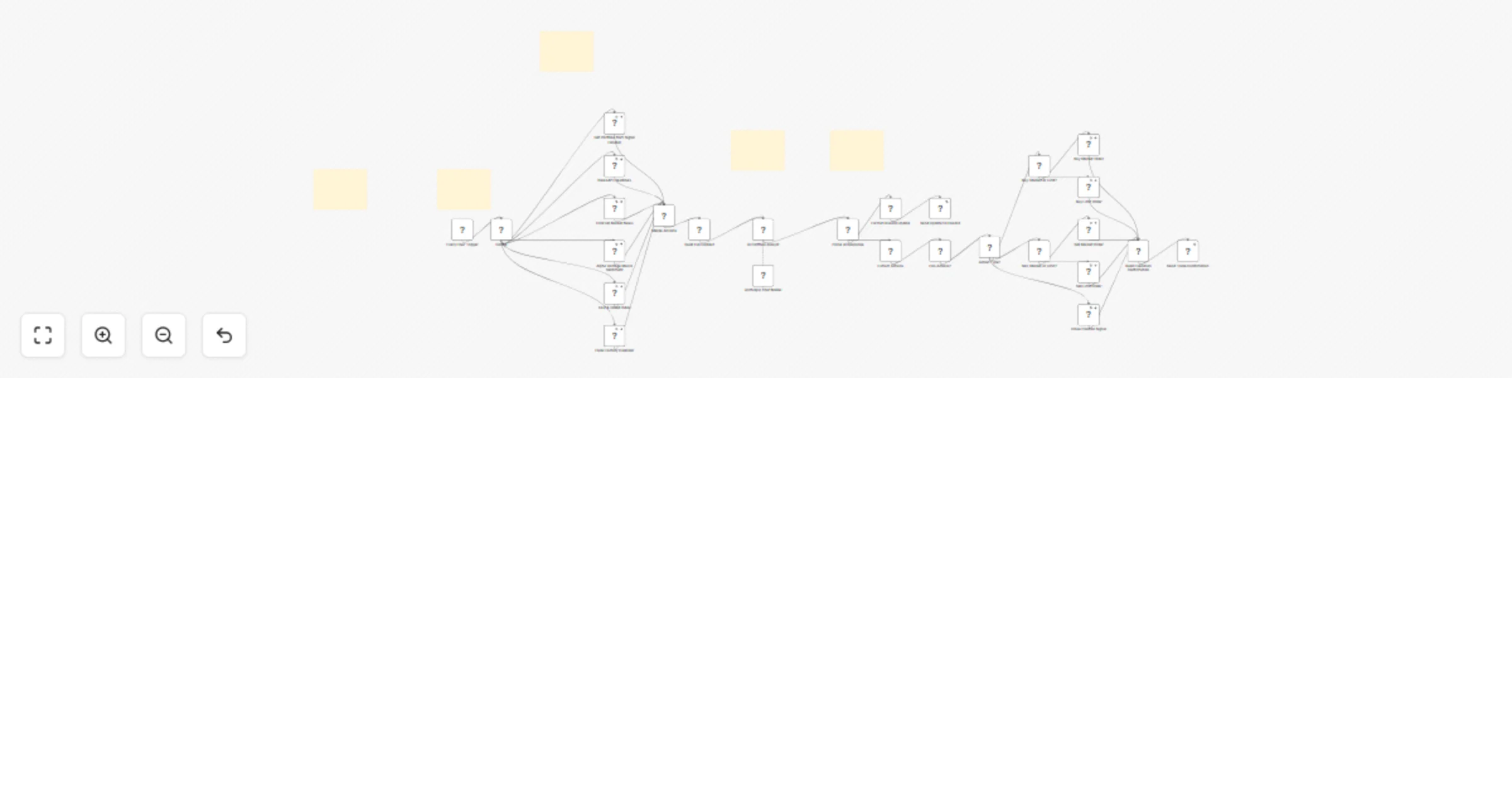
Automated Forex Portfolio Manager with AI, MT5 & News Sentiment Analysis preview
Open on n8n.io

1. Workflow Overview

Automate Your Forex Portfolio with AI: GPT 4o or Claude + MT5 + Live News Sentiment Harness real time news, multi source sentiment scoring, and geopolitical risk intelligence to manage your forex p...

Best for

  • Crypto Trading automation workflows
  • AI RAG automation workflows
  • advanced n8n builders looking for reusable templates

Tools used

n8n-nodes-base.scheduletrigger, n8n-nodes-base.set, n8n-nodes-base.httprequest, n8n-nodes-base.merge, n8n-nodes-base.code, @n8n/n8n-nodes-langchain.chainllm, n8n-nodes-base.discord, n8n-nodes-base.if

Source and attribution

This workflow is cataloged by N8N Workflows and links back to its original n8n.io source page by Cj Elijah Garay.

Original n8n.io source

1.1 Workflow description

Title
Automated Forex Portfolio Manager with AI, MT5 & News Sentiment Analysis
Workflow name
Automated Forex Portfolio Manager with AI, MT5 & News Sentiment Analysis

Automate Your Forex Portfolio with AI: GPT-4o or Claude + MT5 + Live News Sentiment

Harness real-time news, multi-source sentiment scoring, and geopolitical risk intelligence to manage your forex portfolio smarter — all automated inside n8n.

This n8n template demonstrates a fully AI-powered forex portfolio management workflow that continuously monitors breaking news, economic events, and geopolitical developments to deliver intelligent trading bias recommendations and risk alerts across your open positions.

Use cases are many:

Try automating your pre-session market briefing so it lands in your Telegram before the London open, building a risk-adjusted watchlist that updates in real time as geopolitical events unfold, or connecting this to your MT5 account to auto-flag overexposed pairs before entering new trades.

Good to know

  • This workflow is designed for educational and research purposes — always apply your own risk management before acting on any AI-generated output
  • AI sentiment scoring is directional guidance only, not a trade signal — use it alongside your own confluence analysis
  • News API rate limits vary by plan; free tiers may limit the volume and frequency of headlines fetched
  • Geopolitical risk data can lag real-time events; always cross-reference with live news sources for high-impact events
  • This workflow requires either an OpenAI or Anthropic API key — costs apply per analysis run (typically less than $0.01 per session)
  • Compatible with MetaTrader 5 accounts via HTTP API — ensure your broker allows WebRequest functionality

How it works

  • News Ingestion: A scheduled trigger (default: every 30 minutes) fetches the latest forex and financial headlines from your configured news source (NewsAPI, Finnhub RSS, or custom feeds)
  • AI Sentiment Analysis: Each news item is passed to an AI agent (Claude or GPT-4o) which scores it on a -10 to +10 scale for each major currency pair — EUR/USD, GBP/USD, USD/JPY, USD/CHF, AUD/USD, and XAU/USD
  • Geopolitical Mapping: The AI agent extracts geopolitical signals — sanctions, elections, central bank statements, conflict zones — and maps their directional impact to affected currency pairs
  • Portfolio Correlation: Aggregated sentiment scores are cross-referenced with your open position data fetched from MetaTrader 5 via HTTP, flagging pairs where your exposure conflicts with the current sentiment direction
  • Intelligence Report: A consolidated portfolio briefing is compiled with overall market bias (Bullish/Bearish/Neutral per pair), risk flags, and recommended pair focus for the next session
  • Delivery: The structured report is pushed to your Telegram or Discord in a clean, readable format — ready to review before you sit down to trade

How to use

  • Import this workflow into your n8n instance and activate it by toggling the switch in the top-right corner
  • Configure your news source credentials in the designated sticky note — paste your NewsAPI key or preferred RSS feed URL
  • Add your AI model credentials (OpenAI or Anthropic) via n8n's credential manager
  • Define your watched currency pairs and sentiment threshold values in the configuration sticky note at the top of the workflow
  • Optionally connect your MetaTrader 5 REST API endpoint to pull live open positions — or leave blank to run in sentiment-only mode
  • Connect your Telegram bot token + chat ID or Discord webhook URL in the notification node
  • Run a manual test first to confirm news is being fetched and AI responses are formatted correctly
  • Set the schedule trigger to your preferred interval — every 30 minutes ahead of the London or New York open is recommended

Requirements

  • n8n instance (self-hosted or cloud)
  • OpenAI API key (GPT-4o) OR Anthropic API key (Claude Sonnet)
  • NewsAPI.org API key OR a valid financial RSS feed URL
  • Telegram bot token + chat ID OR Discord webhook URL for notifications
  • MetaTrader 5 account with REST API or WebRequest enabled (optional — for live portfolio data)
  • Basic understanding of forex concepts (currency pairs, sentiment, position sizing)

Customising this workflow

  • Swap the news source to a premium data provider like Finnhub, Alpha Vantage, or Bloomberg RSS for higher-quality signals
  • Add a Forex Factory economic calendar scraper to include high-impact news events in the sentiment scoring
  • Replace the Telegram/Discord output with a Google Sheets log to build a historical sentiment journal over time
  • Connect to MT5's WebRequest API to automatically reduce position size when AI sentiment strongly opposes your open trade
  • Modify the AI prompt to focus on specific session pairs — e.g. only GBP/USD and EUR/GBP during the London session
  • Add a confidence threshold — only fire alerts when the sentiment score exceeds ±7 to reduce low-signal noise
  • Build a weekly summary report by accumulating daily sentiment logs and generating a Friday briefing via a separate workflow branch
  • Add tags for specific setups or pair correlations for easier backtesting and journaling later on

Questions?

If you have questions or need help with setting up this workflow, feel free to reach out:

gmail: [email protected] telegram: @ElijahBuildsAI

Purchasing this N8N workflow comes with the Brain workflow, the webhook handler, and the MQL5 Expert Advisor file as well so it is sold together. Everything you need for this to work on your PC or VPS is included for 399 usd.

Important Disclaimer: This workflow is provided for educational purposes and demo/paper trading use only. It demonstrates AI-assisted market analysis and should not be interpreted as financial advice. Always apply your own judgment, risk management rules, and due diligence before making any live trading decisions.

1.2 Logical Blocks

This catalog entry is organized from the workflow JSON. The node-level section below shows the executable blocks available for review before importing the template.

2. Block-by-Block Analysis

Block 1 - Every Hour Trigger

Type / Role
n8n-nodes-base.scheduleTrigger - scheduleTrigger
Config choices
Version 1.3

Block 2 - Config

Type / Role
n8n-nodes-base.set - set
Config choices
Version 3.4

Block 3 - Get Portfolio from Signal Handler

Type / Role
n8n-nodes-base.httpRequest - httpRequest
Config choices
Version 4.2

Block 4 - NewsAPI Headlines

Type / Role
n8n-nodes-base.httpRequest - httpRequest
Config choices
Version 4.2

Block 5 - FinnHub Market News

Type / Role
n8n-nodes-base.httpRequest - httpRequest
Config choices
Version 4.2

Block 6 - Alpha Vantage Macro Sentiment

Type / Role
n8n-nodes-base.httpRequest - httpRequest
Config choices
Version 4.2

Block 7 - Fear & Greed Index

Type / Role
n8n-nodes-base.httpRequest - httpRequest
Config choices
Version 4.2

Block 8 - Forex Factory Calendar

Type / Role
n8n-nodes-base.httpRequest - httpRequest
Config choices
Version 4.2

Block 9 - Merge All Data

Type / Role
n8n-nodes-base.merge - merge
Config choices
Version 3.2

Block 10 - Build Full Context

Type / Role
n8n-nodes-base.code - code
Config choices
Version 2

Block 11 - AI Portfolio Analyst

Type / Role
@n8n/n8n-nodes-langchain.chainLlm - chainLlm
Config choices
Version 1.7

Block 12 - Parse AI Response

Type / Role
n8n-nodes-base.code - code
Config choices
Version 2

Block 13 - Format Discord Update

Type / Role
n8n-nodes-base.code - code
Config choices
Version 2

Block 14 - Send Update to Discord

Type / Role
n8n-nodes-base.discord - discord
Config choices
Version 2

Block 15 - Extract Actions

Type / Role
n8n-nodes-base.code - code
Config choices
Version 2

Block 16 - Has Actions?

Type / Role
n8n-nodes-base.if - if
Config choices
Version 2.2

Block 17 - Action Type?

Type / Role
n8n-nodes-base.switch - switch
Config choices
Version 3.4

Block 18 - Buy: Market or Limit?

Type / Role
n8n-nodes-base.switch - switch
Config choices
Version 3.4

Block 19 - Buy Market Order

Type / Role
n8n-nodes-base.httpRequest - httpRequest
Config choices
Version 4.2

Block 20 - Buy Limit Order

Type / Role
n8n-nodes-base.httpRequest - httpRequest
Config choices
Version 4.2

Block 21 - Sell: Market or Limit?

Type / Role
n8n-nodes-base.switch - switch
Config choices
Version 3.4

Block 22 - Sell Market Order

Type / Role
n8n-nodes-base.httpRequest - httpRequest
Config choices
Version 4.2

Block 23 - Sell Limit Order

Type / Role
n8n-nodes-base.httpRequest - httpRequest
Config choices
Version 4.2

Block 24 - Close Position Signal

Type / Role
n8n-nodes-base.httpRequest - httpRequest
Config choices
Version 4.2

Showing the first 24 of 32 workflow blocks. Download the JSON for the full node graph.

3. Summary Table

Workflow Automated Forex Portfolio Manager with AI, MT5 & News Sentiment Analysis
Complexity advanced
Nodes 32
Categories Crypto Trading, AI RAG
Author Cj Elijah Garay
Published 07 Apr 2026

4. Reproducing the Workflow from Scratch

  1. 1. Download the workflow JSON

    Use the JSON export at /data/workflows/14862/14862.json as the source template for this automation.

  2. 2. Import the template into n8n

    Open n8n, import the downloaded JSON, and review each node before activating the workflow.

  3. 3. Configure credentials and variables

    Replace placeholder credentials, API keys, webhook URLs, account IDs, and environment-specific values with your own settings.

  4. 4. Test with sample data

    Run the workflow manually or in a staging workspace, inspect node output, and confirm downstream systems receive the expected data.

  5. 5. Activate and monitor

    Enable the workflow only after testing, then monitor executions, errors, and rate limits during the first production runs.

5. General Notes & Resources

Review imported nodes carefully before activation. This catalog entry is intended to help you inspect the workflow structure, understand required services, and find related templates faster.

Node names, credentials, schedules, webhook paths, and external service limits may need adjustment for your workspace.

Frequently asked questions

What does Automated Forex Portfolio Manager with AI, MT5 & News Sentiment Analysis do?

Automate Your Forex Portfolio with AI: GPT 4o or Claude + MT5 + Live News Sentiment Harness real time news, multi source sentiment scoring, and geopolitical risk intelligence to manage your forex p...

What do I need before importing this workflow?

Review the workflow JSON, configure any required credentials in n8n, and test the automation in a safe workspace before using it in production.

Can I customize this workflow?

Yes. Use the block-by-block analysis and the downloadable JSON to inspect each node, then adjust credentials, prompts, schedules, filters, or destinations for your Crypto Trading, AI RAG use case.