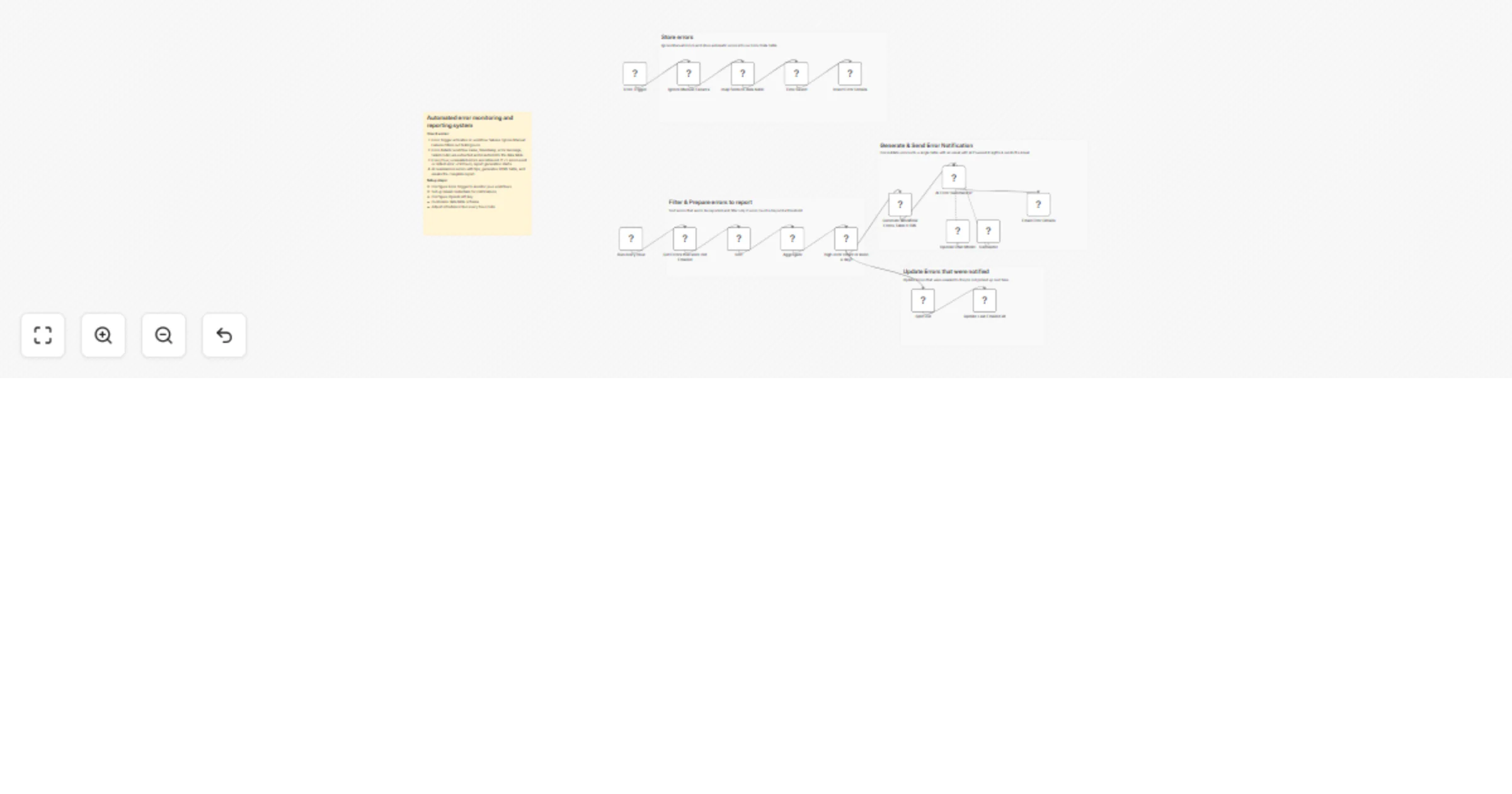
Automated error monitoring and reporting system using data tables

Workflow preview

Workflow preview
100%
Automated error monitoring and reporting system using data tables preview
Open on n8n.io

1. Workflow Overview

Automated error monitoring and reporting system using data tables This template helps you monitor workflow failures by automatically logging every error to a data table, then sending periodic summa...

Best for

  • DevOps automation workflows
  • AI Summarization automation workflows
  • advanced n8n builders looking for reusable templates

Tools used

n8n-nodes-base.errortrigger, n8n-nodes-base.filter, n8n-nodes-base.aggregate, n8n-nodes-base.timesaved, n8n-nodes-base.splitout, n8n-nodes-base.datatable, n8n-nodes-base.set, @n8n/n8n-nodes-langchain.lmchatopenai

Source and attribution

This workflow is cataloged by N8N Workflows and links back to its original n8n.io source page by Harshal Patil.

Original n8n.io source

1.1 Workflow description

Title
Automated error monitoring and reporting system using data tables
Workflow name
Automated error monitoring and reporting system using data tables

Automated error monitoring and reporting system using data tables

This template helps you monitor workflow failures by automatically logging every error to a data table, then sending periodic summaries via email, Slack, Microsoft Teams, or Discord—so you catch issues before they impact your operations.

What This Workflow Does

The template uses two synchronized workflows to create a complete error monitoring system:

  1. Error Capture Workflow - Uses n8n's native error handling to intercept every workflow failure, extract key details (workflow name, error message, timestamp, node information, execution ID), and store them in your data table or database
  2. Report Scheduler Workflow - Runs on your configured schedule (daily, weekly, or custom) to query stored errors, aggregate insights, and send formatted summaries through your notification channel

How to Use It

Capture errors from all workflowsStore them in one centralized tableGet daily/weekly summaries in Slack, email, or Teams

✨ Key Features

  • Zero-touch error logging - No modifications needed to existing workflows; errors are captured automatically
  • Flexible storage - Configure any data table, PostgreSQL, MySQL, MongoDB, or cloud database as your error repository
  • Multiple notification channels - Send reports via email, Slack, Microsoft Teams, Discord, or custom HTTP endpoints
  • Customizable schedules - Daily, weekly, or custom-interval reporting to match your team's needs
  • Rich error context - Every logged error includes workflow name, error message, affected node, timestamp, and execution ID for quick troubleshooting
  • Historical database - Build a searchable error archive for pattern analysis and long-term debugging

🚀 Use Cases

  • Monitor production workflows - DevOps and platform teams tracking system health across multiple automated processes
  • Debug ETL failures - Data engineers identifying where pipelines break and why
  • Oversee complex automation - Teams managing dozens of interconnected workflows without manual checks
  • Stay informed as a solo developer - Get notified of issues without constantly logging into n8n

📋 Prerequisites

  • n8n instance (self-hosted or n8n Cloud)
  • Data storage (PostgreSQL, MySQL, MongoDB, n8n's built-in tables, or similar)
  • Notification service configured (Gmail, Slack, Teams, Discord, or custom webhook)

⚙️ Configuration Steps

  1. Connect your data storage - Point the error capture workflow to your chosen database or data table
  2. Enable error monitoring - Activate the error handling trigger for workflows you want to monitor
  3. Set reporting schedule - Choose daily, weekly, or custom intervals for your summary reports
  4. Configure notifications - Add your Slack webhook, email address, Teams channel, or Discord endpoint
  5. Customize report format - Optionally adjust which error metrics and insights appear in summaries

💡 Customization Ideas

  • Add error severity levels (critical, warning, info) to prioritize failures
  • Set up real-time critical error alerts in addition to scheduled reports
  • Create workflow-specific error thresholds and escalation rules
  • Integrate with PagerDuty or Opsgenie for incident management
  • Add visualizations or charts to your error summaries
  • Implement automatic retry logic for specific error types

📊 Sample Error Summary Output

Your reports will include:

  • Total errors in the reporting period
  • Error count breakdown by workflow
  • Most frequently occurring error types
  • Error timeline and trends
  • Direct links to failed executions for quick debugging

🔧 Maintenance Tips

  • Review error patterns monthly to identify workflows that need optimization
  • Archive or delete old error logs periodically to keep your database performant
  • Adjust reporting frequency as your workflow volume grows
  • Update notification recipients when team members join or leave

1.2 Logical Blocks

This catalog entry is organized from the workflow JSON. The node-level section below shows the executable blocks available for review before importing the template.

2. Block-by-Block Analysis

Block 1 - Error Trigger

Type / Role
n8n-nodes-base.errorTrigger - errorTrigger
Config choices
Version 1

Block 2 - Ignore Manual Failures

Type / Role
n8n-nodes-base.filter - filter
Config choices
Version 2.3

Block 3 - Aggregate

Type / Role
n8n-nodes-base.aggregate - aggregate
Config choices
Version 1

Block 4 - Time Saved

Type / Role
n8n-nodes-base.timeSaved - timeSaved
Config choices
Version 1

Block 5 - Split Out

Type / Role
n8n-nodes-base.splitOut - splitOut
Config choices
Version 1

Block 6 - Update Last Emailed At

Type / Role
n8n-nodes-base.dataTable - dataTable
Config choices
Version 1.1

Block 7 - Get Errors that were not Emailed

Type / Role
n8n-nodes-base.dataTable - dataTable
Config choices
Version 1.1

Block 8 - map fields to data table

Type / Role
n8n-nodes-base.set - set
Config choices
Version 3.4

Block 9 - OpenAI Chat Model

Type / Role
@n8n/n8n-nodes-langchain.lmChatOpenAi - lmChatOpenAi
Config choices
Version 1.3

Block 10 - AI Error Summarizer

Type / Role
@n8n/n8n-nodes-langchain.agent - agent
Config choices
Version 3.1

Block 11 - Email Error Details

Type / Role
n8n-nodes-base.gmail - gmail
Config choices
Version 2.2

Block 12 - Insert Error Details

Type / Role
n8n-nodes-base.dataTable - dataTable
Config choices
Version 1.1

Block 13 - Sticky Note

Type / Role
n8n-nodes-base.stickyNote - stickyNote
Config choices
Version 1

Block 14 - Calculator

Type / Role
@n8n/n8n-nodes-langchain.toolCalculator - toolCalculator
Config choices
Version 1

Block 15 - Sort

Type / Role
n8n-nodes-base.sort - sort
Config choices
Version 1

Block 16 - high error count or been a day1

Type / Role
n8n-nodes-base.filter - filter
Config choices
Version 2.3

Block 17 - Run every hour

Type / Role
n8n-nodes-base.scheduleTrigger - scheduleTrigger
Config choices
Version 1.3

Block 18 - Generate Workflow Errors Table HTML

Type / Role
n8n-nodes-base.html - html
Config choices
Version 1.2

Block 19 - Sticky Note1

Type / Role
n8n-nodes-base.stickyNote - stickyNote
Config choices
Version 1

Block 20 - Sticky Note2

Type / Role
n8n-nodes-base.stickyNote - stickyNote
Config choices
Version 1

Block 21 - Sticky Note3

Type / Role
n8n-nodes-base.stickyNote - stickyNote
Config choices
Version 1

Block 22 - Sticky Note4

Type / Role
n8n-nodes-base.stickyNote - stickyNote
Config choices
Version 1

3. Summary Table

Workflow Automated error monitoring and reporting system using data tables
Complexity advanced
Nodes 22
Categories DevOps, AI Summarization
Author Harshal Patil
Published 15 Jan 2026

4. Reproducing the Workflow from Scratch

  1. 1. Download the workflow JSON

    Use the JSON export at /data/workflows/12724/12724.json as the source template for this automation.

  2. 2. Import the template into n8n

    Open n8n, import the downloaded JSON, and review each node before activating the workflow.

  3. 3. Configure credentials and variables

    Replace placeholder credentials, API keys, webhook URLs, account IDs, and environment-specific values with your own settings.

  4. 4. Test with sample data

    Run the workflow manually or in a staging workspace, inspect node output, and confirm downstream systems receive the expected data.

  5. 5. Activate and monitor

    Enable the workflow only after testing, then monitor executions, errors, and rate limits during the first production runs.

5. General Notes & Resources

Review imported nodes carefully before activation. This catalog entry is intended to help you inspect the workflow structure, understand required services, and find related templates faster.

Node names, credentials, schedules, webhook paths, and external service limits may need adjustment for your workspace.

Frequently asked questions

What does Automated error monitoring and reporting system using data tables do?

Automated error monitoring and reporting system using data tables This template helps you monitor workflow failures by automatically logging every error to a data table, then sending periodic summa...

What do I need before importing this workflow?

Review the workflow JSON, configure any required credentials in n8n, and test the automation in a safe workspace before using it in production.

Can I customize this workflow?

Yes. Use the block-by-block analysis and the downloadable JSON to inspect each node, then adjust credentials, prompts, schedules, filters, or destinations for your DevOps, AI Summarization use case.