Audit workflow credential usage to Google Sheets using Google Drive and SQLite3

Workflow preview

Workflow preview
100%
Audit workflow credential usage to Google Sheets using Google Drive and SQLite3 preview
Open on n8n.io

1. Workflow Overview

Workflow Introduction This workflow is specifically for Self Hosted N8N Docker users. The purpose of this workflow is to: 1. Take an inventory of all workflows with credentials (Workflow Crede...

Best for

  • DevOps automation workflows
  • advanced n8n builders looking for reusable templates

Tools used

n8n-nodes-base.manualtrigger, n8n-nodes-base.if, n8n-nodes-base.summarize, n8n-nodes-base.timesaved, n8n-nodes-base.httprequest, n8n-nodes-base.code, n8n-nodes-base.googlesheets, n8n-nodes-base.set

Source and attribution

This workflow is cataloged by N8N Workflows and links back to its original n8n.io source page by Ziana Mitchell.

Original n8n.io source

1.1 Workflow description

Title
Audit workflow credential usage to Google Sheets using Google Drive and SQLite3
Workflow name
Audit workflow credential usage to Google Sheets using Google Drive and SQLite3

Workflow Introduction

This workflow is specifically for Self-Hosted N8N Docker users.

The purpose of this workflow is to:

  1. Take an inventory of all workflows with credentials (Workflow -> Credential 1, Credential 2, etc.), connecting credential names to workflow names
  2. Create a credentials impact map (Credential -> Workflow 1, Workflow 2, etc.), connecting workflow names to credential IDs and names

This workflow drastically minimizes the amount of time spent trying to figure out which workflows will break if a credential is updated or deleted by bridging the gap between the public API (workflow metadata) and the internal sqlite database (hidden version labels and credential mappings).

In essence this tool audits your n8n environment without touching your sensitive encrypted data, keeping you API Keys 100% secure.

It features dynamic time saving trackers, set for what I estimate to be the amount of time it would take to manually complete every individual thing this workflow does in less than 5 minutes.

Limitations

This workflow is optimized for the Standard N8N Execution Mode. Due to the high-frequency data lookups required for this tool, it is not compatible with Task Runners (N8N_RUNNERS_ENABLED=true). For maximum stability and to prevent "Database Locked" errors, please ensure your instance is running in the default configuration.

If you use Method 1 (Direct Insertion) in the API Key Instructions below your N8N API key will not appear as connected to this workflow in the resulting Credential Impact Map. Same goes for all other credentials directly inserted into a HTTP Request node across your N8N environment.

Setting it up - Requirements

Environment Variables Required:

These enviornment variables are required in order for the version_labels and flow_names code nodes to work. NODE_FUNCTION_ALLOW_BUILTIN=* NODE_FUNCTION_ALLOW_EXTERNAL=sqlite3

  • Note: If you need access to multiple external functions across your n8n instance, add them as a string like this: NODE_FUNCTION_ALLOW_EXTERNAL=sqlite3, better-sqlite3

Credentials Needed:

n8n account > n8n self-hosted API key Google Sheets account Google Drive account

The nodes that need manually inputted credentials or node parameter information are: Create folder, flowsList, credsList, and finalFlowEdits

Note: If you create your credentials before openning any process nodes, your credentials will be auto connected to the associated nodes. However, this will not happen for the n8n self-hosted API keys. If you have multiple Google Sheets or Google Drive accounts you will need to point the associated nodes to the specific one you want to use.

API Key Instructions

How to get: Settings -> API -> Create API Key -> Name it -> Copy it Copy the API key and save it somewhere secure. You won't be able to see it again!!

How to use (Two Methods): Note: The node is set up for Method 1 by default Method 1 (Direct Insertion). In the flowsList and credsList nodes:

  • Authentication: None
  • Send Headers: on
  • Name: X-N8N-API-KEY
  • Value: <YOUR N8N API KEY>

Method 2 (N8N Credential). In the flowsList and credsList nodes:

  • Authentication: Generic Credential Type
  • Generic Auth Type: Header Auth
  • Header Auth: Select "Create new credential" (If you already have a Header Auth for your N8N API key select it here) 2a. In the credential creation area:
  • Name: X-N8N-API-KEY
  • Value: <YOUR N8N API KEY>

Queries and Body aren't needed.

Endpoints: flowsList: http://localhost:5678/api/v1/workflows or https://<your webhook domain>/api/v1/workflows credsList: http://localhost:5678/api/v1/credentials or https://<your webhook domain>/api/v1/credentials

The Workflow Processes

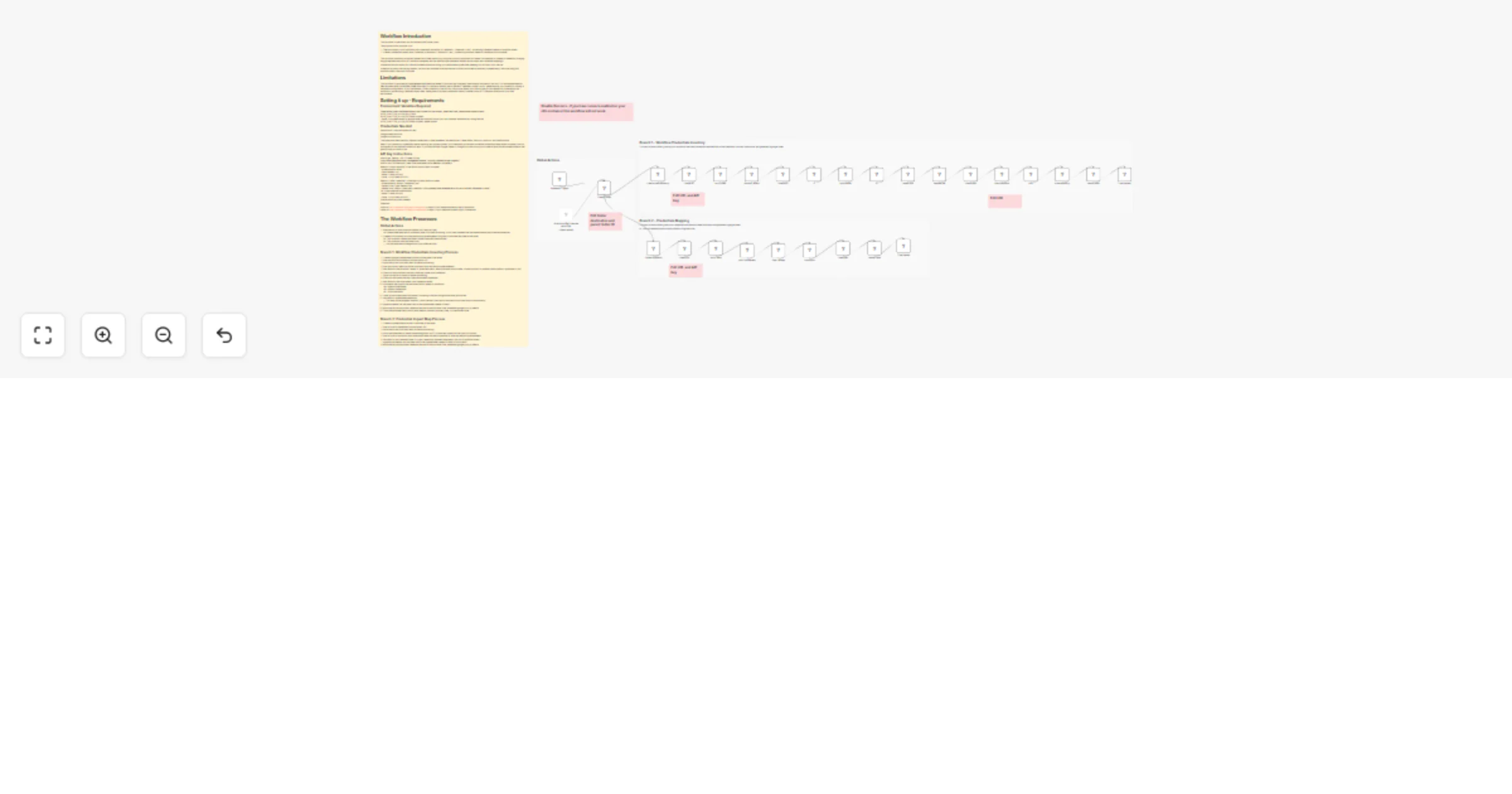
Global Actions

  1. Executes on on a set schedule (weekly on Fridays at 2pm) 1a. A deactivated execute on command node is included for testing, or for when updated files are needed before the scheduled date/time
  2. Creates a Drive folder to house the resulting spreadsheets using the current date and time as the name 2a. This workflow creates the folders inside a specified parent folder. 2b. This node also sets the folder color
  • You are welcome to change this to your preferred color.

Branch 1: Workflow Credentials Inventory Process

  1. Creates a google spreadsheet with the current date in the name
  2. Gets the list of all workflows from the public API
  3. Splits the list into individual items for easier processing
  4. Gets the version labels for active workflows from the internal sqlite database
  5. Sets fields for the workflow's name, id, published status, latest published version label, current version's id (whether the workflow is published or not)
  6. Filters out the workflows that don't have any nodes with credentials
  7. Splits out the list of nodes for easier processing
  8. Filters out the nodes that don't have associated credentials
  9. Sets fields for the node names, and credential names
  10. Summarize the output from the Nodes editor, based on workflows 10a. Append nodeNames 10b. Append credetntials 10c. Count the nodes
  11. Clean up the summarized information, converting it back to recognizible clean json format
  12. Set fields for spreadsheet aethestics
  • This step can be skipped, however, I didn't like the visual look of the direct from CleanJson to credInventory
  1. Appends header row and data rows to the spreadsheet created in Step 1.
  2. Move the file into the folder created at the start of the workflow from whereever google put it by default
  3. Track the estimated time it would have taken to manually do every step, in a time saved node

Branch 2: Credential Impact Map Process

  1. Creates a spreadsheet with the current date in the name
  2. Gets a list of all credentials from the public API
  3. Splits the list into individual items for easier processing
  4. Sorts the credentials by name in ascending order (A->Z) in case they come from the split out of order
  5. Gets a list of all workflows with nodes associated with each credential ID from the internal sqlite database
  6. Set fields for the credential name, id, type, created and updated timestamps, and list of workflow names
  7. Appends the header row and data rows to the spreadsheet created in Step 1 of this branch
  8. Move the file into the folder created at the start of the workflow from whereever google put it by default
  9. Track the estimated time it would have taken to manually do every step, in a time saved node

1.2 Logical Blocks

This catalog entry is organized from the workflow JSON. The node-level section below shows the executable blocks available for review before importing the template.

2. Block-by-Block Analysis

Block 1 - When clicking ‘Execute workflow’

Type / Role
n8n-nodes-base.manualTrigger - manualTrigger
Config choices
Version 1

Block 2 - If

Type / Role
n8n-nodes-base.if - if
Config choices
Version 2.3

Block 3 - If1

Type / Role
n8n-nodes-base.if - if
Config choices
Version 2.3

Block 4 - Summarize

Type / Role
n8n-nodes-base.summarize - summarize
Config choices
Version 1.1

Block 5 - Time Saved

Type / Role
n8n-nodes-base.timeSaved - timeSaved
Config choices
Version 1

Block 6 - Time Saved1

Type / Role
n8n-nodes-base.timeSaved - timeSaved
Config choices
Version 1

Block 7 - credsList

Type / Role
n8n-nodes-base.httpRequest - httpRequest
Config choices
Version 4.4

Block 8 - flowsList

Type / Role
n8n-nodes-base.httpRequest - httpRequest
Config choices
Version 4.4

Block 9 - version_labels

Type / Role
n8n-nodes-base.code - code
Config choices
Version 2

Block 10 - flow_names

Type / Role
n8n-nodes-base.code - code
Config choices
Version 2

Block 11 - CleanJson

Type / Role
n8n-nodes-base.code - code
Config choices
Version 2

Block 12 - credInventory

Type / Role
n8n-nodes-base.googleSheets - googleSheets
Config choices
Version 4.7

Block 13 - credEdits

Type / Role
n8n-nodes-base.set - set
Config choices
Version 3.4

Block 14 - credMap

Type / Role
n8n-nodes-base.googleSheets - googleSheets
Config choices
Version 4.7

Block 15 - Create credInventory

Type / Role
n8n-nodes-base.googleSheets - googleSheets
Config choices
Version 4.7

Block 16 - Create credMap

Type / Role
n8n-nodes-base.googleSheets - googleSheets
Config choices
Version 4.7

Block 17 - splitFlows

Type / Role
n8n-nodes-base.splitOut - splitOut
Config choices
Version 1

Block 18 - splitCreds

Type / Role
n8n-nodes-base.splitOut - splitOut
Config choices
Version 1

Block 19 - splitNodes

Type / Role
n8n-nodes-base.splitOut - splitOut
Config choices
Version 1

Block 20 - sortCredNames

Type / Role
n8n-nodes-base.sort - sort
Config choices
Version 1

Block 21 - nodeEdits

Type / Role
n8n-nodes-base.set - set
Config choices
Version 3.4

Block 22 - finalFlowEdits

Type / Role
n8n-nodes-base.set - set
Config choices
Version 3.4

Block 23 - flowEdits

Type / Role
n8n-nodes-base.set - set
Config choices
Version 3.4

Block 24 - Create folder

Type / Role
n8n-nodes-base.googleDrive - googleDrive
Config choices
Version 3

Showing the first 24 of 37 workflow blocks. Download the JSON for the full node graph.

3. Summary Table

Workflow Audit workflow credential usage to Google Sheets using Google Drive and SQLite3
Complexity advanced
Nodes 37
Categories DevOps
Author Ziana Mitchell
Published 28 Mar 2026

4. Reproducing the Workflow from Scratch

  1. 1. Download the workflow JSON

    Use the JSON export at /data/workflows/14423/14423.json as the source template for this automation.

  2. 2. Import the template into n8n

    Open n8n, import the downloaded JSON, and review each node before activating the workflow.

  3. 3. Configure credentials and variables

    Replace placeholder credentials, API keys, webhook URLs, account IDs, and environment-specific values with your own settings.

  4. 4. Test with sample data

    Run the workflow manually or in a staging workspace, inspect node output, and confirm downstream systems receive the expected data.

  5. 5. Activate and monitor

    Enable the workflow only after testing, then monitor executions, errors, and rate limits during the first production runs.

5. General Notes & Resources

Review imported nodes carefully before activation. This catalog entry is intended to help you inspect the workflow structure, understand required services, and find related templates faster.

Node names, credentials, schedules, webhook paths, and external service limits may need adjustment for your workspace.

Frequently asked questions

What does Audit workflow credential usage to Google Sheets using Google Drive and SQLite3 do?

Workflow Introduction This workflow is specifically for Self Hosted N8N Docker users. The purpose of this workflow is to: 1. Take an inventory of all workflows with credentials (Workflow Crede...

What do I need before importing this workflow?

Review the workflow JSON, configure any required credentials in n8n, and test the automation in a safe workspace before using it in production.

Can I customize this workflow?

Yes. Use the block-by-block analysis and the downloadable JSON to inspect each node, then adjust credentials, prompts, schedules, filters, or destinations for your DevOps use case.