Block 1 - 📱 Telegram Trigger
- Type / Role
- n8n-nodes-base.telegramTrigger - telegramTrigger
- Config choices
- Version 1.1


 Early Deal
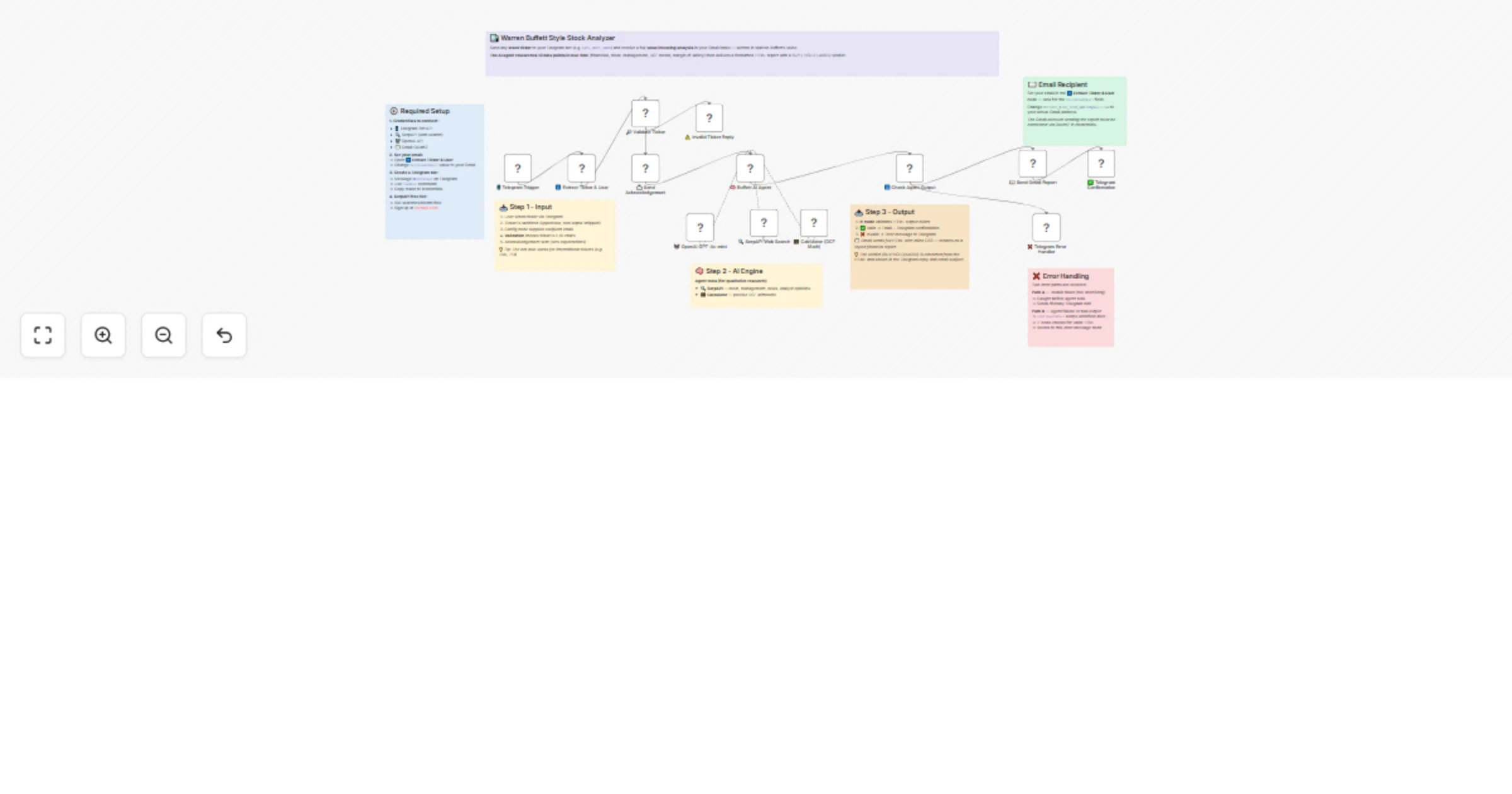
This workflow turns a simple Telegram message into a full stock research report inspired by Warren Buffett’s value investing approach. A user sends a ticker symbol such as AAPL, MSFT, or AMZN, and ...
n8n-nodes-base.telegramtrigger, n8n-nodes-base.set, n8n-nodes-base.telegram, @n8n/n8n-nodes-langchain.agent, @n8n/n8n-nodes-langchain.toolserpapi, n8n-nodes-base.gmail, n8n-nodes-base.if, n8n-nodes-base.stickynote
This workflow is cataloged by N8N Workflows and links back to its original n8n.io source page by Sankar Battula.
Original n8n.io sourceThis workflow turns a simple Telegram message into a full stock research report inspired by Warren Buffett’s value investing approach. A user sends a ticker symbol such as AAPL, MSFT, or AMZN, and the workflow validates the input, runs AI-powered research, performs discounted cash flow calculations, and sends a polished HTML report to Gmail with a final verdict.
It is designed as a reusable finance analysis template for creators, developers, and automation builders who want to combine Telegram, AI agents, live research, and email delivery in one workflow. Templates in n8n are intended to help users learn, reuse best practices, and quickly adapt a workflow to their own setup, so this version is structured to be easy to follow and reconfigure after import.
Receives a stock ticker from Telegram and cleans the input before processing.
Validates the ticker format and stops invalid requests early with a helpful reply.
Uses an AI agent to generate a Buffett-style investment analysis.
Uses SerpAPI for live company and market research.
Uses a calculator tool for DCF and margin-of-safety math.
Sends the final HTML report to Gmail and confirms completion in Telegram.
Import the workflow into n8n and reconnect your credentials for Telegram, OpenAI, SerpAPI, and Gmail. n8n templates are designed to be imported and then configured in the user’s own environment.
Open the Extract Ticker, Chat ID & Email node and replace [email protected] with your destination email address.
Create or connect your Telegram bot credentials, then test by sending a stock ticker like AAPL or MSFT.
Connect your Gmail OAuth2 account so the workflow can send the HTML report email.
Activate the workflow and run a live test from Telegram.
This catalog entry is organized from the workflow JSON. The node-level section below shows the executable blocks available for review before importing the template.
| Workflow | Analyze stocks in Warren Buffett style from Telegram with OpenAI and Gmail |
|---|---|
| Complexity | advanced |
| Nodes | 20 |
| Categories | Crypto Trading, AI Chatbot |
| Author | Sankar Battula |
| Published | 07 Apr 2026 |
Use the JSON export at /data/workflows/14843/14843.json as the source template for this automation.
Open n8n, import the downloaded JSON, and review each node before activating the workflow.
Replace placeholder credentials, API keys, webhook URLs, account IDs, and environment-specific values with your own settings.
Run the workflow manually or in a staging workspace, inspect node output, and confirm downstream systems receive the expected data.
Enable the workflow only after testing, then monitor executions, errors, and rate limits during the first production runs.
Review imported nodes carefully before activation. This catalog entry is intended to help you inspect the workflow structure, understand required services, and find related templates faster.
Node names, credentials, schedules, webhook paths, and external service limits may need adjustment for your workspace.
This workflow turns a simple Telegram message into a full stock research report inspired by Warren Buffett’s value investing approach. A user sends a ticker symbol such as AAPL, MSFT, or AMZN, and ...
Review the workflow JSON, configure any required credentials in n8n, and test the automation in a safe workspace before using it in production.
Yes. Use the block-by-block analysis and the downloadable JSON to inspect each node, then adjust credentials, prompts, schedules, filters, or destinations for your Crypto Trading, AI Chatbot use case.